What is Twake Drive?
Twake Drive is the file storage and sharing application of Twake Workplace, the open-source collaboration suite published by LINAGORA, a French open-source software company founded in 2000 whose group headquarters is in Issy-les-Moulineaux. The linagora/twake-drive repository is a JavaScript and React web application, not a standalone server. It is the former Cozy Drive app: the old cozy/cozy-drive repository now redirects to it, and its manifest still uses the Cozy application format, with Twake Workplace named as developer. The app runs inside a Twake (Cozy) instance served by cozy-stack, the Go server of the Cozy platform, which now lives in the same GitHub organization.
An earlier TypeScript application with the same name, from 2023, was renamed twake-drive-legacy and archived; its README sends readers to the current repository. On July 2, 2025 the Cozy blog announced that from July 7 Cozy Cloud would begin its transformation into Twake Workplace, with Drive renamed Twake Drive, data kept on servers in France and the code staying open source. The mobile app is still published in the app stores under the Cozy Cloud developer account.
cozy-stack is a single process that serves the installed web apps, authenticates users with session tokens and other clients with OAuth2, stores documents in CouchDB and writes file contents through a virtual file system. According to the cozy-stack documentation, file contents can go to the local filesystem, to OpenStack Swift or to S3-compatible object storage such as OVH, MinIO or Scaleway. Office editing is delegated to a separate OnlyOffice Docs server, and the optional AI features call Twake Assistant through an intent.
The latest GitHub release is 1.108.0, published October 22, 2026. It allows sharing folders nested inside shared folders when federated sharing is enabled, adds a banner for sharing invitations, lets the move dialog create folders, and adds an AI writing assistant and OnlyOffice PDF editing when these are enabled. Release 1.107.0 of September 8, 2026 added deleting a single file version from the history dialog, and prereleases of 1.109.0 were published up to beta.4 on November 17, 2026.
Twake Drive is available as part of a hosted Twake Workplace account or on a self-hosted cozy-stack. The Twake plans page, checked on November 18, 2026, lists Discover at €0.00 per month (5 GB cloud storage, 1 GB of mail and 100 emails per day), Standard at €4.00 per month (50 GB, 15 GB of mail and the office documents editor), Premium at €12.00 per month (1,000 GB and 500 GB of mail), and an enterprise offer on request. The web app is licensed under AGPL-3.0. Other Twake applications on iThub are Twake Chat and Twake Mail; self-hosted file platforms in the same category include Nextcloud, Seafile, OpenCloud, Cloudreve and Sync-in.
Key capabilities
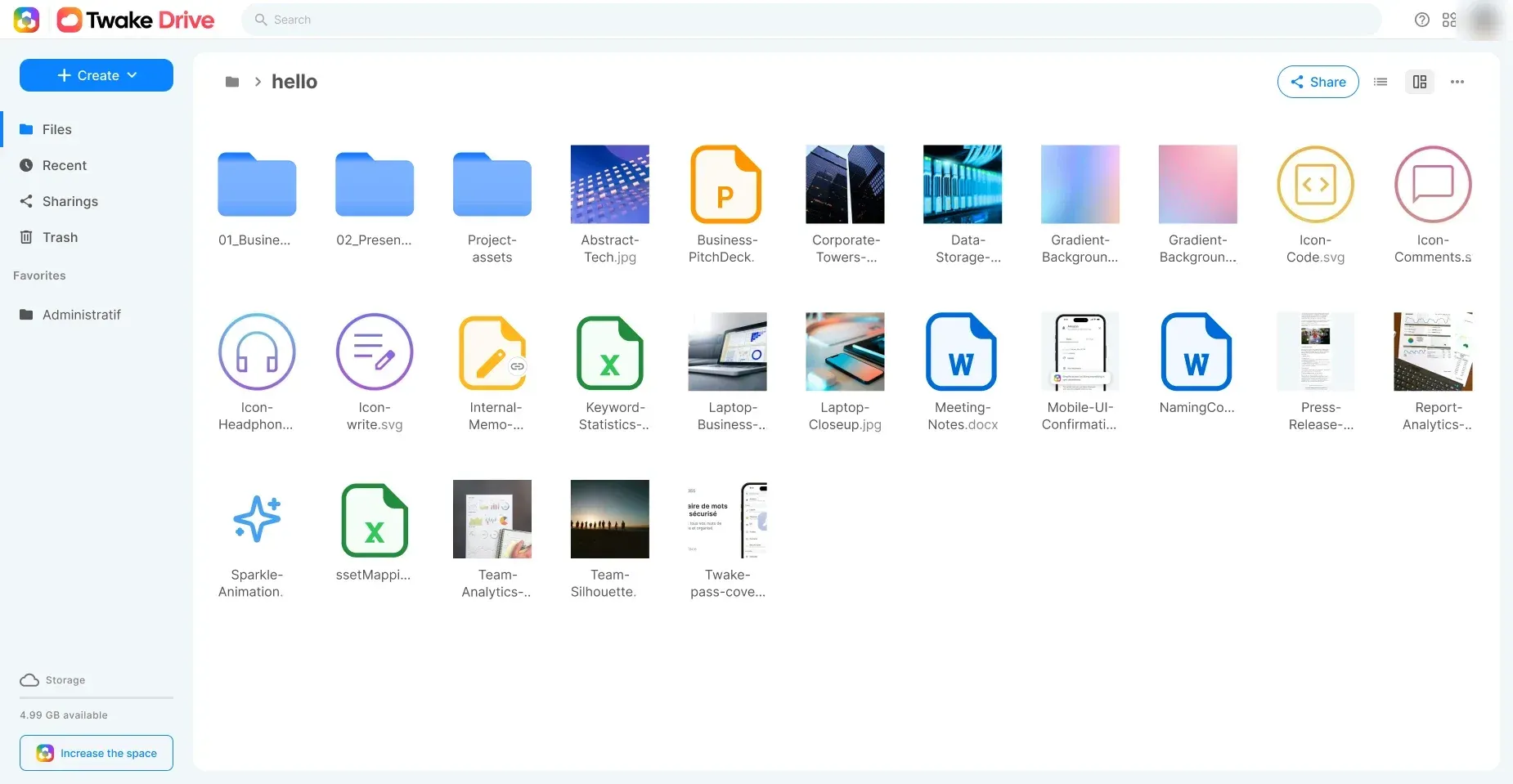
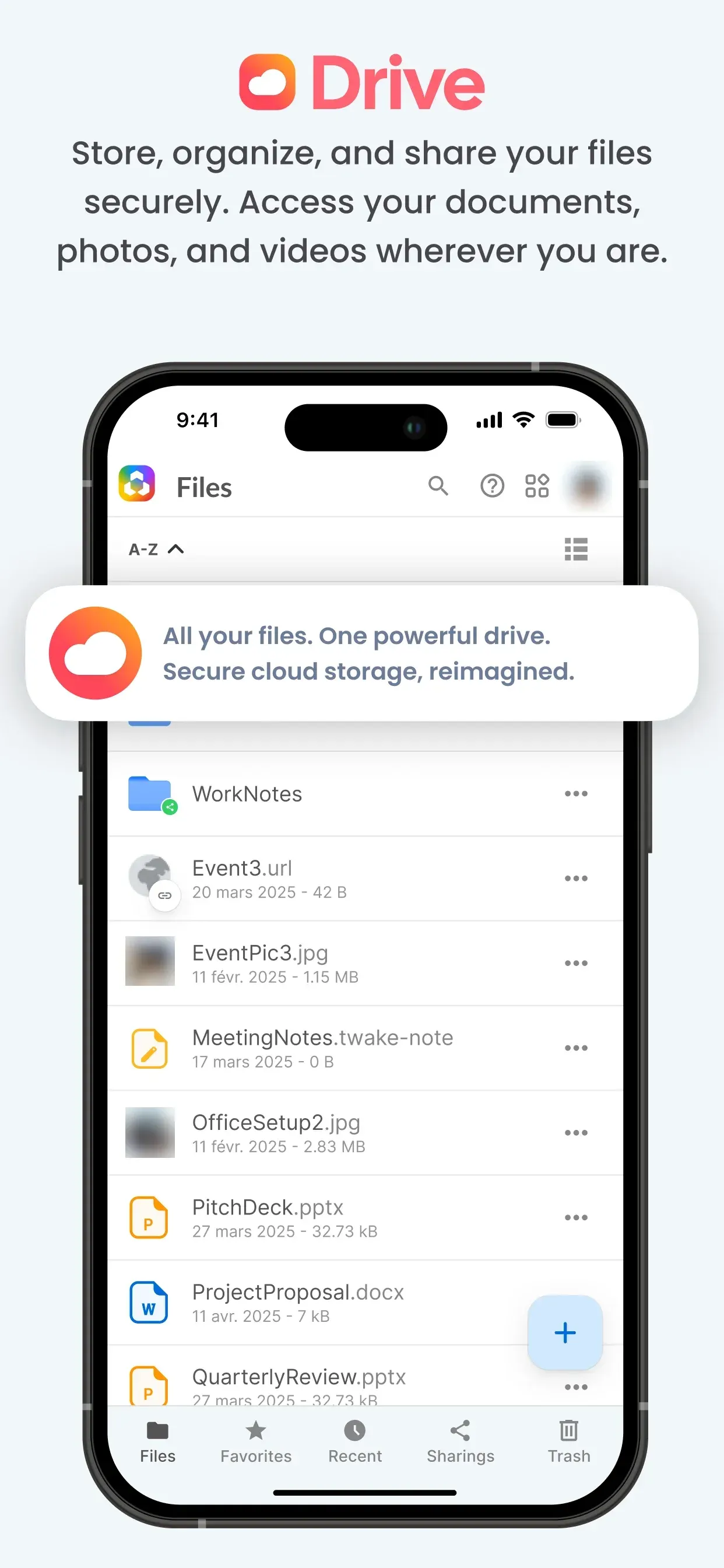
- File tree, uploads and views The web app shows My Drive, Recent, Sharings, Shared Drive and Trash in a left-hand panel, with a list or grid view. Files and whole folders are uploaded with the Upload button or by drag and drop, folders are created with the Create button, and files are moved by drag and drop or through a move dialog that can also create a destination folder. Starred files appear under Favorites, and deleted files stay in the Trash until they are removed permanently.
- Share links with password and expiry A file or folder can be shared through a public link set to read-only or write access, with an optional password and expiration date. Recipients do not need a Twake account, and the owner can disable the link at any time, as described in the getting started guide. Public pages authenticate with a share code carried in the URL.
- Sharing between Twake instances A folder can also be shared with another Twake user by email address. The recipient accepts the invitation, links it to their own Twake address and then sees the shared folder in their own Drive, with changes synchronized between the two instances by cozy-stack. Since release 1.108.0, invitations can be accepted or declined from a banner inside Drive, and with federated sharing enabled folders nested inside shared folders can be shared too.
- Shared drives A shared drive is a federated sharing whose root is a folder or a single file: members do not hold a copy of the files but reach them through the stack acting as a proxy, as documented in the shared drives API. Drives created on an organization instance are flagged as organization drives. The Twake help center states that Shared Drive is available on the Pro account, that an organization administrator creates the drives and assigns roles, and that files stay with the organization when a member leaves.
- Office editing with OnlyOffice Text documents, spreadsheets and presentations are created from the New menu and edited in the browser with OnlyOffice, with several people editing the same file in real time. cozy-stack needs an OnlyOffice Docs server it can reach over HTTP, and the office documentation states that PDF editing is validated with OnlyOffice Docs 9.2.1 build 8; in Drive, PDF editing is used only when explicitly enabled. On hosted Twake accounts the office documents editor is part of the Standard and Premium plans.
- Optional AI assistant and scribe With the
cozy.assistant.enabledflag, an assistant button opens Twake Assistant beside the file list. It answers from the user's documents with sources and can propose creating a folder or a .docx document written from Markdown, which Drive saves only after the user confirms. Inside OnlyOffice the scribe offers translate, summarize, improve, fix, shorten and lengthen prompts on a selection, inserts tables and slides, and works on spreadsheet cells; Drive itself does not call the language model. - Search and file versions Search covers file names, text inside documents and, for shared files, the sender. cozy-stack keeps previous versions of a file as separate version records, and since release 1.107.0 a single version can be deleted from the history dialog in Drive.
- Nextcloud access and migration When a Nextcloud account is connected through the Nextcloud konnector, cozy-stack acts as a WebDAV client for it, so Drive can list, download and move files stored on that Nextcloud server, as described in the Nextcloud proxy documentation. LINAGORA also publishes a separate twake-migration-nextcloud service, and Drive shows a Nextcloud migration banner when the corresponding flag is on.
- File picker for other applications Drive serves OPEN, PICK, MOVE and UPLOAD intents for files, which other Twake applications use to let users choose or save files without leaving their own interface. Since release 1.108.0 a connected application can restrict the picker by folder, file type, size or number of files, and the picker remembers the list or grid view.
- Twake Desktop sync client The desktop client is developed in the AGPL-3.0 cozy-labs/cozy-desktop repository. Release v5.6.0 of October 15, 2026 ships a Windows installer, macOS disk images for Intel and Apple Silicon and a Linux AppImage, and added a sign-in button for company SSO accounts and clearer alerts for files that cannot be synchronized. The help center documents selective sync and lists Ubuntu 23.04 (with libfuse2), Debian 12, Linux Mint 21.2 and Fedora 38 as actively supported Linux versions.
- Twake Workplace mobile app The official mobile app is Twake Workplace for iOS and Android, published by Cozy Cloud, which opens Drive, Pass, Notes and the other Twake services of an account; an APK is also attached to the GitHub releases of linagora/cozy-flagship-app, whose latest release is 1.1.39 of August 25, 2026. A separate React Native app named Twake Drive Mobile is being developed in the linagora/twake-drive-mobile repository and is not listed on the Twake download page.
- Self-hosting on cozy-stack The self-hosting guide offers a Docker route and a traditional install with precompiled packages for the last two major Debian and Ubuntu LTS releases on amd64. The Docker route clones the cozy-stack-compose configuration with stack, Caddy and CouchDB services, needs a domain with a wildcard DNS record and obtains Let's Encrypt certificates through Caddy. Drive is installed by including
drivein the--appslist when an instance is created. - Twake.AI Kickstart full suite The twake-workplace-docker repository deploys a complete Twake instance with thirteen Docker Compose projects: chat, mail, LinShare, OnlyOffice, calendar, video meetings, La Suite Docs, Grist, tasks, spaces and cozy-stack for Drive, behind Traefik and LemonLDAP-NG single sign-on. It requires about 8 GB of RAM for Docker, about 20 GB of free disk space and free ports 80 and 443, and runs either locally on
twake.localor on a public domain. - Storage backends File contents can be stored on the local filesystem, in OpenStack Swift or in S3-compatible object storage, configured through the
fs.urlsetting of cozy-stack. The S3 backend documentation covers single or separate buckets per storage type and the migration of instances from Swift to S3. - REST API and MCP server Drive is a client of the cozy-stack REST API, which exposes routes for files and folders, sharings, shared drives, office documents and realtime changes, with OAuth2 for third-party clients. LINAGORA also publishes mcp-twake-drive, an MCP server that gives AI assistants access to a Twake Drive running on cozy-stack.
- Languages and error reporting The application manifest declares English, French, German, Spanish and Italian, and translations are managed on Transifex. Error reporting is off unless a
SENTRY_DSNcollector is set when the app is built, and reports are scrubbed of share codes and download secrets before they leave the browser.
Where Twake Drive fits
Hosted personal or team drive
A Twake ID created at sign-up.twake.app gives access to a hosted Twake Workplace account, with Drive on a cozy-stack instance in France. The free Discover plan includes 5 GB of cloud storage; Standard and Premium raise this to 50 GB and 1,000 GB and add the office documents editor. Files are uploaded from the browser, the desktop client or the mobile app, and cancelling a paid plan moves the account back to the free plan.
Sending files to people outside the organization
A user right-clicks a file or folder, creates a sharing link, chooses read-only or write access and can add a password or an expiration date. Recipients open the link in a browser without an account. The link can be disabled at any time from the same sharing dialog, as described in the Twake help center.
Team folders and shared drives
Colleagues receive access to a file or folder by email with viewer or editor rights, and each sees the shared content in their own Drive. For organization-wide folders, an administrator creates a shared drive, invites members and assigns roles; the files belong to the organization and remain available when a member leaves. Since release 1.108.0, folders inside shared folders can be shared with their own members when federated sharing is enabled.
Editing office documents in the browser
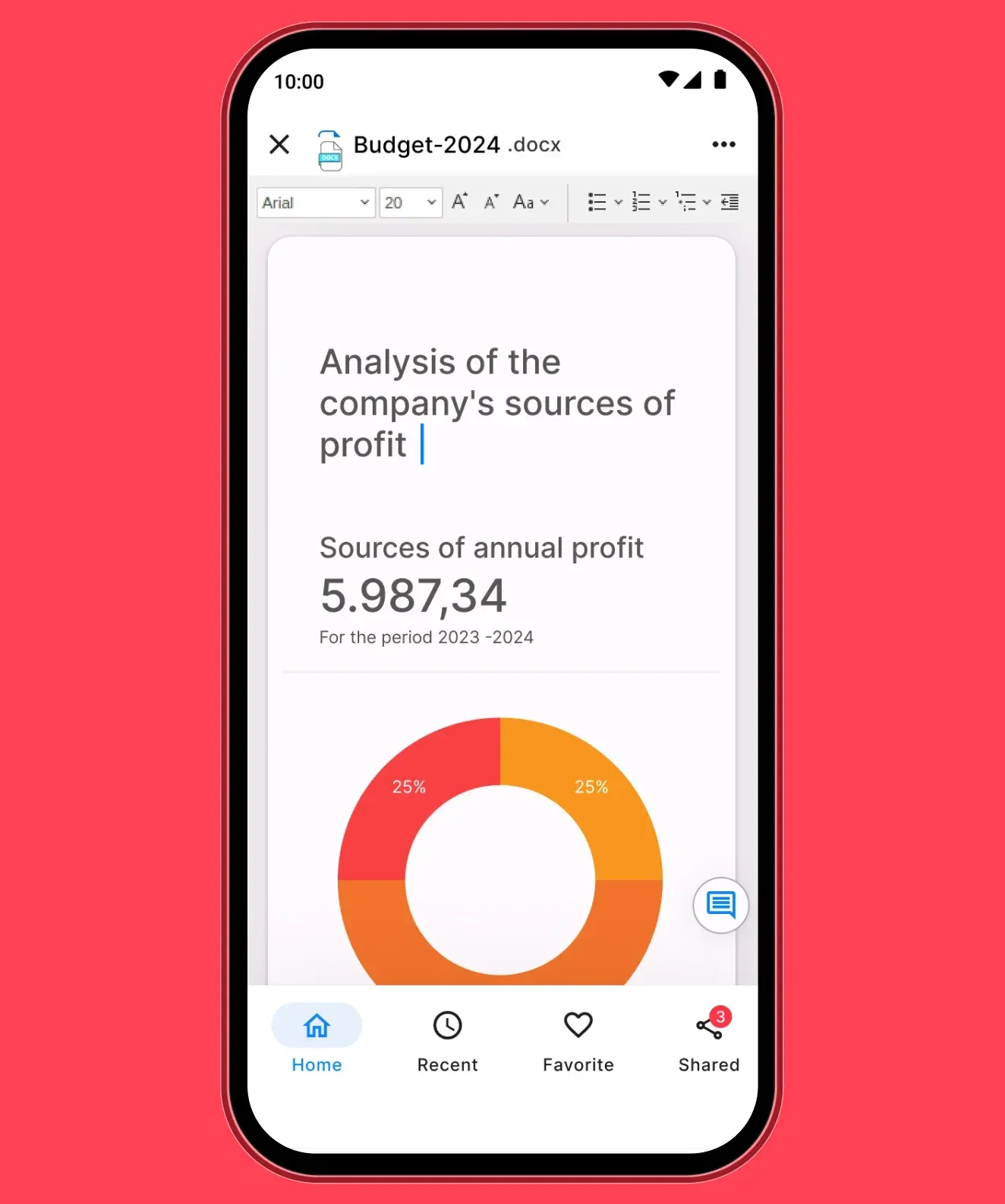
From the New menu a user creates a text document, spreadsheet or presentation that opens in OnlyOffice inside Drive, and other people with access edit it at the same time. On instances where the assistant flag is on, an AI panel beside the editor rewrites, translates or summarizes the selected text, adds tables or slides and can be closed from the toolbar.
Desktop synchronization and mobile access
The Twake Desktop client for Windows, macOS and Linux keeps a local folder synchronized with Drive, with selective sync to choose which folders are synchronized and alerts that name files whose names or paths the local system does not accept. On phones and tablets, the Twake Workplace app gives access to the same files, together with Pass and Notes.
Self-hosting and migrating from Nextcloud
Organizations that run their own servers deploy cozy-stack with Docker Compose or Debian and Ubuntu packages and create instances with the Drive app, or deploy the whole suite with the Twake.AI Kickstart stack. Existing Nextcloud files can be browsed from Drive through the Nextcloud konnector and WebDAV proxy, and LINAGORA publishes a dedicated Nextcloud migration service.
Reviews of Twake Drive
Be the first to share your experience with Twake Drive.
Write a review
Loading review form…
Found Twake Drive useful? Upvote it todayYour vote helps other IT teams find it in the daily ranking.