

What is Twake Chat?
Twake Chat is an open-source messenger built on the Matrix protocol. The client is written with Flutter and developed by Linagora in the twake-on-matrix repository. The README describes it as a decentralized chat app for individuals and organizations that want a secure messenger, and for developers who want to build their own Matrix-based chat apps. Because it speaks Matrix, it can talk to people on other Matrix servers and works alongside clients such as Element, Nheko and NeoChat.
Twake Chat is one product in the Twake family from Linagora, which also lists Twake Mail and Twake Drive on the Twake Chat website. The mail client in the same family is covered in the directory as Twake Mail. The chat client can use an account on any Matrix homeserver you configure, and Linagora also publishes the ToM server for its own additions, such as the unified contact store and video call rooms that the 2.26 release notes mention. The site offers an on-premise deployment through a contact form and a hosted sign-up at sign-up.twake.app.
The app is distributed on Google Play as app.twake.android.chat and on the Apple App Store, with an Android APK and checksums attached to each GitHub release. A web build is available as a beta demo at beta.twake.app. The repository documents builds for Android, iOS, web and Linux, and its requirements list Flutter 3.47.8, JDK 17 and the Rust toolchain for the web and Linux targets. Only Android, iOS and the web demo are described as published channels, so treat desktop builds as developer builds.
The latest release is v2.26.1, published October 29, 2026. It adds opt-in message previews in iOS notifications and fixes Android notification handling, pusher setup after a new login and a few iOS session issues, and lets you edit the display name from the profile pencil. Version 2.26.0 added public and server-limited groups when the server allows them, video call room creation through ToM, copying a reply message and a unified contact store, and upgraded Flutter for a TLS certificate security fix. The code is licensed under AGPL-3.0. The app is a client: it does not include a Matrix homeserver.
Twake Chat screenshots
Explore the interface. Open a screenshot to view it at full size.
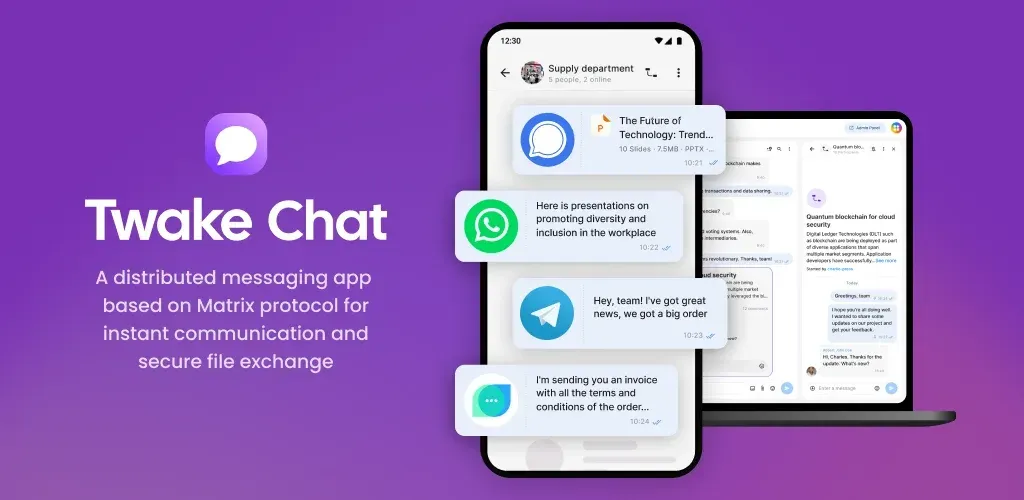
Official Twake Chat store graphic showing group conversations on a phone and a laptop client.
Source: official Twake Chat project page.
Key capabilities
- Download from Google Play The Android app is published as app.twake.android.chat and linked from the Twake Chat site. Check the store listing for the version it currently serves, since it can lag behind the newest GitHub release.
- Download from the Apple App Store The iOS app is listed on the App Store, linked from the site. Release 2.26.1 adds opt-in message previews in notifications and fixes cross-signing for the iOS notification device.
- Android APK from GitHub Each GitHub release attaches an Android APK, such as twake-v2.26.1-android.apk, and a SHA256SUMS file. Verify the checksum before sideloading.
- Web beta A web build runs at beta.twake.app. The web target uses flutter_vodozemac for end-to-end encryption, which the README says must be prepared with a script when building from source.
- Messages, images and files Send text, images and files in direct chats and groups. Voice messages and location sharing are listed alongside, and you can copy a reply message since version 2.26.0.
- Group chats and channels The README lists unlimited private and public group chats, public channels with thousands of participants and discovery of public groups. Version 2.26.0 can create public and server-limited groups when the homeserver allows it.
- Group moderation Moderation features cover what the Matrix protocol offers, including roles and permissions set per room. Check that your homeserver enforces the policies you rely on, since moderation is a shared responsibility of client and server.
- Spaces Matrix spaces group rooms for teams and communities. Spaces are listed among the supported features, so a company can organize departments or projects into one tree.
- End-to-end encryption Encrypted rooms are supported, with emoji verification and cross-signing for devices. The Play Store description says end-to-end encryption can be enabled so that nobody but the participants can read the data. Encryption is optional per room, so confirm it is on for sensitive conversations.
- Multi-device synchronization The Play description says chats are available from a PC and from a phone regardless of which device stores the recovery key. Set up key backup and verify each new device to keep encrypted history readable.
- Matrix compatibility and bridges Because it implements Matrix, Twake Chat can communicate with users outside Twake infrastructure and, where a server operator has installed bridges, with other messengers. The website names Telegram, Discord and Signal as examples. Bridges are a server-side feature, not something the app adds by itself.
- Contacts The website describes contacts from both a phone book and a corporate directory through single sign-on. The 2.26.0 release introduces a unified contact store. Directory features depend on the server deployment.
- QR codes instead of Matrix IDs The README highlights QR codes that hide the complexity of Matrix IDs, so a contact can be added by scanning rather than typing an identifier.
- Custom emotes, stickers and themes The client supports custom emotes and stickers, dark mode and custom themes. Version 2.26.0 fixed forwarding of stickers as images.
- Push notifications Push notifications work through a pusher configured on the account. Recent releases fixed Android notifications and clearing pushes, and set the pusher up again after a fresh login.
- Video call rooms Release 2.26.0 creates video call rooms through ToM. The website describes Jitsi videoconferencing integration as coming soon, so verify the current state before relying on it.
- Multiple accounts The site describes switching between personal and work accounts in one interface, which suits people who use both a company homeserver and a personal one.
- Translations and configuration Interface strings are translated on Weblate. The web target reads a config.json for the default homeserver, application name, privacy URL and push settings, which lets an organization ship a branded build pointing at its own server.
Where Twake Chat fits
Giving a company a Matrix messenger
Pick a Matrix homeserver, decide on single sign-on and directory integration, and point the client configuration at it. Pilot with one team, check that rooms, files and notifications behave on Android and iOS, and document the server retention policy so users know what is stored.
Using Twake Chat as a client for an existing Matrix account
Sign in with an account from any homeserver, then verify the new device with emoji comparison against another session. Compare the room list, notifications and encrypted history with your usual client before switching, since Matrix clients can differ in feature coverage.
Running encrypted team rooms
Enable encryption when creating sensitive rooms, set up key backup, and verify members' devices through cross-signing. Remember that adding a new device needs the recovery key or verification from an existing session, and that unencrypted rooms are readable by the server operator.
Connecting other messengers
Bridges to Telegram, Discord, Signal and other networks are installed on the Matrix server by an operator. Use the client to participate in bridged rooms, but plan for the limits of each bridge, such as missing reactions or encryption gaps between networks.
Building a branded or modified client
The repository is AGPL-3.0 Flutter code. Follow the README's requirements, copy config.sample.json to config.json, set the homeserver and application name, and keep your changes available to users under the license. The forking guide in the docs folder explains how to rename the app.
Evaluating a rollout on mobile
Install the Android APK and the iOS build on test devices, then check push delivery after a reboot, background behavior and call-room creation. Release notes in the CHANGELOG list fixes to notifications and sessions, so read them when choosing a version to standardize on, and keep a record of the exact build your users run.
Reviews of Twake Chat
Be the first to share your experience with Twake Chat.
Write a review
Loading review form…
Alternatives to Twake Chat
 ElementElement is the open-source Matrix client from Element Creations for browsers, Windows, macOS and Linux. It connects to any Matrix homeserver, encrypts DMs and private rooms by default and can be self-hosted as static files, a Debian package or a Docker image.
 MattermostMattermost is an open core, self-hosted collaboration platform with channels, threads, playbooks, boards, audio calls and AI agents. It runs on Go and PostgreSQL, with a free Entry mode and paid plans sold by quote.
 Rocket.ChatRocket.Chat is a TypeScript and MongoDB communication platform for channels, threads, calls, Matrix federation and customer conversations. The core is MIT-licensed and self-hosted with Docker or Kubernetes; enterprise features and add-ons need a paid plan.