
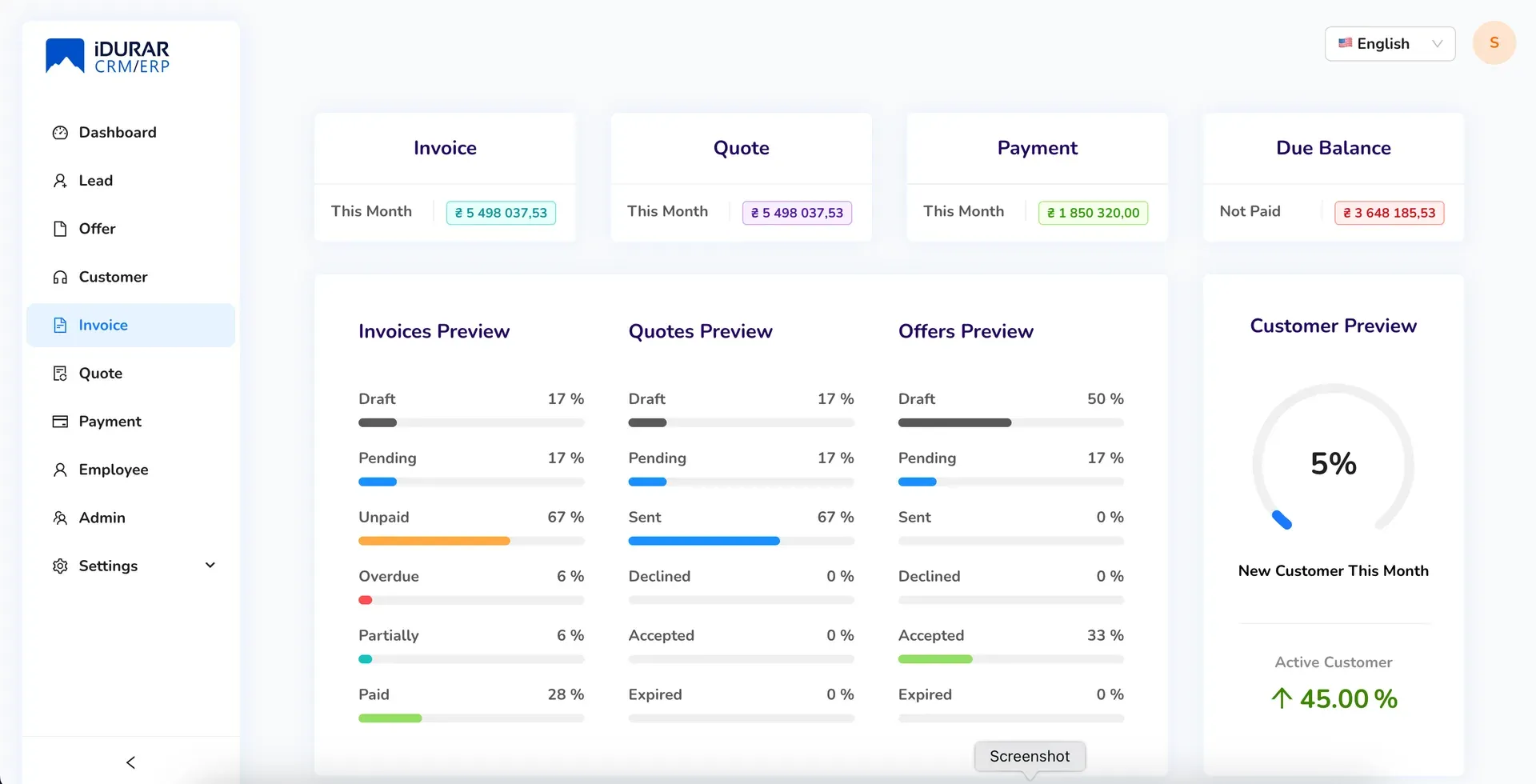
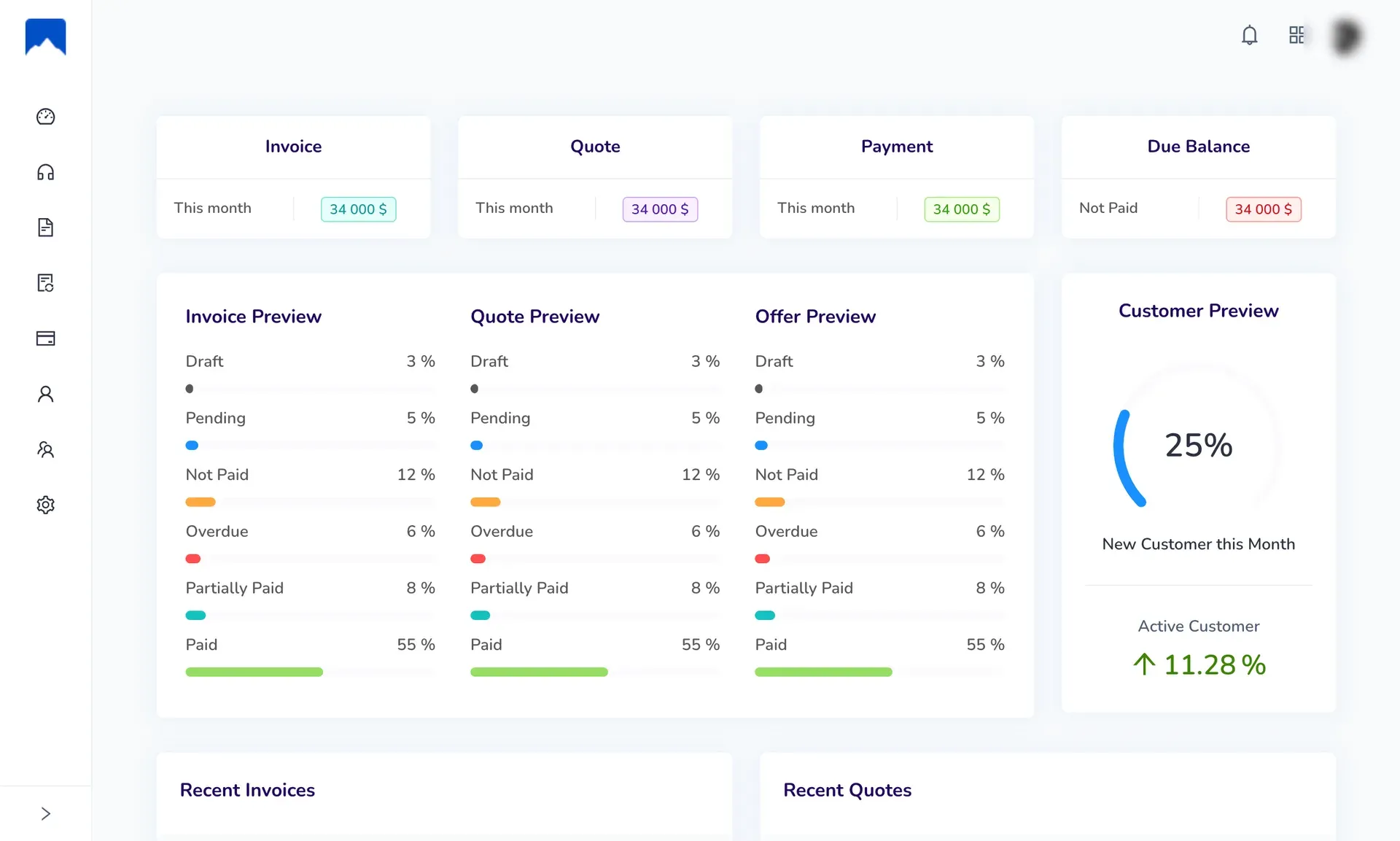
What is IDURAR ERP CRM?
IDURAR ERP CRM is a self-hostable web application for customer records, invoices and payments, published by IDURAR in the idurar/idurar-erp-crm repository and presented on idurarapp.com. The repository describes the project as an open-source ERP and CRM for invoicing, quotes and accounting. The code in the current master branch and in release 4.1.1 implements a narrower set of modules: customers, invoices with line items, a tax rate and a discount, payments recorded against invoices, PDF output, company and money-format settings, and administrator login. Leads, offers, quotes, products, orders, expenses and reports appear on the IDURAR pricing page as features of the paid Professional license.
The backend is a Node.js and Express application that stores data in MongoDB through Mongoose 8 and renders PDF documents from Pug templates with html-pdf. The frontend is a React 18 single-page application built with Vite 5, Ant Design 5, Redux Toolkit and React Router 6. The backend package declares Node.js 20.9.0 and npm 10.2.4 as engines. The installation instructions describe a manual setup: clone the repository, put a MongoDB connection string into backend/.env, run npm install and npm run setup in the backend, then start the backend and the frontend with npm run dev; the frontend is then served on localhost port 3000. The current repository contains no Dockerfile or Compose file.
The latest GitHub release is 4.1.1, published on March 16, 2026; the previous release, 4.1.0, dates from September 29, 2024. Release 4.1.1 rejects MongoDB operator injection in query filter parameters, fixes a typo in the default payment setup, keeps the login token when the profile is updated, removes duplicate search API calls and fixes the company logo upload. A July 2025 commit titled init update removed the quote, tax, payment mode and dashboard modules from the open-source code, and the root route now opens the invoice list. The most recent push to the repository, on August 14, 2026, added maintainer documentation.
The repository LICENSE file contains the GNU Affero General Public License v3.0, and the README states that IDURAR may be used free of charge for personal or commercial use. The website and the backend package.json also use the term "Fair-Code" for the project. IDURAR sells two further editions with source code: a Professional Lifetime License for 5,000 USD and an Enterprise License for 10,000 USD, both one-time payments listed on the pricing page as of November 2026. A hosted application with sign-up and login runs at cloud.idurarapp.com; the README labels it the "Self-hosted Entreprise Version", and no separate price for it is published on the pricing page.
Several capabilities are outside the community code. The invoice and payment e-mail endpoints return a message asking the user to upgrade to the premium version instead of sending mail, and the community edition is limited to one administrator account according to the pricing page. Multi-company, multi-currency and multi-language support are listed as Enterprise features. Comparable self-hosted billing and ERP projects on iThub include Invoice Ninja, Akaunting, Dolibarr ERP & CRM and ERPNext.
Key capabilities
- Customer records The customer module stores a name, phone number, country, address and e-mail address for each client, with the creating and assigned administrator. Customers are listed in a searchable table and selected when an invoice is created. There are no separate contact persons, companies or lead stages in the community code; those belong to the Professional license on the pricing page.
- Invoices with line items An invoice holds a number and year, an issue date and an expiry date, the customer, free-text notes and a list of items. Each item has a name, an optional description, a quantity, a unit price and a line total. Invoices can be created, read, updated and removed from the web interface, and the list view shows the status of each document.
- Tax rate, discount and totals Each invoice stores one tax rate at document level together with the subtotal, the tax total, a discount and the grand total. Per-line tax fields are commented out in the current invoice schema. The separate tax configuration module was removed from the open-source code in July 2025, so the rate is part of the invoice itself.
- Invoice and payment status Invoices carry a workflow status (draft, pending, sent, refunded, cancelled or on hold) and a separate payment status (unpaid, partially paid or paid), plus an overdue flag. The settings file for invoices defines the status list and a PDF footer text. These fields drive the colored status tags in the invoice list.
- Recording payments From an invoice, a payment can be recorded with an amount, a date, a reference and a description; the invoice payment status is updated accordingly. Payments have their own list, detail and edit pages. The payment mode entity that classified payments by method was removed in the July 2025 commit.
- PDF invoices and payment receipts The backend renders invoices and payment receipts to PDF from Pug templates using html-pdf, and a download route serves the generated files. The company details from the settings, such as address, tax number and bank account, are available to the templates. Template files for quotes and offers remain in the repository, but the matching modules are not part of the current code.
- Document numbering and prefixes Finance settings keep the last used number and a prefix for each document type, for example
inv-for invoices andpym-for payments. The counters are increased by the backend when a document is created. The prefixes can be edited in the settings pages. - Company profile and logo Company settings include the company name, address, state, country, e-mail, phone, website, tax number, VAT number, registration number and bank account. A logo and an icon can be uploaded and are stored under the backend public uploads folder. Release 4.1.1 fixed a bug that prevented the company logo upload.
- Money format settings The money format settings define the default currency code (USD after setup), the currency name and symbol, the symbol position, the decimal and thousands separators and the number of decimal places. The invoice schema stores a currency code per document. Managing several currencies side by side is listed as an Enterprise feature on the pricing page.
- General application settings General settings cover the date format (DD/MM/YYYY by default), the interface language code, country, time zone and application e-mail addresses. The settings are stored as key and value documents in MongoDB. The 4.1.0 release added a switch between left-to-right and right-to-left layouts.
- Administrator login and profile Authentication uses JSON Web Tokens signed with the
JWT_SECRETvalue frombackend/.env, and passwords are hashed with bcrypt. The interface includes login, logout, forgotten password and password reset pages, and a profile page with photo upload. The pricing page lists one administrator user for the community edition and unlimited administrators for the paid licenses. - Generic REST API Each application model is exposed under
/api/<entity>/with create, read, update, delete, search, list, listAll, filter and summary routes, generated in appApi.js from the model files. The client, invoice and payment entities use this pattern, and invoices and payments also have a mail route. The pricing page calls this the CRUD API; there is no separate API reference document. - Summary endpoints The client, invoice and payment controllers include summary handlers that aggregate counts and amounts for a period such as the current month. These endpoints fed the dashboard that was removed from the open-source frontend in July 2025. They remain available through the API.
- Setup, upgrade and reset scripts The backend package provides
npm run setupto create the default administrator, a default payment and the default settings,npm run upgradefor data upgrades between versions, andnpm run resetto clear the database. The setup script reads the MongoDB URI from theDATABASEvariable. The installation guide runs setup once before the first start. - Self-hosting requirements A server needs Node.js (20.9.0 is declared in the engines field), npm and access to a MongoDB database; the guide uses a MongoDB Atlas cluster, and any MongoDB URI can be set in
DATABASE. The backend and the Vite frontend run as two processes. The guide notes an OpenSSL error on some Node.js versions and lists upgrading to Node.js 20 or enabling the legacy OpenSSL provider as fixes. - Professional and Enterprise licenses The pricing page lists a Professional Lifetime License at 5,000 USD with unlimited administrators, an advanced dashboard, customers and quotes, companies and people, leads and offers, products and categories, orders, expenses, reports and 3 months of support. The Enterprise License at 10,000 USD adds multi-company and branch support, multi-currency, multiple languages, a headless developer API, a public form and 6 months of support. Both are one-time payments that include source code.
- Hosted IDURAR application IDURAR runs a hosted version of its ERP and CRM at cloud.idurarapp.com with its own sign-up and login. The README links it as the self-hosted enterprise version, and the maintainer file describes it as IDURAR's SaaS product. No subscription price for the hosted application is shown on the pricing page.
- Community and contribution Issues, pull requests and GitHub Discussions are open on the repository, and a CONTRIBUTING guide covers reporting issues, commit guidelines and coding guidelines. Release 4.1.1 contains fixes from several outside contributors. A SECURITY file describes how to report vulnerabilities.
Where IDURAR ERP CRM fits
Billing customers from a self-hosted instance
A small business or freelancer creates customer records, then issues invoices with item lines, a document tax rate and a discount. Invoice numbers follow the prefix and counter in the finance settings, and the company details from the settings appear on the generated PDF. All records stay in the MongoDB database configured for the instance.
Tracking partial and full payments
When money arrives, a payment is recorded from the invoice page with its amount, date and reference. The invoice moves from unpaid to partially paid or paid, and overdue invoices are flagged. The payment list gives a separate view of all recorded receipts, each with its own PDF.
Producing PDF invoices and receipts
Invoices and payment receipts are rendered on the server from Pug templates and downloaded through the download route. Because the templates are part of the repository, their layout can be changed in code. Sending the documents by e-mail from the application is not available in the community code; the mail endpoints return an upgrade message.
Integrating billing data over the REST API
Other systems can create and query customers, invoices and payments through the generated /api routes, using the same token-based authentication as the web interface. List, filter, search and summary routes cover reporting needs such as monthly totals. The route set is defined in appApi.js and the controllers under backend/src/controllers.
Extending a MERN starter for custom modules
IDURAR presents the codebase as a base for adding business modules: a new Mongoose model file in models/appModels is picked up automatically and receives the standard CRUD routes, and the frontend uses configurable Ant Design table and form modules. The IDURAR website also describes code generators and admin panels generated from configuration files.
Moving to a paid edition
Organisations that need quotes, leads, products, orders, expenses, reports or several administrators can buy the Professional or Enterprise license listed on the pricing page, which include the source code and a support period, or use the hosted application at cloud.idurarapp.com. Other self-hosted options on iThub include Frappe Books and Ever Gauzy.
Reviews of IDURAR ERP CRM
Be the first to share your experience with IDURAR ERP CRM.
Write a review
Loading review form…
Found IDURAR ERP CRM useful? Upvote it todayYour vote helps other IT teams find it in the daily ranking.