
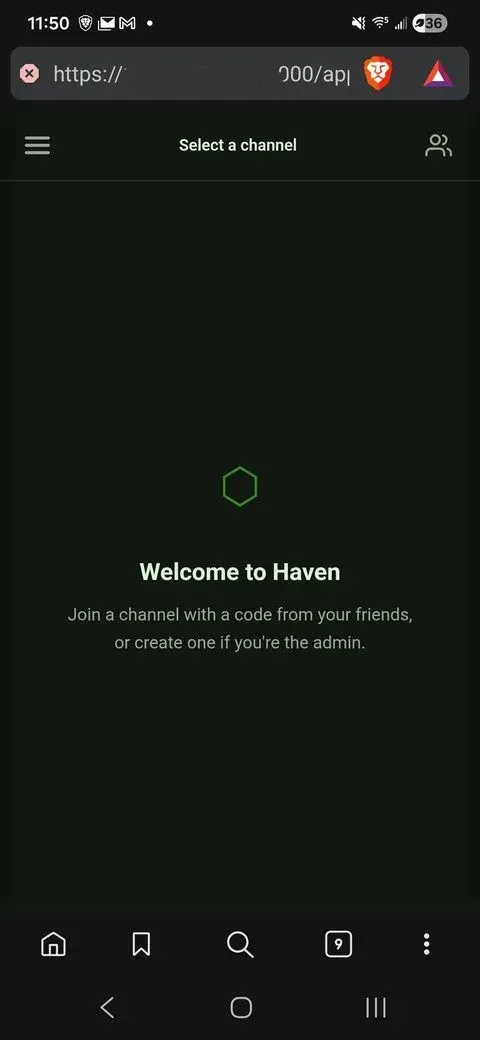
What is Haven?
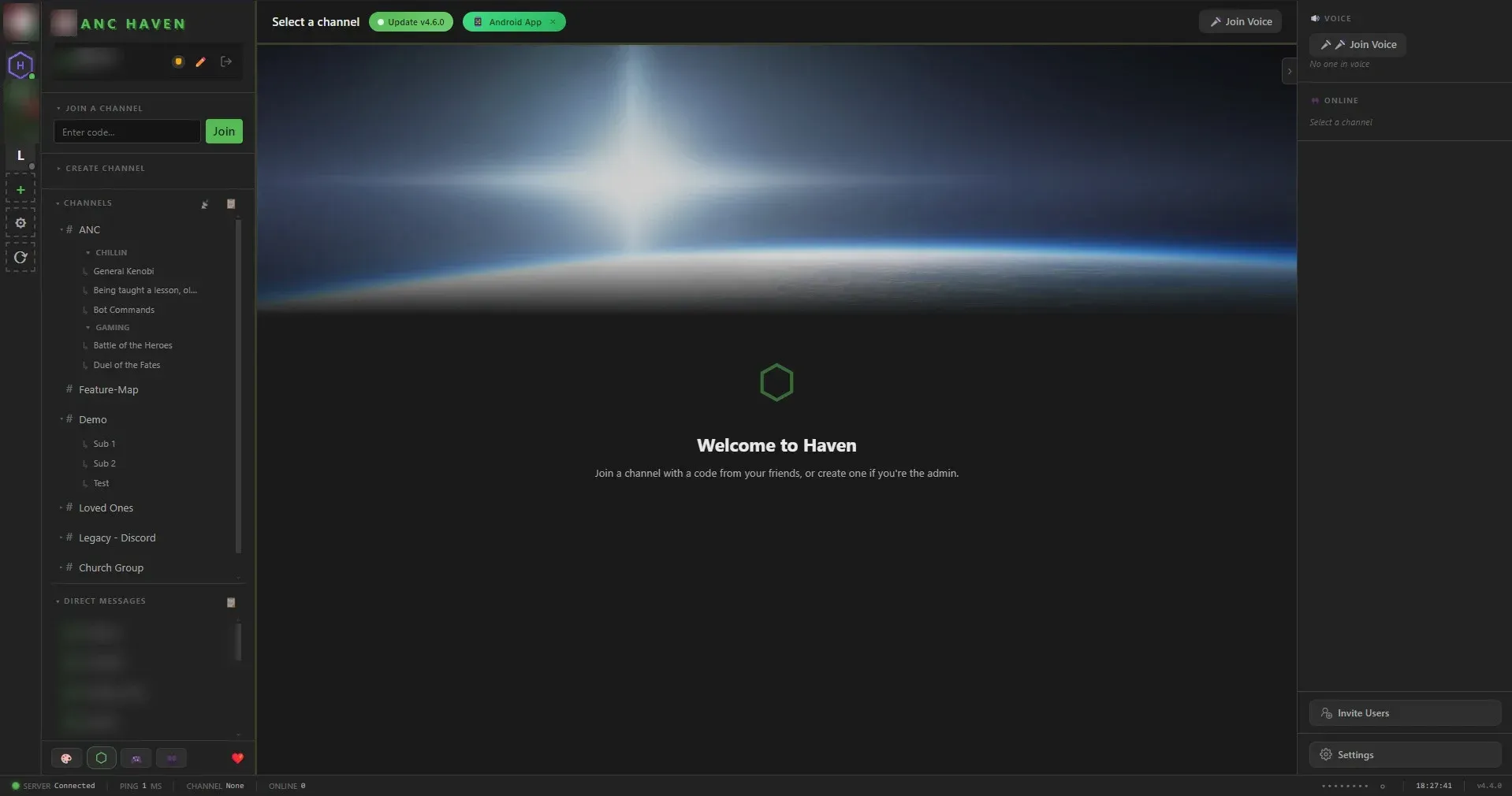
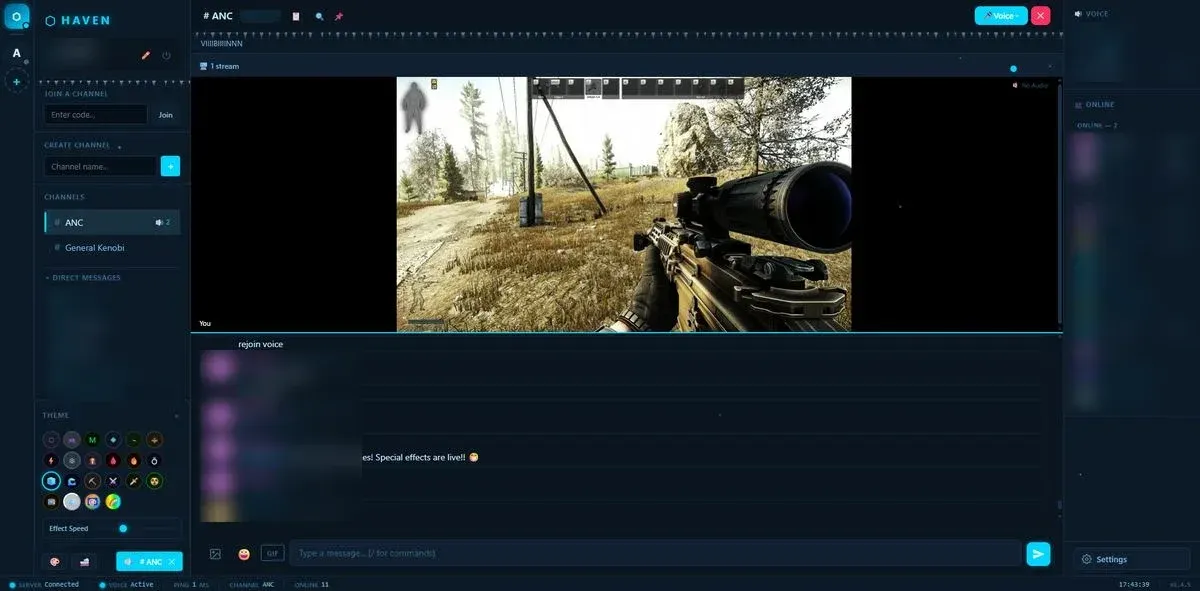
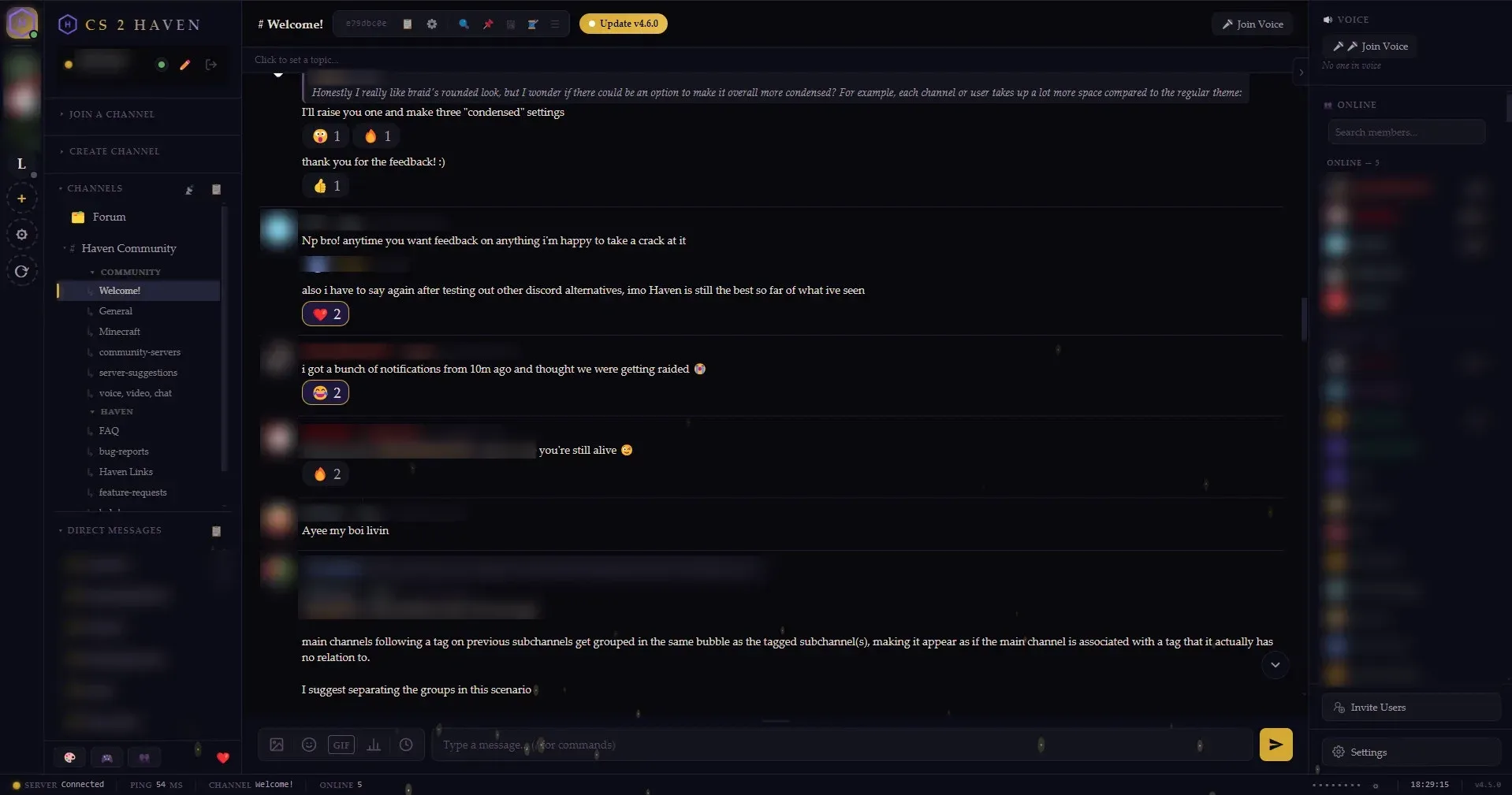
Haven is an open-source chat server that one person runs on a home computer, NAS or VPS and that other people join from a browser or a client app. The project presents it as a private alternative to Discord: text channels with threads and forums, direct messages, voice and video calls, screen sharing, file uploads, roles and moderation, with no company account, no email or phone verification and no telemetry. The official website states that Haven has been in development since February 2026 as a spare-time project with volunteer contributors and that it has no paid tier. There is no central Haven server or account; each server is independent.
The server is a Node.js application (Node.js 22 to 26) built on Express and Socket.IO that keeps its data in one SQLite database plus an uploads folder. It is distributed as a source archive with a Windows launcher, Start Haven.bat, which offers to install Node.js, a start.sh script for Linux and macOS, and a container image at ghcr.io/ancsemi/haven with :latest and early-access :beta tags. The README also links one-click templates on the third-party hosts Zeabur and RepoCloud.
Each server delivers its own web client for desktop and phone browsers. Haven Desktop, an Electron client from the same GitHub account, ships for Windows and Linux and adds per-application audio sharing, device switching during calls, native notifications and a tray icon; the README says it can also run the server. Its repository description still labels it a beta. A macOS build and native Android and iOS apps are built by contributor Amnibro and linked from the README and website.
The latest GitHub release is Haven 4.29.0, published on November 15, 2026. It added call controls in fullscreen, a list of mentions and replies, pinned DMs, favorite emoji, a blocked-names list for sign-ups, reactions carried both ways by the Ferry Discord bridge and a hardware benchmark script, and began groundwork for optional PostgreSQL support, which cannot be switched on yet. Version 4.28.0 (November 6, 2026) split the settings into pages and added channel types, blocked upload file types and an experimental AutoMod Quarantine plugin. All releases are described in the changelog.
Haven is licensed under AGPL-3.0. The README states that most of the code is written with AI coding tools under the maintainer's direction, that more than 650 automated tests run before every push, and that logins, permissions, encryption and uploads have had dedicated security reviews. The security policy asks for private vulnerability reports and states that only the latest release receives security fixes. Similar self-hosted chat projects on iThub include Stoat, Fluxer, Rocket.Chat and Mattermost.
Key capabilities
- Channels, sub-channels and forums Each channel has its own 8-character code. Sub-channels go one level deep and pick up the parent's members, while private sub-channels stay hidden from non-members and are joined only by code. Any channel can become a forum, where each message is a topic with its own thread and the most recently active topic sits on top. Messaging covers threads, replies, reactions, pins, edits, mentions, polls, spoilers, code blocks, link previews and full-text search.
- Join codes, invite links and guests Admins set each code as public or hidden and as static or dynamic; a dynamic code rotates after a set number of minutes or new members. Invite links, an optional Join as Guest button and adding existing members by person or role sit alongside codes. Accounts need no email address or phone number, and guest accounts see only whitelisted channels, cannot send DMs and are deleted on disconnect.
- End-to-end encrypted direct messages DMs are encrypted in the browser with an ECDH P-256 key pair per user and an AES-256-GCM key per conversation; the private key reaches the server only wrapped with a PBKDF2 key derived from the user's password. A 60-digit safety number can be compared outside Haven. The website states that channel messages are not end-to-end encrypted and can be read by whoever runs the server, and the encryption section of the guide notes that tampered server JavaScript could expose keys, as with any web-based E2E system.
- Voice and video calls over WebRTC Calls are peer to peer by default, with per-user volume, mute, deafen, noise suppression and talking indicators. Public STUN servers are used out of the box; for calls across networks the guide documents a TURN server such as coturn or eturnal, set through
TURN_URLandTURN_SECRETor on the Voice & Connectivity admin page. - Screen sharing and listening together Several people can share screens at once in a tiled grid. In Haven Desktop a share can carry the sound of a single application, through WASAPI on Windows 10 build 19041 or later and PulseAudio on Linux. Listen Together plays synced music from Spotify, YouTube and SoundCloud links or from a player in the voice channel, and a soundboard plays clips to a channel.
- Optional voice relay for large servers The Large Server Setup page installs a voice relay with one button (about 10 MB, downloaded once) that needs one UDP and TCP port. With it on, each person sends voice and video once to the server, which forwards it; the changelog notes that direct calls struggle past about ten people. Relayed calls pass through the server, so the host could in principle listen in, as the setup page states. The relay is off by default.
- Roles, permissions and moderation Roles carry per-channel permissions, and each admin power can be delegated one permission at a time. Tools include kick, timed mute, ban, IP bans, slow mode, an audit log, a moderation API, blocked usernames and blocked upload file types. Automod checks links against a domain policy before they are saved, and the experimental AutoMod Quarantine plugin, off by default, holds links until a local Ollama model or a cloud AI chosen by a moderator has checked them.
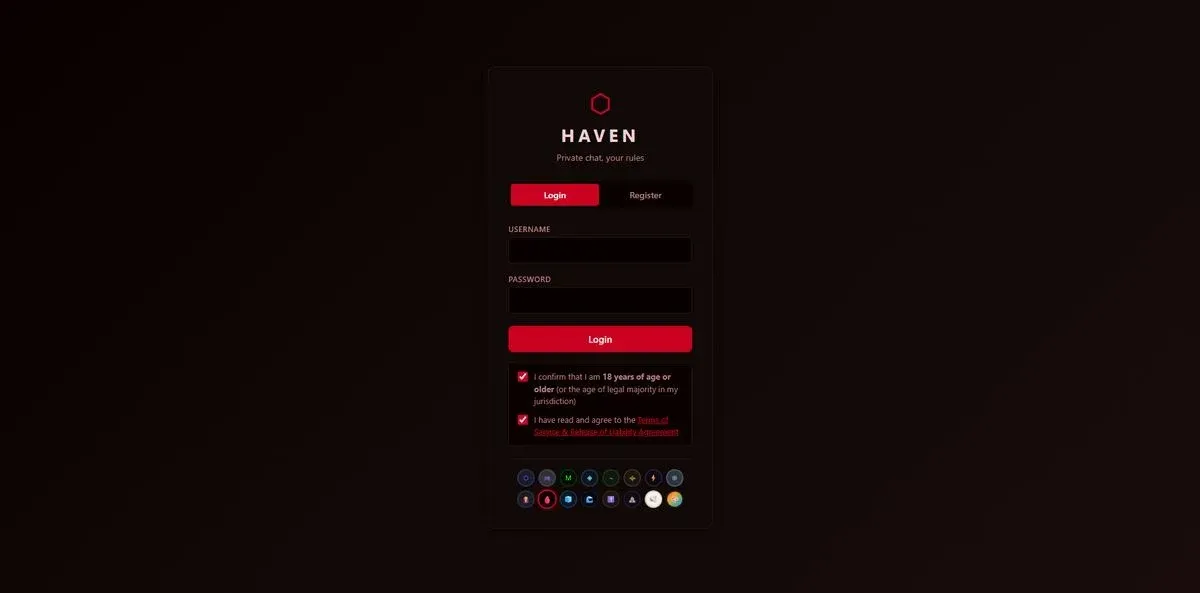
- Sign-in security and single sign-on Passwords are stored as bcrypt hashes, sessions use JWT, and two-factor authentication is available; the guide puts the sign-in limit at 20 attempts per 15 minutes per IP address. Members can also sign in through an OpenID Connect provider such as Authentik, Keycloak, Authelia or Auth0. The client secret is kept only in
.envasOIDC_CLIENT_SECRET, so backups never contain it. - Bots, webhooks and REST API Bots get a 64-character webhook token.
POST /api/webhooks/<token>sends messages of up to 4,000 characters, with optional ephemeral delivery, replies and thread targets; other endpoints edit and delete messages, play soundboard sounds and register slash commands. A bot with a callback URL receives channel messages and command invocations signed with HMAC. The developer guide sets a limit of 30 requests per minute per IP, and the haven-community repository collects ready-made integrations. - Discord import and the Ferry bridge A Discord server's history can be copied into Haven through the server's own Ferry bot, including threads, forum posts, reactions, pins and attachment links, or from a Discord data export ZIP or DiscordChatExporter JSON. Imported messages show the original names but are stored under the admin account; roles, permissions and bots are not imported. Ferry then relays messages, files and reactions both ways between paired Haven and Discord channels, and each Haven server needs its own Discord bot.
- Themes, plugins and languages The README lists 26 built-in themes, a color picker and stackable effects such as CRT scanlines, Matrix rain and snowfall. Custom CSS themes follow the Theme API v1 and are published by an admin; bundled plugins ship switched off, and supported extensions update from GitHub releases with SHA-256 checks. Custom emoji, stickers, personas and server branding are included, and the website lists 12 interface languages.
- Uploads, storage and location data Uploads default to 25 MB per file and 10 files per message, both adjustable. Location metadata is stripped from JPEG, PNG and WebP uploads on every server, and with exiftool and ffmpeg, which the Docker image includes, from videos and formats such as HEIC and RAW. An optional add-on keeps media in S3-compatible storage (Garage, MinIO, RustFS, SeaweedFS or AWS S3), and a 512 MB disk reserve stops uploads before the drive fills.
- Backups, restore and updates The admin Backup page exports an archive with selectable contents (channels and roles, users, settings, messages, files and optionally DMs), schedules daily or weekly backups and restores them; the setup wizard can restore a backup on a new machine. Installs outside Docker update from the settings page with a pre-update backup and a self-restart, while Docker installs update by pulling the image and recreating the container. Auto-cleanup can delete messages by age or by storage size.
- Remote access and notifications The user guide covers port forwarding, Tailscale or WireGuard, Cloudflare Tunnel and reverse proxies with
FORCE_HTTP=true, and Haven can start LocalTunnel or cloudflared from its admin settings. Browser push works over HTTPS, UnifiedPush is supported, and the website states that Android app push passes through Google Firebase via the Haven push relay, with an off switch. - Docker and Podman installation The documented one-liner is
docker run -d -p 3000:3000 -v haven_data:/data ghcr.io/ancsemi/haven:latest, and a commenteddocker-compose.ymlis included. Data, configuration and uploads live in the/datavolume or a bind-mounted folder, the container runs as uid 1000, and the guide covers Podman details such as SELinux labels and rootless ports. The container image is based on Debian slim. - Windows, Linux and macOS installation On Windows,
Start Haven.batinstalls dependencies, generates certificates, starts the server and opens the login page; Linux and macOS usestart.sh. The first account registered with the admin username,adminby default, gets admin rights. Settings live in an automatically created.envin the data folder,%APPDATA%\Havenon Windows and~/.havenelsewhere, and several servers can share one machine with separate ports and data folders. - Desktop and mobile clients Haven Desktop 1.8.4, released on November 15, 2026, comes as an NSIS installer for Windows 10 (build 19041 or later) and 11 and as an AppImage and .deb for Linux with PulseAudio or PipeWire. The macOS build, the Android app on Google Play and the iOS app in TestFlight are built by contributor Amnibro.
Where Haven fits
Hosting a private server for friends from a home PC
The README quick start is to run Start Haven.bat or start.sh, open https://localhost:3000, register with the admin username, create a channel and share its code; the certificate warning on first load comes from the self-signed certificate. For friends outside the home network, the guide describes port forwarding as the simplest route but one that puts the login page on the open internet, Tailscale or WireGuard as the route that exposes nothing publicly, and Cloudflare Tunnel as a public URL without an open port. Haven can start a quick tunnel itself, whose URL changes on every restart.
Running a community server with Docker and a reverse proxy
On a VPS, NAS or homelab, the container runs with a named volume or a bind-mounted data folder. With a domain, the guide sets FORCE_HTTP=true so that Caddy, nginx or Traefik terminates TLS; nginx needs the WebSocket Upgrade and Connection headers for live messages and voice. Calls between different networks need a TURN server, and a Traefik plus coturn Compose example is included. The README states that a group of friends needs about 100 MB of memory, and the project's hardware page lists its measured figures for 10 to 2,000 people online.
Moving a community over from Discord
The guide describes two steps. The admin creates a Discord bot for Ferry, connects it to Haven and uses Import Discord History to copy channels, threads, forum posts, reactions, pins and attachment links; channels the bot cannot read are skipped and named. Ferry then pairs Haven channels with Discord channels so that people who stay on Discord keep talking with those who moved. Discord-style <t:...> timestamps survive the bridge, and relayed messages ping nobody on Discord unless an admin allows it.
Keeping conversations and data on the host
All server data sits in one folder: haven.db, .env, certificates and uploads, or /data in Docker. Direct messages and the files sent in them are end-to-end encrypted, while channel messages are readable by the host, as the website states. The website also lists every outside service a server can contact, such as GitHub for update checks, GIF providers, link preview targets, Discord for Ferry and Firebase for Android push, with the off switch for each. Uploaded photos lose their location data on the server.
Automating a server with bots and integrations
Bots post through webhook tokens, so a CI job, monitoring tool or script can send messages to a channel, edit or delete its own posts and play soundboard sounds. With a callback URL and secret, a bot also receives channel messages and slash command invocations as signed POST requests, which the guide names as the way assistants and chat bridges plug in. Callbacks to private network addresses are refused unless HAVEN_ALLOW_PRIVATE_CALLBACKS=true is set, and a separate listening presence API lets a music player report the current track.
Preparing a server for a large community
The Large Server Setup page groups the voice relay with the other settings the project points to for big communities. Admins can delete old messages automatically by age or by database and uploads size, move media to an S3-compatible bucket with a migration script, and choose the search tokenizer: unicode61 by default, trigram for substring matches or porter for English stemming. The hardware page states that one Haven process does its chat work on one core, and node scripts/benchmark.js repeats the measurement on another machine against a throwaway server.
Install
docker run -d -p 3000:3000 -v haven_data:/data ghcr.io/ancsemi/haven:latestReviews of Haven
Be the first to share your experience with Haven.
Write a review
Loading review form…
Found Haven useful? Upvote it todayYour vote helps other IT teams find it in the daily ranking.