
What is Servo?
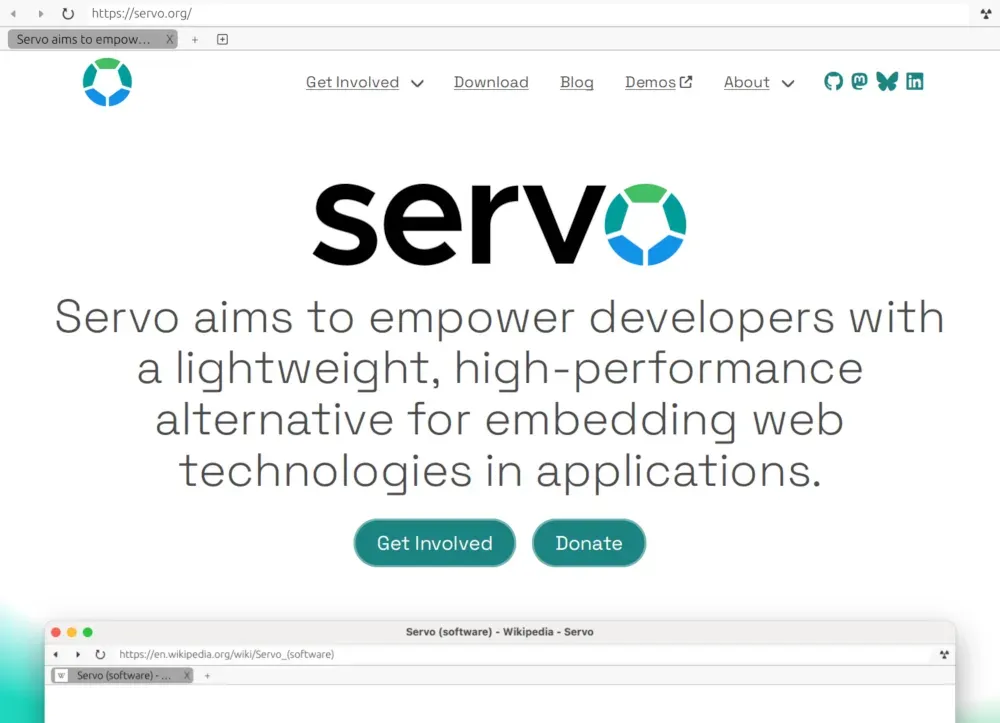
Servo is a web rendering engine written in Rust, with WebGL and WebGPU support, built to be embedded in desktop, mobile and embedded applications. Mozilla Research created it in 2012 as a research and development project. Stewardship moved to the Linux Foundation in 2020 and to Linux Foundation Europe in 2023, according to the About page. The technical charter, adopted on June 15, 2023, gives a Technical Steering Committee (TSC) responsibility for technical direction, releases and security reporting policy. The TSC meets in public, follows a consensus-seeking model, has a maximum size of 20 people and caps the valid votes of any single organization at one third. The project states that its short-term focus is moving Servo from a research project to a production-ready web engine with stable APIs.
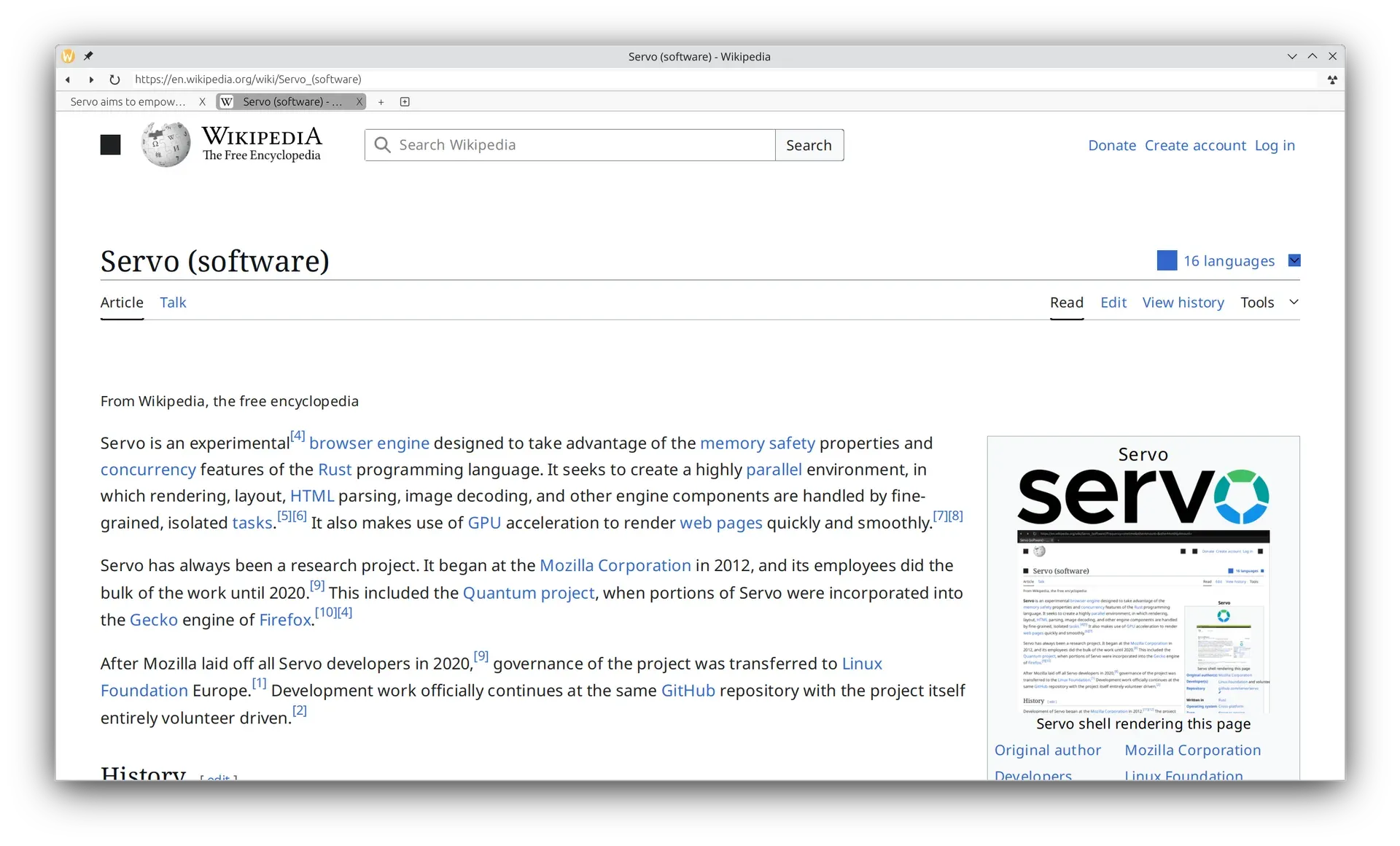
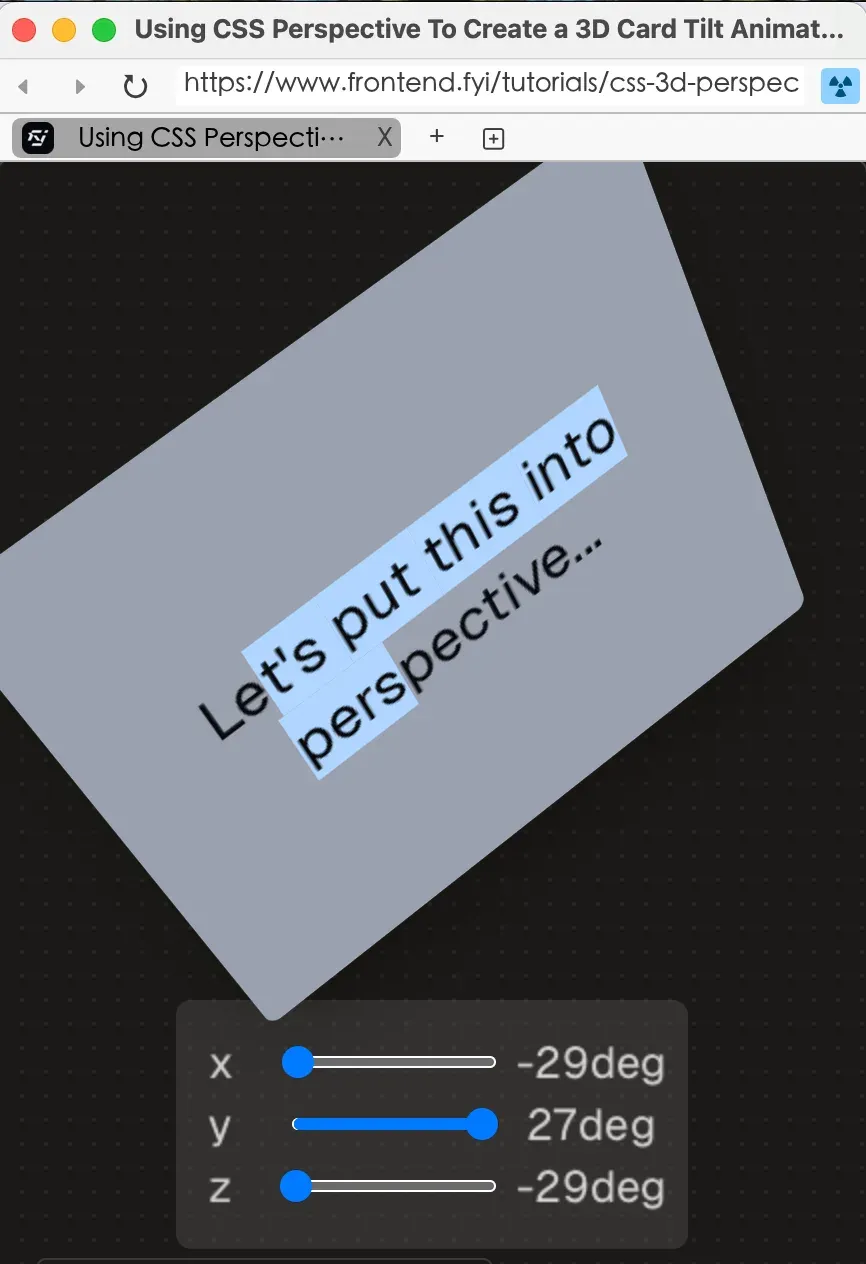
Servo has two main deliverables. The servo crate is the library that applications use through a WebView-based embedding API, documented at doc.servo.org. servoshell is a small demo browser built with winit and egui; the Servo Book states that it is not a fully fledged browser and exists to show how Servo works on a system and to run tests. The book also names two third-party embedding options: tauri-runtime-verso, a custom Tauri runtime, and servo-gtk, a GTK4 web browser widget. Servo is developed for 64-bit Linux, 64-bit macOS, 64-bit Windows, Android and OpenHarmony.
Builds come in three forms. The download page offers nightly snapshots of servoshell for Windows (installer and ZIP), macOS (x64 and aarch64), Linux (x64 and aarch64), Android (aarch64) and OpenHarmony (aarch64), with a warning not to log into a bank with Servo yet. Monthly versioned releases on GitHub carry the same servoshell targets plus an Android AAR library, an OpenHarmony shared library and a vendored source archive, and the matching servo crate is published to crates.io. The first GitHub release appeared in October 2025, and v0.1.0 on April 13, 2026 was the first crates.io release of the crate. There is no 1.0 release; the project states that it has not finished discussing what 1.0 means for Servo.
The current release is v0.8.0, published on GitHub on November 9, 2026 as a tech demo build containing the changes landed in October. Its generated notes list, among other work, a DelayNode interface for Web Audio without cycle handling, a first SVG data model, WebGL validation fixes, unit test runs on OpenHarmony through mach and refactoring of the Android app. The previous release, v0.7.0, covered 527 commits from September according to the September in Servo post: the progress element, the user-select property, CSS typed arithmetic, the alpha() function, roundRect() on canvas, an upgrade to SpiderMonkey 153.3 with upstream security fixes, and embedding API changes such as the new WebView::clear_session_history and the removal of WebView::set_throttled.
Servo is licensed under the Mozilla Public License 2.0. It bundles FreeType, which is dual-licensed, so embedders either acknowledge the FreeType project or choose its GPL license, per the license page. The project depends on outside funding: donations through GitHub Sponsors, Open Collective, thanks.dev and Benevity are allocated through a public TSC funding request process, and servo.org lists Futurewei, Igalia, NLnet Foundation and the Sovereign Tech Agency as partner organizations. The AI usage policy does not accept contributions generated by large language models in code, documentation, issues or pull requests. Other independent engines listed on iThub include Ladybird and the Rust headless engine Obscura.
Key capabilities
- WebView embedding API Applications create a
Servoinstance and one or moreWebViewobjects, and receive callbacks through aWebViewDelegate. Recent releases addedWebView::clear_session_historyandServo::forward_accessibility_action; embedders now callWebView::set_focusedwhen a view gains or loses system focus, and hidden WebViews are throttled automatically. Breaking changes between monthly releases are expected, and the API reference lives at doc.servo.org. - Modular build through Cargo features Web features can be switched off at build time. The
default_web_featuresgroup selects all web features, WebGL is part of that group since 0.7.0, and multiprocess support sits behind its own feature, which the project says adds about 2 MB to the binary. Resources are baked in throughservo-default-resourcesby default, or an embedder supplies its ownResourceReader, as the OpenHarmony port does. - Multiprocess architecture with WebRender Each Servo instance has one constellation that manages web content processes for all frames. A script thread owns the DOM and runs JavaScript, layout builds a box tree and a fragment tree and may use worker threads in parallel, and a single renderer passes display lists to WebRender, the GPU rasterizer also used by Firefox. With multiprocess mode disabled, all script threads run in the embedder process, as described in the architecture chapter.
- SpiderMonkey JavaScript engine JavaScript runs on SpiderMonkey, upgraded to version 153.3 in the September cycle together with mozangle 0.7, both carrying upstream security fixes. Two preferences,
js_mem_gc_malloc_threshold_base_mbandjs_mem_gc_urgent_threshold_mb, tune garbage collector behavior on memory-constrained devices. Unhandled promise rejections are reported to the JavaScript console. - WebGL, WebGL2 and WebGPU WebGL is enabled by default. WebGL2 (
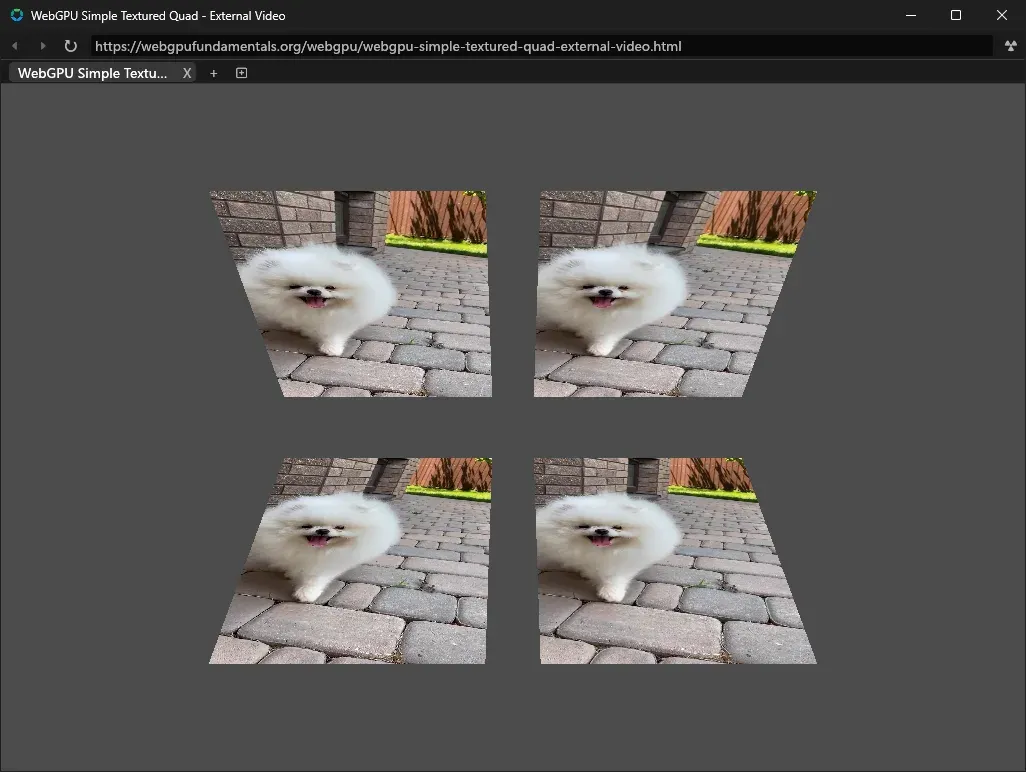
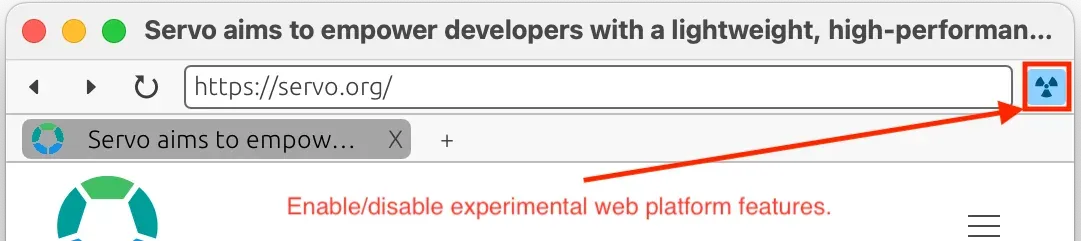
dom_webgl2_enabled) and WebGPU (dom_webgpu_enabled) are partial implementations behind preferences and the experimental features switch. Recent blog posts report WebGL2 conformance work and WebGPU rendering of external video textures. - Experimental web platform features Partially implemented features are gated by preferences listed in the experimental features table. One group, including IndexedDB, IntersectionObserver, the Clipboard API, CSS multicol, OffscreenCanvas and the Sanitizer API, is turned on by
--enable-experimental-web-platform-featuresor the toolbar button in servoshell. Another group, including ServiceWorker, WebRTC, Web Animations and CSS writing modes, needs an explicit--prefflag. - servoshell demo browser Servoshell is built with winit and egui and offers tabs, a location bar, back and forward navigation, reload, page zoom and full-screen exit through keyboard shortcuts. It is started as
./servo [url] [options], and--helplists the command-line options. The bundled license list opens atservo:license. The project calls it a test browser rather than a full browser. - Windows, macOS and Linux builds Each monthly release and nightly snapshot includes a Windows x86_64 installer and ZIP, macOS DMG images for x64 and aarch64, and Linux tarballs for x86_64 and aarch64. Servo.app is not signed, so the download page documents Gatekeeper workarounds, including removal of the quarantine attribute. On Linux, servoshell needs GStreamer 1.18 or newer with the base, good, bad and ugly plugin sets, plus libXcursor, libXrandr, libXi, libxkbcommon and the Vulkan loader.
- Android APK and AAR Releases include an aarch64 APK of servoshell and an aarch64 Android Archive for apps that embed Servo. The JVM compatibility target was raised to 11 in the September cycle, and the October changes moved the app to the Activity Result API. Building for Android requires the Android SDK, NDK and command-line tools set through
ANDROID_SDK_ROOTandANDROID_NDK_ROOT. - OpenHarmony and HarmonyOS The release HAP package is signed for OpenHarmony, not HarmonyOS. For HarmonyOS, the release notes point to the aarch64 shared library and an ArkTS demo project in DevEco Studio with self-signing. The OpenHarmony SDK was updated to API level 23, and the OpenHarmony build can be cross-compiled from Windows hosts.
- Long-term support releases The LTS policy introduces a new LTS branch every six months with an expected support period of nine months. LTS branches receive security fixes only, including fixes for the JavaScript engine, on a best-effort basis with no fixed schedule. Only the
servolibrary is in scope, servoshell is excluded, and the minimum supported Rust version stays fixed on a branch. The 0.1 line received patch releases up to 0.1.4 in October 2026. - Monthly releases and crates.io A new version is cut each month from
main, tested as a beta pre-release on the nightly releases repository, and then published to GitHub and crates.io through a trusted publishing workflow. Each release requires a matching release of the Stylo style crates. The current crate declares Rust 1.88 as its minimum supported Rust version, and a vendored source archive is attached to each GitHub release. - Firefox DevTools support Servoshell can start a DevTools server, for example with
--devtools=6080, and Firefox connects to it throughabout:debugging. The DevTools chapter states that the Inspector and Console tabs work, covering the HTML tree, CSS styles and JavaScript evaluation. The console now evaluates inputs eagerly. - WebDriver server Servo contains a web server that implements the WebDriver specification. Servodriver, a harness built on wptrunner, uses it to run Web Platform Tests, and Servo defines WebDriver extension methods for managing preferences between tests. It is not yet enabled by default and is selected with
--product servodriver. - Accessibility tree through AccessKit Embedders activate accessibility per WebView with
WebView::set_accessibility_active(), which returns a tree ID used to graft the WebView into the host application tree. Servo then emits AccessKit tree updates through the delegate. In servoshell the feature sits behind--pref accessibility_enabled, and recent work added geometry bounds for inline elements. - Media through GStreamer Audio and video use the
media-gstreamerfeature, which./mach buildenables by default. On macOS and Windows the required GStreamer libraries come from the servo-build-deps releases; on Linux they come from the package manager. Text tracks, WebVTT parsing and Web Audio nodes are under active development. - Building from source The README describes a build with
uv,rustup,./mach bootstrapand./mach buildon macOS, Linux and Windows. Windows builds need the Visual Studio C++ build tools, ATL and a Windows SDK of version 10.0.19041 or newer. The build chapter also covers NixOS, WSL and offline builds.
Where Servo fits
Embedding web content in a Rust application
The servo crate from crates.io provides the WebView API. An application starts Servo, opens WebViews that render into a rendering context and forwards input events, while a WebViewDelegate receives navigation, focus and accessibility callbacks. The embedding overview lists what ./mach normally sets up when building directly with Cargo: environment variables for cross-compilation, the GStreamer media feature and resource handling.
Using Servo inside Tauri or GTK applications
The Servo Book names tauri-runtime-verso, a custom Tauri runtime, and servo-gtk, a GTK4 browser widget, as ways to embed Servo without writing a host from scratch. Both are separate projects maintained outside the servo/servo repository, so their release cycles and supported Servo versions are documented in their own repositories.
Trying servoshell on a desktop
servoshell is downloaded from the GitHub release page or the nightly download page and started with an optional URL. Pages that rely on features still in progress can be tried by pressing the experimental features button in the toolbar or by passing --enable-experimental-web-platform-features. On macOS the unsigned app has to be allowed through System Settings, and the Linux troubleshooting guide lists missing GStreamer and libunwind libraries as start-up errors.
Running Servo on Android and OpenHarmony devices
The aarch64 APK installs servoshell on Android, and the AAR packages the engine for Android apps. On OpenHarmony the HAP package installs directly, while HarmonyOS needs the shared library and a self-signed build through DevEco Studio. Build targets are selected with --flavor=default or --flavor=harmonyos on the mach build, package and install commands.
Inspecting pages with Firefox DevTools
Developers start servoshell with a DevTools port, add localhost and that port as a network location in Firefox about:debugging, and pick a WebView to inspect. The Inspector shows and edits the DOM tree and styles, and the Console evaluates JavaScript in the page. Other DevTools panels are not listed as working yet.
Following releases and reporting compatibility
Monthly blog posts such as September in Servo summarize new web platform features, embedding API changes, security updates and real-world site fixes, and each GitHub release is updated with a link to the matching post. The project asks users to report sites that work in a Zulip thread or a GitHub discussion, and failures as GitHub issues. The book describes LTS branches as an option for embedders with limited resources to keep up with monthly releases, and it publishes migration guides such as the one from 0.1 to 0.6 LTS.
Reviews of Servo
Be the first to share your experience with Servo.
Write a review
Loading review form…
Found Servo useful? Upvote it todayYour vote helps other IT teams find it in the daily ranking.