
What is Canva?
Canva is an online design and publishing platform made by Canva. The company's press hub gives 2012 as the founding year and 2013 as the launch year, and the About page describes Canva as an online design and publishing tool launched in 2013. The core product is a drag-and-drop editor with templates, stock media and AI tools. Canva is a hosted service used in the browser and through desktop and mobile apps; there is no self-hosted edition.
Canva sells its editor as the Visual Suite: Docs, Sheets, Whiteboards, Presentations, Websites, Code, Video, Print Shop, Social, Photo Editor and Email. According to Canva, these formats can be combined inside a single design, and Canva Offline keeps work going without a connection and syncs changes when the device is back online. Canva Code turns ideas into interactive, ready-to-publish experiences without writing code.
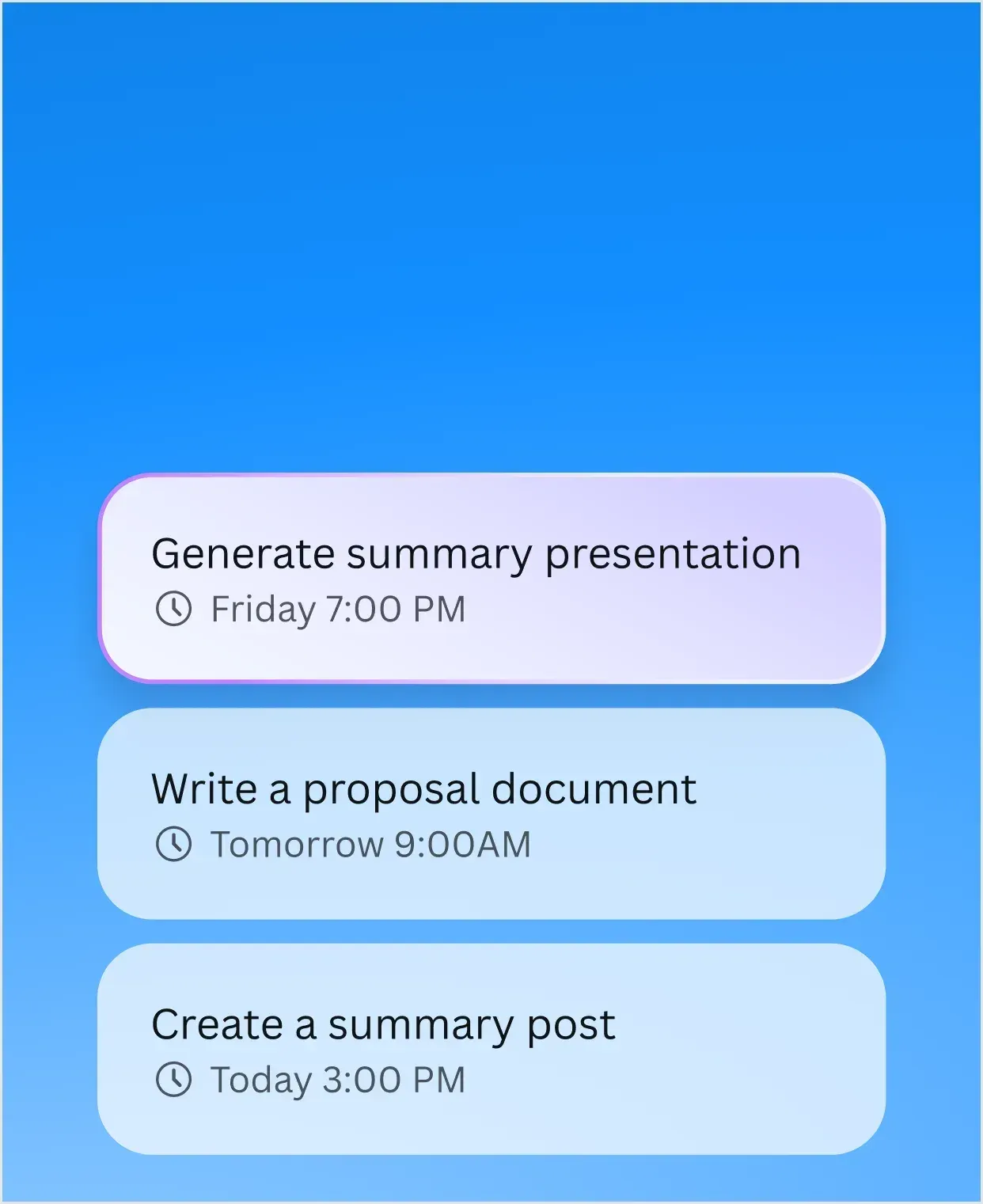
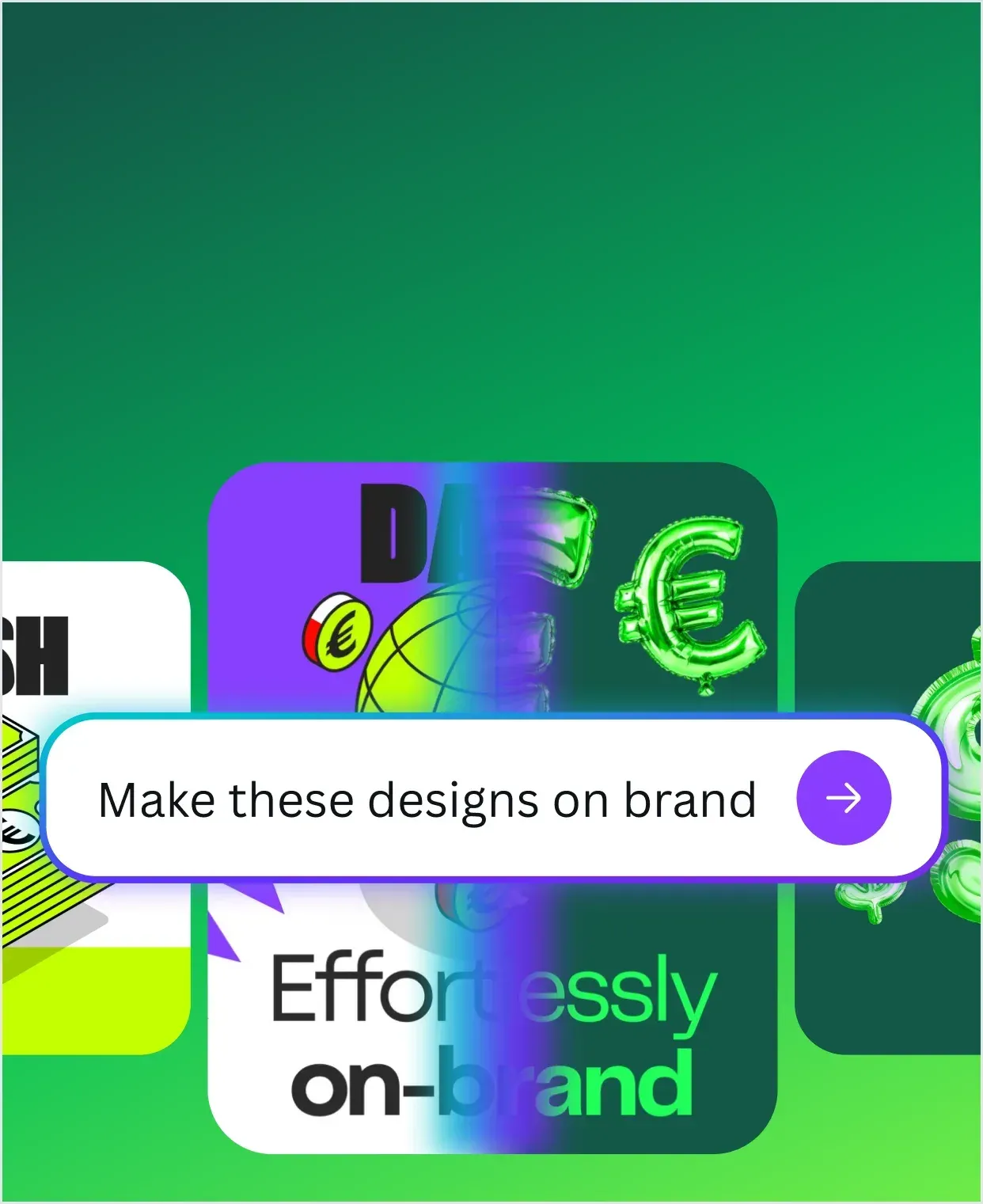
Canva AI is a conversational assistant: a design can be described by text or voice, refined in chat, matched to the brand's fonts, colors and rules, and enriched with web research or context from connected tools. Tasks can be scheduled to run later or on a recurring schedule. Canva Research, the company's AI lab, built Canva Craft, an image generation model that Canva says renders at up to 2K resolution across more than 30 aspect ratios, in Canva and through the public API, and Canva Brush, a vision-language model that powers supported design edits in Canva AI.
Canva runs in the browser and, according to its download page, as a desktop app for Windows 10 and later and for macOS, with apps for iOS, Android and Chromebook. No Linux desktop app is listed. The Trust Center privacy page states that Canva stores user data in the United States and that Canva group members process data in Australia, New Zealand, the Philippines, the United Kingdom, Singapore, Europe and the United States.
On the US pricing page checked on November 17, 2026, Canva Free costs US$0, Canva Pro costs US$144 per year or US$18 per month for one person, Canva Business costs US$250 per year or US$25 per month per person, and Canva Enterprise is quoted by the sales team. Prices exclude applicable tax, and the page is localized, so other countries see other currencies and amounts. Pro and Business have free trials; Enterprise has no free trial. Canva Teams is no longer available for new sign-ups or upgrades.
Next to the main product, Canva groups Affinity, Cavalry, Flourish and Leonardo as the Canva ProSuite, and states that the core Affinity and Cavalry platforms remain free to use. Developers work with the Canva Developers SDK, which unifies the Apps SDK, the Connect REST APIs and the Canva MCP server. Other design tools listed on iThub include Doory, HyCanvas, Penpot and GIMP; more are listed in the Image and Graphic Design category.
Key capabilities
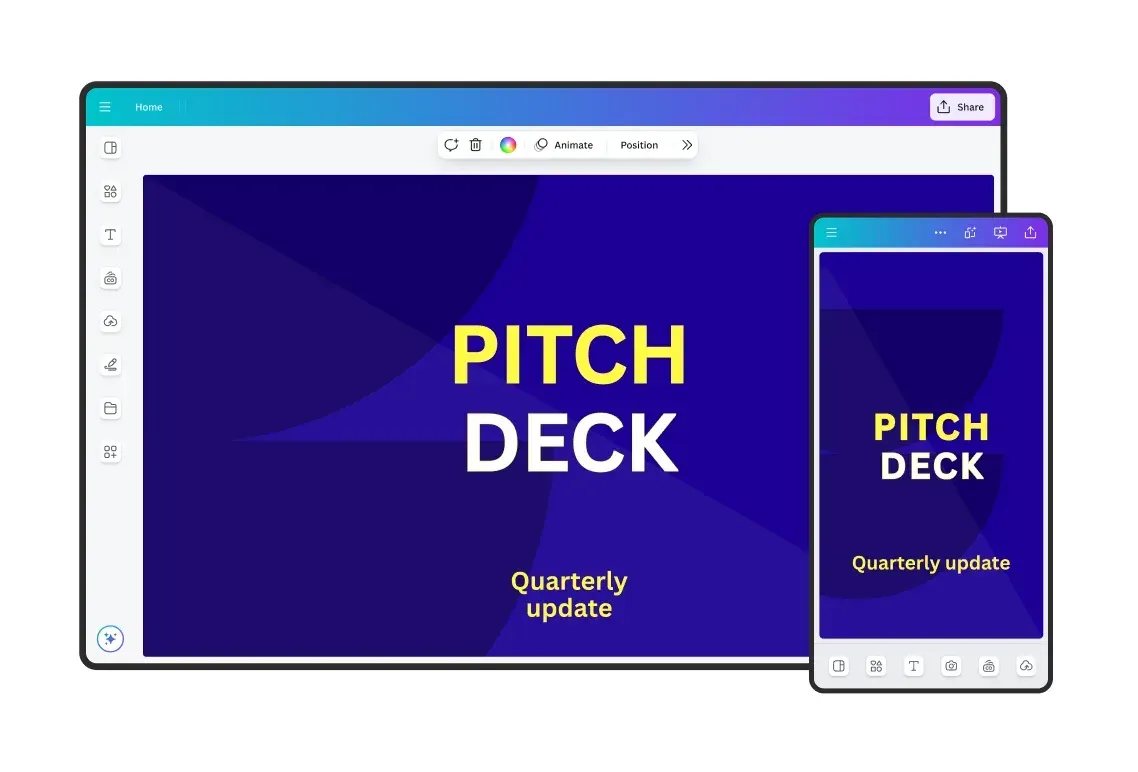
- Drag-and-drop editor The editor covers more than 1,000 design types and supports designs with custom dimensions and bulk design creation. Elements are placed, resized and grouped on a canvas, and finished designs can be saved as templates for reuse. The same editor is used for every format in the Visual Suite.
- Templates and stock content The plan comparison lists more than 1.6 million templates and 4.7 million photos, videos, graphics and audio items on Canva Free. Paid plans list more than 3.6 million templates, including premium ones, and more than 141 million premium stock items.
- Docs, Sheets and Whiteboards Docs use pre-built, editable Design Blocks, scrollable designs, data visualization and Magic Write for text. Sheets supports bulk actions, and Magic Formulas and Magic Insights are listed as Premium AI tools. Whiteboards sit in the same workspace and can be combined with other formats in one design.
- Presentations and interactive content Presentations offer multiple presentation modes and, according to the Visual Suite page, polls and quizzes, forms, 3D elements and captions. Canva Code builds interactive, ready-to-publish experiences from a prompt. Websites and landing pages are created in the same editor.
- Photo editing tools The AI design tools listed on the pricing page include Magic Edit, Magic Eraser, Magic Expand, Magic Grab, Magic Morph, Mockups, Photo Background Remover and Photo Background Generator. Magic Resize, Translate and background removal can also run at scale across many designs or images.
- Video and audio tools Video tools include Video Background Remover, Highlights, Enhance Voice, AI Voice, sound effects and photo and video animations. Beat Sync is manual on Canva Free and automatic on paid plans. Creating video clips with Canva AI is listed as an Ultra AI tool, and the Music and Sound Effect Generator as a Premium AI tool.
- Magic Layers Magic Layers, labeled beta, turns a flat image design into an editable layout whose text and objects can be selected, moved and recolored. Canva states that it works with images from any AI image generator, including ChatGPT, Gemini and Canva AI, and recommends JPEG or PNG input. Each use counts toward the monthly AI allowance.
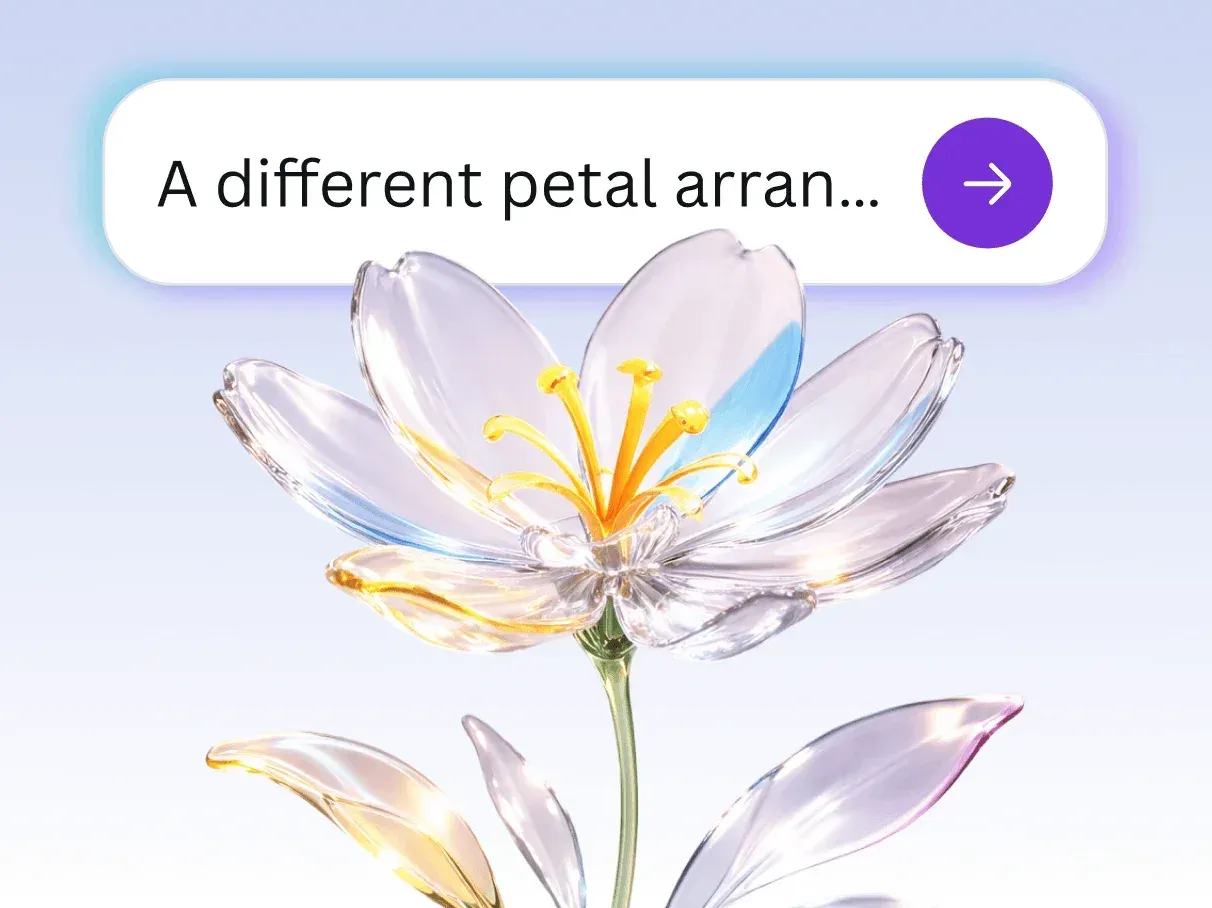
- Canva AI assistant Canva AI accepts text or voice prompts, refines designs in a conversation, generates elements such as images, charts and headlines, and applies brand fonts, colors and rules. It can run web research, use context from connected tools and run scheduled or recurring tasks. Supported languages listed by Canva include English, Spanish, Portuguese, French, German, Japanese, Korean, Chinese, Arabic and Hindi.
- AI allowance by plan Standard, Premium and Ultra AI tools share a monthly allowance that resets each month; Standard AI on paid plans does not use it, except on the Pro Lite plan. Pro has 10 times the Free allowance for Premium and Ultra AI tools, and Business and Enterprise 20 times. AI Pass is a monthly add-on for Pro and Business users who subscribe online, and AI top-ups are a one-time purchase for Business. During a trial the allowance equals Canva Free.
- Canva Craft and Canva Brush Craft is the first image generation model built and trained by Canva Research; Canva states that it renders images at up to 2K resolution across more than 30 aspect ratios and is available in Canva and to developers through the public API. Brush is a vision-language model for design edits that started powering supported edits in Canva AI for Canva Pro subscribers, according to the launch announcement.
- Brand management Canva Free includes 1 Brand Kit limited to 3 colors, Pro 5 Brand Kits, Business 100 Brand Kits with approvals and Enterprise 1,000 Brand Kits with tiered approvals and multi-team management. Brand Templates, Brand Controls, element locking, components and linking folders to Brand Kits are listed in the plan comparison. Org-wide Brand Kits and Templates apply across an organization.
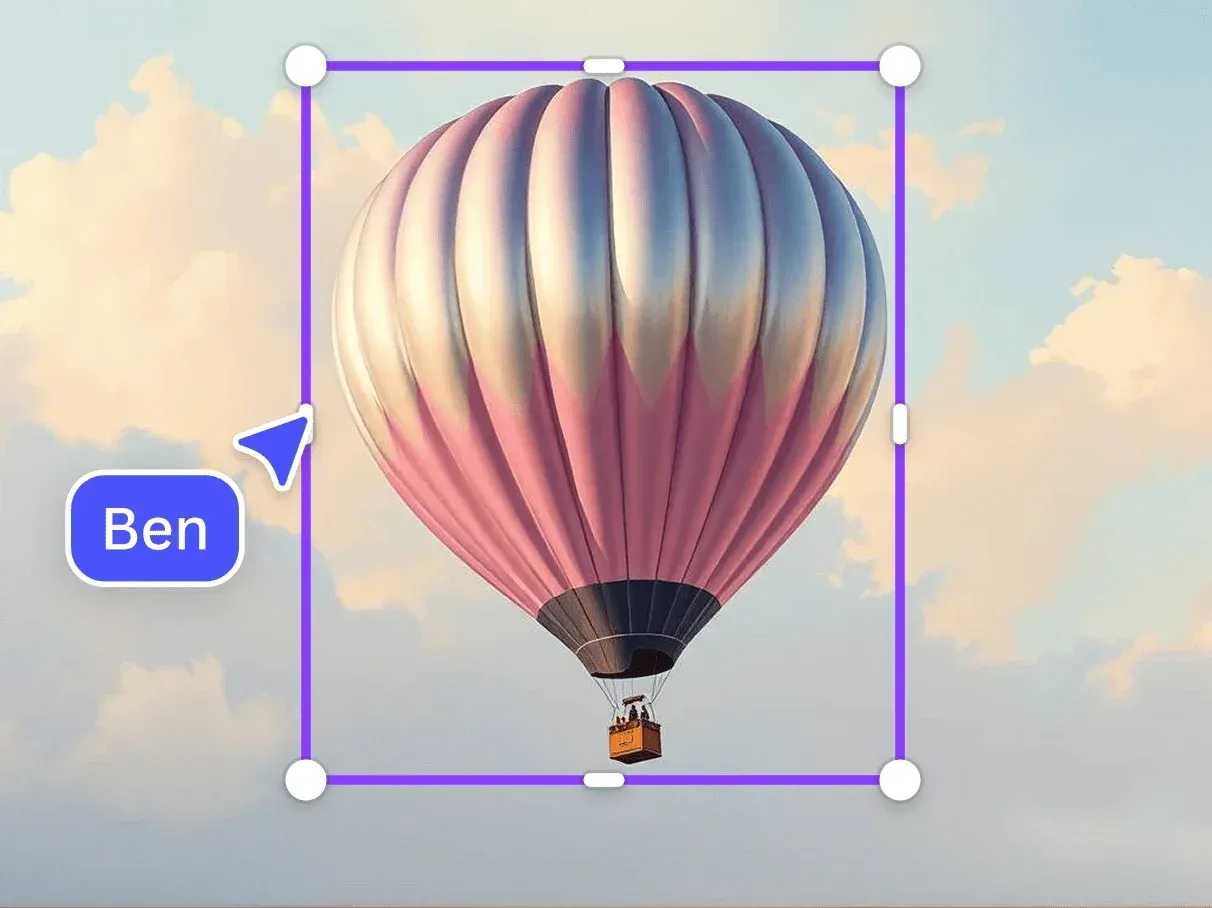
- Collaboration Real-time collaboration, comments, task assignment, link sharing, anonymous collaboration and team-only links are listed as collaboration features. Canva states that designs are private unless the owner explicitly shares them or saves them as team templates. Business adds a shared workspace in which every team member needs a paid seat.
- Social and advertising tools Pro includes social content scheduling through the Social Content Planner. Canva Grow provides ad insights and AI ad creation on all plans, and the comparison also lists ad tagging and publishing to ad platforms through Canva Grow. Brand Scan, which scans live social content against a Brand Kit to flag potential risks, appears in the Enterprise column as an extra-cost item.
- Print Print Shop produces physical products such as business cards, invitations, flyers, posters, T-shirts, mugs and stickers where Canva Print is offered. Business and Enterprise include a 10% discount on print orders, which cannot be combined with other print offers. For outside printers, the plan comparison lists print-ready export with CMYK output.
- Export, storage and offline work The plan comparison lists export as PDF, JPG and PNG, plus print-ready export as CMYK. Cloud storage is 5 GB on Free, 100 GB on Pro, 500 GB on Business and 1 TB on Enterprise, with unlimited folders. Canva Offline lets editing continue without a connection and syncs changes later.
- Apps and developer platform The Apps Marketplace adds third-party tools inside the editor. The Canva Developers SDK combines in-editor apps, the REST APIs for integrating Canva into other platforms and the Canva MCP server for AI assistants, and Canva publishes an OpenAPI description of the REST APIs. The Canva CLI, installed with
npm i -g @canva/cli, creates and manages Canva apps. - Security and administration The plan comparison lists multi-factor authentication, ISO 27001 certification, SOC 2 Type II, single sign-on, SCIM provisioning, audit logs, AI admin controls and restricted sharing controls, with SSO and SCIM part of Enterprise. Canva Shield covers trust, safety and privacy, and its AI output indemnity requires a minimum of 100 seats. A dedicated customer success manager is listed for enterprise customers with at least 150 seats.
- Apps for each platform Canva runs in a web browser, as a Windows app for Windows 10 and later, as a Mac app, and on iOS, Android and Chromebook. Designs are stored in the Canva account, so the same work opens on every platform. Canva does not list a Linux desktop app.
Where Canva fits
Social media and marketing content
Templates are available in channel-specific sizes, Magic Resize adapts a finished design to other formats and dimensions, and Translate converts the text of a design. On paid plans the Social Content Planner schedules posts, and Canva Grow adds ad insights, AI ad creation, ad tagging and publishing to ad platforms. Canva describes Business as designed for individuals, marketers and small teams that want ad performance insights and more AI access.
Presentations, documents and data
Presentations, Docs, Sheets and Whiteboards share one editor, and Canva states that these formats can be combined inside a single design. Presentations support several presentation modes, polls and quizzes. Sheets add bulk actions, Magic Formulas and Magic Insights, and Canva Business includes the Flourish Presenter plan for interactive data visualization when the Flourish account is created with the Canva Business account.
Brand-controlled content in organizations
Organizations store logos, colors and fonts in Brand Kits and publish Brand Templates that others can edit within limits set by Brand Controls, element locking and approvals. Canva AI applies brand fonts, colors and rules when it generates or edits designs. Canva describes Enterprise as built for large or multi-team organizations, with advanced brand governance, SSO and SCIM, custom apps and integrations, and admin controls.
AI-assisted design and image generation
A design can start from a text or voice prompt in Canva AI, which generates layouts, images, charts and copy and then refines them in a conversation. Images generated with Canva AI or other generators can be split into editable layers with Magic Layers. Canva Craft generates images in Canva and through the API, and AI usage draws on the monthly allowance of the plan, with AI Pass and AI top-ups as paid extras.
Print products
Print Shop turns a design into business cards, invitations, flyers, posters, T-shirts, mugs, stickers and other products in the countries where Canva Print is offered. Business and Enterprise subscribers get a 10% discount on print orders. Designs intended for an outside print provider can be exported print-ready with CMYK output.
Automation and integration
The Canva Developers SDK covers apps that run inside the editor, the REST APIs and the Canva MCP server. Example workflows on Canva's developer site include autofilling a Brand Template for every row of a CSV file, uploading new assets into a Canva folder and exporting a design to PDF when it is approved. The Canva CLI and the Dev MCP server support building Canva apps with coding agents.
Education and nonprofits
Canva Education is available for K-12 educators, their students and qualified school districts and institutions, and Canva Campus covers higher education. Nonprofits can get a free subscription with the premium features of Canva Pro plus team and collaboration tools for one team of up to 50 users, with additional seats 50% off on Canva Enterprise.
Reviews of Canva
Be the first to share your experience with Canva.
Write a review
Loading review form…
Found Canva useful? Upvote it todayYour vote helps other IT teams find it in the daily ranking.


