

What is GIMP?
GIMP, the GNU Image Manipulation Program, is a free and open source image editor. It is cross-platform and available for GNU/Linux, macOS, Windows and more operating systems. The official website describes it as free software whose source code you can change and distribute.
The site says graphic designers, photographers, illustrators and scientists use GIMP for photo manipulation such as retouching and restoring, original artwork creation, and producing icons, graphical design elements and art for user interface components and mockups.
GIMP is also described as a framework for scripted image manipulation with multi-language support including C, C++, Python and Scheme, and the community has created many plug-ins and scripts. It includes color management features for color reproduction across digital and printed media and fits workflows with Scribus and Inkscape.
GIMP screenshots
Explore the interface. Open a screenshot to view it at full size.
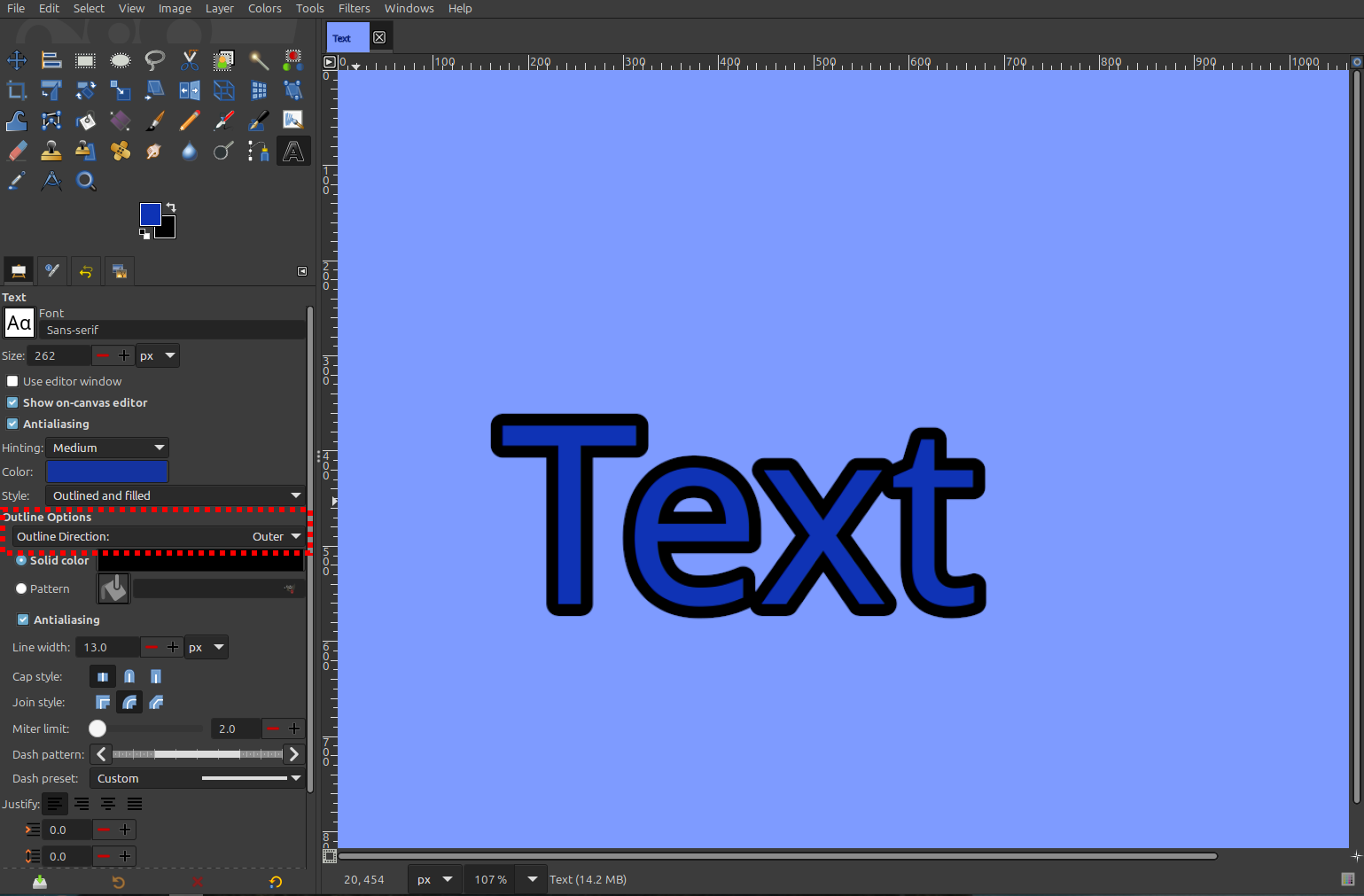
Source: official GIMP project page.
Key capabilities
- Photo manipulation Provides image-editing tools for working on photographs.
- Artwork creation Supports original artwork with painting tools and MyPaint brushes.
- Layer editing Includes non-destructive layers, link layers and vector layers.
- Filters Provides non-destructive filters and a GEGL filter browser.
- Text tools Includes a text editor and outline direction controls.
- Extensibility Exposes documented library APIs for plug-in developers.
Where GIMP fits
GIMP fits desktop workflows for editing photographs, creating artwork and preparing graphic design elements. Its plug-in APIs also provide an extension point for developers who need to add image-processing functionality.
Before deployment, teams should check the available package for their operating system and processor architecture, test required image formats, and verify compatibility of existing scripts and plug-ins. The release notes document the end of distribution of 32-bit binaries, which matters for older workstations.
Reviews of GIMP
Be the first to share your experience with GIMP.
Write a review
Loading review form…