What is PDF Craft?
PDF Craft is an open-source Python library from OOMOL that converts PDF files of scanned books, research papers and technical documents into editable Markdown or reflowable EPUB. It recognizes body text, chapters, tables of contents, footnotes, tables, formulas and images. With a separate text LLM it can also translate PDF and EPUB content, producing translated or bilingual EPUBs or writing the translation back onto the original PDF pages. The repository was created in February 2025, and the package is published on PyPI as pdf-craft under the MIT license; third-party dependencies and the selected OCR models keep their own licenses.
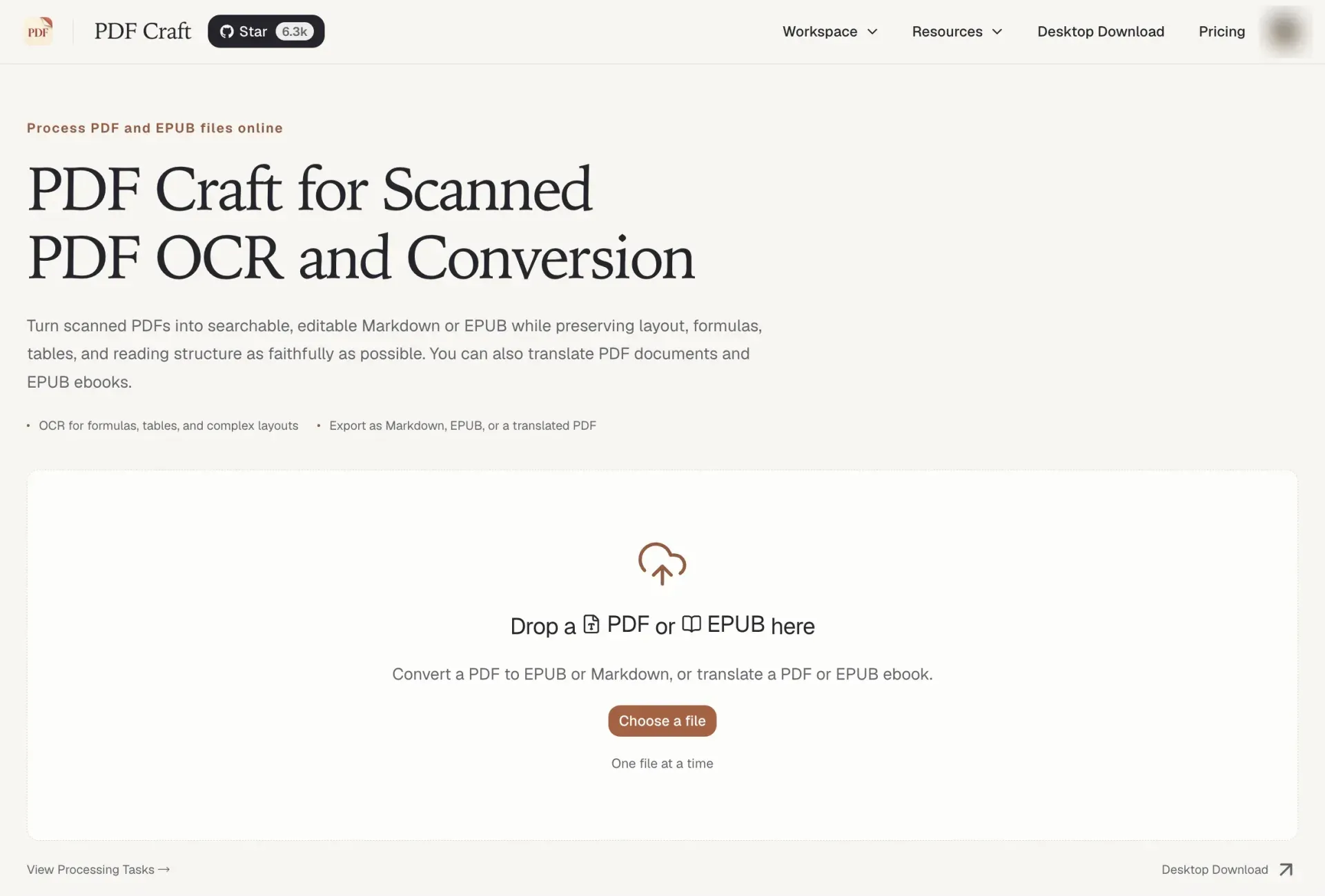
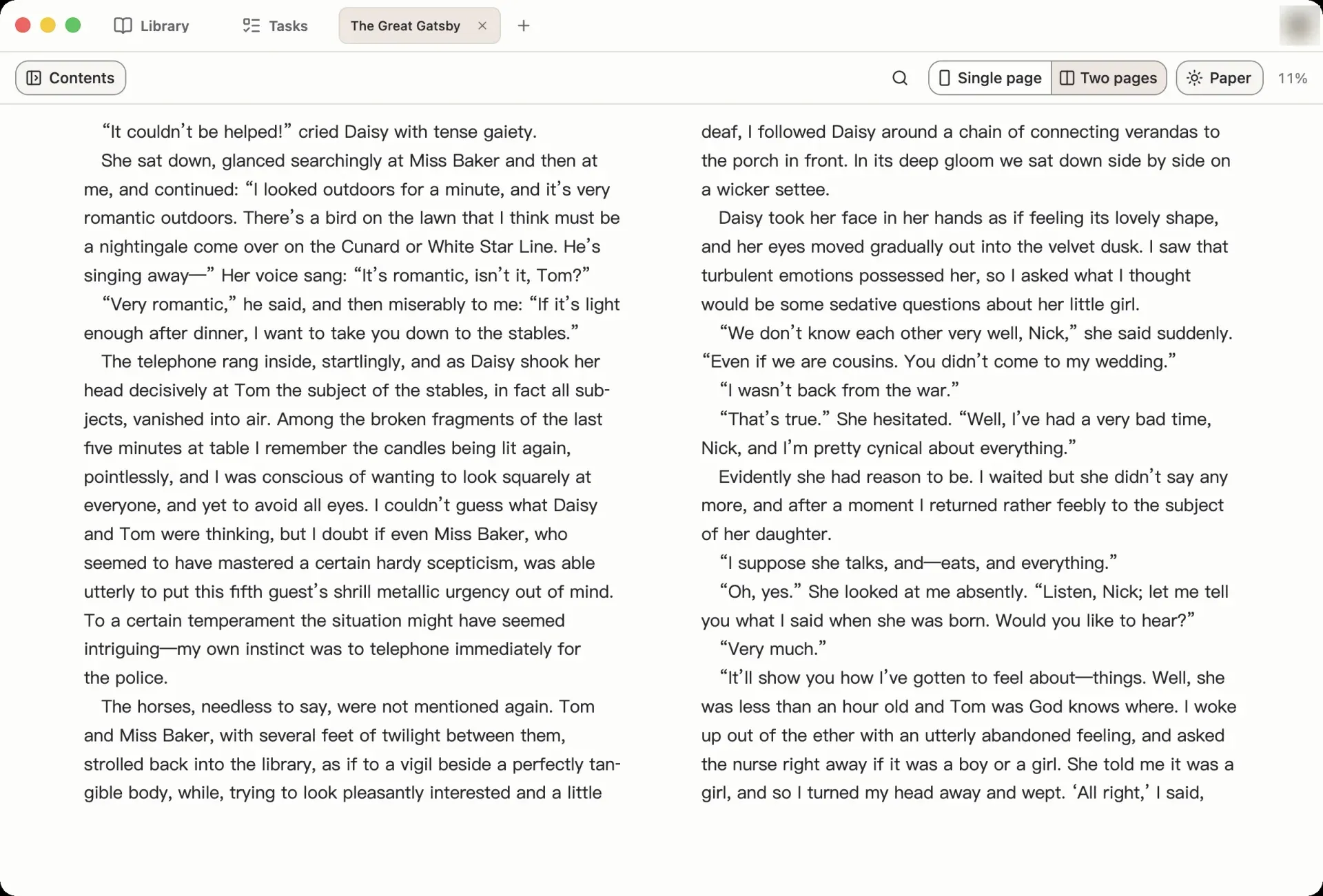
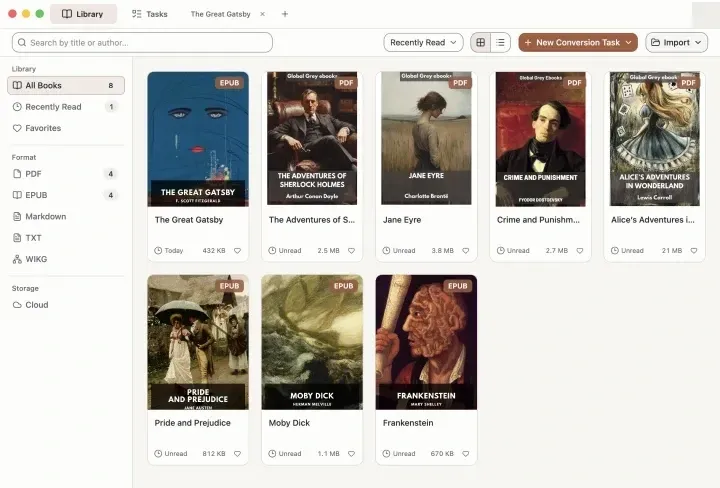
OOMOL also operates PDF Craft Online at pdfcraft.ai, which the README describes as the official online service for the project. After sign-in it accepts one PDF or EPUB at a time and returns Markdown, EPUB or a translated PDF, without a local Python, CUDA or OCR setup. The same hosted processing is available through a REST Transform API and a remote MCP endpoint and is billed with prepaid credits. OOMOL also publishes PDF Craft reader apps for Windows, macOS and iPhone or iPad. The site names Oomol Studio Limited, with a registered address in Wan Chai, Hong Kong, as service provider, and its open-source page states that the website, hosted service and client apps have terms separate from the library licenses.
The current release is v2.6.7, published on October 28, 2026. It restores incremental on_body and on_footnote delivery during PDF extraction after a regression in 2.6.6 and runs page refinement as a bounded pipeline, so closed paragraphs and footnotes arrive while OCR is still running. Version 2.6.6 fixed concurrent extraction and footnote OCR masks and renumbered extraction page stages to 0 through 7. Version 2.6.5 added translation size previews and per-operation usage reports, 2.6.4 unified extraction and translation progress events with breaking API changes, and 2.6.0 introduced shared retry and error policies with strict defaults.
Earlier major versions explain the current design. Version 0.2.8 relied on LLM calls for text correction and could run in CPU-only environments. Version 1.0.0, released in December 2025, was rewritten around DeepSeek OCR, dropped an AGPL-3.0 dependency so the whole project could use MIT, and required CUDA. Version 2.0.0, released in August 2026, added the single PDFCraft entry point, built-in EPUB translation, a PDF patching pipeline for translated output and remote vendor OCR next to local GPU OCR. The package metadata classifies it as Development Status 4, Beta.
The library requires Python 3.11 to 3.13 and Poppler. OCR uses DeepSeek OCR, DeepSeek OCR 2 or Baidu's Unlimited OCR, each either on a local CUDA-capable NVIDIA GPU or through a remote service. Translated PDF output also needs Ghostscript, Qt through PySide6 and suitable local fonts. The published package exposes Python APIs only, without a command-line entry point. The English documentation covers installation, OCR backends, conversion, translation, callbacks and the .pcex format, and the README ships in ten languages.
Key capabilities
- Install from PyPI The standard install is
python -m pip install pdf-crafton Python 3.11, 3.12 or 3.13, with a virtual environment shown in the installation guide. This package covers remote vendor OCR, so no local CUDA is needed. Importingpdf_craftverifies the installation without downloading a model or calling an OCR service. - Local OCR on an NVIDIA GPU The
pdf-craft[local]extra adds the runtime for local models. It does not pick a PyTorch wheel: a CUDA-enabled PyTorch build matching the Python version, driver and operating system, adequate VRAM and model storage are required. Models download from Hugging Face on first use, or can be fetched withpredownload_modelsand then loaded withlocal_only=True. - Remote vendor OCR DeepSeek OCR and DeepSeek OCR 2 vendor configurations call an OpenAI-compatible service with a base URL, API key and model name, defaulting to 8000 max tokens and a 180-second timeout. Unlimited OCR uses Baidu credentials against aip.baidubce.com. Rendered pages are sent as Base64 data URLs by default, or as URLs from an application-supplied resolver, as described in the OCR backend guide.
- System dependencies Poppler's
pdfinfoandpdftoppmread and render PDFs, and Linux page labels need the Poppler GLib library. Ghostscript is required only for translated PDF output. Optional Matplotlib with a TeX installation renders inline formulas as vector fragments in patched PDFs; without them, formulas fall back to plain text. Upgrading the Python package does not upgrade Poppler. - PDF to Markdown
convert_pdf_to_markdownwrites a Markdown file plus image and other asset files, and returns the OCR token counts for the run. A temporary analysis workspace is removed after success or failure unlessanalysing_pathis set.extraction_pathexports a reusable extraction file andassets_pathchooses where assets go. - PDF to EPUB
convert_pdf_to_epubuses the same extraction and adds book metadata, a table of contents and rendering options. Tables render in HTML or clipping mode, and LaTeX formulas as MathML, SVG or clipping.label_languageonly switches fixed navigation labels between Chinese and English. - Book metadata from the front pages By default the extraction infers no bibliographic metadata and ignores the filename. With
extract_book_metadata=Trueand a separate metadata LLM, values are accepted only when they match OCR evidence from the first pages, and native PDF properties fill only the missing fields. - Structure recognition Extraction rebuilds chapters, headings and the table of contents, using a separate LLM when table-of-contents analysis is needed. Footnotes use a traditional algorithm, or an optional refinement tier that adds a JEV scoring service and an LLM with explicit executors. Running heads, footers and folios of native PDFs are kept in a direct extraction but omitted from Markdown and EPUB output.
- Translation while converting An
XMLTranslatorbacked by a text LLM can translate structured content before Markdown or EPUB rendering.REPLACEproduces a target-language-only document,APPEND_TEXTadds translations in the same text flow andAPPEND_BLOCKadds separate translated blocks. The one-step conversion methods perform at most one translation. - EPUB translation
translate_epubtranslates an existing EPUB without OCR, using a model behind an OpenAI-compatible Chat Completions endpoint. Chapters, table of contents and translatable metadata are processed, and a custom prompt can set terminology. Successful requests can be cached so a rerun reuses finished work, with five retries by default (EPUB guide). - Translated PDF output
translate_pdfandpatch_pdf_with_extractionwrite translated text over the source pages. Ghostscript turns each source page into a font-free visual base, so the original text is no longer selectable, while links, notes and form widgets are reattached above the translation. Text areas are covered with a sampled local background color; tables and images are not translated in place. - Partial results for PDF writeback By default a fill error stops the PDF operation. With
error_policy=Truea failing page is emitted as its original page while successful pages keep selectable translated text, and a run in which every page fails raisesNoUsableFillPagesErrorinstead of producing an all-fallback PDF. - Reusable .pcex extractions A
.pcexfile is a ZIP archive holding chapters, assets, page geometry, document metadata and optional table of contents, cover, page furniture and translations. It can be rendered, translated or patched later on another machine without the OCR cache, and several translations can be stored under separate IDs (format reference). - Async API and incremental callbacks
AsyncPDFCraftmirrors the synchronous facade for applications with an event loop. Extraction, EPUB translation and PCEX rendering can deliver source-mapped paragraphs, footnotes, translated fragments and final metadata through callbacks before the output file is complete, with page numbers and bounding boxes for highlighting. - Progress, sizing and usage reports Progress events report
STARTED,PROGRESSandCOMPLETEDwith unit counts and source-word totals.pdf_pages_count,pcex_words_countandepub_words_countsize a task before it runs. AUsageCollectorrecords remote requests and input, cached and output tokens per provider, split into accepted and wasted calls, without prices. - Retry, error policies and input assertions
RetryPolicysets business retry budgets for translation, analysis and XML fill, andErrorPolicydecides with a boolean or callback whether OCR, rendering, translation or writeback failures may be skipped; defaults are strict. Optionalassert_pdf_readable,assert_pdf_renderable,assert_pdf_editableandassert_epub_readablechecks never modify the input. - PDF Craft Online The pdfcraft.ai site converts an uploaded PDF to Markdown or EPUB and translates PDFs and EPUBs in the browser, one file at a time after sign-in. Results are downloaded when the task finishes. An enhanced conversion mode adds page refinement with footnote extraction.
- Hosted Transform API and MCP The API reference describes asynchronous tasks at api.pdfcraft.ai with Bearer keys from OOMOL Console: create, upload, launch, poll and download, with an OpenAPI specification. Markdown is returned as a ZIP, translation accepts 22 target language codes, and there is no cancel or delete endpoint. A remote MCP server uses Streamable HTTP with protocol version 2026-07-28 and API-key headers, without OAuth.
- Credit pricing for hosted processing The pricing page sells credits at 1 credit per US$1 in $5, $20 or $100 amounts, payable by card or Alipay, and purchased credits do not expire. Conversion costs 0.30 credits per 100 pages, or 1.10 with enhanced footnote handling; PDF translation adds 0.30 per 100 pages, and EPUB translation costs 1.10 credits per 100,000 source words.
- Reader apps for desktop and iOS The download page offers PDF Craft for Windows 10/11 x64, macOS on Apple Silicon and iPhone or iPad, with desktop installers at version 1.3.0. The apps read converted ebooks and local PDF, EPUB, TXT and Markdown files, and the desktop app uses Wiki Graph Core for source-aware full-text search. The apps are optional for online conversion.
Where PDF Craft fits
Turning a scanned book into an EPUB for an e-reader
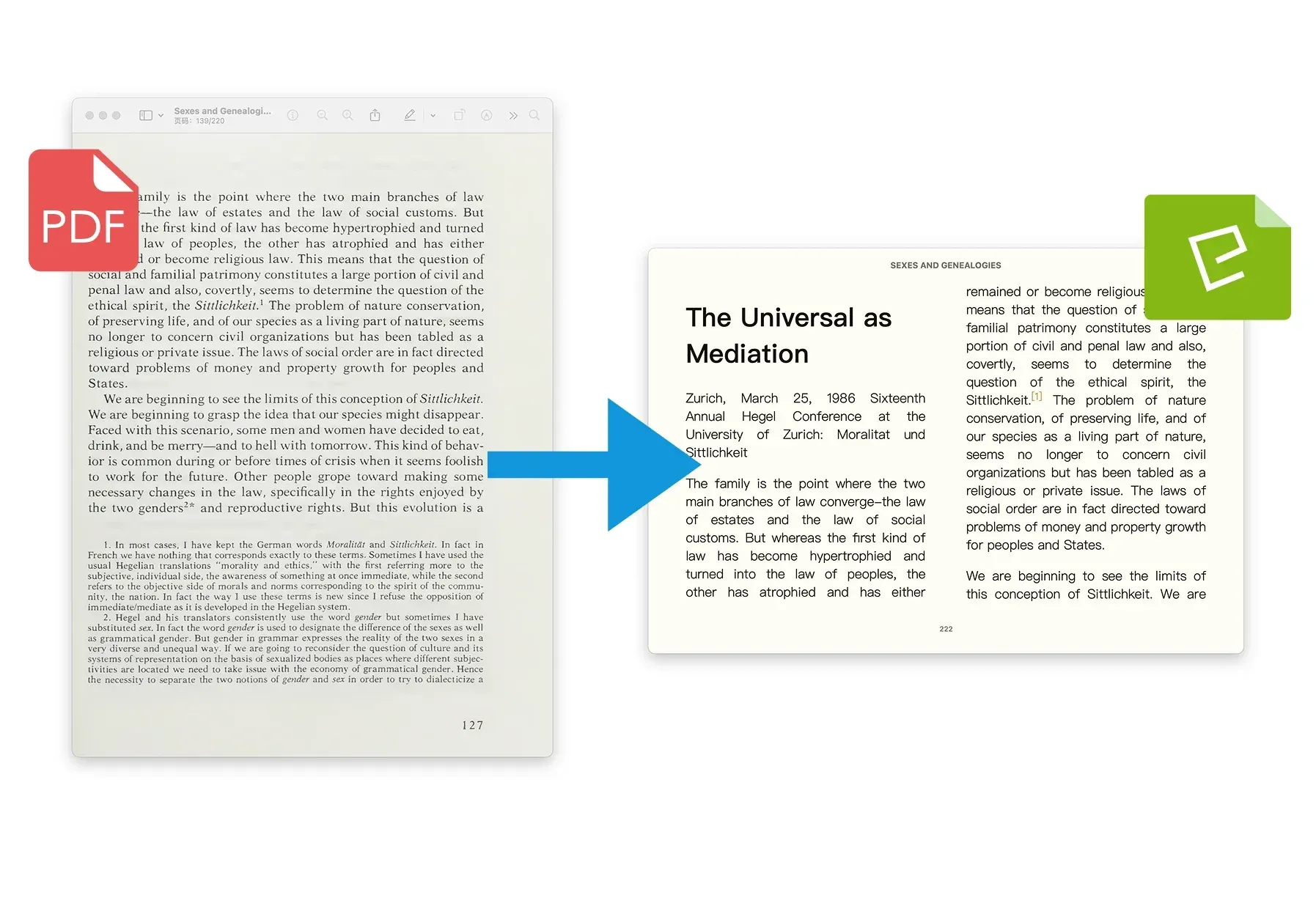
The project's main use case is a scanned book that cannot be searched, reflowed or resized. OCR recognizes the page text, and the extraction rebuilds chapters, the table of contents, footnotes, formulas, tables and illustrations into an EPUB with adjustable text. The conversion runs through convert_pdf_to_epub in Python or through an upload on PDF Craft Online. The README states that results depend on scan quality, page layout and the OCR model.
Converting papers and lecture notes to Markdown
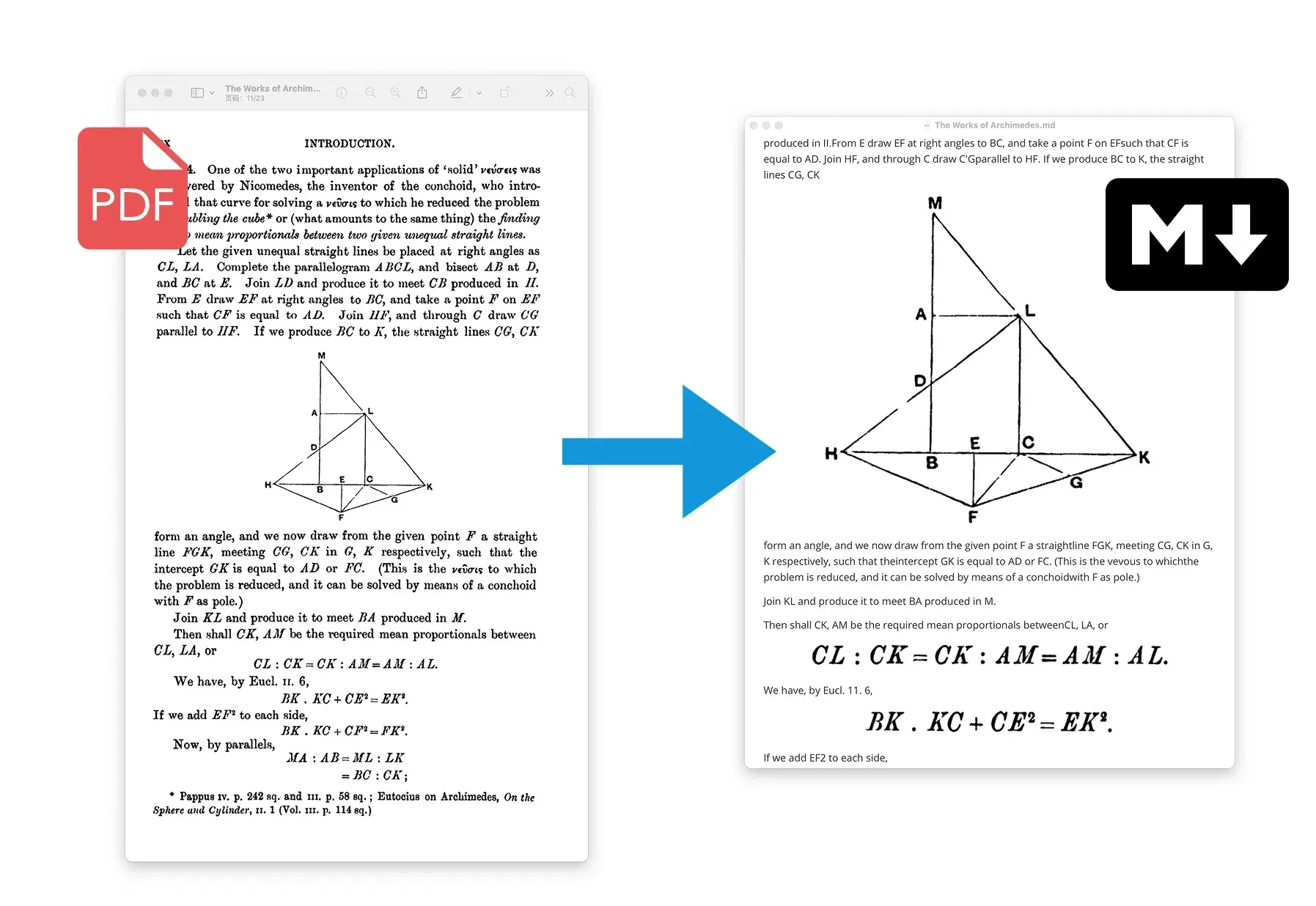
Research papers, textbooks and technical documents go to Markdown for editing, quoting and note collections. Formulas, tables and multi-column reading order are analyzed, and images are written as separate asset files that travel with the Markdown file. The hosted service delivers the same output as a ZIP archive with its resources. Other Markdown converters listed on iThub include MarkItDown and anydoc.
Producing a translated or bilingual edition of a book
An existing EPUB can be translated directly, and a scanned PDF can be translated during conversion to Markdown or EPUB. A translation-only edition replaces the original text, while the two append modes place the translation after each passage, either in the same text flow or as a separate block. The text LLM is configured independently of OCR, and a custom prompt can fix names and terms, as described in the PDF conversion and translation guide.
Writing a translation back onto the original PDF
For a translated PDF that keeps the source page appearance, the PDF is first extracted to a .pcex file, then translated and patched onto the source pages. Translation and patching can happen in separate steps or on separate machines, because the extraction carries the page geometry. The project describes this as a page-overlay workflow rather than a general PDF layout engine: tables and images stay untranslated, and the original page text becomes non-selectable artwork beneath the new text layer.
Building conversion into an application or agent
Applications call the synchronous or async facade, receive incremental callbacks for live previews and progress events for status, and read usage reports to see remote consumption per provider. Services that do not run OCR themselves can use the hosted Transform API, and agents that support remote MCP servers can create, upload, launch and download tasks with an API key. The callback guide and the hosted getting-started guide describe both routes.
Choosing where OCR and translation run
The README lists three paths: the browser service with no installation, Python with remote OCR, and Python with local OCR on an NVIDIA GPU. Remote OCR sends rendered pages to the configured provider. Local OCR keeps recognition on the machine once models are cached, but a remote LLM used for translation or table-of-contents analysis still receives the corresponding text. Hosted tasks run on OOMOL's service, expire after a service-defined period and have no delete endpoint.
Install
python -m pip install pdf-craftReviews of PDF Craft
Be the first to share your experience with PDF Craft.
Write a review
Loading review form…
Found PDF Craft useful? Upvote it todayYour vote helps other IT teams find it in the daily ranking.