

What is BentoPDF?
BentoPDF provides browser-based tools for people and teams working with PDF documents. It can merge and split files, rearrange pages, edit existing text, annotate documents, create and fill forms, and redact content. Document processing takes place on the user's device rather than on a processing server.
The toolkit also supports document conversion, text and table extraction, optical character recognition, and visual processing pipelines. It can be self-hosted through container-based or static hosting deployments. Some processing components load from a content delivery network by default, so offline or air-gapped installations require configuration of those dependencies.
The main repository describes dual licensing under an open-source license and a commercial license for proprietary applications. Some bundled components have additional licensing conditions, which should be reviewed before embedding the toolkit in another product.
BentoPDF screenshots
Explore the interface. Open a screenshot to view it at full size.
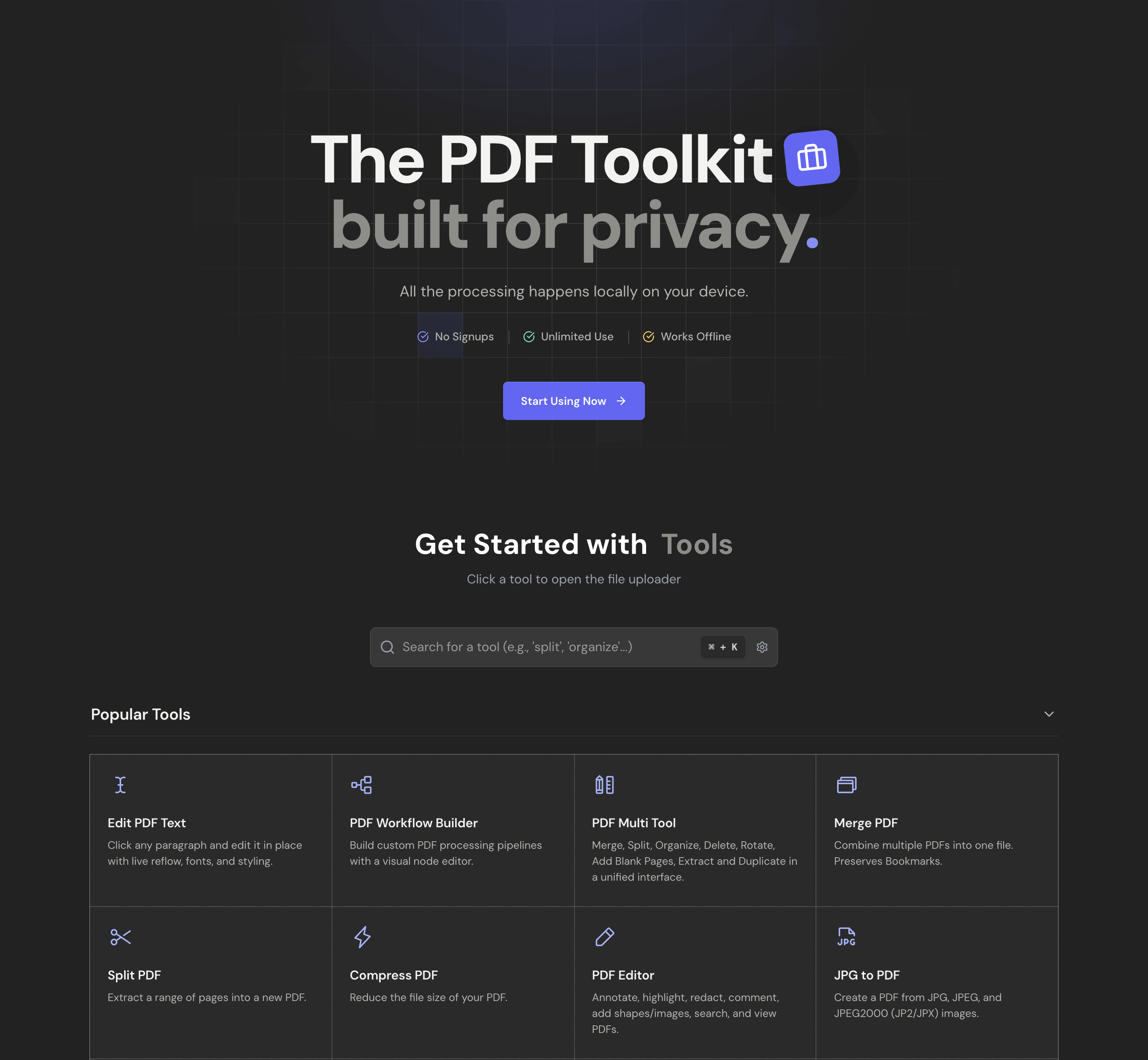
Source: official BentoPDF project page.
Key capabilities
- 50+ tools Merge, split, reorder, rotate and extract pages.
- Text editing Change existing text while reusing the embedded fonts.
- Forms Fill forms in the browser, including XFA forms.
- Redaction and annotation Mark up and redact content.
- Workflow builder Chain processing steps in a visual node editor.
- Self-hosting guides Docker, Nginx, Apache and several cloud platforms.
Where BentoPDF fits
- Organize and manage Merge PDFs while preserving bookmarks, split documents, reorder, duplicate or delete pages, and rotate individual or all pages.
- Edit and annotate The PDF Editor annotates, highlights, redacts, comments and adds shapes or images, and a separate tool edits existing text directly.
- Forms Create fillable forms with text fields, checkboxes, dropdowns, radio buttons and signatures, and fill forms in the browser, including XFA forms.
- Redaction and cleanup Redact content permanently, flatten form fields and annotations, and add Bates numbers, watermarks and page numbers.
- Convert to PDF Images, Word, Excel and PowerPoint files, and OpenDocument formats convert to PDF.
- Convert from PDF and extract The AGPL components add PDF to text, Markdown, SVG and DOCX, plus image and table extraction.
- Automation A PDF Workflow Builder creates custom PDF processing pipelines with a visual node editor.
- Privacy and hosting All processing happens in your browser, and the tool can be self-hosted with Docker or static hosting.
Reviews of BentoPDF
Be the first to share your experience with BentoPDF.
Write a review
Loading review form…
Alternatives to BentoPDF
 DocuSealDocuSeal is an AGPL-3.0 platform for building fillable PDF forms and collecting e-signatures, with SMTP email, S3 storage, API, webhooks and mobile apps, available self-hosted with Docker or as DocuSeal Cloud with a Pro plan.
 DocumensoAGPL-licensed document signing platform built with TypeScript, React Router and PostgreSQL. Use Documenso Cloud or self-host it with Docker, with templates, a REST API, webhooks, embedded signing and X.509 sealed PDFs.
 FileeMIT-licensed local file converter for Windows and Linux, with macOS in preview. It advertises 255 formats across documents, images, media and archives; some conversion routes need optional engines.