
What is FreeCAD MCP?
FreeCAD MCP is a Model Context Protocol server for FreeCAD, the open-source parametric 3D CAD application it controls. It has two components: an addon that runs inside FreeCAD and exposes an XML-RPC server, and a separate MCP server process that a client such as Claude Desktop, Claude Code or Cursor launches and talks to. The MCP server translates each tool call into an XML-RPC request to the addon, which runs the operation on FreeCAD's GUI thread and can return a rendered screenshot of the result. The repository was created on November 25, 2023 and the latest tagged version is v0.1.32, dated November 16, 2026, which both the addon manifest and the GitHub tag history confirm. The project has not published a GitHub Release; version tracking is done through the addon's package.xml and git tags.
The addon and the MCP server are maintained together but versioned and distributed separately. The addon is copied by hand into FreeCAD's user addon directory, for example %APPDATA%\FreeCAD\v1-1\Mod\ on Windows or ~/.FreeCAD/Mod/ on Ubuntu, as described in the installation guide. The MCP server is a Python package published for uv or uvx and requires Python 3.12 or later, while FreeCAD's own bundled Python can still be 3.11. A Docker image is also documented for running the MCP server in a container, with FreeCAD and the addon kept on the host. Communication between the two components uses a protocol version that both sides report; protocol 3, the current one, adds generation scoped GUI dispatch, task history and exclusive admission for shared scripts, and the server warns when the addon and server protocol versions do not match.
FreeCAD MCP is released under the MIT license, the same as stated in its Python package metadata. Its dependencies include the official mcp SDK, Pydantic, PyJWT and the validators package. The maintainer, neka-nat, also publishes other open source projects on GitHub, including cupoch, a GPU accelerated robotics and point cloud library, and probreg, a point cloud registration package, each with more than 1,000 GitHub stars.
The project is scoped to driving an existing FreeCAD installation; it does not package or ship FreeCAD itself, and it has no mobile or web client. The RPC server the addon starts has no authentication and does not encrypt traffic by default: it listens on localhost only unless remote connections are explicitly enabled, and the configuration guide documents an optional auth token and an SSH tunnel as alternatives to opening the port to a network.
Key capabilities
- Document management
create_document,list_documentsandreload_documentcreate a FreeCAD document, list the documents currently open and close and reopen a saved document so external file changes, such as the output of a headless script, are picked up. - Object creation and editing
create_object,edit_objectanddelete_objectcreate, modify and remove objects in a document. A failed edit rolls back its transaction, and a creation failure removes the new object rather than leaving a partial one behind. - Document inspection
get_objectsandget_objectreturn the objects in a document or the properties of one object. Missing documents or objects are reported as errors rather than as empty results. - Viewport screenshots
get_viewreturns a screenshot of the active view in one of nine orientations, including Isometric, Front, Top and Dimetric, with optional width, height and focus object parameters.create_object,edit_object,delete_object,get_objects,get_object,execute_code,insert_part_from_libraryandrun_fem_analysiscan also return an optional screenshot, controlled per call or disabled globally with the--only-text-feedbackflag. - Python execution on the GUI thread
execute_coderuns a Python script inside FreeCAD with access toFreeCAD/AppandFreeCADGui/Guialiases and a persistent shared namespace across calls, with a default 90 second execution budget that can be raised up to 1800 seconds. - Background and headless execution
execute_code_asyncstarts a background job and returns a job ID forget_async_status; acommit()helper applies results back on the GUI thread.execute_code_headlessruns a script in a separatefreecadcmdprocess, so a native crash in geometry code does not affect the running FreeCAD session. - RPC and version status
get_rpc_statusreports listener state, GUI dispatch health, queue and job counts, the addon's reported version and whether its protocol matches the MCP server's, without needing the GUI thread. - Parts library access
insert_part_from_libraryandget_parts_listinsert parts from and list the contents of the community FreeCAD parts library. - FEM analysis
run_fem_analysisruns the CalculiX solver on an existing FEM analysis container, auto creating a solver object if needed, and returns maximum von Mises stress, maximum and minimum displacement, node count and the applied loads with their units. - Installing the FreeCAD addon The
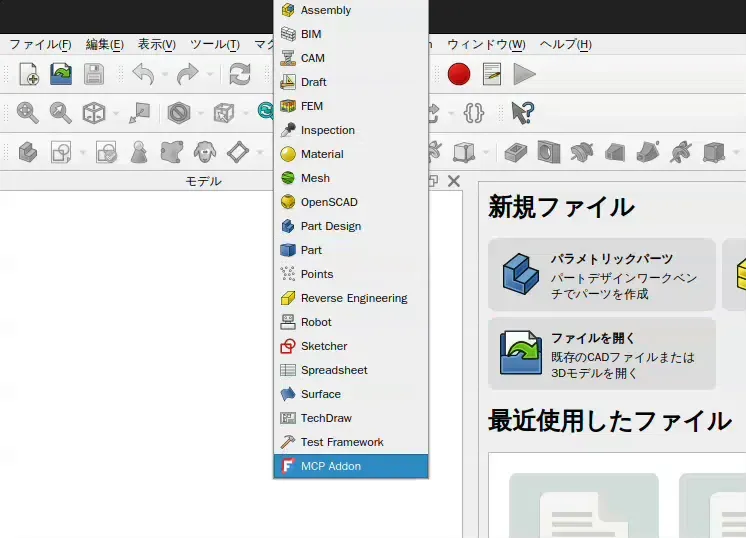
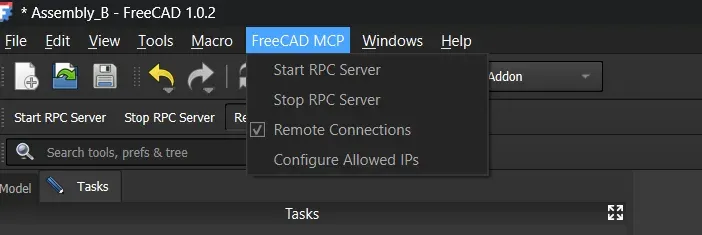
addon/FreeCADMCPdirectory from the repository is copied into FreeCAD's user addon directory, for exampleMod/FreeCADMCP, after which the MCP Addon workbench and its Start RPC Server command appear inside FreeCAD. - Installing the MCP server The server is run with
uvx freecad-mcpwithout a separate install step, or from a cloned checkout withuv syncanduv run freecad-mcpfor development. It requires Python 3.12 or later, kept separate from FreeCAD's bundled interpreter. - Docker image A Dockerfile builds an image that runs only the MCP server; FreeCAD and the addon still run on the host.
execute_code_headlessis unavailable in the image because it has no FreeCAD installation. - Remote connections and auth token The addon can bind to all interfaces with an allowed IP or CIDR list, and an auth token can be set on the addon and passed to the server through
FREECAD_MCP_TOKEN. An SSH tunnel is documented as an alternative that keeps the RPC port onlocalhost. - HTTP and SSE transports Besides the default stdio transport, the server can run
--transport streamable-httpor the deprecatedssetransport as a long lived service, with a separate listen token,--allowed-hostentries and DNS rebinding protection for non-loopback addresses.
Where FreeCAD MCP fits
Creating and editing parametric models through a conversation
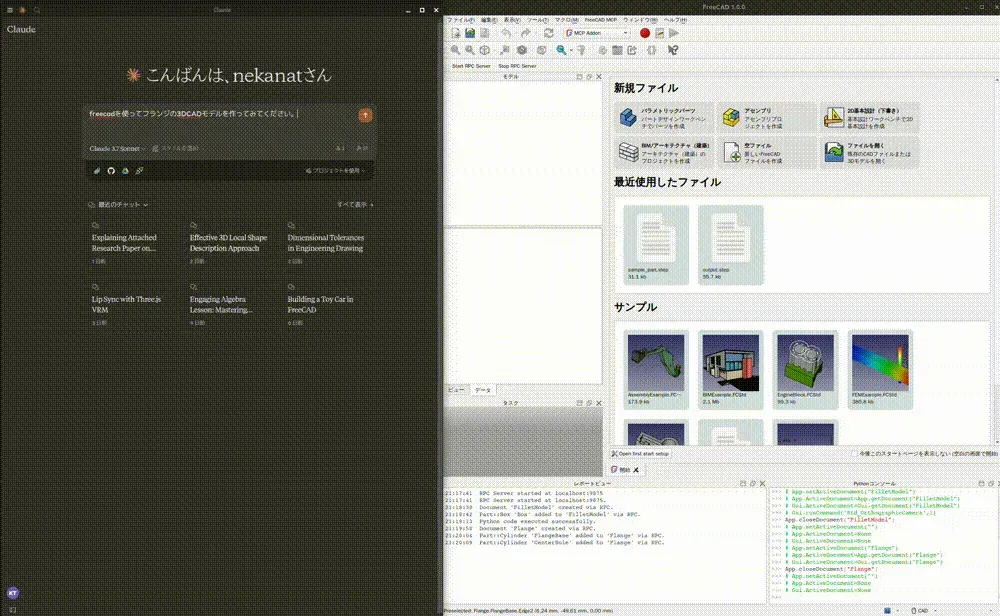
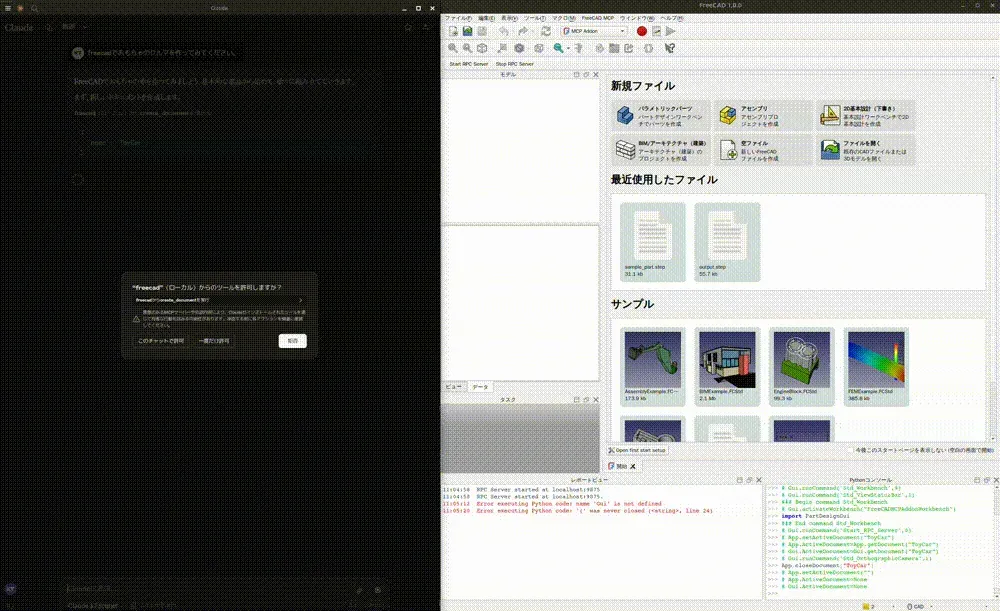
An MCP client can call create_document and create_object to build primitives, sketches and features, then edit_object to change their properties, with FreeCAD recomputing the parametric history after each change. The documented demos show a flange and a toy car built this way, and a conversation history link for the toy car example is included in the demos page.
Inspecting a document and reviewing visual feedback
The get_objects and get_object tools return the current object tree and object properties as data, while get_view and the optional screenshots on other tools return a rendered image of the 3D view so a change can be checked visually. Screenshots are limited to the document currently displayed and do not show another open document.
Running long or isolated computations
Pure geometry work that does not need document or view access can run through execute_code_async, which hands results back to the GUI thread with a commit() call. Operations prone to native crashes, such as lofts, sweeps or boolean operations with many B-spline surfaces, can instead run in a separate freecadcmd process through execute_code_headless, which reports a crash signal without ending the FreeCAD session.
Modeling a part from a 2D drawing or converting an existing file
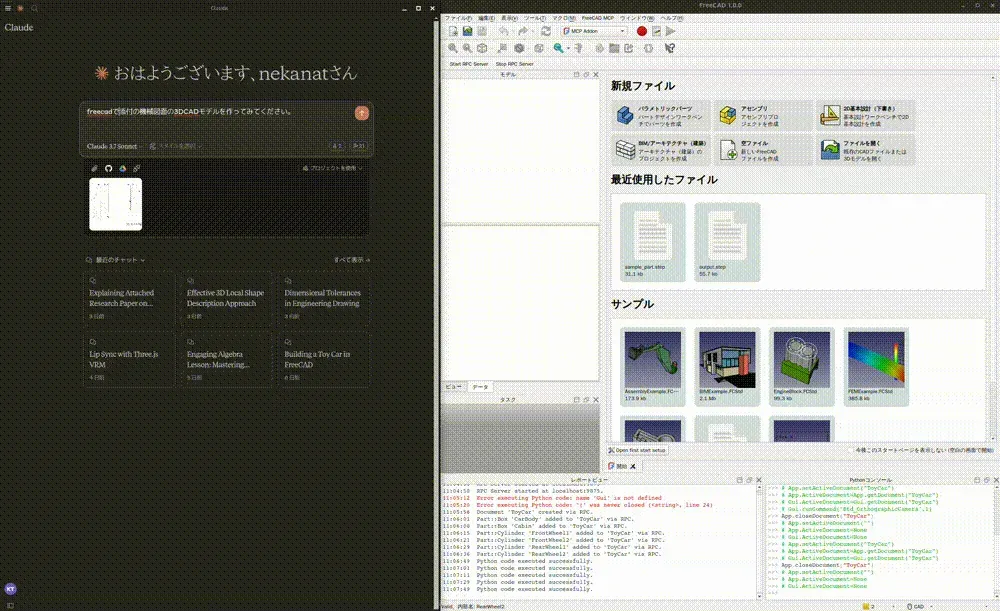
The demos page documents building a 3D part from an input 2D engineering drawing supplied as an image. The same tool set, combined with FreeCAD's STEP, IGES, STL and DXF import and export, covers inspecting and modifying an existing CAD file rather than only starting from an empty document.
Structural analysis with FEM
An existing Fem::FemAnalysis container with a mesh, material and constraints can be solved with run_fem_analysis, which runs CalculiX and reports stress, displacement and the loads it read from the model. The cantilever FEM example builds a beam, meshes it, solves it and compares the result with an analytical solution.
Connecting a client over a network or from a container
By default the addon's RPC server and the MCP server both listen on localhost only. The configuration guide documents enabling remote connections with an IP allow list and auth token, an SSH tunnel alternative, and running the MCP server itself as an HTTP service, including the Docker setup for host and bridge networking. Similar projects in the directory with their own built-in MCP server include SolidCraft and CADCraft, both parametric CAD applications rather than addons for an existing one.
Install
uvx freecad-mcpReviews of FreeCAD MCP
Be the first to share your experience with FreeCAD MCP.
Write a review
Loading review form…
Found FreeCAD MCP useful? Upvote it todayYour vote helps other IT teams find it in the daily ranking.