

What is Kan?
Kan, published under the domain kan.bn, describes itself as the open-source alternative to Trello. It organizes work in workspaces that contain boards, lists and cards, with board visibility controls, workspace members, labels and filters, comments, checklists, an activity log for every card change and reusable board templates. The project FAQ states that the goal is to recreate the simple board model Trello started with in 2011, in open source. The source code lives in the kanbn/kan repository on GitHub and is licensed under AGPL-3.0.
There are two ways to run it. Kan Cloud is the hosted service run by the project, and the pricing page lists a Free plan for one user, a Teams plan billed per seat and an Enterprise plan sold through sales. According to the FAQ, revenue from the paid cloud plans for multi-user workspaces and custom workspace URLs funds development, while self-hosting remains free of charge. Self-hosting uses the official Docker images ghcr.io/kanbn/kan and ghcr.io/kanbn/kan-migrate with PostgreSQL 15, or an official Railway template maintained in partnership with Railway.
The application is a TypeScript monorepo built with Next.js, tRPC, Better Auth, Tailwind CSS, Drizzle ORM and React Email. Data is stored in PostgreSQL; file uploads such as avatars and card attachments go to S3-compatible object storage. Optional components include SMTP for email, Redis for rate limiting, OAuth and OIDC sign-in providers and white labelling, all configured through environment variables documented in .env.example.
The latest release at the time of writing is v0.7.0, published on November 4, 2026 and marked as a pre-release on GitHub, like all earlier Kan releases. It added a calendar view, board invitations, moving boards between workspaces, attaching files while creating a card, a copy board link option, a Danish translation, a hosted MCP server at mcp.kan.bn and the npm package @kan.bn/mcp; it also moved drag and drop from react-beautiful-dnd to dnd-kit and deprecated the cloud Pro plan. The previous release, v0.6.0 from June 2026, introduced the first MCP server, card duplication through a context menu, ticket numbers with a workspace prefix and a web container that runs as a non-root user.
The README lists integrations with other tools as coming soon, and the public roadmap board tracks planned work. Kan has no native desktop or mobile apps; it is a web application with a responsive layout. Similar open-source kanban projects on iThub include PLANKA, WeKan and Kaneo.
Kan screenshots
Explore the interface. Open a screenshot to view it at full size.
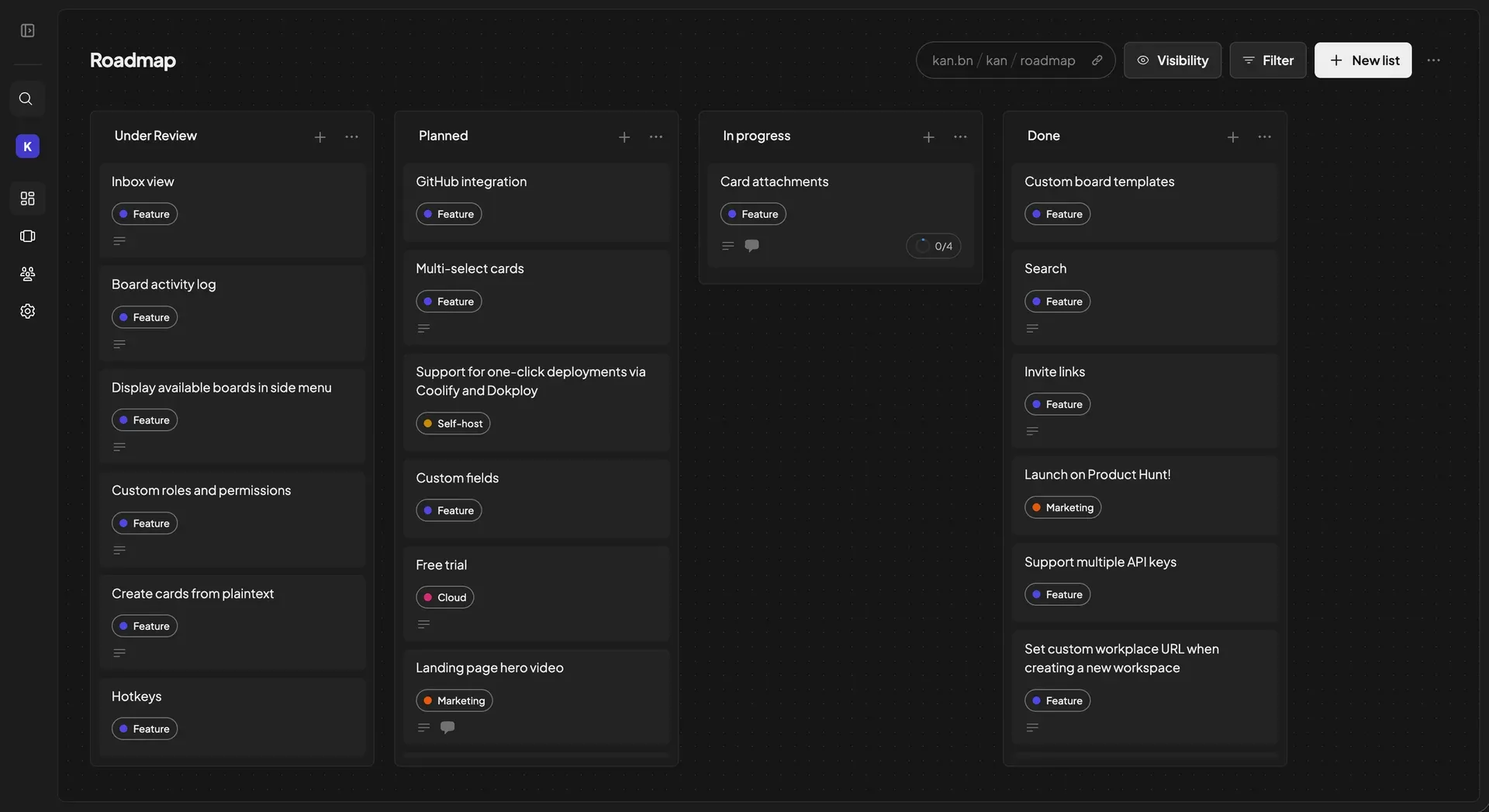
Kan board view in dark mode, showing the project's roadmap board with labels, Visibility and Filter controls.
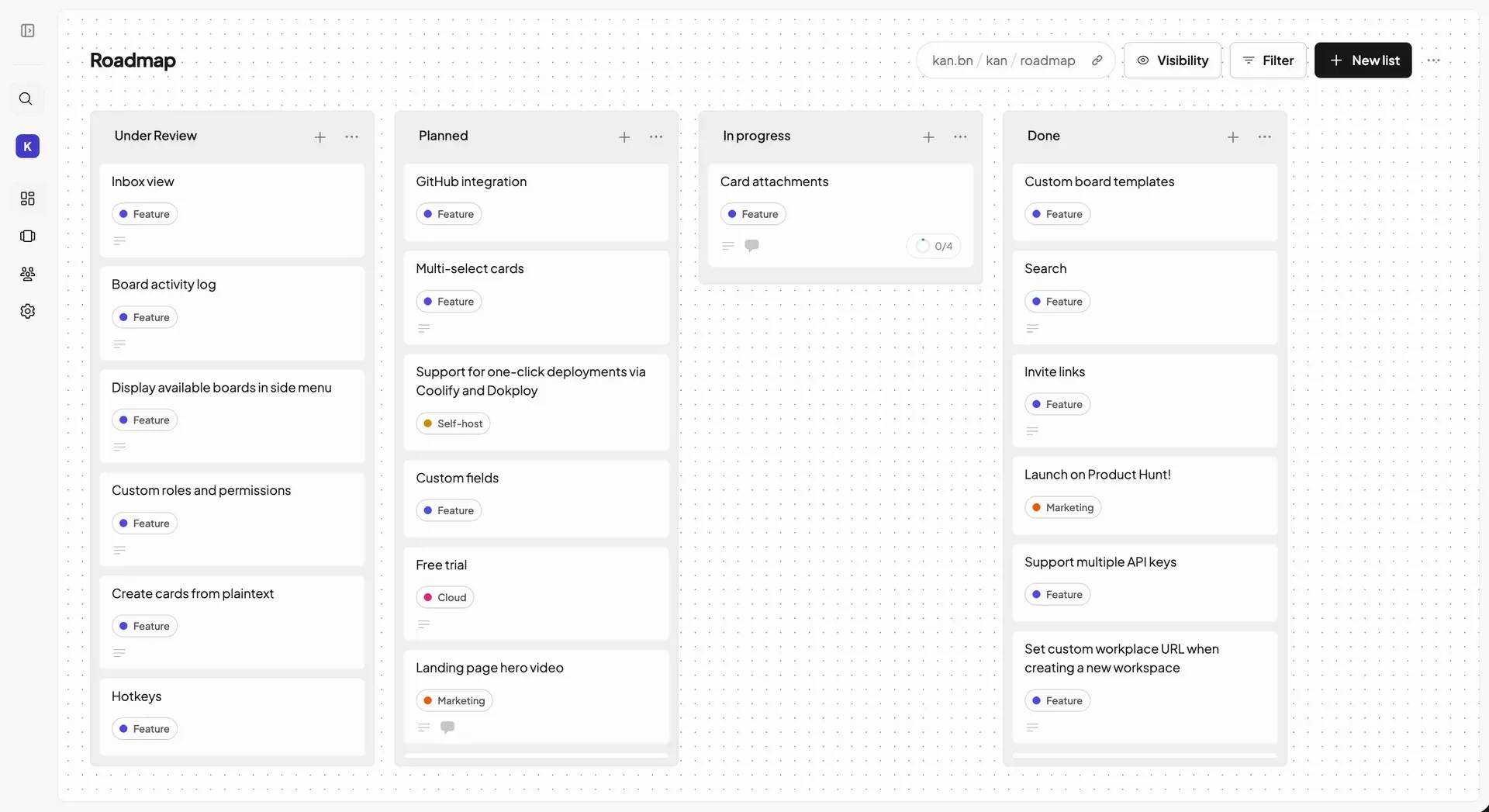
The same board view in the light theme, with the workspace sidebar for search, boards, templates, members and settings.
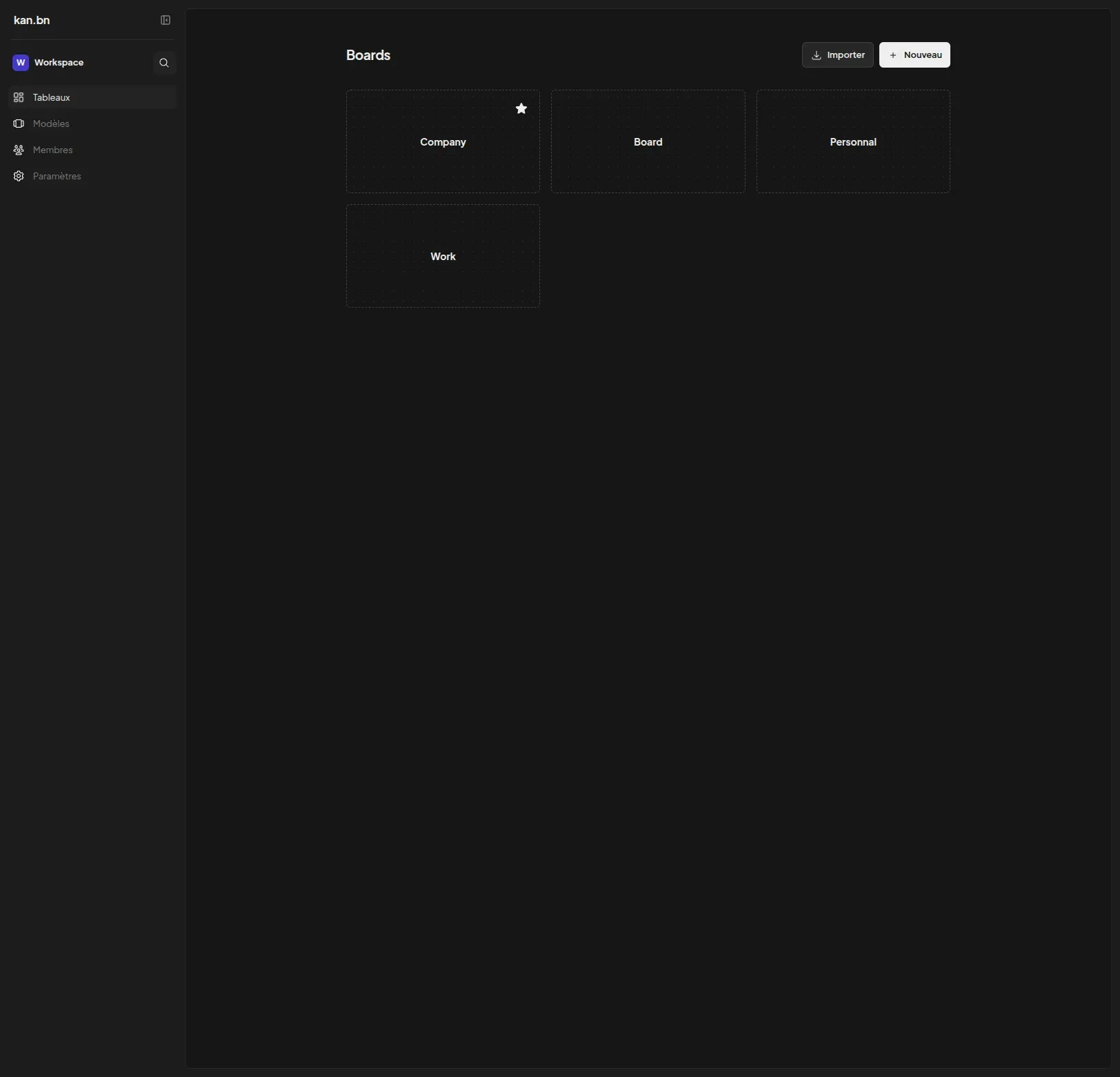
Boards overview of a workspace with a favourited board and the Import and New buttons, shown with the French interface translation.
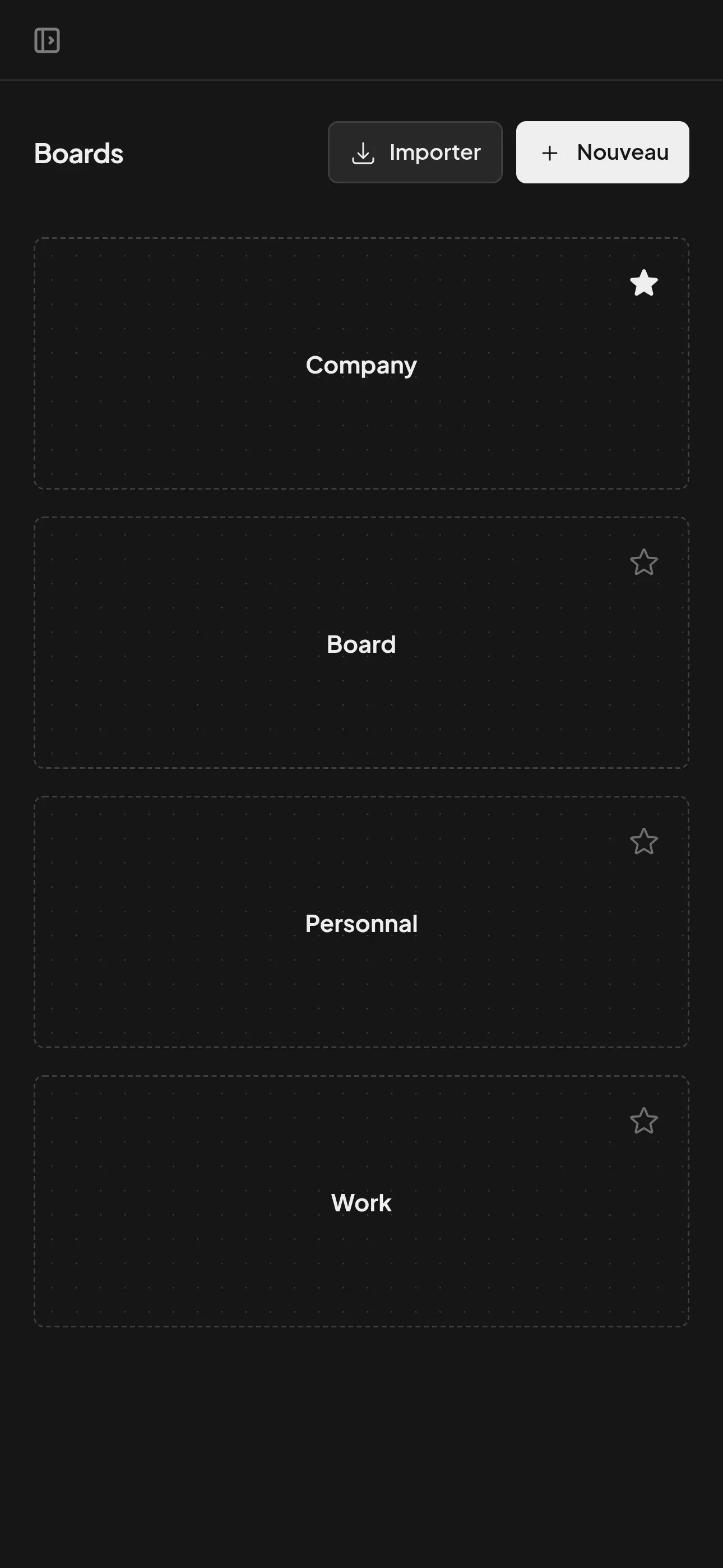
Responsive boards overview on a narrow mobile-width screen.
Source: official Kan project page.
Key capabilities
- Workspaces, boards, lists and cards Work is organized in workspaces that hold any number of boards. Each board contains lists with cards that are moved by drag and drop, now implemented with dnd-kit since v0.7.0. Boards can be moved between workspaces, archived and unarchived, and each board has a URL slug of up to 60 characters.
- Board visibility and sharing Board owners control who can view and edit a board. Version 0.7.0 added board invitations and a copy board link option in the board menu. Kan's own public roadmap at kan.bn/kan/roadmap is an example of a board shared publicly.
- Workspace members and roles Members are invited by email from the members page and receive a link to join the workspace; invite links are also available. Card member assignments are scoped to the workspace. On Kan Cloud, multi-user workspaces require the Teams or Enterprise plan; the Free plan is limited to one user.
- Cards with labels, checklists and due dates Cards carry a rich-text description that also accepts pasted Markdown, labels with custom colours, members, due dates, checklists and file attachments. A context menu offers duplication, moving to another list, labels, members and due dates. Since v0.6.0 cards receive ticket numbers with a workspace prefix.
- Comments and mentions Team members discuss work in card comments, which can be submitted with a keyboard shortcut. Mentions trigger email notifications when SMTP is configured, and duplicate mention emails per change are suppressed.
- Activity log Every card change is recorded in a detailed activity history. Users can choose the sort order of card activity, an option added in v0.7.0.
- Labels, filters and search Labels and filters narrow a board to the cards that matter, and active filters are now highlighted and preserved after closing a card. The pricing page lists intelligent search on all plans.
- Calendar view Version 0.7.0 added a calendar view next to the board view, so cards with due dates can be seen on a calendar. The view toggle sits in the board header.
- Board templates Custom board templates store a list structure for reuse when creating new boards. Templates are available on every plan, including Free.
- Trello import Boards can be imported from Trello after connecting a Trello account in settings and selecting the boards to import, as described in the Trello import guide. Label colours are preserved during import. Self-hosted instances need their own
TRELLO_APP_API_KEYandTRELLO_APP_SECRET; stored Trello access tokens are protected since v0.7.0. - REST API with API keys Kan exposes a REST API at
/api/v1, authenticated with Bearer API keys created under Settings, API Keys. The API reference documents endpoints and status codes, and OpenAPI schemas describe response objects. The pricing page lists limited API access on Free and full access on paid plans. - MCP server for AI clients The Model Context Protocol server lets MCP clients such as Claude Desktop, Codex CLI, Cursor and VS Code Copilot list boards, move cards, manage checklists, invite members and search. It exposes 46 tools across 7 resource types. It runs locally with
npx -y @kan.bn/mcp(Node.js 18 or later, on any plan) or as the hosted endpointhttps://mcp.kan.bn, which requires a Team, Pro or Enterprise cloud workspace, according to the MCP server documentation. - Authentication options Sign-in is handled by Better Auth. Email and password sign-up can be enabled or disabled, magic links are supported, and OAuth providers configurable in
.env.exampleinclude Google, GitHub, GitLab, Microsoft, Discord, LinkedIn and others, plus a generic OIDC provider. Sign-ins can be restricted to specific email domains. SAML SSO is listed for the cloud Enterprise plan. - Docker Compose self-hosting The self-hosting guide sets up three services: the Next.js web app on port 3000, a one-off migrate container that runs database migrations, and PostgreSQL 15. The minimum configuration is
POSTGRES_URL,NEXT_PUBLIC_BASE_URLand aBETTER_AUTH_SECRETof 32 or more characters. The web container runs as a non-root user (UID 1000). - S3-compatible file storage Avatars and attachments are uploaded to S3-compatible storage such as AWS S3, MinIO, Cloudflare R2 or DigitalOcean Spaces. A dedicated MinIO guide covers buckets, public URLs and the storage domain setting. Avatar uploads default to a 2 MB limit, and the Free cloud plan limits uploads to 10 MB.
- Optional email, rate limiting and white labelling SMTP settings enable email notifications and invitations, and email can be switched off entirely. Redis is optional for rate limiting; without it rate limits use in-memory storage. White labelling and request log levels are also set through environment variables.
- Interface languages The web interface ships with English, French, German, Spanish, Italian, Dutch, Russian, Polish, Brazilian Portuguese and, since v0.7.0, Danish. Light and dark themes are available.
- Kan Cloud plans The hosted service at kan.bn offers Free (one user, unlimited boards and cards, templates and checklists), Teams (listed at $8 per user per month, with workspace members, a custom workspace username, invite links, unlimited uploads, mention emails and priority email support) and Enterprise (contact sales, adding SAML SSO, advanced admin controls, an account manager, a custom SLA and an on-premise option). The pricing page mentions a 14-day free trial.
Where Kan fits
Replacing a Trello board setup
Kan's FAQ positions the project as an open-source Trello with the same board, list and card model. Existing Trello boards are brought over through the built-in importer after connecting a Trello account, and the import keeps label colours. The Kan Cloud Free plan includes unlimited boards for a single user, while the FAQ notes that Trello limits the number of boards on its free tier.
Team task tracking in shared workspaces
Teams create a workspace, invite members by email or invite link, assign members to cards, comment with mentions and follow changes in the activity log. Board visibility settings decide who can view or edit each board, and the calendar view added in v0.7.0 shows cards with due dates. On Kan Cloud this setup requires the Teams plan; on a self-hosted instance multi-user workspaces are included.
Public roadmaps
The Kan project runs its own public roadmap as a Kan board with lists for items under review, planned, in progress and done, and labels such as Feature, Self-host, Cloud and Marketing. The same visibility controls let other projects publish a board as a read-only roadmap with a shareable link.
Self-hosting on your own infrastructure
Operators deploy Kan with the official Docker Compose file or the Railway template. The migrate container applies database migrations before the web service starts, PostgreSQL holds the data, and S3-compatible storage such as MinIO handles avatars and attachments. The docs recommend a reverse proxy such as Traefik, Nginx or Caddy with TLS and DNS for production, and sign-up can be disabled once accounts exist.
Driving boards from AI assistants
With the MCP server, an AI client can list workspaces and boards, create cards in a given list, move cards between lists, set due dates, add comments, manage checklists, apply labels and invite members using natural-language prompts. The local server needs only KAN_BASE_URL and KAN_API_TOKEN, so it works with self-hosted instances as well as Kan Cloud.
Automation through the REST API
Scripts and other systems use the REST API with a personal API key to read and update workspaces, boards, lists and cards. Card webhook payloads include stable public card IDs, introduced in v0.6.0. Similar self-hosted task tools with APIs on iThub include Vikunja and Plane.
Reviews of Kan
Be the first to share your experience with Kan.
Write a review
Loading review form…
Alternatives to Kan
 PLANKAPLANKA is a self-hosted Kanban board from PLANKA Software GmbH with real-time collaboration, Markdown cards, webhooks, a REST API and two-factor sign-in. Community is free under a fair-code license; Pro adds mobile, timeline views and SSO.
 WeKanOpen-source kanban board built with Meteor: swimlanes, many board views, rules, REST API, LDAP/OIDC sign-in and imports from Trello, Jira and others. Runs on FerretDB/SQLite by default; hosted option from 50 euro per year.
 KaneoKaneo is an open-source, MIT-licensed project management app with Board, List, Calendar and Gantt views, GitHub, Gitea and GitLab sync, a REST API, CLI and MCP server. Self-host it with Docker or Helm, or use Kaneo Cloud.