

What is Discourse?
Discourse is an open-source community platform for threaded discussion, built around topics rather than numbered pages. It is developed by Discourse, the company behind the project, and has been open source since 2013 according to the official about page. The same code runs the official hosting service and the self-hosted installations, and the repository at discourse/discourse is the main development tree.
A Discourse site combines long-form topics with categories, tags, groups and private messages, plus a built-in chat for shorter exchanges. A trust system gives members more abilities as they participate, community flagging hides problem posts until staff review them, and an admin dashboard shows activity and moderation queues. Plugins add features such as Discourse AI, Data Explorer, Solved, polls and calendars, and themes and components change the look and layout. The full feature overview lists them.
The back end is a Ruby on Rails application that serves JSON, and the front end is an Ember.js application. PostgreSQL is the main store and Redis is used for caching and transient data. The README lists Ruby 4.0, PostgreSQL 18 or newer and Redis 7 as the minimum versions for development, and says the platform supports the latest stable releases of Safari, Chrome, Edge and Firefox, with phones and tablets running iOS, iPadOS and Android.
There are two ways to run it. You can self-host with the Docker-based installer described in the install guide, or use official hosting, which the pricing page lists as Free, Pro, Business and Enterprise plans. The repository publishes no GitHub release notes; versions are marked by tags with a year and month scheme such as v2026.10.0, and a stable tag marks the tested release line, as the tag list shows.
The source license is GPL-2.0. Themes and plugins have their own licenses.
Discourse screenshots
Explore the interface. Open a screenshot to view it at full size.
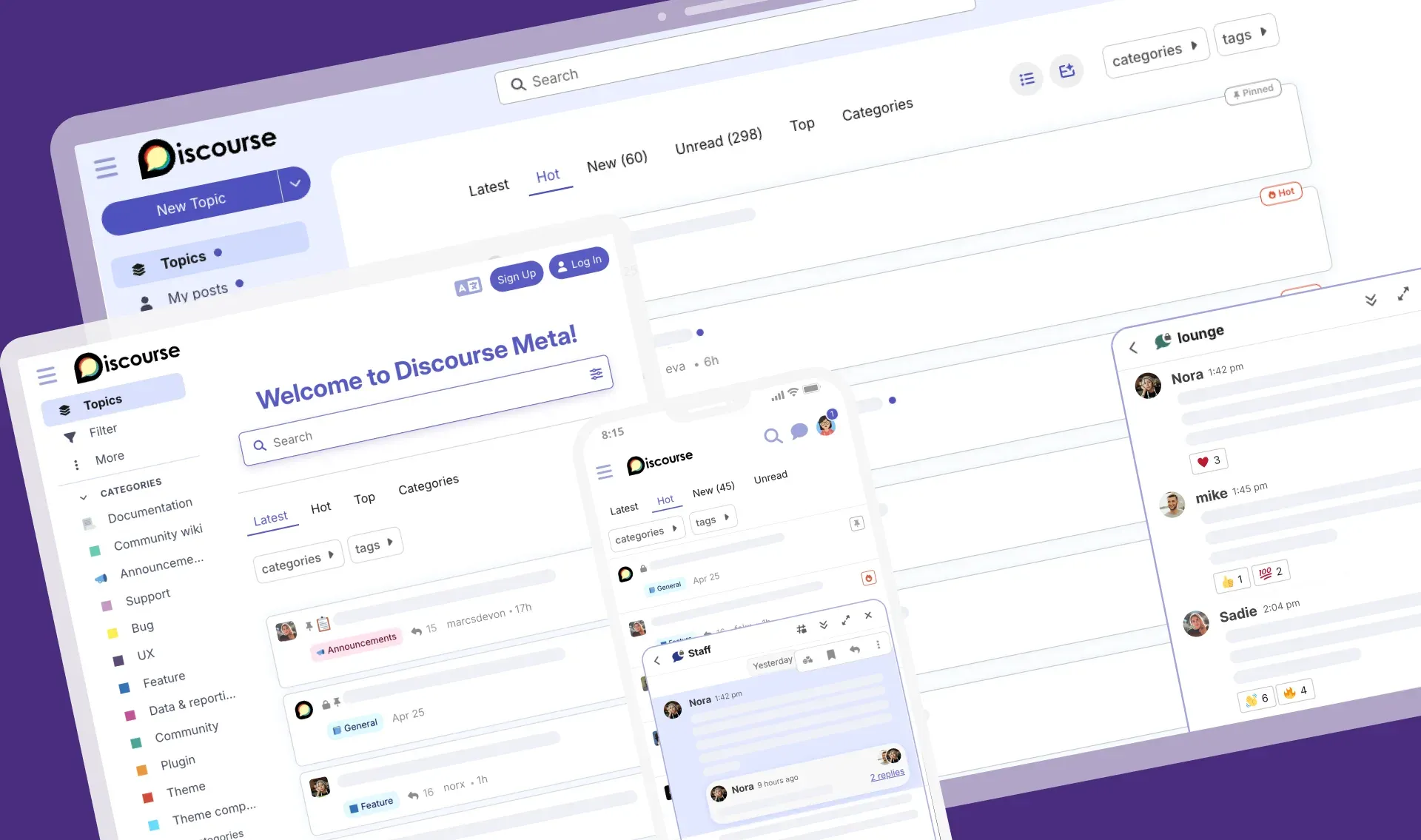
Official README illustration of Discourse on laptop, tablet and phone with the topic list, categories and chat. Text rows are placeholders.
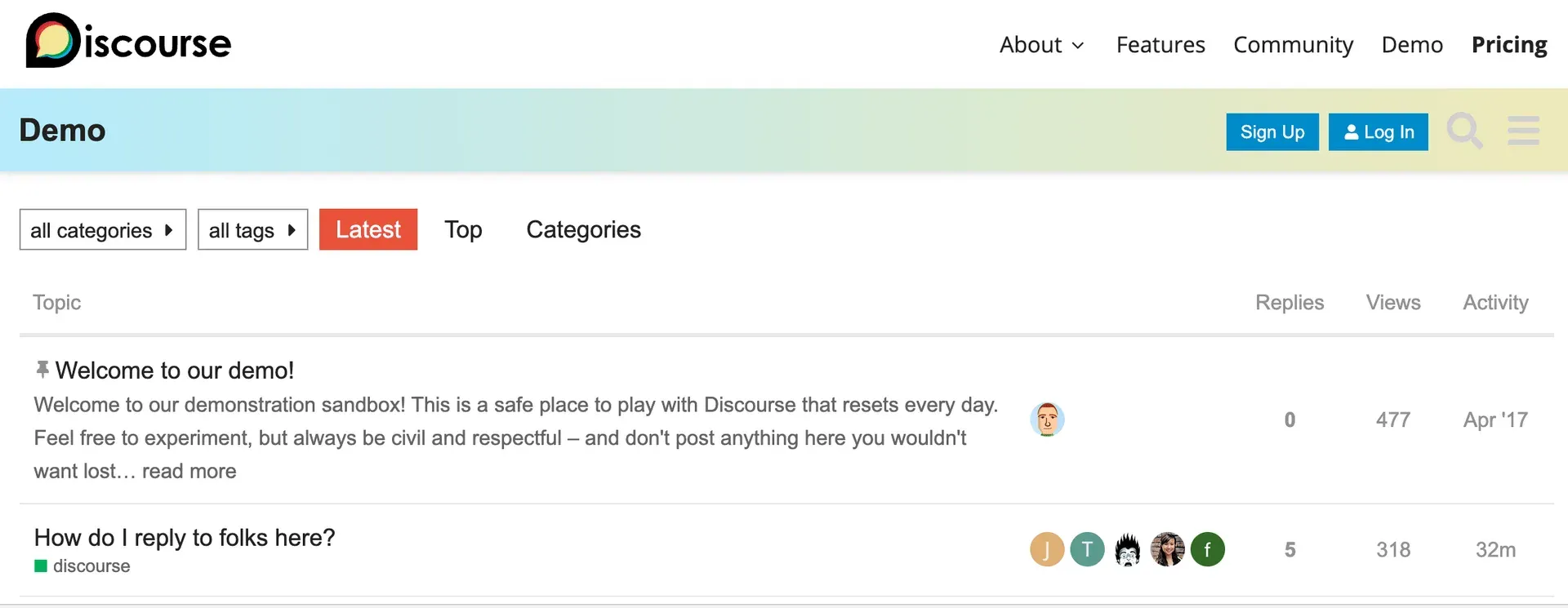
Cropped screenshot from the official developer guide showing the Latest topic list of the demo site in the older default theme.
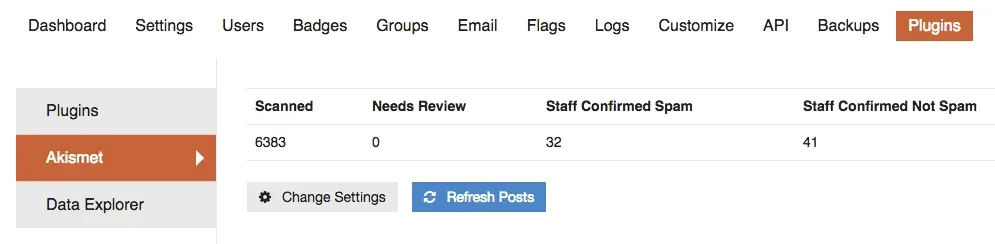
Official developer guide screenshot of the admin Plugins area with Akismet statistics and Data Explorer in the sidebar.
Source: official Discourse project page.
Key capabilities
- Topic-based discussion with continuous scrolling Replies flow down a single page that loads more content as you scroll, instead of splitting a thread into numbered pages. Each post can expand its reply context, and quoted text links back to the original. Long threads are readable without losing your position.
- Categories, tags and groups Categories organise topics into sections, with per-category permissions that can make a section public, members-only or staff-only. Tags add a second, cross-category way to label topics, and custom groups give sets of members shared access and messaging. Hosted Free plans are limited to 10 categories; Pro and above list unlimited categories.
- Built-in chat Channels support informal, real-time conversation next to the forum, and messages can be quoted into a topic when a discussion needs a permanent home. Chat is included on the hosted plans and in the self-hosted code. It complements the topic model rather than replacing it.
- Trust levels and community moderation Members earn abilities as they read and participate, which spreads routine moderation across trusted regulars. Flagged posts can be hidden automatically until staff decide, and moderators get a flag queue, post approval, bulk actions and an inline editing history. This reduces the load on staff but still needs clear community rules.
- Discourse AI An official plugin adds AI features such as topic summaries, AI-assisted spam detection and translation tools, and allows chatbots built on a configured model. The Discourse AI documentation explains the setup. On hosted plans the usage is measured in daily credits (for example 100k on Free and 500k on Pro, as the pricing page states); self-hosted sites supply their own model access.
- Content translation Posts can be translated manually or with AI, and the features page says translations are available for up to 49 languages. The hosted plans limit how many languages are included, from 2 on Free to 10 on Enterprise.
- Single sign-on and social login A site can use DiscourseConnect to share a login with your own application, or enable social login with Google, Facebook, X, Discord and GitHub. The Business plan lists OpenID and OAuth2 SSO and the Enterprise plan adds SAML authentication, so check which method your plan includes.
- Two-factor authentication and security Members can protect accounts with authenticator apps. The repository includes a security guide that describes the project's measures, and the project says its code is peer reviewed in the open.
- Plugins Official and community plugins add features including Chat integration, Solved answers, GitHub linking, Data Explorer for SQL queries over the database, Policy, Calendar, Events, Gamification and user notes. The pricing page assigns plugin groups to each plan; a self-hosted install can add plugins through its container configuration.
- Themes and components Custom and community themes change colours, layouts and widgets, and a dark mode with WCAG-oriented colour schemes ships with the platform. Developer guides in the repository cover creating themes and components.
- API and webhooks The Discourse API documentation says anything visible on screen can be done through the API, because the front end itself talks to it. Webhooks notify other systems of events. The pricing page lists API and webhook access among the Pro plan features.
- Email in and out Notifications go out by email and members can reply by email from any device. A mailing list mode and email invitations are also described. A self-hosted site needs a working SMTP provider, and the email setup guide covers the choices.
- Admin dashboard and reports The dashboard shows community health such as signups, daily engaged users and traffic, and Business and above list advanced reporting and analytics. A one-click web update process notifies administrators when a new version is available on self-hosted sites.
- Docker-based installation The official installer runs on a 64-bit Linux server with Docker. The install guide gives hardware minimums of a modern single-core CPU (dual core recommended), 1 GB of RAM with swap and 10 GB of disk, and the only officially supported installs are Docker based. Control panels such as cPanel or Plesk are not supported.
- Mobile apps and mobile layout The platform has a built-in mobile web layout, and the official iOS and Android apps provide push notifications for hosted communities. Self-hosted sites should check the app documentation for push setup.
- Export and migration paths The project says community data is not locked in, so a site can be self-hosted or moved. The Business plan offers migration help from systems such as Vanilla, phpBB, vBulletin, Slack and Drupal, subject to the terms on the pricing page.
- Backups Automatic backups are listed among the platform features. Self-hosted administrators should still verify that backups are stored off the server and that a restore works.
Where Discourse fits
Running a support or product community
Create categories for questions, feature ideas and announcements, then enable the Solved plugin so accepted answers surface. Decide who may post in each category and test the flow with a staff account and a new-member account. Watch the moderation queue for the first weeks to tune the spam settings.
Hosting a developer or open-source community
Use GitHub login, topic templates and the GitHub plugin to connect discussion to repositories. Keep a pinned guide for new contributors and tune category permissions so internal and public conversations stay separate.
Replacing an old forum or chat archive
Plan the migration around what must be kept: users, topics, attachments and redirects. The hosted Business plan lists assisted migrations and the Discourse community documents import tools. Run a trial import on a staging site and compare counts of users and topics before cutover.
Building a members-only workplace community
Combine private categories, custom groups and SSO to give employees one login. Chat covers quick questions, while topics preserve answers for later search. Review who can create groups and invite outsiders before launch.
Self-hosting on your own server
Start with the Docker installer on a fresh Ubuntu or Debian host and a domain name, configure outbound email, then run a restore test from a backup. Schedule updates through the admin dashboard and subscribe to security announcements on meta.discourse.org.
Adding AI moderation and summaries
Turn on Discourse AI features one at a time. Start with spam detection and topic summaries, check how flagged items look to moderators, and review what content is sent to the configured model before enabling them for private categories. Keep a human moderator responsible for final decisions, and record which settings you changed so that you can compare results after an upgrade.
Reviews of Discourse
Be the first to share your experience with Discourse.
Write a review
Loading review form…
Alternatives to Discourse
 StoatStoat, formerly Revolt, is an AGPL-licensed chat platform for communities with servers, channels, roles, group DMs, LiveKit voice and a REST and WebSocket API. Use the free stoat.chat service or self-host the Rust backend with Docker Compose.
 FluxerFluxer is an open-source instant messaging and voice chat app for friends, groups and communities. Use the hosted fluxer.com service or install your own instance with rexctl, Docker Compose or a Helm chart, then connect from web, desktop or Android.
 Rocket.ChatRocket.Chat is a TypeScript and MongoDB communication platform for channels, threads, calls, Matrix federation and customer conversations. The core is MIT-licensed and self-hosted with Docker or Kubernetes; enterprise features and add-ons need a paid plan.