

What is OpenSERP?
OpenSERP is a free, self-hosted web search tool for AI agents and SEO workflows. It is a Go program that exposes a REST API and a command-line interface for six engines: Google, Bing, Yandex, Baidu, DuckDuckGo and Ecosia. By default it opens each results page in headless Chromium and parses the rendered page, so supported answer boxes and related searches can be included. A raw HTTP mode without a browser is available for Google, Yandex, Baidu and Ecosia. The source is at karust/openserp and the project site is openserp.org.
Every engine returns the same response envelope: the query, metadata, a list of results with the source engine, rank, type, URL, domain and snippet, and pagination. Ads are typed separately from organic results. A search can also fetch the top organic pages and attach them as Markdown, and a batch endpoint reads up to 20 URLs. The /mega/search endpoints query several engines in parallel, deduplicate by normalized URL and keep per-engine ranks. The OpenAPI document, now at version 2.2.0, is in the repository.
You can run it as a Docker image (karust/openserp), with Docker Compose, with go install or from prebuilt Linux, macOS and Windows binaries on the releases page. The latest release, v0.8.17, was published on October 28, 2026. It changes Bing so the query is typed into the homepage search box, which reduces unrelated results, enforces the organic result limit after URL resolution on Google, types DuckDuckGo ad links as ads, adds an option to stop writing a log file, and rewrites the README around agent use. Separate npm and PyPI packages provide an MCP server, SDKs and an n8n node.
The code uses the MIT license. The same project also runs a paid managed service, OpenSERP Cloud, with search monitoring on a credit-based price; the self-hosted software has no license fee, but you run the servers and any proxies. Engines can still return CAPTCHAs, rate limits or unrelated results in browser mode.
OpenSERP screenshots
Explore the interface. Open a screenshot to view it at full size.
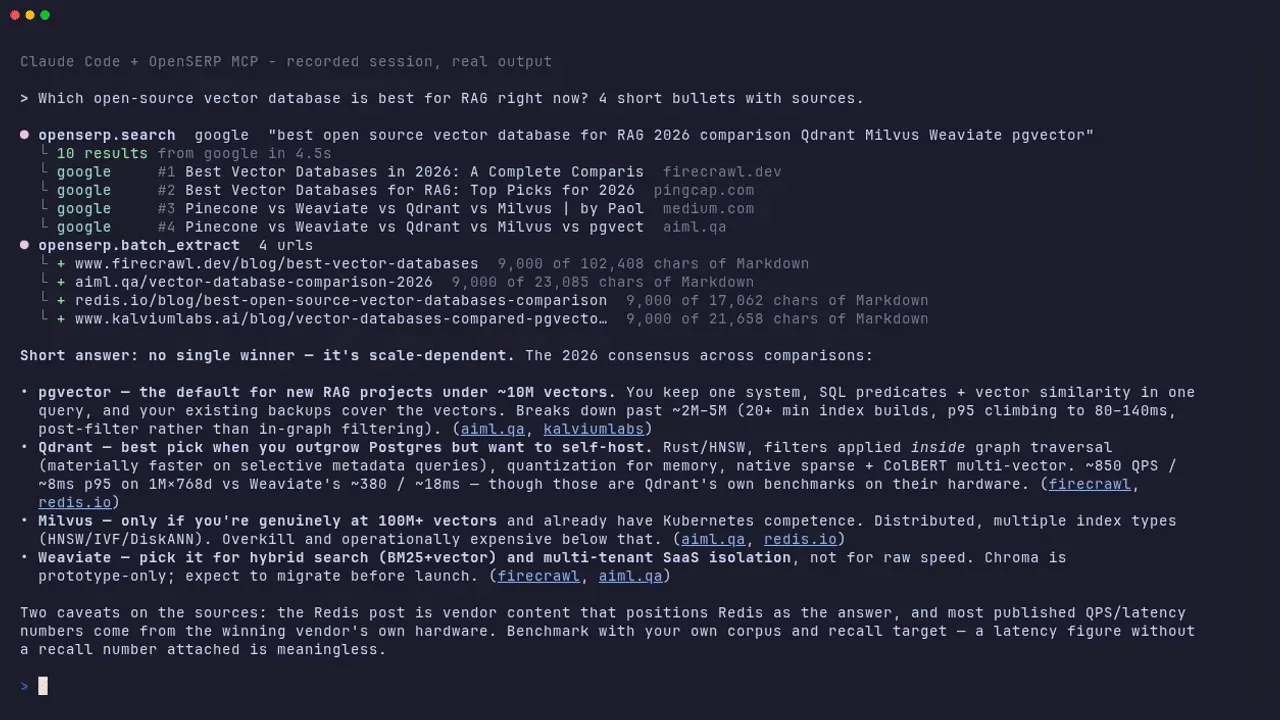
Frame from the official agent demo: an assistant calls OpenSERP over MCP and answers with sources.
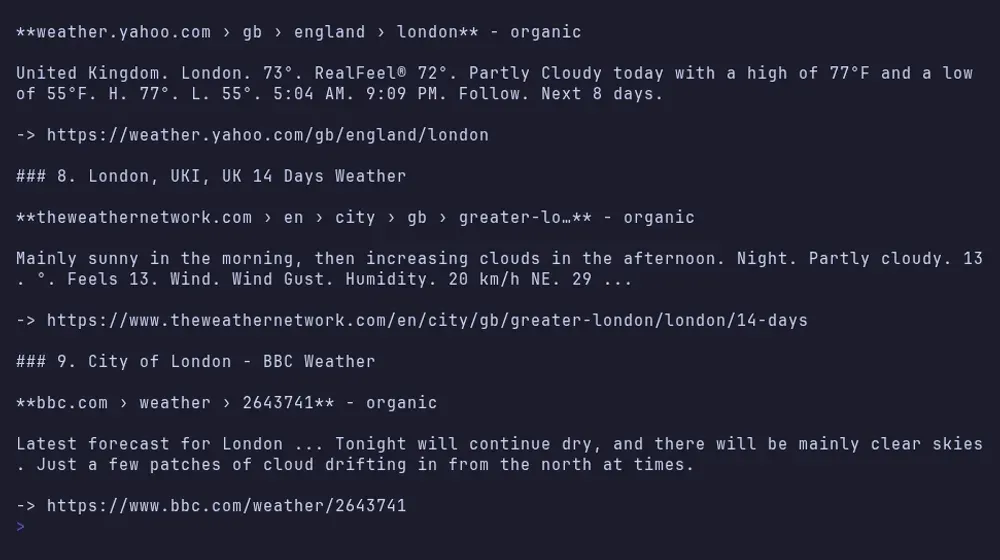
Frame from the official CLI demo: search results rendered as Markdown with ranks and URLs.
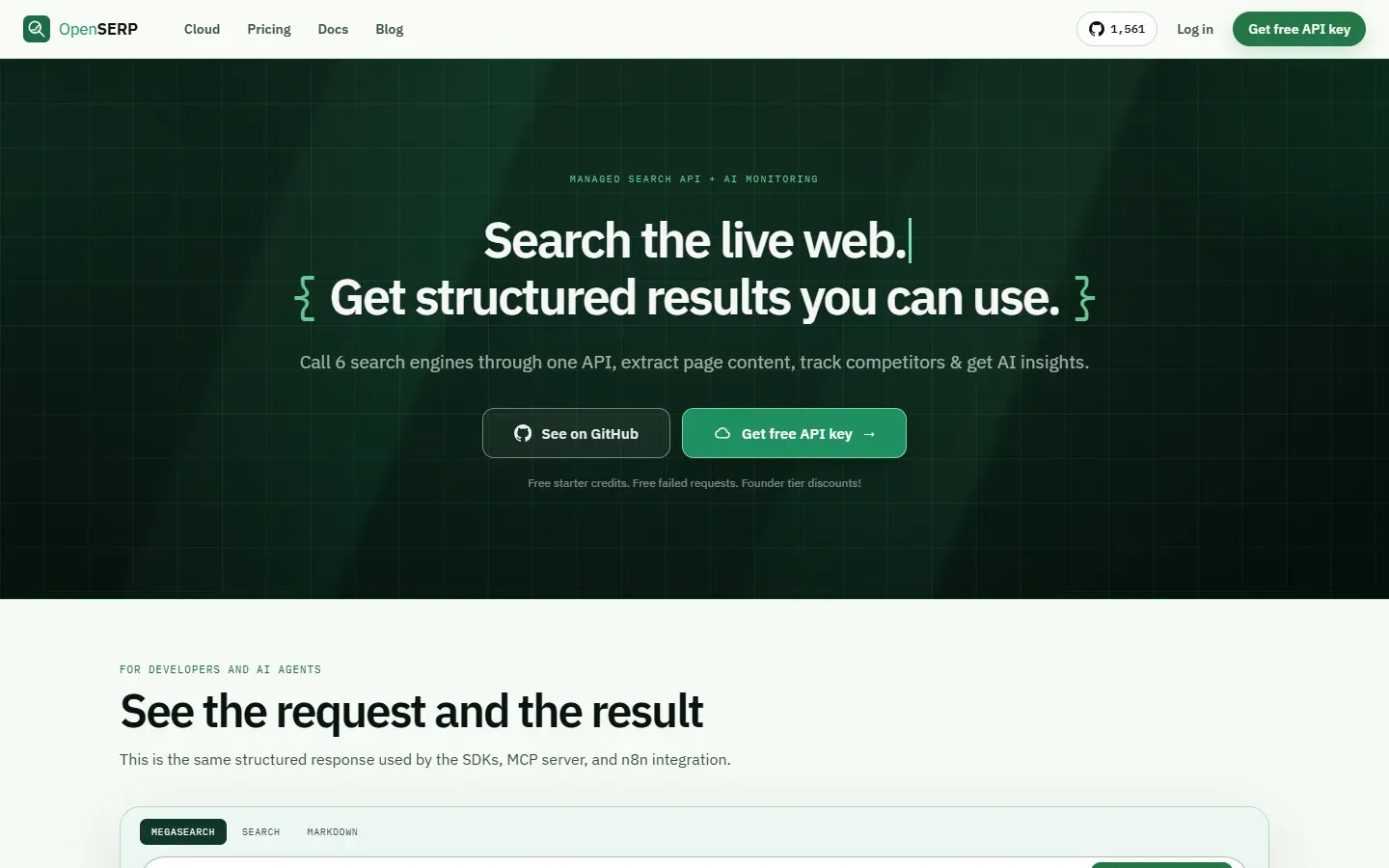
Screenshot of the official OpenSERP home page, which also covers the managed cloud service.
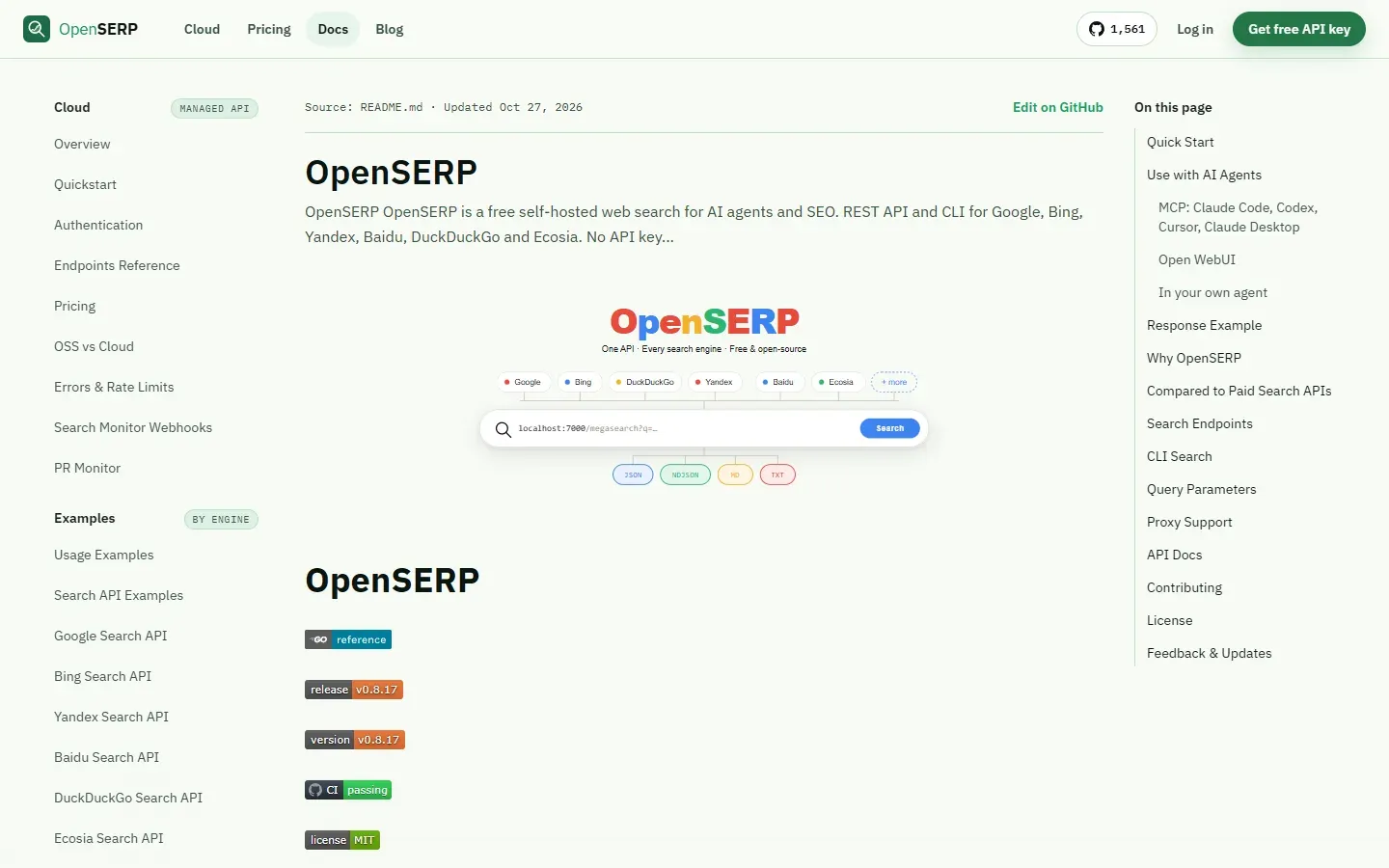
Screenshot of the official documentation, which mirrors the project README.
Source: official OpenSERP project page.
Key capabilities
- Six search engines behind one schema Google, Bing, Yandex, Baidu, DuckDuckGo and Ecosia return the same JSON structure. Each result keeps its engine and rank, so a merged list still shows who ranked what. Dedicated endpoints such as
/google/searchare available when the source engine matters. - Browser-backed search Chromium loads the rendered results page, including supported answer boxes, related searches and AI summaries. Browser mode is the main compatibility path; raw HTTP mode is a lighter alternative for Google, Yandex, Baidu and Ecosia.
- Megasearch modes
balancedqueries engines in parallel and merges them,fastpicks one engine by latency history without fallback, andanytries engines in order until one succeeds. Results are deduplicated and grouped into clusters with per-engine ranks. - Search and read in one call The
extract=Nparameter attaches page Markdown to up to N organic results, from 1 to 5, and records per-page failures. Ads and answer rows are skipped. The extract modes areauto,fastandrendered. - Batch extraction
POST /extract/batchreads up to 20 URLs and returns a plain array of page content and metadata. Failed URLs come back as items with an error field instead of failing the batch, and the shape works with the Open WebUI external loader. - Filters and output formats Queries support language, region, date range, site and file-type filters, offset paging and a limit of up to 100 organic results. Output can be JSON, Markdown, plain text or NDJSON.
- Image search Image endpoints such as
/bing/imageand/mega/imagereturn image results in the same envelope. - Command-line search
openserp search google "query"runs without a server, sharing the engines, formats and filters with the API. Results go to stdout and logs to stderr, and a raw flag skips the browser. - MCP server for agents
npx -y @openserp/mcpneeds Node.js 18 or later and a running OpenSERP server. It exposes the tools search, mega_search, fast_search, any_search, image_search, mega_image, extract, batch_extract and list_engines to clients such as Claude Code, Codex, Cursor and Claude Desktop. - SDKs and integrations A JavaScript and TypeScript SDK, a Python package and an n8n community node wrap the API. Open WebUI includes OpenSERP as a built-in web search provider.
- Proxy support HTTP and SOCKS5 proxies can be set globally with a flag or in config.yaml, which also supports tagged proxy pools chosen per request with an
X-Use-Proxyheader. - Reliability controls The service includes caching, retries, rate limits and circuit breakers. Configuration covers browser path, headful mode, blocked resources, trackers, concurrent Chrome processes and an idle timeout for browser processes.
- Built-in API documentation A running server serves Swagger UI at
/docsand the OpenAPI file at/openapi.yaml, plus health, readiness and stats endpoints. - Claude Code skill The repository ships a skill in
skills/openserp-searchthat teaches an agent to search, read results and fall back to another engine in a consistent way. - Install options Docker, Docker Compose,
go installand release binaries cover servers, laptops and CI. Go 1.24 is declared in the module file.
Where OpenSERP fits
Giving an AI agent web search
Start the server with the documented Docker command, then add the MCP server to your client with npx -y @openserp/mcp. Ask the agent to search and read the top two results. Check that links in the answer match the returned URLs, and set OPENSERP_BASE_URL if the server is remote.
Plugging search into Open WebUI or n8n
In Open WebUI choose openserp under the web search settings and give the server URL, using host.docker.internal when Open WebUI runs in Docker. For automation, the n8n community node calls the same API. Test with one query and confirm the engine you expect answered.
Tracking rankings for SEO
Query a keyword on several engines with /mega/search and compare the per-engine ranks in the clusters. Keep region, language and proxy location fixed, because Bing localizes by exit IP and results differ by market. The README describes rank tracking as a partial capability of the self-hosted version, with managed monitoring in the cloud service.
Reading pages as Markdown for RAG
Add extract=3 to a search or send URLs to /extract/batch and store the Markdown with the source URL. Check the failures in the error field before indexing. Respect the terms and robots rules of the sites you read.
Running searches from scripts
The CLI is useful in shell jobs and CI: openserp search bing "release notes" --site github.com --format ndjson. Use the raw flag with a proxy where a browser is not available, but note it supports only four engines.
Operating it in production
Set a proxy pool, a cache and rate limits in config.yaml, limit concurrent Chrome processes to the memory you have, and watch the health and stats endpoints. Expect occasional CAPTCHAs and plan a fallback engine with the any mode. Read the architecture notes before changing engine code.
Install
docker run --rm --init -p 127.0.0.1:7000:7000 karust/openserp serve -a 0.0.0.0 -p 7000Reviews of OpenSERP
Be the first to share your experience with OpenSERP.
Write a review
Loading review form…
Alternatives to OpenSERP
 SearXNGFree AGPL metasearch engine that sends your query to many search services, merges the results and keeps users anonymous to them. Run it with Docker or scripts on Linux, or use a public instance; JSON, CSV and RSS output are optional.
 FirecrawlFirecrawl turns URLs, search results and documents into Markdown, HTML, screenshots or schema-based JSON. Use the hosted API with SDKs, CLI and MCP, or self-host the AGPL-3.0 core with Docker Compose and a reduced feature set.
 Crawl4AICrawl4AI is an Apache-2.0 Python crawler built on Playwright that outputs Markdown, JSON, screenshots and PDFs for RAG and agents. Run it as a library, a Docker server with REST and MCP, or use the hosted Crawl4AI Cloud API.