
What is KillerPDF?
KillerPDF is a free, open-source PDF editor for Windows. It reads, annotates, edits, organizes, signs, redacts and converts documents in one application, locally and without an account. The project is licensed under GPLv3, and the website describes it as free of subscriptions and telemetry.
Beyond viewing and annotation, it can edit existing text, merge, split, reorder, rotate and crop pages, run OCR on scans, create and fill forms, and export to Word, Excel, PowerPoint, HTML, Markdown, text, JSON or page images. Redaction works by area, text search or sensitive-data pattern, with a check of the result and a separate redacted copy. Guided tasks, macros, watched folders, data merge and the command line cover repeated work.
The README is clear about limits. Text editing works on supported layouts and fonts, scanned pages need OCR first, and exported Office files can change layout. OCR language models download separately from inside the app. KillerPDF can be installed, run as a portable package, or obtained from the Microsoft Store, Chocolatey or WinGet.
KillerPDF screenshots
Explore the interface. Open a screenshot to view it at full size.
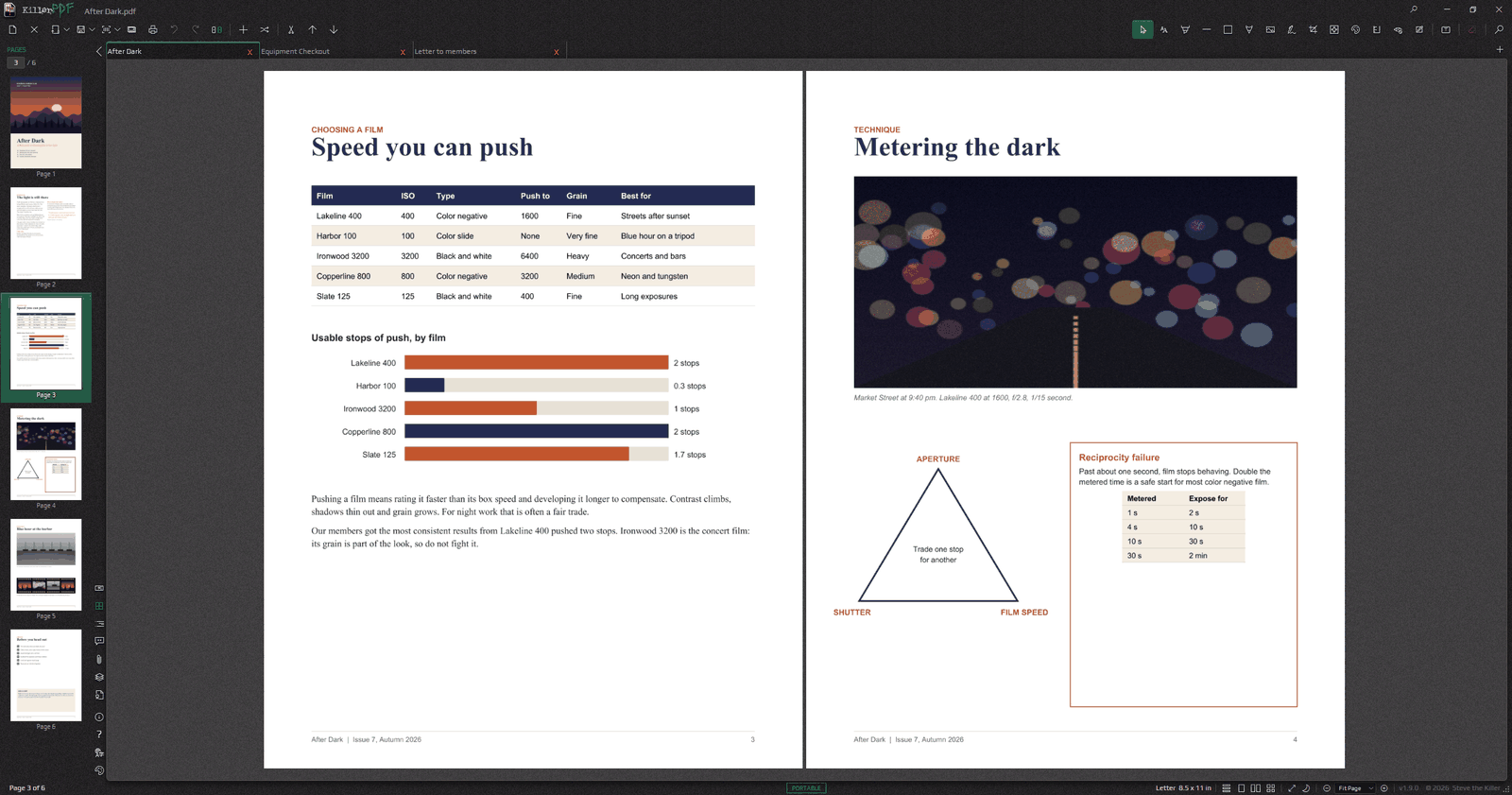
Source: official KillerPDF project page.
Key capabilities
- Editing and organization Change existing text, add annotations, and merge, split, reorder, rotate or crop pages.
- OCR and conversion Searchable copies of scans, plus export to Office formats, text, JSON or images.
- Forms and signatures Create and fill forms, sign PDFs and inspect signature integrity.
- Redaction and protection Redact by area, search or pattern, verify the result, and protect copies with passwords or certificates.
- Automation Guided tasks, macros, watched folders, data merge and command line operation.
Where KillerPDF fits
- PDF viewing, annotation and text editing
- Page merging, splitting and reordering
- OCR for scanned documents
- Form creation and filling
- Redaction with verification
- Batch and repeat work through macros and watched folders
Install
winget install killerpdfReviews of KillerPDF
Be the first to share your experience with KillerPDF.
Write a review
Loading review form…
Alternatives to KillerPDF
 BentoPDFBentoPDF is an open-source browser toolkit for editing, organizing, converting and processing PDFs without server-side document processing. It supports self-hosting and visual PDF workflows.
 DocuSealDocuSeal is an AGPL-3.0 platform for building fillable PDF forms and collecting e-signatures, with SMTP email, S3 storage, API, webhooks and mobile apps, available self-hosted with Docker or as DocuSeal Cloud with a Pro plan.
 DocumensoAGPL-licensed document signing platform built with TypeScript, React Router and PostgreSQL. Use Documenso Cloud or self-host it with Docker, with templates, a REST API, webhooks, embedded signing and X.509 sealed PDFs.