

What is SVGEdit?
SVGEdit is an open-source SVG drawing editor that runs in modern browsers. Its interface supports drawing paths, resizing and rotating selected objects, and manipulating paths through context-dependent controls. The project separates the editing canvas from the menus and other interface components.
Users can access hosted builds, while developers can build and serve the application on their own web server. The editor can also be embedded in a web application, or its underlying SVG canvas can be used to build a separate editing interface. JavaScript extensions provide additional controls and event-driven behavior.
The project supports recent Chrome, Firefox, and Safari browsers. Older browsers or discontinued features may require an older release. The user guide is explicitly incomplete and points to some documentation that may be outdated.
To host SVGEdit yourself, clone the repository, install dependencies with npm i, build the svgcanvas package, then run npm run build to produce a bundle for your own web server. The project recommends version 7 and says the editor was started more than 15 years ago.
SVGEdit screenshots
Explore the interface. Open a screenshot to view it at full size.
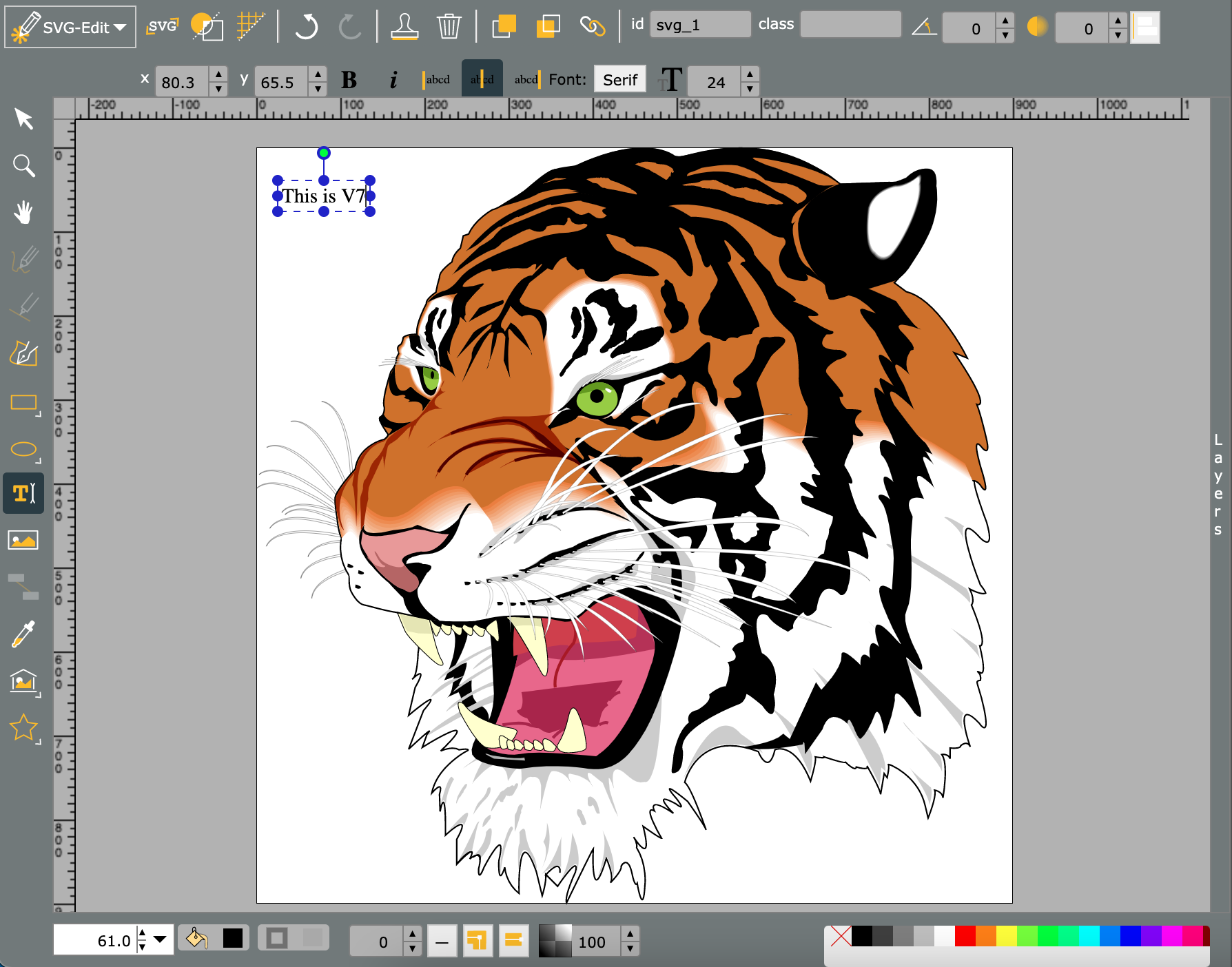
Source: official SVGEdit project page.
Key capabilities
- SVG drawing Create and edit SVG graphics through a browser-based interface.
- Path editing Resize and rotate selections, then switch to independent path manipulation with contextual controls.
- Self-hosting Build the application and serve the resulting bundle from an organization's own web server.
- Application embedding Initialize the editor inside a web application's container with explicit dimensions.
- Reusable canvas Use the underlying SVG canvas separately to build a custom editor interface.
- JavaScript extensions Add toolbar buttons, contextual tools, localized strings, and responses to editor events.
Where SVGEdit fits
SVGEdit fits browser-based SVG drawing workflows and web applications that need an embedded graphics editor. Developers can use the complete interface or build their own interface around the underlying canvas, adding extensions where application-specific controls are needed.
Before deployment, teams should check target-browser support, test the required editing features, and validate extension compatibility with their chosen release. Embedded deployments require a container with explicit dimensions. Teams should also review the build process and documentation gaps before committing to customization.
Reviews of SVGEdit
Be the first to share your experience with SVGEdit.
Write a review
Loading review form…
Alternatives to SVGEdit
 CompositorCompositor is an MIT-licensed native macOS image editor for compositing and retouching, with layers, masks, adjustment layers, Camera Raw, PSD import and a documented .comp project format that scripts and AI agents can write.
 DooryOpen-source browser design editor for posters, social posts, slides, invitations and business cards, with guest editing, brand kits, animation, real-time co-editing, PNG to MP4 export, an opt-in MCP server and Docker self-hosting.
 GIMPGIMP, the GNU Image Manipulation Program, is a free and open source cross-platform image editor for GNU/Linux, macOS and Windows with scripting and plug-ins.