

What is s&box?
s&box is a game engine and game platform from Facepunch Studios. It builds on Valve's Source 2 for rendering, resources, physics and audio, and adds a managed layer on the .NET 10 runtime, so game code and editor tools are written in C#. The sbox-public repository holds that managed engine, the editor, the launcher and the build tools. The native Source 2 core is not in the repository: setup downloads prebuilt native binaries for your platform.
Most people install s&box from Steam, where the game and the editor are separate installs; the documentation says to install both. The Steam page lists a price of $9.99, and the FAQ calls it $10. The listing is for Windows 10 or later. Developers who want to contribute to the engine can instead clone the repository and run Setup.bat on Windows or ./Setup.sh on Linux and Apple Silicon macOS, with the .NET 10 SDK and Git installed. Intel Macs are not supported by the source build, and the README says most Linux distributions should work with binaries that target the Steam Linux Runtime.
The platform side lets creators publish games and maps to sbox.game, where players start them with a click and party up without hosting servers. Creators can enable the Play Fund, a daily pool of money shared among the games and maps with the most players, with a payout threshold documented in the monetization guide. A standalone export for Steam releases is described as preview, needing Valve's approval and a license from Facepunch.
The repository carries no GitHub releases; the engine tag in the review was 26.10.27, so iThub shows no release label. The engine source is MIT licensed. Certain native binaries in game/bin fall under the s&box EULA instead, and third-party components keep their own licenses, as the README states. That mix matters: the C# source is open, but the full product is not purely MIT.
s&box screenshots
Explore the interface. Open a screenshot to view it at full size.
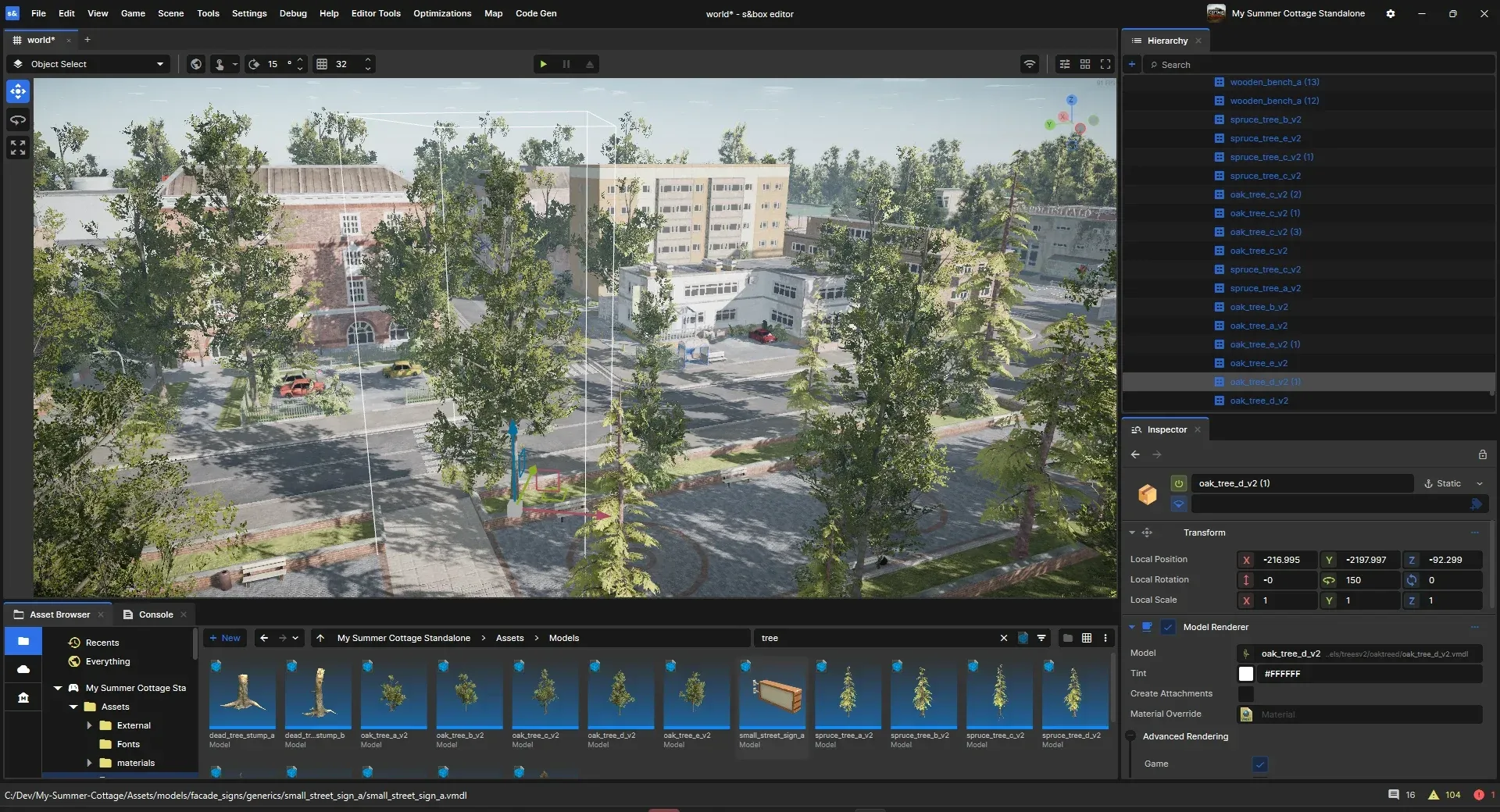
Official editor screenshot from the project README: a scene with trees and buildings, the hierarchy, the inspector and the asset browser.

Steam store screenshot of a community-made game running on s&box; it is not an editor view.
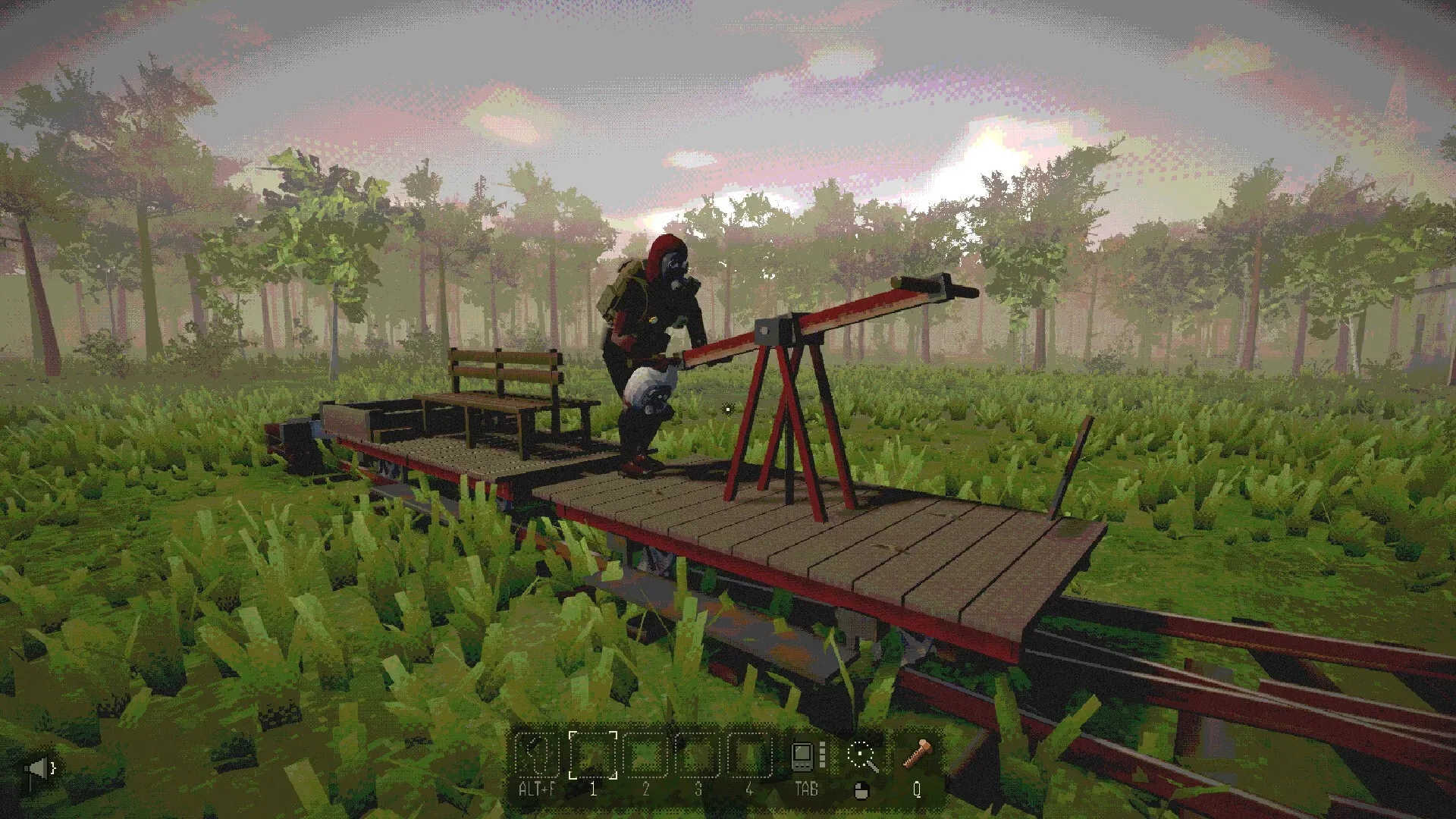
Steam store screenshot of another community-made game running on s&box.

Steam store screenshot showing a stylized city game built with s&box.
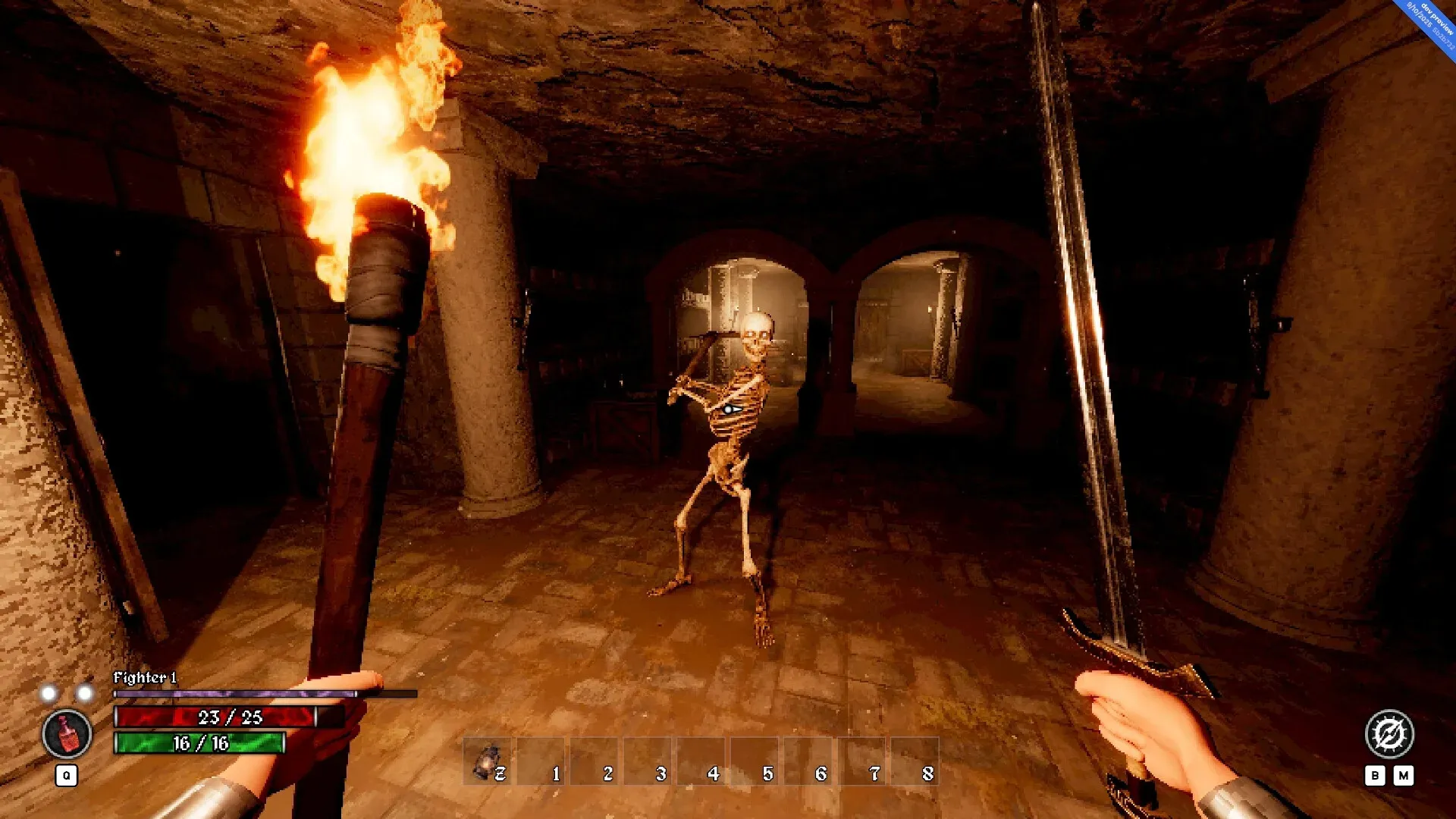
Steam store screenshot of a dungeon game made with s&box.
Source: official s&box project page.
Key capabilities
- Install from Steam The recommended route for making games is the Steam install of the s&box game and editor apps, launched from the Steam library, through a
sbox-dev.exeshortcut or by opening a.sbprojfile. The installation guide describes the steps. - Build the engine from source The repository contains the C# engine, editor, tooling and game content. Setup scripts fetch the native binaries, so no C++ toolchain is required. Pulling with Git runs a hook that fetches changed native binaries and regenerates the interop bindings. The game and the editor then run from the
gamefolder. - Scene, GameObject and Component model Scenes are JSON files on disk containing GameObjects arranged in a hierarchy, and GameObjects carry components such as a model renderer or a box collider. You build games by writing new components. The scene documentation compares the model with Godot and Unity.
- C# with hotloading All game logic is C# on the latest .NET, and code changes are compiled and applied while the game runs. The hotloading page explains what survives a reload. Public API access for game code goes through a controlled allow-list.
- Editor with scene, hierarchy and inspector The editor provides a scene viewport, a hierarchy, an inspector for component properties and an asset browser with a console. Editor tools, custom editors and widgets can be written in C# against the same API, and tooling is documented under the editor section.
- Prefabs Reusable GameObject templates can be placed in a scene or instantiated at runtime, with instance overrides and nested prefabs.
- Networking and multiplayer Any GameObject can be networked, with synchronized properties and remote procedure calls. Lobbies are peer-to-peer where one player hosts, and dedicated headless servers are supported. The documentation says the system aims to be simple rather than a hardened server-authoritative framework, so plan cheat resistance yourself.
- Maps and mesh tools The documentation covers mapping with Hammer, loading maps and map entities, including networking for maps. Mapping shortcuts and the Hammer mesh component are documented.
- Rendering and shaders Source 2 rendering is exposed through rendering documentation, shaders and a Shader Graph. Camera effects are components you add to a scene.
- Physics, audio and input Physics, sound and audio, and input handling each have their own documentation sections. A player controller component is included for fast prototyping.
- UI with Razor panels User interfaces are written as Razor panels and components that the engine renders, with documented interaction handling. Standard UI styling applies, so web developers can reuse some familiar patterns.
- VR support The system requirements list OpenXR for VR, and the documentation has a VR section under gameplay.
- Model, texture and asset tools The editor includes a model editor and texture generators, with asset previews and resource files that you include in a publish. The publishing wizard has an option to ship only referenced assets and warns about assets that are loaded from code but not included.
- Publishing and monetization Publishing sends a game or map to sbox.game from a wizard in the project settings. Creators can opt into the Play Fund, split payments with team members and sell cosmetics through the in-game system. The monetization plans are documented as evolving.
- MCP server in the editor The editor can run a local Model Context Protocol server, on by default at 127.0.0.1 port 7269, that lets an AI agent read the scene, edit game objects, search assets, enter play mode and read the console. You can write your own tools as static C# methods. It only accepts connections from the same machine.
- Documentation for agents and developers Pages of the developer documentation are available as raw Markdown by appending
.md, and an llms.txt index and an API reference at sbox.game/api exist. - Staging branch A staging branch on Steam lets developers test upcoming updates before the main build. It can be less stable, so back up your work before switching.
- System requirements The documentation lists Windows 10 64-bit minimum, 8 GB of memory, a GTX 1050 or RX 570 class GPU with 4 GB of VRAM and 12 GB of storage, with 16 GB and an RTX 2060 class GPU recommended. Integrated Intel graphics are not supported.
Where s&box fits
Prototyping a multiplayer game with friends
Create a game project, add a player controller and the Network Helper component, then run a lobby so friends can join from the platform. Verify what happens when the host leaves and which properties you actually sync, since the networking model is deliberately simple.
Learning game development in C#
Start with the getting-started guide and your first project, then write small components and rely on hotloading to iterate. Developers who know Unity or Godot will recognize scenes, game objects and components. Check the API cheat sheet and the allow-list before depending on a .NET type.
Building maps and levels
Use the mapping tools and Hammer mesh to build a level, load it as a map and add entities. Test networking for maps, and confirm that all assets the level needs are included when you publish with only referenced assets enabled.
Publishing and earning from a game
Use the publishing wizard to review included and excluded content, publish to sbox.game, and enable the Play Fund if your content qualifies. Read the rules about copyrighted material, set up payment information, and note the pending balance needed for payment.
Contributing to the engine
Clone the repository, run the setup script, open the solution in Visual Studio or Rider, and build with the SboxBuild tool. The contributing guide asks for small, scoped pull requests with a unit test where one fits, and issues for bug reports.
Making cosmetics and community content
Creators can make cosmetic items that are sold in game, as the FAQ explains, with a share of revenue through Steam. Check the current rules for submissions and the content guidelines on sbox.game before investing time in assets.
Driving the editor with an AI agent
Enable the editor's MCP server, connect a client such as Claude Code from Preferences, and expose your own tools as static methods. Check that the agent only reaches the local machine and that tools you add cannot delete project content without confirmation.
Reviews of s&box
Be the first to share your experience with s&box.
Write a review
Loading review form…
Alternatives to s&box
 Godot EngineGodot Engine is a free, MIT-licensed game engine for 2D and 3D projects. The self-contained editor runs on Windows, macOS, Linux and Android, scripts in GDScript, C# or C++ through GDExtension, and exports to desktop, mobile, web and XR targets.
 GDevelopGDevelop is an open-source game engine and editor for 2D, 3D and multiplayer games. Logic is built with visual events and behaviors, with optional JavaScript, and games export to the web, Windows, macOS, Linux, Android and iOS.
 MonoGameMonoGame is a code-first .NET framework for cross-platform games, an open-source successor to Microsoft XNA. It ships a content pipeline, project templates and tools, and is developed by the MonoGame Foundation under the Ms-PL.