

What is Signal?
Signal is an end-to-end encrypted messenger for text, voice messages, photos, files, voice calls, video calls, group chats and stories. This profile covers the Android app whose source is published at signalapp/Signal-Android. The same service has official apps for iOS and desktop, linked from the repository README and from the download page. Signal says it is an independent nonprofit supported by donations and grants, and its site footer names it as a 501c3 nonprofit that holds the Signal trademarks through Signal Technology Foundation.
GitHub lists Kotlin as the main language of the Android app. It is distributed through the Google Play Store, which the Play listing shows at more than 100 million downloads, and as a website-distributed APK that Signal labels for advanced users only. The APK page publishes the signing certificate fingerprint and an apksigner command whose example targets minimum SDK 24, which corresponds to Android 7.0. A beta program is available through Google Play, and the project mentions Obtainium for faster updates of the APK.
The latest GitHub release is v8.34.2, published on October 30, 2026, whose notes describe an improved keyboard for emojis, stickers and animated GIFs. Newer 8.35 builds on GitHub are marked as pre-releases. Release cadence is frequent, with several tagged builds per week around some releases, so check the release page rather than a version quoted in third-party articles.
The code is published under the GNU Affero General Public License v3.0, copyright Signal Messenger, LLC. The server and the Signal Protocol libraries are in other repositories under the same organization. The service is run by Signal, so the Android app is not a self-hosted product. The README includes a cryptography export notice that users should read for their own country.
Signal screenshots
Explore the interface. Open a screenshot to view it at full size.
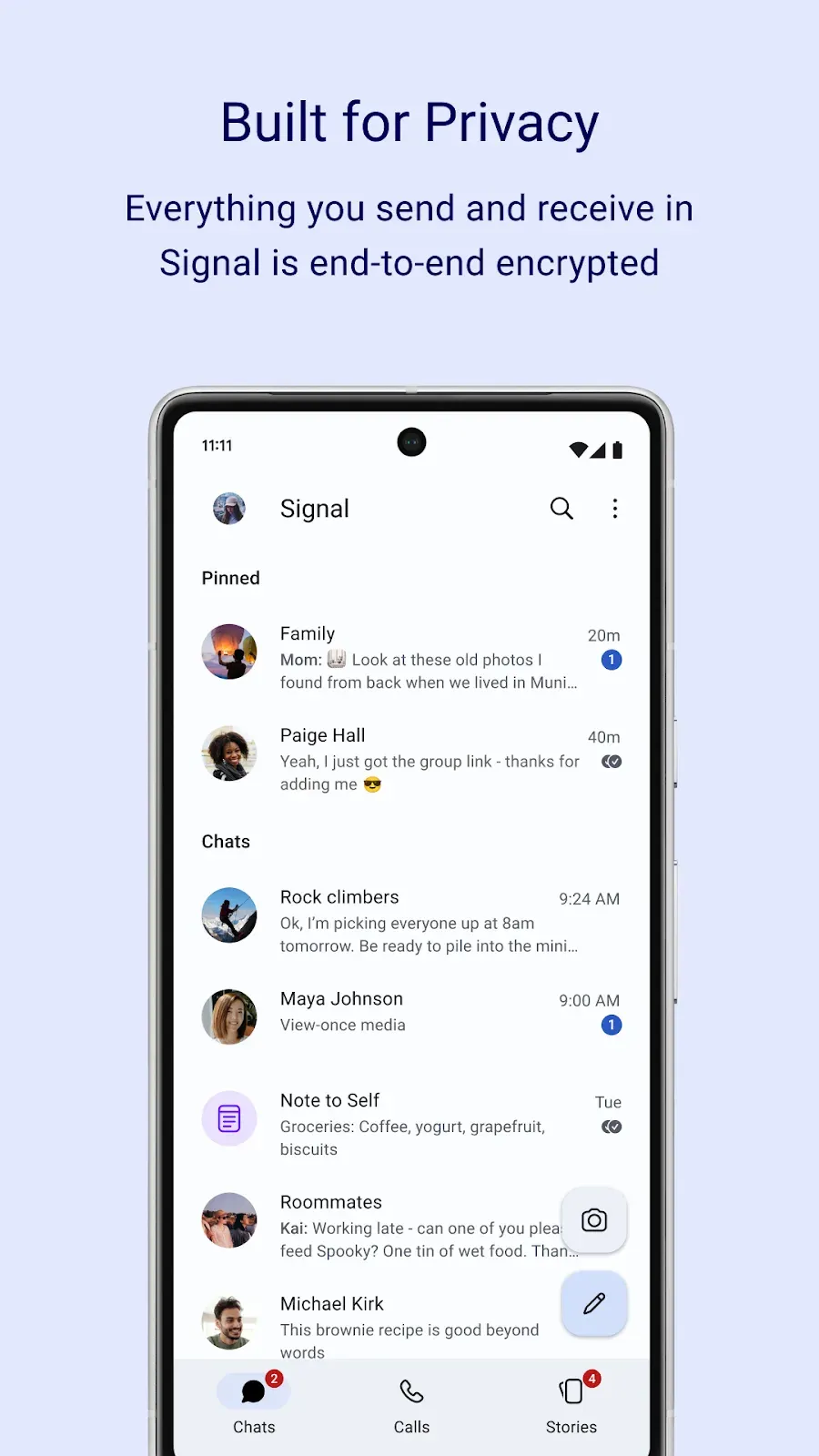
Official Google Play listing image of the chat list with pinned and recent conversations (sample contacts).
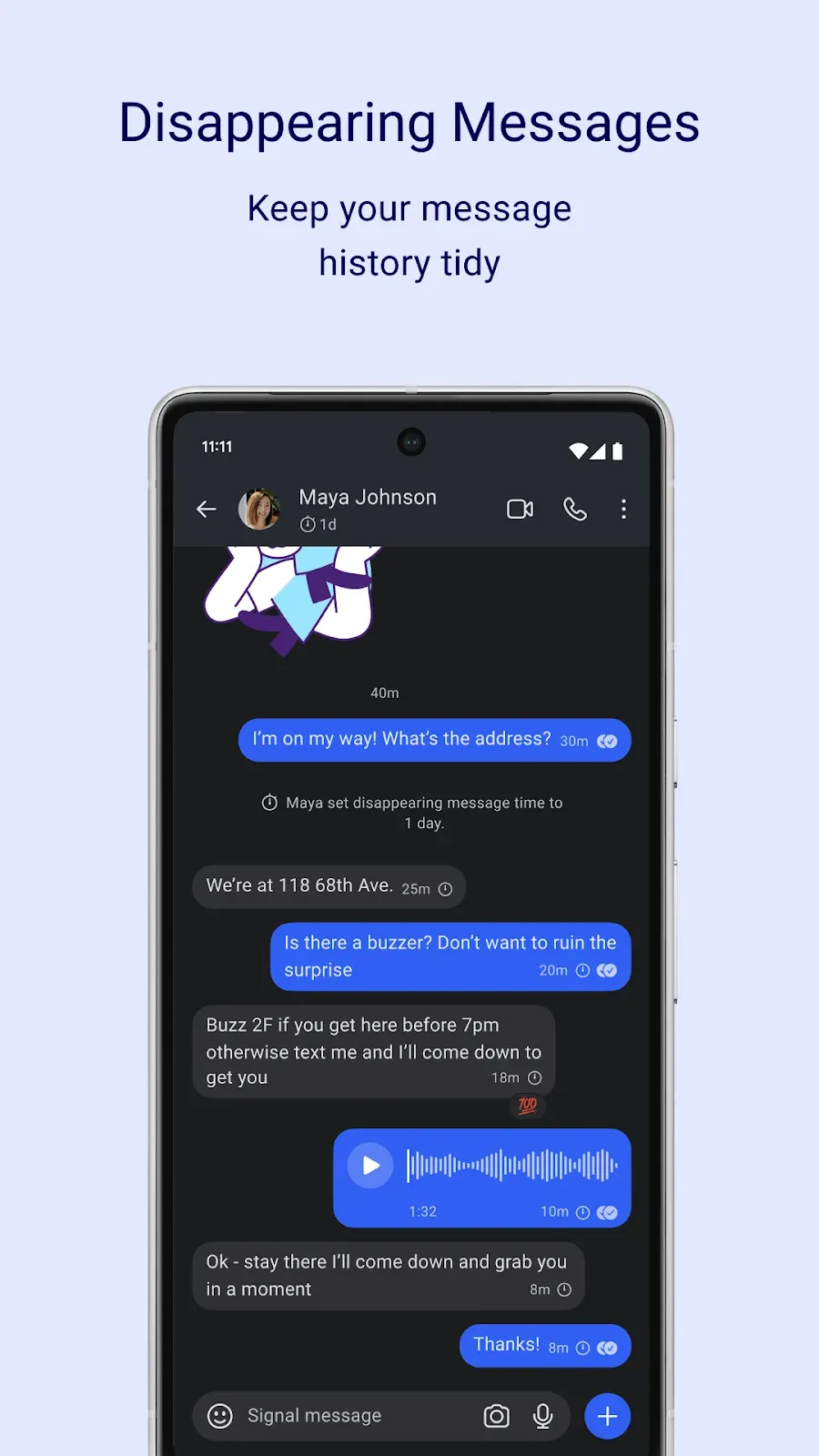
Official Google Play listing image of a conversation with a disappearing message timer and a voice message (sample contact).
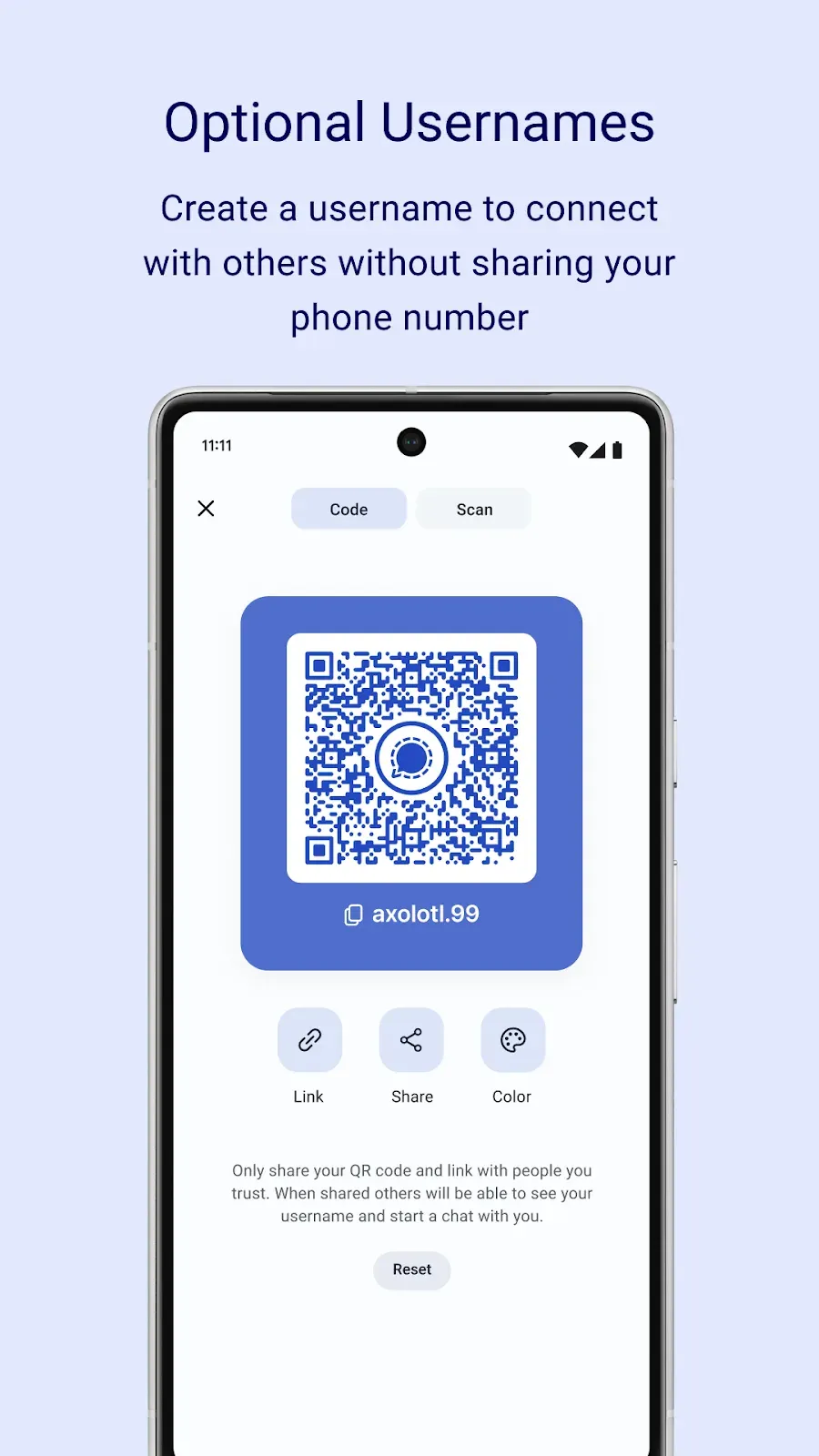
Official Google Play listing image of the optional username and QR code screen (sample username).
Source: official Signal project page.
Key capabilities
- End-to-end encrypted messaging Signal encrypts messages and calls with the open-source Signal Protocol, and says it cannot read them. Privacy is always on rather than an optional mode, so there is no separate secret chat to remember to start.
- Texts, voice messages, photos, video, GIFs and files Content is sent over the phone's data connection, avoiding SMS and MMS fees. The 8.34.2 release notes also mention a new keyboard for emojis, stickers and animated GIFs.
- Voice and video calls One-to-one calls and group calls are supported, and the Play listing states group calls for up to 50 people. Calls use data rather than the telephone network and are encrypted.
- Group chats Groups can hold up to 1,000 people according to the Play listing, with admin permissions that control who can post and manage members. Members of a group may see each other's profile and phone number, which the support center explains.
- Disappearing messages A timer can be set per chat, anyone in the chat can change it, and it applies to new messages after it is set. A countdown icon shows on each message. The support center warns that it does not defend against a recipient who photographs the screen.
- Stories Photo, video and text stories disappear after 24 hours, and privacy settings control exactly who can see each one. Stories have their own tab beside Chats and Calls.
- Optional usernames and QR codes A username lets people connect with you without sharing a phone number. The app can show a QR code and a link to share it, and the Play screenshots show a color option for the code.
- Signal PIN and Secure Value Recovery A numeric or alphanumeric PIN helps restore your profile, settings, contacts and block list after you lose or change a device, and supports non-phone-number identifiers. The support center says a PIN is not a chat backup and that it cannot reset a forgotten PIN.
- Registration lock A PIN can also act as a registration lock. If you forget the PIN while the lock is enabled, you can be locked out of the account for up to seven days, according to the support center, so record the PIN safely.
- Private contact discovery Signal describes a contact discovery process that lets the app find which contacts use Signal without revealing the address book to the service. The support center says the service has no knowledge of your contacts and that contact data stays on the phone.
- Backups and device transfer The support center lists on-device backups, Android-to-Android transfer and Signal Secure Backups. Check the current article for each option before relying on it, since backup behaviour differs by app version.
- Linked devices Desktop, iPad, iPhone and Android tablet or phone devices can be linked to the primary device. The support article says all chats and the last 45 days of media sync on linking, the phone must come online at least every 30 days, and linked devices unlink after 45 days of inactivity.
- Message requests and profiles Signal profiles and message requests control who can start a conversation with you. The support center has a dedicated article, and it is worth reviewing before sharing a phone number or a username publicly.
- Safety numbers and key verification You can verify the encryption of a conversation with a safety number, and the support center documents automatic key verification. Treat a changed safety number as a prompt to check with the contact.
- No ads, trackers or affiliate links The site states there are no ads, affiliate marketers or tracking in Signal. The Google Play data safety section reports no data shared with third parties, and notes the data types the app may collect, so read that section for the current declaration.
- Site languages The Signal site is published in dozens of languages, and the support center lists translations. The README directs translation contributions to the community forum.
- Beta, issue tracking and open development You can join the Play beta, report bugs in GitHub issues, and propose larger changes on the unofficial community forum before implementation. Contributions follow the CONTRIBUTING file in the repository.
Where Signal fits
Private conversations with friends and family
Install from Google Play, register with a phone number and set a PIN. Share a username or QR code if you prefer not to give out the number, and review the profile and message request settings. Verify safety numbers with contacts for sensitive conversations.
Group coordination and community announcements
Create a group, and set admin permissions for who can post. Remember that group members can see profile information and, depending on settings, phone numbers. For larger communities, compare the member limit of 1,000 with your needs.
Calls across borders
Use voice and video calls over Wi-Fi or mobile data. Test the first call on the networks you rely on, check group call limits, and confirm that your organization does not block the traffic on managed networks.
Short-lived information
Turn on disappearing messages for chats that carry addresses, codes or temporary instructions. Choose a timer that fits how long the information is needed, and tell contacts that the setting is a hygiene measure and not a guarantee against screenshots.
Using Signal on several devices
Link a desktop or tablet from the primary phone, then keep the phone online at least every 30 days. Read the support center pages on linked devices and backups before changing or replacing your phone.
Evaluating Signal for a team or organization
Signal is a consumer messenger with no admin console, directory or retention controls in the sources reviewed. For teams that need those, look at managed chat platforms. If staff use Signal for sensitive work, write a policy covering PINs, disappearing messages, linked devices and lost phones. Include what staff should do when a phone is lost, because the PIN and registration lock rules decide how quickly an account can be restored.
Checking what the app collects
Open the Google Play data safety section and the terms and privacy policy and compare them with your own requirements. Declarations can change between versions, so repeat the check when you update the app on managed phones.
Reviews of Signal
Be the first to share your experience with Signal.
Write a review
Loading review form…
Alternatives to Signal
 ElementElement is the open-source Matrix client from Element Creations for browsers, Windows, macOS and Linux. It connects to any Matrix homeserver, encrypts DMs and private rooms by default and can be self-hosted as static files, a Debian package or a Docker image.
 MattermostMattermost is an open core, self-hosted collaboration platform with channels, threads, playbooks, boards, audio calls and AI agents. It runs on Go and PostgreSQL, with a free Entry mode and paid plans sold by quote.
 Rocket.ChatRocket.Chat is a TypeScript and MongoDB communication platform for channels, threads, calls, Matrix federation and customer conversations. The core is MIT-licensed and self-hosted with Docker or Kubernetes; enterprise features and add-ons need a paid plan.