

What is LittleLink?
LittleLink is a free, open-source template for building a single link-in-bio page, in the way a Linktree page lists a person's profiles and links. It is a static site made of one HTML file, a stylesheet and a folder of brand icons. There is no admin interface, no database and no JavaScript framework: you fork the repository, edit index.html to change the name, avatar and links, and publish the files to a static host. It is created by Seth Cottle, who is named as the creator on the LittleLink website, and the source is in the sethcottle/littlelink repository.
The page includes more than 100 branded button styles, such as GitHub, Mastodon, Bluesky, Spotify, YouTube and many more, and a set of generic buttons for email, phone, a shop or a website. Three themes, auto, light and dark, are built in, and the README says buttons that lack contrast with the background get an inverse outline. A separate Button Builder generates the CSS and HTML for a custom brand button, and the LittleLink Extended repository holds more niche services so that the core stays small.
The README lists one-click deployment buttons for Cloudflare, DigitalOcean, Vercel, Netlify and AWS Amplify, and also says the files can be served from GitHub Pages, a home-lab server or any frontend host. A Docker setup under the docker folder uses nginx:alpine and publishes the site on port 8080. Community projects extend it: LittleLink-Server by Techno Tim for containers, and LinkStack, which the README describes as a fork of LittleLink Admin, for a multi-user admin interface.
The latest release is v3.11.0, published July 29, 2026. It refreshes the Google icons and adds buttons for Google services, converts the button stack to a navigation element with a main landmark, removes redundant role attributes, adds preload hints and avatar dimensions, drops about 1.2 MB of legacy font files, fixes the Bluesky icons and removes the Kit button because that service shut down. The license is MIT. LittleLink does not collect analytics, host your page or provide a hosted account, and it does not include a link-click counter.
LittleLink screenshots
Explore the interface. Open a screenshot to view it at full size.
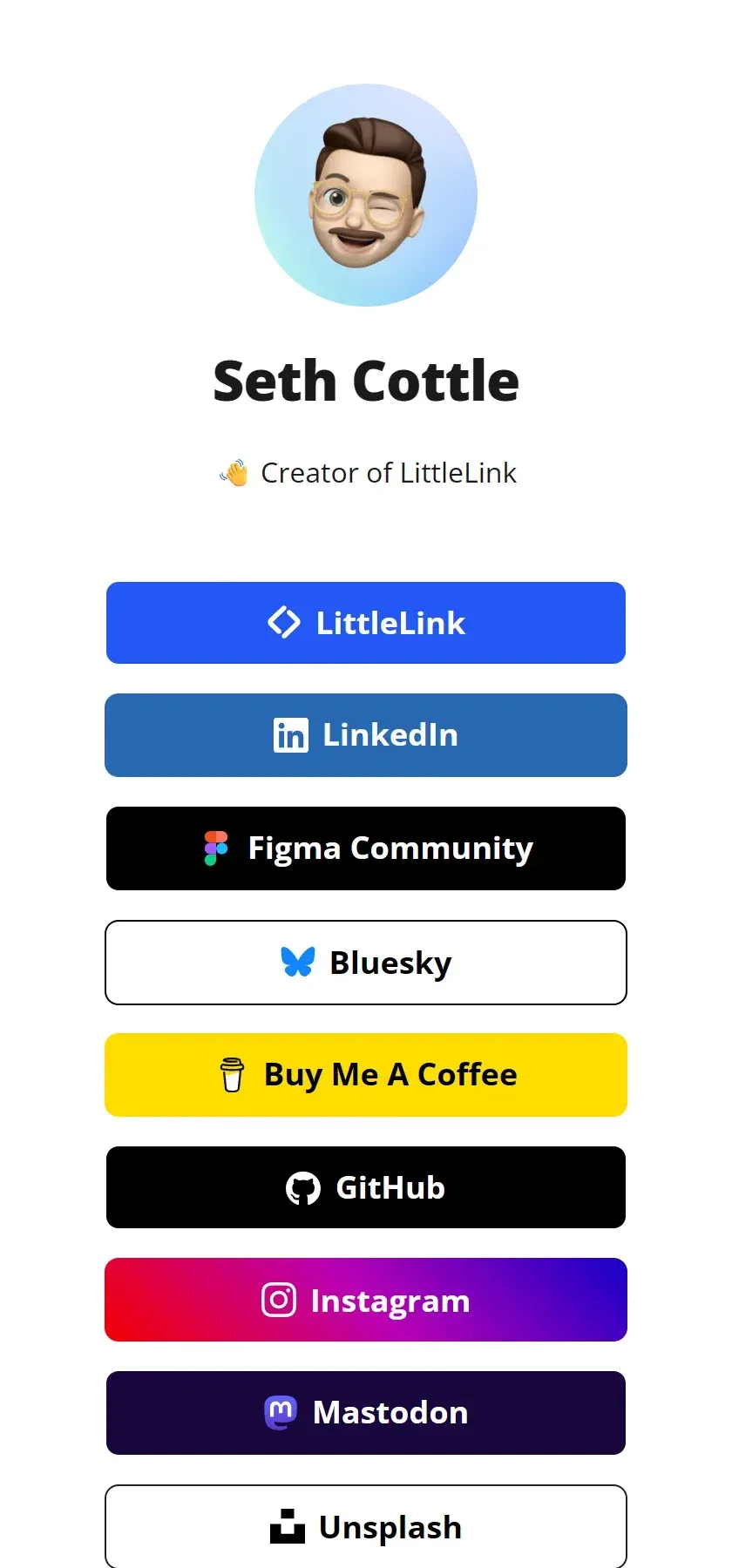
Capture of the official LittleLink sample page in the light theme, showing an avatar, a name and stacked branded buttons.
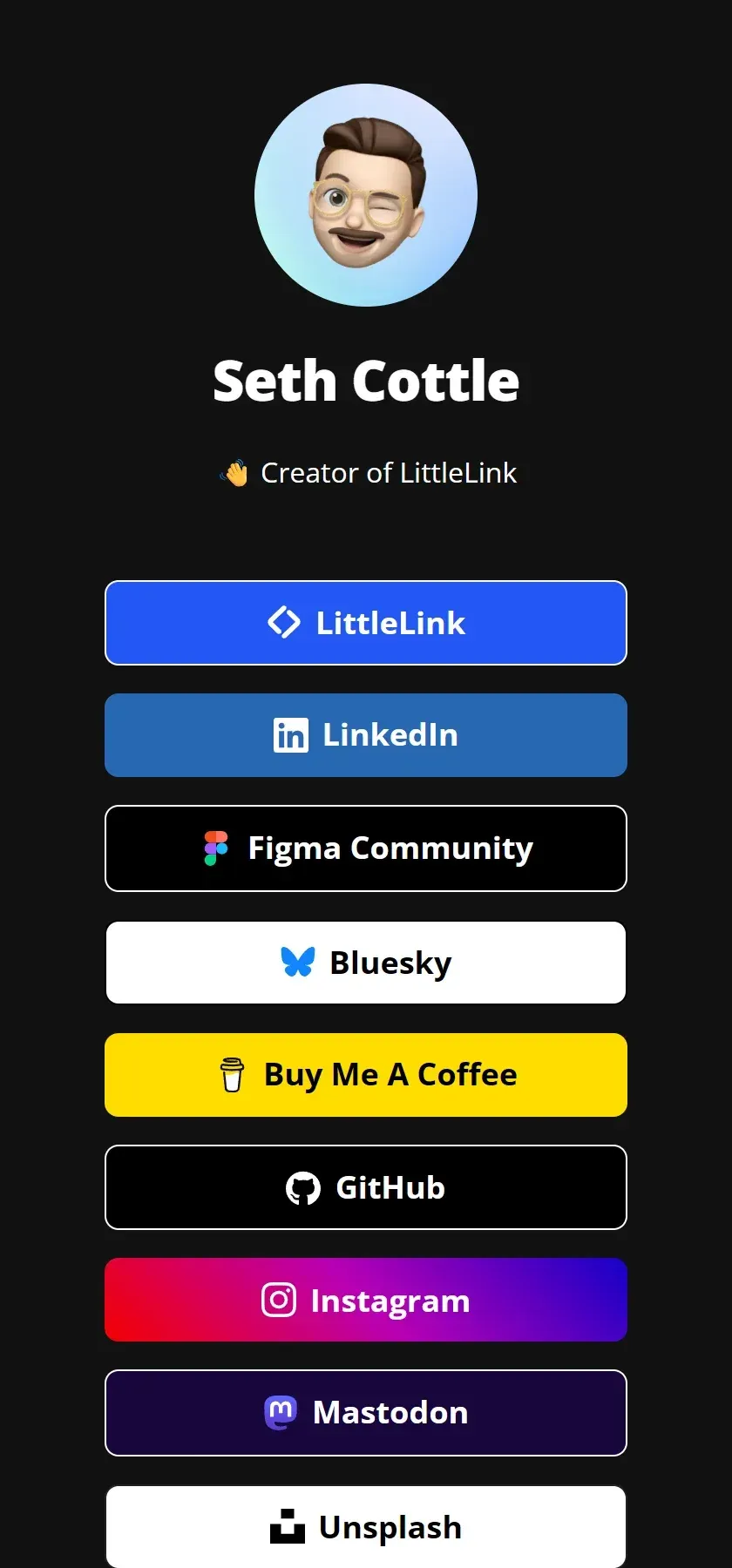
Capture of the official LittleLink sample page in the dark theme, where buttons get an inverse outline for contrast.
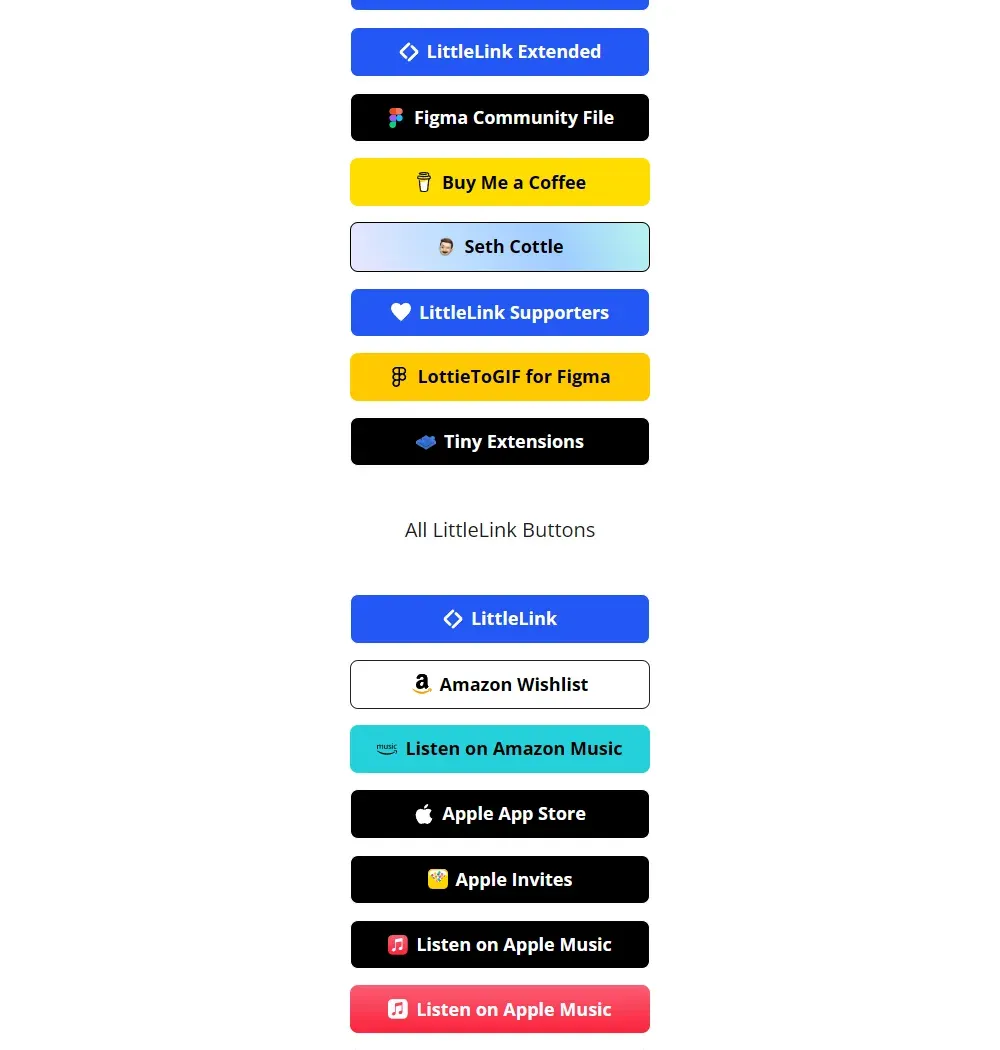
Capture of the official LittleLink website listing the available branded buttons.
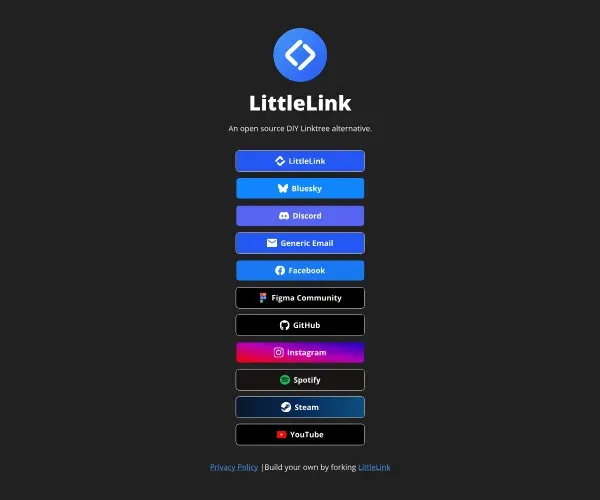
Official animation from the project README showing LittleLink theme support on a demo page.
Source: official LittleLink project page.
Key capabilities
- Fork and edit index.html The basic workflow is to fork the repository, open
index.htmland replace the name, description, avatar and link buttons. The README says you only need basic HTML knowledge, and the project wiki has a page about adding custom buttons to your own fork. - Download the latest release The project site has a Download Latest Release button, and each GitHub release carries the packaged files. Use a release tag if you want a stable copy instead of the main branch.
- Deploy to Cloudflare, DigitalOcean, Vercel, Netlify or Amplify The README provides one-click buttons that fork the repository and deploy it. The repository includes a wrangler.toml for Cloudflare and a .assetsignore file so that repository metadata such as .git is not served.
- Host on GitHub Pages or your own server Because the output is static, you can publish the folder through GitHub Pages, an nginx server, a CDN or a home lab. Remember to serve it over HTTPS.
- Docker setup Run
docker compose -f docker/compose.yaml upto serve the site at http://localhost:8080. The Docker readme says it uses nginx:alpine with gzip compression and cache settings, and that the compose file mounts the project for live editing. - 100+ branded buttons The button list on the site covers music services, social networks, developer sites, shops, messaging apps and payment links. Release 3.11.0 added Google Calendar, Chat, Docs, Forms, Gmail, Meet, Photos, Sheets and Slides buttons and a YouTube Music class.
- Generic buttons Buttons for email, a website, a phone call, directions, a review link, an RSS feed, a download, an event RSVP and a shop are available for things that are not a brand.
- Auto, light and dark themes Pick a theme in
index.html, or leave it on auto to follow the visitor's system setting. You can change colors by editing the values in style.css, and release 3.11.0 implemented the documented theme-light class. - Accessibility checks Buttons with insufficient contrast get an inverse stroke, and the project runs a contrast check in continuous integration. The README notes that some brand colors fall short of the ideal contrast, so check your own page.
- Semantic markup From 3.11.0 the button stack is a nav element labelled Links inside a main element, with a fixed canonical tag and theme-color metas.
- Performance The page uses its own vanilla CSS and no framework, and 3.11.0 added font preload hints, avatar dimensions and woff2-only fonts. The README says the sample page scored 100 in PageSpeed Insights categories, a claim tied to a specific test run, so measure your own page.
- SEO and social tags The template ships with an Open Graph and Twitter block to fill in, plus a canonical tag. Add your own title, description and share image before publishing.
- Avatar options The avatar can be rounded, softly rounded or square through the avatar--rounded, avatar--soft and avatar--none classes. Placeholder avatars are provided at 128 and 256 pixels.
- Button Builder The builder previews a custom button, checks contrast ratios and outputs CSS for
css/brands.cssand HTML forindex.html. Use it when your service is not on the list. - LittleLink Extended A second repository collects niche services, so contributors can add rarely used buttons without cluttering the main project.
- Figma template A community Figma file lets you plan the page design before editing HTML.
- Privacy page A privacy.html file is included. The project's own page says its site uses Fathom Analytics, hosts on Vercel and uses a contact form service, so replace this text with the details of your own deployment.
- Community and support Questions go to GitHub discussions or the project's Discord. The wiki explains how to submit a new brand, and the project accepts sponsorship through Buy Me a Coffee, Ko-fi and GitHub Sponsors.
Where LittleLink fits
Creating a personal link page
Fork the repository, replace the avatar and name, delete buttons you do not need and set the URLs on those you keep. Deploy to a static host and open the page on a phone to check that every link works and the buttons have enough contrast. Add a share image and description so previews look right when you post the link.
Using a custom domain
Point a domain you control at the static host, enable HTTPS and set the canonical URL in index.html to the final address. Test that the www and bare domains both resolve, and keep the old fork URL redirecting if you used it earlier.
Adding a button that does not exist
Use the Button Builder to design the button, paste the CSS into css/brands.css and the HTML into index.html, and add the icon to images/icons. Check the result in both light and dark themes. Follow the wiki's contribution guide if you want it added upstream.
Running a link page for a team or a small business
Use the generic buttons for the website, phone number, directions and reviews, and keep one fork per person or location. Docker lets you run several variants behind one proxy. If you need accounts, click statistics or many users on one installation, look at LinkStack instead.
Self-hosting in a home lab
Run the Docker compose file or copy the files to an nginx directory, put a reverse proxy with TLS in front and decide on logging. A static page has a small attack surface, but it still needs updates to the web server and the host.
Keeping up with upstream changes
Add the original repository as an upstream remote and merge release tags into your fork. Review changes to index.html and style.css before merging, because your own edits live in the same files, and read the version history for removed buttons such as Kit.
Making the page accessible
Check each button's contrast in light and dark themes, give the avatar a meaningful alt text and keep link labels descriptive. The template already uses a navigation landmark and the project checks contrast in CI, but brand colors and your own edits can still introduce problems, so test with a screen reader and keyboard.
Install
docker compose -f docker/compose.yaml upReviews of LittleLink
Be the first to share your experience with LittleLink.
Write a review
Loading review form…
Alternatives to LittleLink
 LinkStackAGPL-licensed, self-hosted PHP and Laravel app for a Linktree-style profile page, with multi-user registration, themes, analytics, a one-click updater, a Docker image and optional hosted plans.
 LinkyLinky is an MIT-licensed link-in-bio builder. Claim a lin.ky handle, drag in link, media, form and live blocks from Spotify, Instagram, TikTok, Threads and GitHub, pick one of 22 templates, or self-host it on Postgres and Cloudflare Workers.
 WebstudioWebstudio is an AGPL-licensed visual builder for websites from Webstudio, Inc. It exposes every CSS property, binds data from any HTTP or GraphQL API, lets AI agents edit projects through MCP, and publishes to Cloudflare or exports sites for self-hosting.