

What is LinkStack?
LinkStack is a self-hosted link-in-bio platform written in PHP on the Laravel framework. A user gets one public profile page that lists all the links they want to share, which gets around social networks that allow only a single link in a profile. The README describes it as an open-source Linktree alternative, and the official site lists a multi-user mode, a single-user mode, built-in analytics, themes and data export and import between instances.
The project is developed by the LinkStackOrg organization and began as a fork of LittleLink Admin, formerly named LittleLink Custom; the repository credits that project and the LittleLink default theme. The stated mission is a free, privacy-focused service that does not sell user data. Three ways to run it are offered: an unzip-and-open install on a PHP web host, the official Docker image for linux/amd64, arm64, arm/v7 and arm/v6, and community or paid hosted instances.
The requirements page lists Apache with mod_rewrite and .htaccess, HTTPS with a valid certificate, PHP 8.1 or later with common extensions such as BCMath, cURL, Mbstring, OpenSSL and PDO, and either SQLite (the default) or MySQL. The Docker edition is based on Alpine Linux with Apache2 and PHP 8.3. A first-run setup page checks server dependencies, sets up the database, creates the admin user and configures the app, and a built-in updater makes a backup before it updates.
The current release is v4.8.8, published October 22, 2026; its notes list a security update described as improved compatibility and give no further detail. The source is licensed under AGPL-3.0 as of version 4.0.0, which requires that modified versions, including those offered over a network, make their source available. LinkStack is a profile page host, not a website builder, shop or CRM.
LinkStack screenshots
Explore the interface. Open a screenshot to view it at full size.
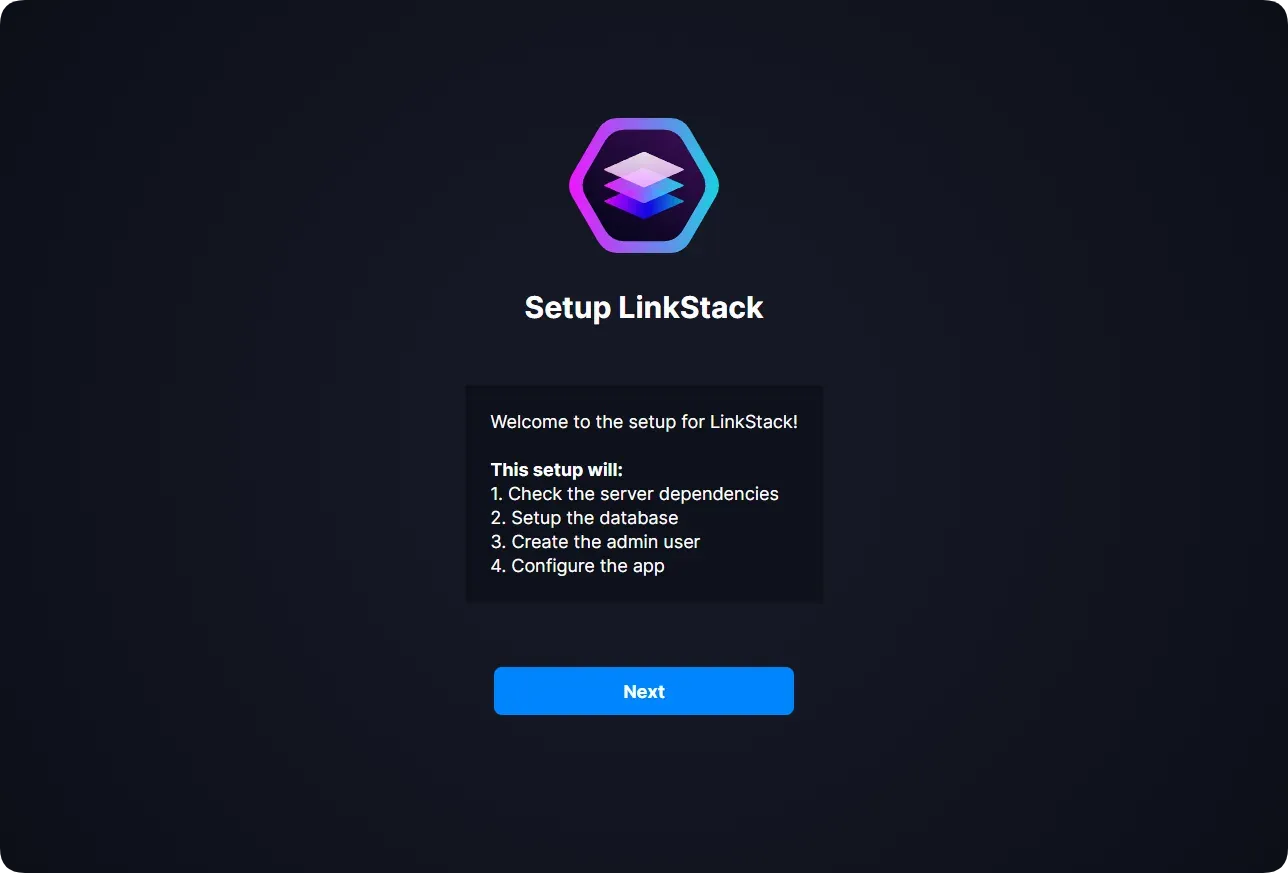
Official image of the setup wizard that checks dependencies, sets up the database and creates the admin user.
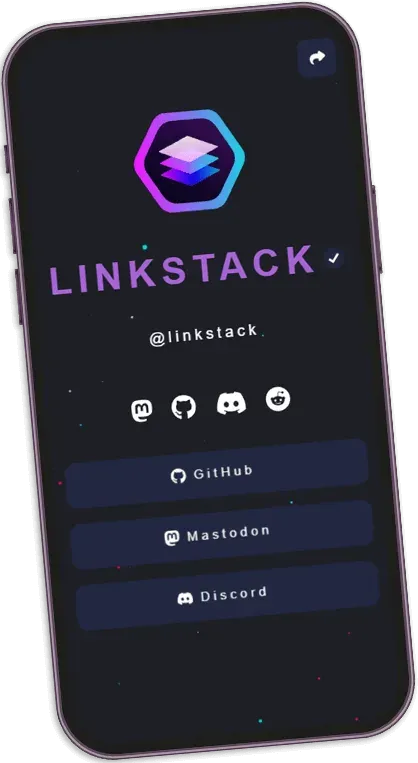
Official theme preview on a demo profile.
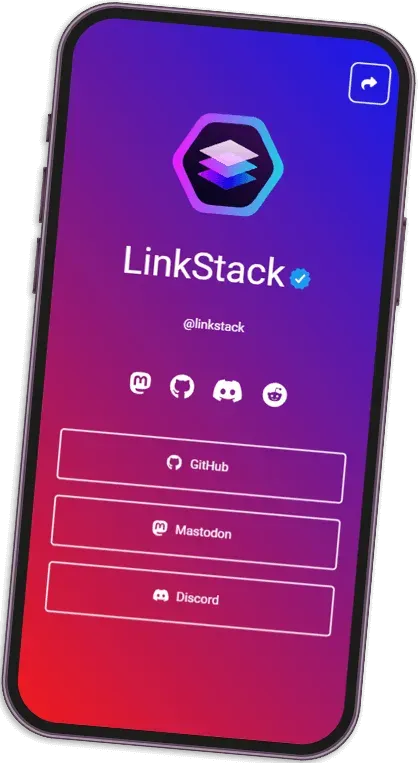
Official theme preview on a demo profile.
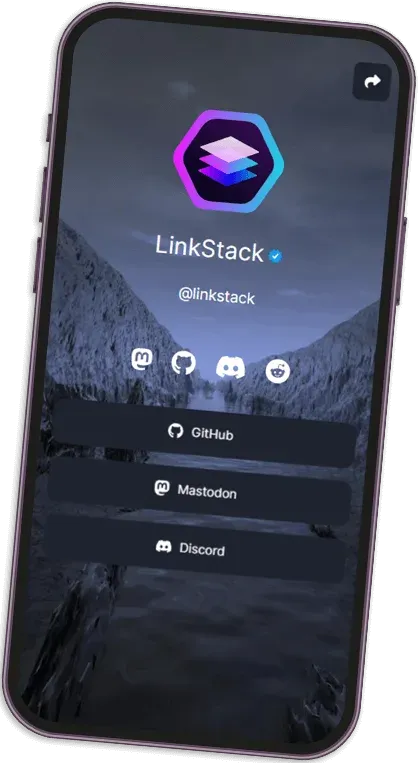
Official theme preview on a demo profile.
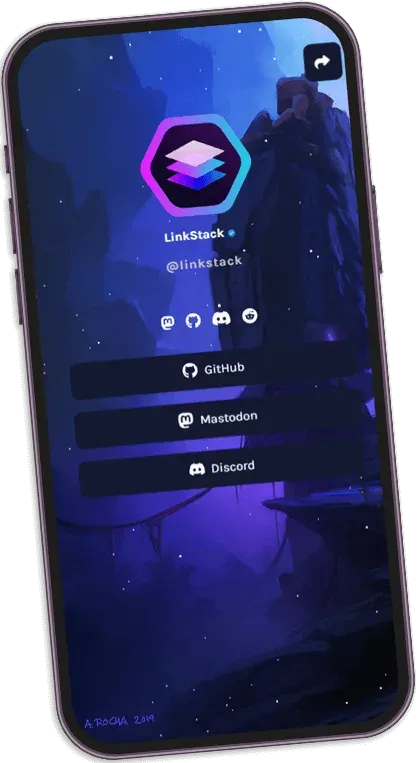
Official theme preview on a demo profile.
Source: official LinkStack project page.
Key capabilities
- Profile page with many links Each user has a public page listing buttons for links, with drag-and-drop ordering and customizable buttons that can show site favicons. The official feature list also names more than 100 predefined brand buttons and social icons on the links page.
- Button Editor and content blocks A button editor supports Font Awesome icons, and the features page lists vCard, email, phone number, heading, spacer and text blocks. Text can be edited in a visual HTML editor, and the README credits CKEditor for the admin and user editors.
- Themes Themes change the look of a profile with a few clicks. The theme gallery on linkstack.org collects community themes, an admin uploads a theme as a zip file in the Themes tab, and a built-in updater refreshes installed themes. Themes are written with CSS and documented in the linkstack-themes repository.
- Multi-user hosting with registration Other people can register and build their own pages, which suits organizations that want to manage many profiles. Administrators can require manual user verification, mark verified users with a checkmark, and use single-user mode when only one profile is wanted.
- Admin panel The admin panel manages users and their links, instance settings, themes, backups and updates. It also shows update notifications when a new release is published.
- Analytics Built-in analytics tracks activity on profile pages, and external analytics services can also be connected. The official site lists both options but does not state which metrics are collected, so review them in your own instance.
- QR code and sharing Profiles can be shared through a QR code, and individual users can set a social share preview for how their page appears when shared. The README credits a QR code library for this feature.
- Branding options The features page lists a custom favicon, logo and background image for users, customizable footer pages and customizable dashboard styling. Automatic dark mode is also listed. Terms, privacy and contact pages are editable as described in the documentation.
- Email through SMTP A built-in SMTP server can send verification and password reset emails, and a custom SMTP server can be used instead. Deliverability of a built-in sender depends on your server's reputation and DNS, so test it before enabling registration.
- Import and export Account settings and buttons can be exported and imported, which helps when moving between instances or from a hosted to a self-hosted install. Check the result on a copy before switching a public domain.
- Multiple domains The features page lists multi-domain support so one installation can serve several domains. Hosted plans reserve custom domains for paid tiers, and reverse proxy setups are covered in the documentation.
- Built-in updater and backups An automatic one-click updater creates a backup before updating and keeps no more than two backups at once. If the database was switched to MySQL, the database is not included in that backup. The updater can fail quietly if PHP extensions do not match the PHP version, so keep an independent backup.
- Security monitor A built-in security monitor is listed among the administration features. The project does not describe its checks in the sources reviewed, so treat it as a convenience and keep normal patching and monitoring in place.
- Unzip and open installation Download the latest release zip and place the linkstack folder or its contents in the website root, then open the site and follow the setup page. No command line or Composer step is required, according to the README.
- Docker image
docker pull linkstackorg/linkstackfetches the official image, also mirrored on GitHub Container Registry. The Docker repository documents ports 80 and 443, environment variables such as TZ, PHP_MEMORY_LIMIT and UPLOAD_MAX_FILESIZE, and a volume mounted at /htdocs for persistent data. - Community instances and paid hosting Community members host free instances listed on the official site, and the project offers hosted plans. Personal plans run from $1 per month for one account with a subdomain, to $10 for up to 250 accounts, and professional plans run from $15 to $30 per month for up to 1,000 users.
Where LinkStack fits
Replace a link-in-bio service on your own domain
Install on a PHP host or run the Docker image, point a domain at it with HTTPS, and recreate your links as buttons. Check that your social bios link to the final domain, and confirm the QR code and share preview before you update public profiles.
Host profiles for a team or community
Enable registration for members or create accounts yourself, set manual verification and mark approved accounts. Decide who moderates content, because every registered user can publish a public page on your domain. Test the SMTP path for verification and password reset emails, and write short terms for what members may publish.
Run a single personal page
Use single-user mode, pick a theme and add buttons, vCard and social icons. Keep the instance patched, since a public PHP application is exposed on the internet, and verify backups by restoring one to a test location.
Move from a hosted instance to your own server
Export account settings and buttons, install your own instance with the same PHP and database choice, and import them. Compare themes and custom domains after import, then lower DNS time to live before switching over.
Customize look and feel with themes
Download a community theme or write one with CSS following the theme repository guide, upload the zip in the admin panel and select it per profile. Test on a phone, since link pages are mostly opened on mobile screens, and check contrast in dark mode. Keep the theme zip in version control so a reinstall restores the same appearance.
Keep an instance updated and recoverable
Watch for the update notice in the admin panel, run the one-click updater and then confirm the version and the PHP environment. Because the updater keeps two backups and excludes a MySQL database, schedule your own database dump and file backup. After each update, open a public profile, the login page and the admin panel to confirm nothing broke.
Install
docker pull linkstackorg/linkstackReviews of LinkStack
Be the first to share your experience with LinkStack.
Write a review
Loading review form…
Related to LinkStack
 GhostGhost is an open source publishing platform for building a website, sending email newsletters and selling paid memberships, self-hosted or on Ghost(Pro).
 NonographNonograph is a public-domain Telegraph alternative written in Rust. Anyone can publish a formatted page without an account; posts are stored as flat Markdown files, and the Docker image creates its own Tor onion address.