
What is Rescuezilla?
Rescuezilla is an easy-to-use disk cloning and imaging application that is fully compatible with Clonezilla. Disk imaging makes a backup of a computer's hard drive stored as files on an external drive, while cloning makes a direct copy without needing a third drive for temporary storage.
It runs from a live USB stick and can be booted on any PC or Mac. Backups made by Rescuezilla can be restored with Clonezilla, and Rescuezilla can restore Clonezilla backups. It also supports virtual machine images (VirtualBox VDI, VMware VMDK, Hyper-V VHDx, Qemu QCOW2 and raw images), Linux md RAID, LVM, and disks without a partition table, and an Image Explorer (beta) opens files from inside images.
Rescuezilla was forked from Redo Backup and Recovery and rebuilt to be compatible with Clonezilla. The project notes that imaging and cloning is a specialized task and not necessarily the best solution for every user, so a file-based backup may suit some problems better.
Rescuezilla screenshots
Explore the interface. Open a screenshot to view it at full size.
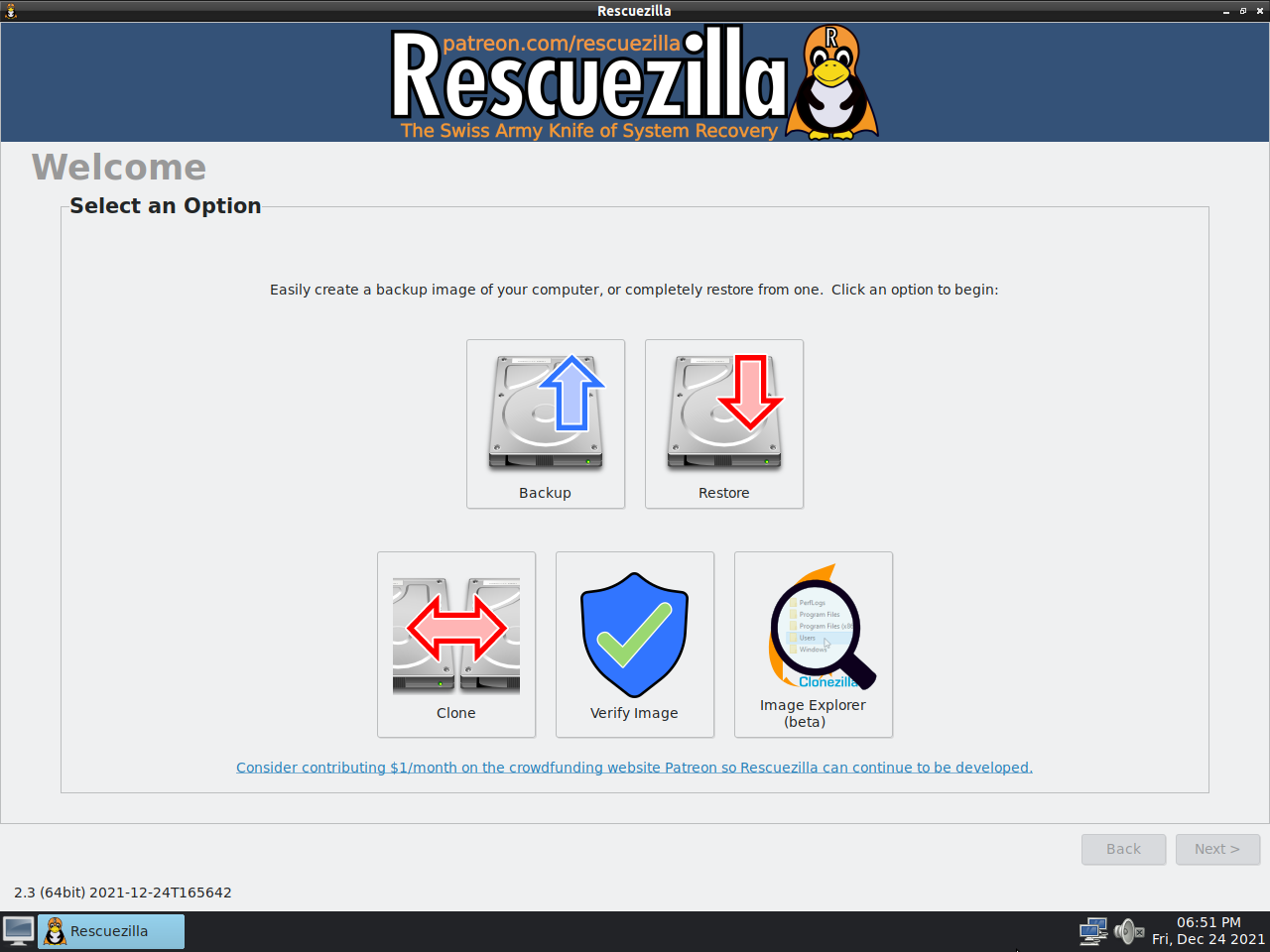
Source: official Rescuezilla project page.
Key capabilities
- A graphical front end for disk imaging and cloning
- Images interoperable with Clonezilla
- Support for VirtualBox, VMware, Hyper-V and Qemu virtual machine images
- Image Explorer (beta) to open files inside images
- Device-to-device cloning without a third drive
- A live USB environment for any PC or Mac
Where Rescuezilla fits
Rescuezilla fits system recovery, disk replacement and backup workflows where administrators need an image of a complete disk rather than a collection of individual files. Its Clonezilla interoperability also supports environments that already maintain Clonezilla backup images. Before deployment, administrators should verify that image-based recovery suits the requirement better than file-based backup and test the intended storage layout and image format.
Hardware architecture, boot compatibility and destination disk capacity require attention. The documented release does not include an ARM64 build, and automatic partition shrinking for smaller destination disks is unavailable. Compatibility restrictions also apply to some image sources: FOG Project support is limited to Windows MBR/GPT disks, while FSArchiver support covers restoration rather than image exploration.
Reviews of Rescuezilla
Be the first to share your experience with Rescuezilla.
Write a review
Loading review form…
Alternatives to Rescuezilla
 AcronisAcronis Cyber Protect combines image and file backup, disaster recovery, anti-malware, EDR, patch management and email archiving. It runs as a cloud service or as Cyber Protect Local on premises, under subscription licences.
 Death Plan SwitchDeath Plan Switch is an MIT-licensed, single-owner PHP app without a database. It sends a weekly check-in email, escalates through reminders and the next of kin, and after six days emails each confirmed contact a message written in advance.
 PlutonPluton is an Apache-2.0, self-hosted backup platform that wraps Restic and Rclone in a web interface. It runs scheduled, incremental, encrypted backups with retention, replication to extra storages, restore wizards and notifications.