

What is Cap?
Cap is an open-source screen recording and sharing app from Cap Software, Inc., started in 2023 as an open source alternative to Loom. It records a whole display, a single window, a custom area or just the camera, together with microphone and system audio. Instant Mode uploads while you record and puts a share link on your clipboard the moment you stop. Studio Mode records locally in 4K with separate screen, camera and microphone tracks, then opens an editor with backgrounds, automatic zoom, captions, blur, cursor effects and trimming. Screenshot Mode captures a window or area with a hotkey.
Every recording gets a share page where viewers watch in the browser without an account and leave comments and reactions. Cap AI adds titles, summaries, chapters and transcripts, and teams get workspaces, viewer analytics, password-protected links, custom domains and a Loom importer. Typical uses include product demos, bug reports, onboarding, tutorials and async standups.
The desktop app runs natively on macOS 13.1 or newer, Windows and Linux, alongside a Chrome extension, a CLI and a local MCP server for coding agents. Recordings can live on Cap Cloud, any S3-compatible bucket, Google Drive, or a self-hosted Cap Web deployed with Docker Compose. Most of the code is licensed under the AGPLv3, while the cap-camera and scap crate families use MIT. Cap is free for personal use; commercial use needs a Desktop License at $58 one time or $29 a year, or Cap Pro at $12 per user per month, or $8.16 a month billed annually.
Cap screenshots
Explore the interface. Open a screenshot to view it at full size.
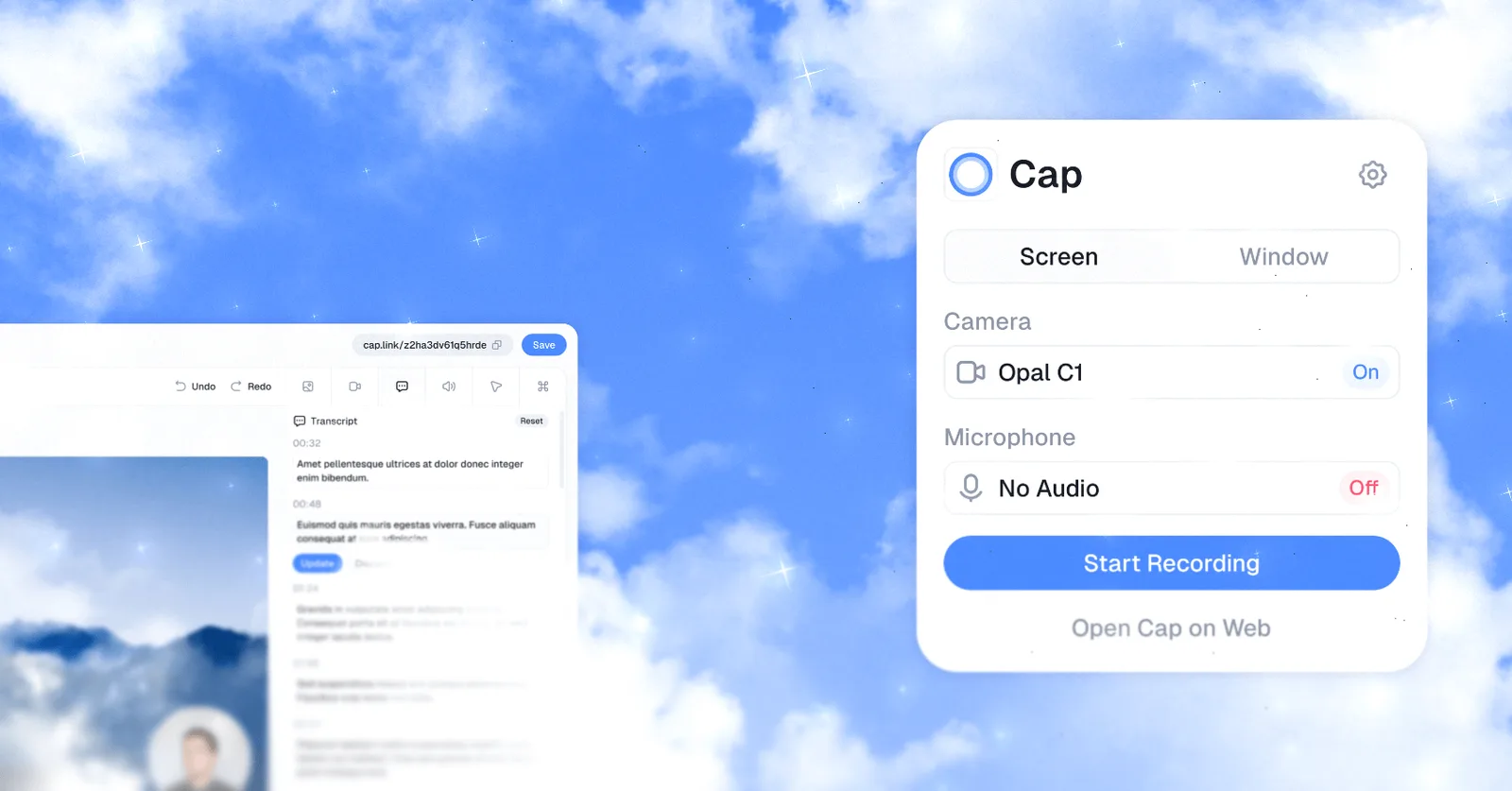
Source: official Cap project page.
Key capabilities
- Instant Mode Uploads during recording and copies a share link to the clipboard as soon as you stop.
- Studio Mode editor Local 4K recording on separate tracks, with automatic zoom, backgrounds, blur, trimming and speed changes from 0.25x to 8x.
- Local captions Speech is transcribed on your own machine in 19 languages.
- Screenshot Mode Hotkey capture of any window or area, with annotation and copy to clipboard.
- Share pages Browser playback without an account, comments, reactions, transcripts, chapters, password protection and embed codes.
- Cap AI Automatic titles, summaries, chapters and transcriptions for Cap Pro users.
- Agent tooling A CLI and a local MCP server so coding agents can record, upload and read transcripts.
Where Cap fits
- Capture Full display, single window, custom area or camera only, with microphone and system audio.
- Export MP4 or GIF export, or a Cap.so share link for the same recording.
- Storage Cap Cloud, AWS S3, Cloudflare R2, Backblaze B2, MinIO, Wasabi or another S3-compatible provider, plus Google Drive.
- Self-hosting Docker Compose runs Cap Web, the media server, the database and object storage, and Cap Desktop can point at your own server.
- Team features Team workspaces, viewer analytics by country, browser and device, and custom domains on Cap Pro.
- Compliance SOC 2 Type II, ISO 27001 and HIPAA compliance for Cap Cloud, with signed BAAs available.
- Loom migration Import by link or CSV, with titles, transcripts and chapters re-created.
Reviews of Cap
Be the first to share your experience with Cap.
Write a review
Loading review form…
Alternatives to Cap
 CaptureFlowCaptureFlow is an open-source screen recorder that gives you a share link as soon as you stop recording and can be self-hosted on Cloudflare or Docker.
 OBS StudioOBS Studio captures screens, windows, games, cameras and audio, composes them into scenes, then records the result or streams it over RTMP or WHIP. It runs on Windows, macOS and Linux under GPL-2.0-or-later, with plugins, scripting and WebSocket control.