

What is Justnote?
Justnote is a note-taking app from STX Apps Co., Ltd. that aims to let people take notes quickly while owning their account and data. It runs in the browser at justnote.cc and as apps for Android and iOS. The client source is published in stxapps/justnote-client under the GPL-2.0 license. The web client uses React, Redux, TailwindCSS, the Stacks JavaScript libraries and the CKEditor rich-text editor, and the mobile apps use React Native. The README names Google Keep, Evernote and Joplin as inspirations.
The project is built on Stacks technology instead of a conventional username and password. When you start, the app generates a Secret Key made of 24 words, and your account is derived from it with cryptographic algorithms. The account documentation states that nobody, including Justnote, can lock, ban or delete the account without that key, and that a lost key cannot be recovered or reset. The key is stretched with PBKDF2 and used with AES-256-CBC to encrypt every file the app stores, so only encrypted content leaves your device.
Encrypted notes are stored on a Stacks data server. By default that is a server run by STX Apps, and the data server page explains that you can record a different server location on the Stacks blockchain with your key. The same page says that no user-friendly tool for deploying and managing your own server exists yet, so treat that option as technical.
The repository has no tagged GitHub releases, so this profile gives no version number; recent repository activity dates from early 2026. The core app is free. An optional subscription at 4.99 US dollars per year, with a 14-day trial, unlocks tags, locked lists and notes, more font sizes, dark appearance, a custom date format, sections by month and pinning to the top, according to the pricing page.
Justnote screenshots
Explore the interface. Open a screenshot to view it at full size.
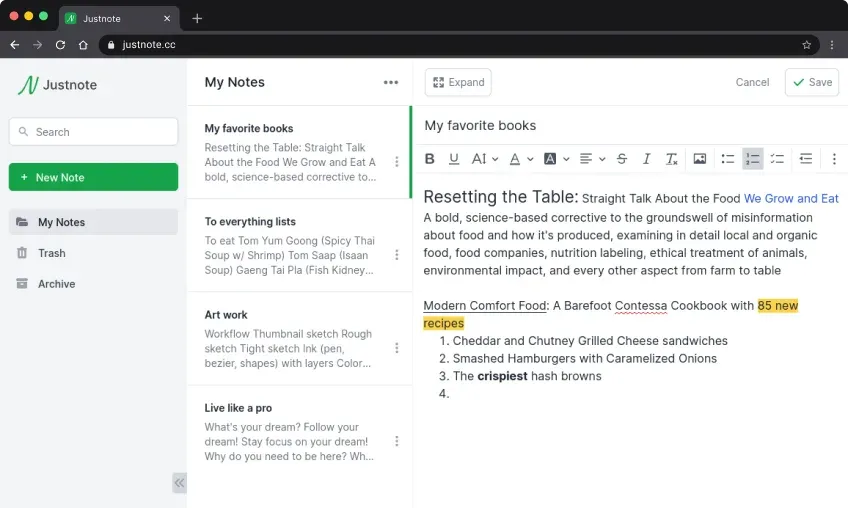
Official README screenshot of the web app with the sidebar, note list and editor.
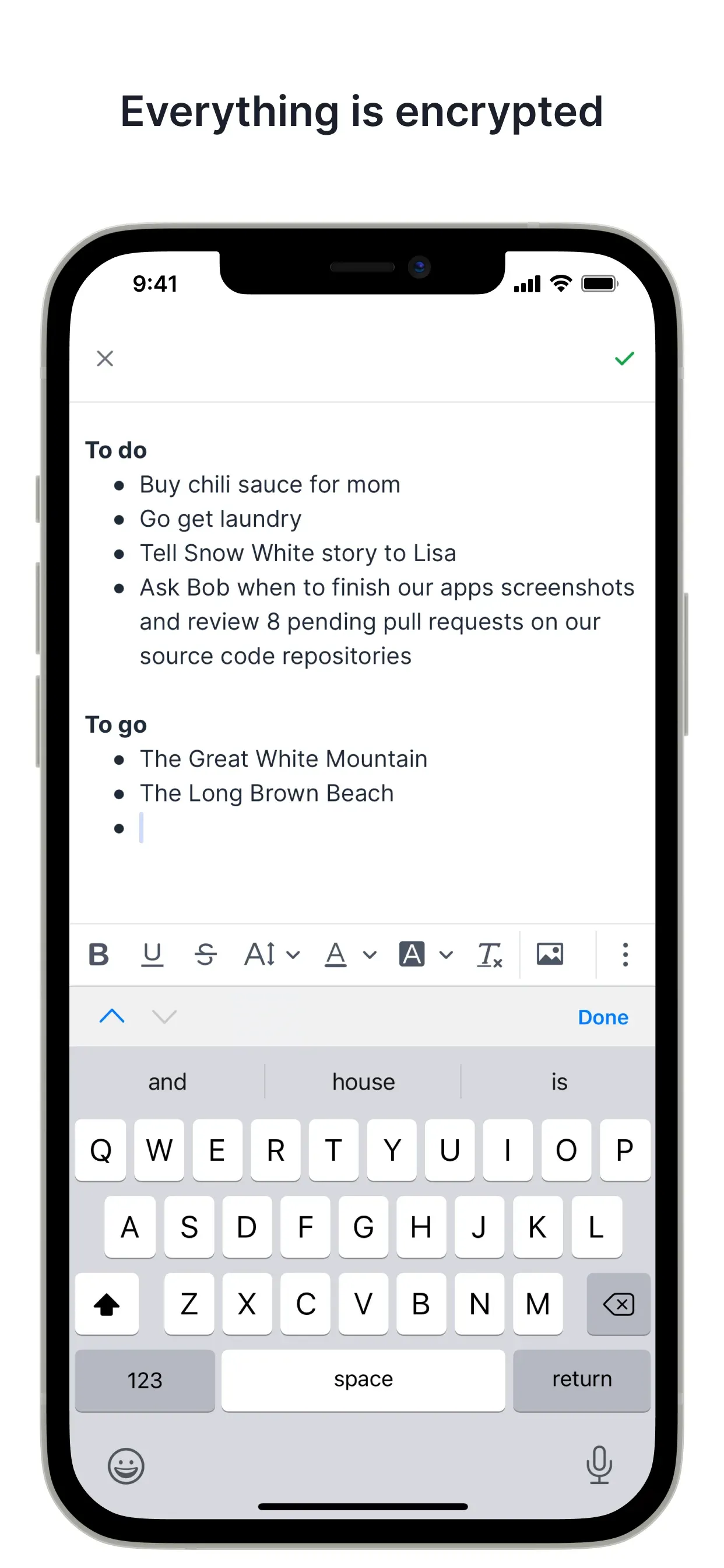
Official App Store screenshot of the mobile editor with the formatting toolbar.
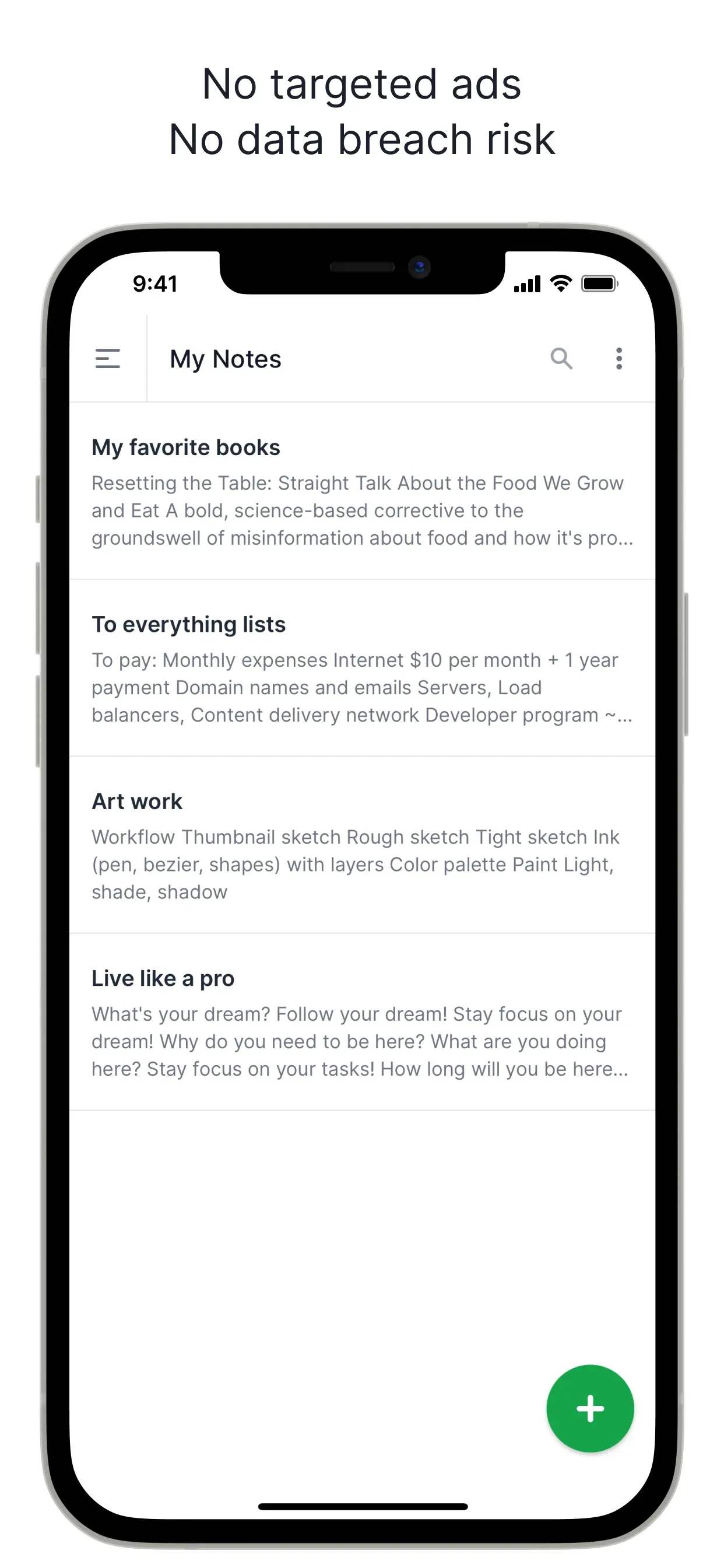
Official App Store screenshot of the My Notes list on a phone.
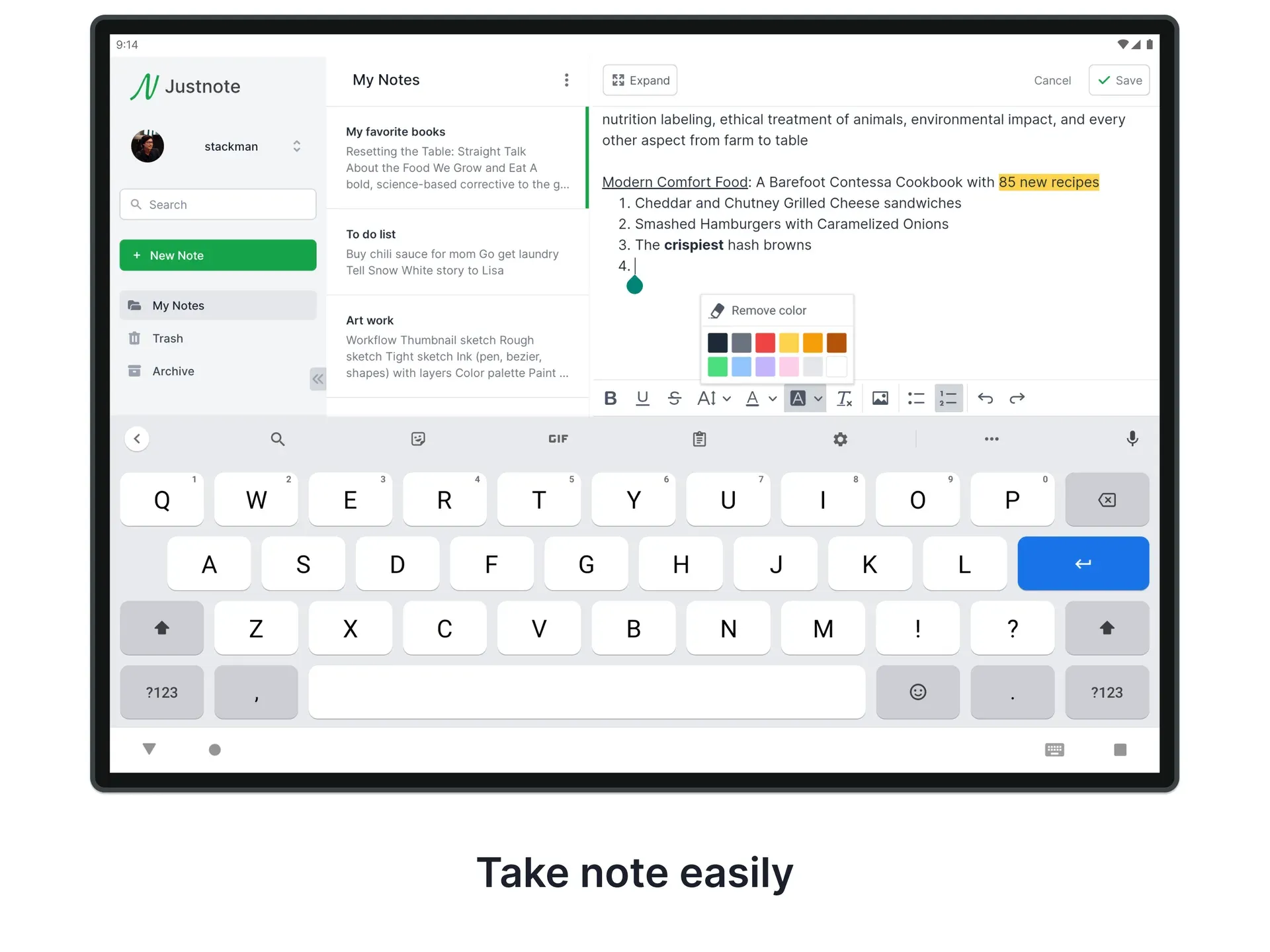
Official Google Play screenshot of the tablet layout with the editor open.
Source: official Justnote project page.
Key capabilities
- End-to-end encryption Content is encrypted on your device with a key derived from your Secret Key, and only the encrypted files are sent to the server. The documentation describes a random number generator that picks 24 words, PBKDF2 key derivation and AES-256-CBC encryption. Every file the app creates is encrypted, including note files and app settings.
- Secret Key account There is no email-and-password account that the company can reset. You keep the 24 words, and losing them means losing access to your data. Store the key in a password manager or on paper before you rely on the app.
- Web, Android and iOS apps The same account works on the website and on the mobile apps, and notes sync across devices automatically. The mobile apps accept shared text, which lands in the default My Notes list.
- Rich-text editor The WYSIWYG editor, based on CKEditor, supports bold, underline, font color, background color, lists and checklists. It is aimed at quick notes such as to-do lists, reminders, shopping lists and memos.
- Lists and nested folders Notes live in My Notes, Archive, Trash or lists you create. In Settings, then Lists, you can rename, reorder and nest lists. The default lists cannot be deleted, and Trash is where removed notes are deleted permanently.
- Moving and selecting notes A note can be moved from its three-dot menu, and the Select notes button lets you archive, remove or move many notes at once.
- Pin to the top Chosen notes stay at the top of a list. This is one of the features the paid subscription unlocks.
- Tags Tags help group notes across lists. They are part of the paid subscription.
- Locked lists and notes The pricing page lists locking of lists and notes as a subscription feature. Read the documentation on how it works before relying on it, since it is separate from the encryption described above.
- Search A search box in the sidebar lets you look for notes in your account. Since the server only holds encrypted files, check how search behaves with a large collection before you depend on it.
- Dark appearance and display options Dark mode, more font sizes, a custom date format and sections by month are listed among the subscription features.
- Import You can import a zip file at Settings, Data, Import Data. The documentation says the zip can come from Justnote or from apps such as Google Keep and Evernote, exported as HTML pages and zipped by hand.
- Export and deletion Settings, Data, Export All Data downloads all your data as a zip file. Delete All Data removes your stored data, while forgetting the Secret Key is described as the only way to lose the account itself.
- Choice of data server The default server is hub.stacksdrive.com, operated by STX Apps. Advanced users can point the account to another Stacks data server through the blockchain record.
- Share into the app On mobile, sharing text from another app creates a note in My Notes, which makes the app usable as a quick inbox for snippets, links and reminders.
- Sync without a separate sign-in Signing in with the same Secret Key on a new device downloads and decrypts your files there. Nothing needs to be linked through an email address, so keep the key available whenever you add a device.
- Run the client locally The README says to clone the repository, go to
packages/weborpackages/mobile, runnpm installand thennpm run start.
Where Justnote fits
Private everyday notes
Create an account, write down the 24-word Secret Key in two safe places and start capturing lists and memos. Check that you can sign in on a second device before you move important notes. Remember that nobody can reset the key for you.
Organizing with lists and pins
Create lists under Settings, nest them for projects and pin the notes you open every day. Use Select notes to clean up in bulk. Tags and pinning need the subscription, so test the free version first and decide whether the paid features matter to you.
Moving notes from another app
Export your notes from Google Keep or Evernote as HTML pages, zip the folder and use Import Data. Check a sample of imported notes for formatting and attachments before deleting the originals, and import in small batches so that problems are easy to trace. The import and export guide lists the exact menu path.
Keeping a backup
Use Export All Data on a schedule and store the zip with your other backups. The export is a copy of your data, so protect it as you would any sensitive file. Keep your Secret Key separately from the export, and test restoring from a zip at least once, because an untested backup is only a guess.
Choosing where the data lives
By default your encrypted files sit on a server run by STX Apps. Read the data server documentation if you want a different location, and only change it if you can operate a Stacks Gaia server and keep it available.
Building or auditing the client
The repository is open under GPL-2.0, so you can review how encryption and sync are implemented. Run the web package locally, read the code paths that call the Stacks libraries and file issues on GitHub. Check the license terms before you redistribute a modified client, and compare the repository with the app store builds if exact provenance matters to you.
Reviews of Justnote
Be the first to share your experience with Justnote.
Write a review
Loading review form…
Alternatives to Justnote
 NotesnookNotesnook is a free, open-source note-taking app with end-to-end encryption, web, desktop and mobile clients, positioned as an alternative to Evernote.
 Standard NotesAGPL-licensed note-taking app that encrypts notes, tags and files on the device before sync. Free plan with unlimited devices; paid plans add the Super editor, spreadsheets, revision history and 100 GB of file storage. The server runs on Docker.
 itsnotesMIT-licensed, self-hosted note board in the style of Google Keep, run with Docker and PostgreSQL. Adds month markers, folders, saved searches, note history, Keep and Obsidian import, a Markdown mirror, optional AI and a read-only MCP server.