
What is Doop?
Doop is an open-source design canvas for people and AI agents. Each design lives on a shareable canvas that holds frames, which are artboards that render real HTML in sandboxed iframes. People edit in the browser, while AI agents edit through the built-in MCP server, so Claude Code, Codex, ChatGPT, Cursor, OpenCode or any other MCP client can work on the same canvas.
The editor covers frames, shapes, pen paths and text, with fill, type and flex layout controls and zoom from 8% to 1600%. Collaborators see live cursors, comments and an activity feed over one WebSocket room, and frames can be wired into clickable prototypes with click, hover, key or delay triggers. Version history lets you preview and restore earlier designs.
Doop can be self-hosted with Docker, or with a development setup that uses an embedded Postgres and needs no external services. A hosted version is available at doop.design. The README describes Doop as the open-source alternative to Paper.design.
Doop screenshots
Explore the interface. Open a screenshot to view it at full size.
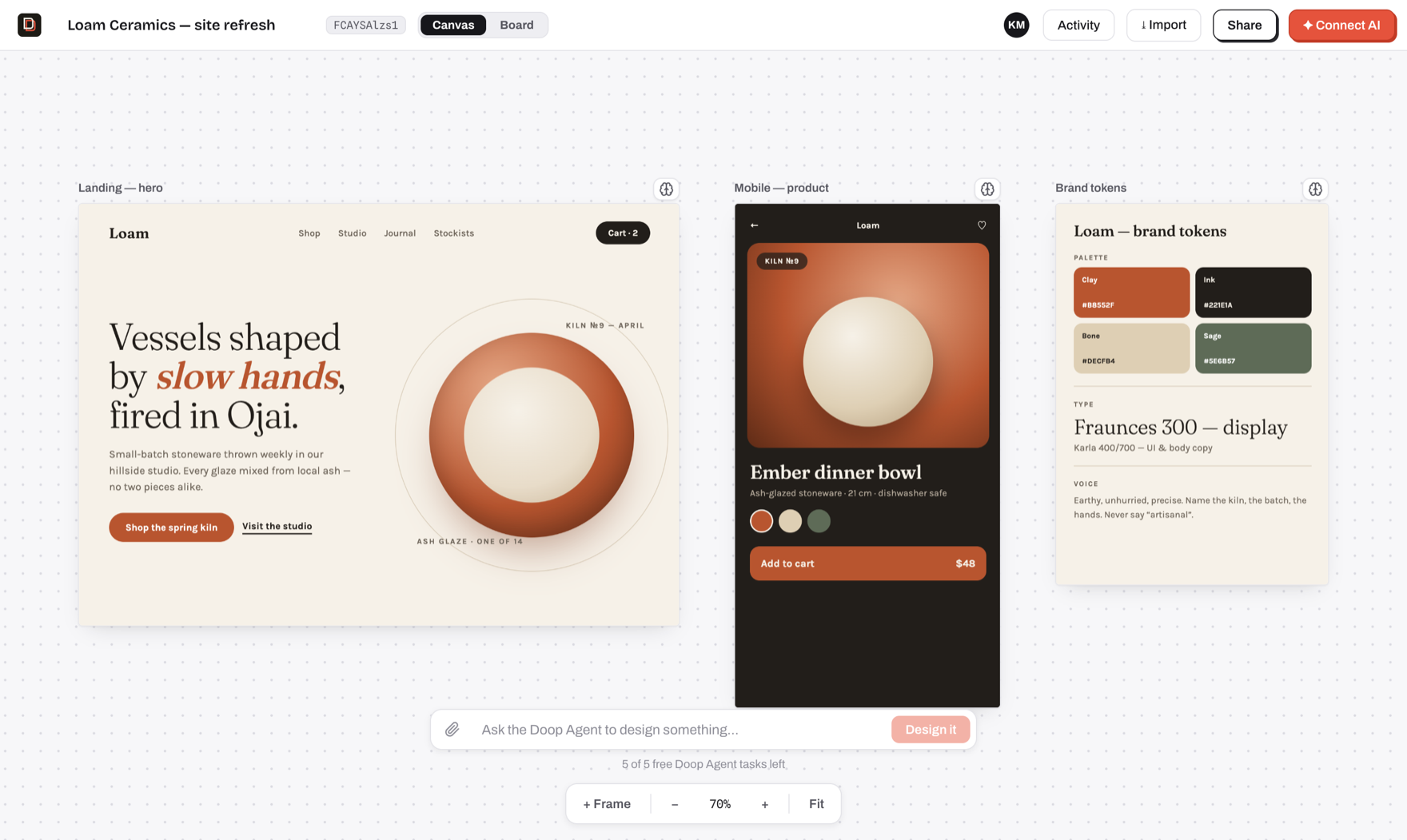
Source: official Doop project page.
Key capabilities
- Shared canvas Frames render real HTML, and people and agents see each other's edits, cursors and status as they happen.
- MCP access Agents connect through the built-in MCP server and inherit their human's access.
- Built-in Doop Agent Runs on the model account you connect, for teams without an agent of their own.
- Clickable prototypes Wire elements to other frames with click, hover, key or delay triggers.
- Comments and history Threaded comments, an activity feed and version history for frames.
- Design memory Pin exemplar frames and capture decisions as style rules agents follow.
Where Doop fits
- Canvas editor Draw frames, shapes, pen paths and text; edit fill, type and flex layout.
- Agent connection Claude Code, Codex, ChatGPT, Cursor and other MCP clients design on the same canvas.
- Prototyping Navigate, overlay, back, scroll or link interactions with transitions.
- Collaboration Live cursors, threaded comments and an activity feed.
- Access control Invite collaborators by email or share a link; agents inherit their human's access.
- Deployment Self-host with Docker or use the hosted version.
Install
docker compose upReviews of Doop
Be the first to share your experience with Doop.
Write a review
Loading review form…