

What is Thunderbird for Android?
Thunderbird for Android is a free, open-source email app for Android phones and tablets. It is developed in the thunderbird-android repository and is built on K-9 Mail, an Android mail client that began as a patch to the email app in Android 1.0, according to the K-9 Mail history page. In June 2022 K-9 Mail joined the Thunderbird family as the foundation for Thunderbird on Android. The two apps share one code base and look almost identical, and the README says some features are enabled only in one of them, such as importing settings from K-9 Mail in Thunderbird.
The app is supported by MZLA Technologies Corporation, a wholly owned subsidiary of the Mozilla Foundation, and by a community of volunteers who translate, test and write code. Its Google Play description states that it is funded by voluntary contributions from users and does not show ads or sell personal data. The product page is thunderbird.net/mobile, user help is at the Thunderbird for Android support site, and developer documentation is rendered at thunderbird.github.io.
You can install Thunderbird for Android from Google Play, from F-Droid, as an APK from the GitHub releases page, or through update tools such as Obtainium and FFUpdater. A separate Thunderbird Beta package gives earlier access to new work. K-9 Mail remains available under its own package name for people who prefer the robot dog icon. The README publishes where to find the SHA-256 signing fingerprints in SECURITY.md so you can verify a downloaded APK.
The current stable release is Thunderbird 24.0, published October 5, 2026, alongside K-9 Mail 24.0. It adds HTML-formatted signatures for individual identities and a prompt that asks whether to Reply or Reply All, resizes long account names in the drawer, and fixes issues with attachments, QR code scanning, light-theme text colors and hardware keyboard focus. Beta builds numbered 26.0b1 and 26.0b2 appeared in early November 2026. The code is Kotlin under the Apache License 2.0. The app connects to mail servers over IMAP and POP3. It is a mail client only and does not include an email server.
Thunderbird for Android screenshots
Explore the interface. Open a screenshot to view it at full size.
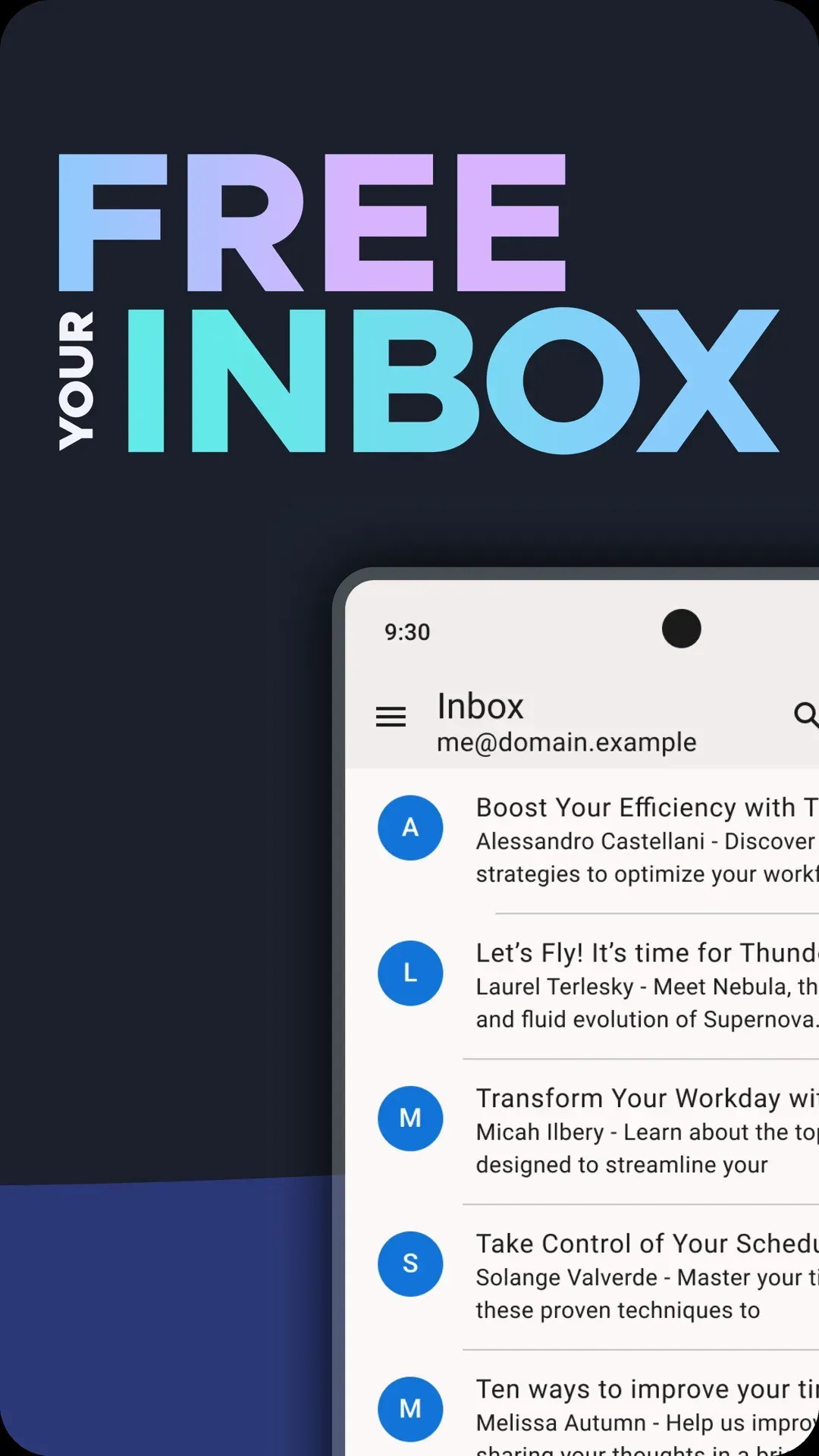
Official store screenshot of the message list with sender, subject preview and star icons.
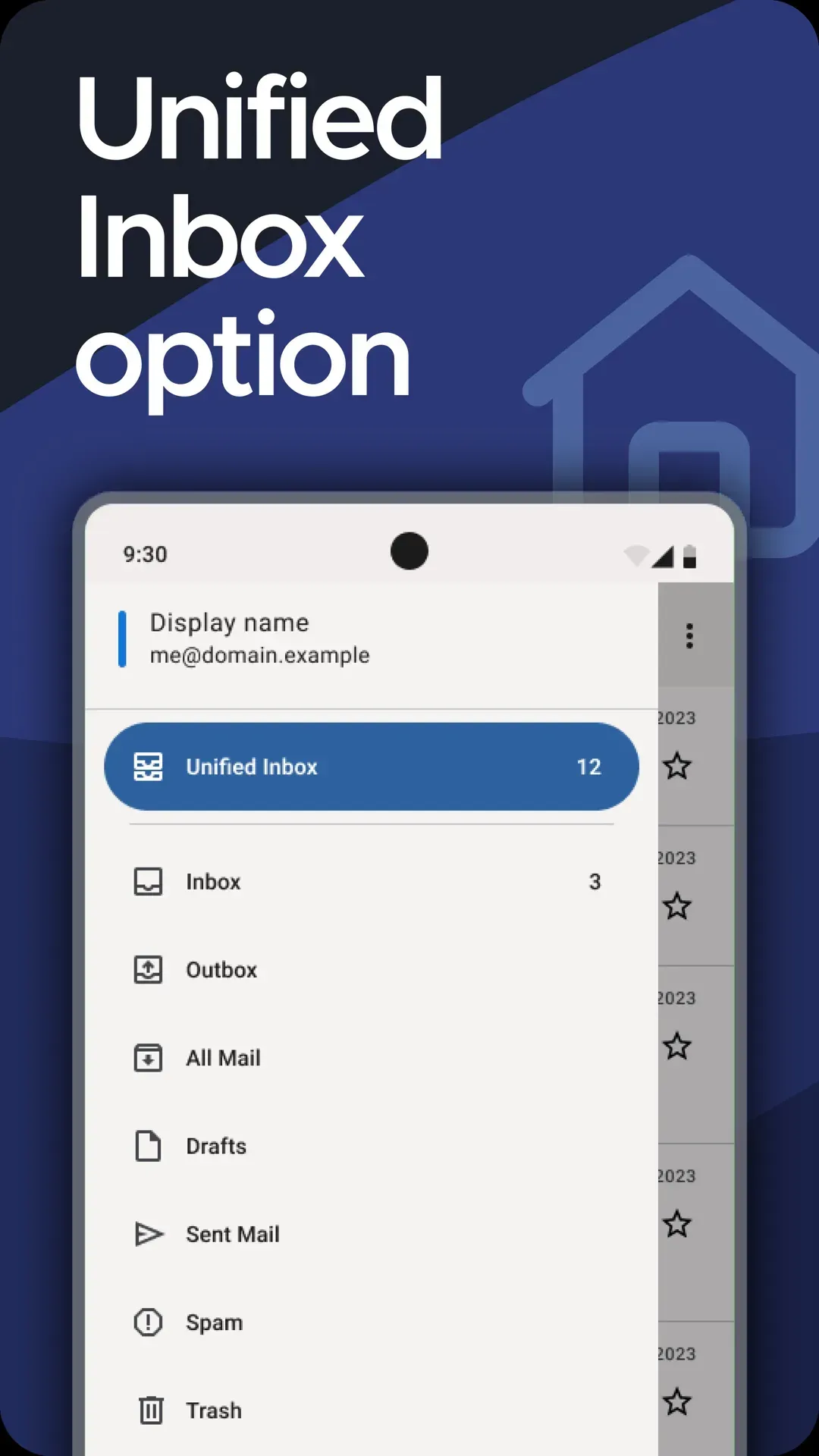
Official store screenshot of the navigation drawer listing the Unified Inbox and folders such as Inbox, Outbox, Drafts, Sent Mail, Spam and Trash.
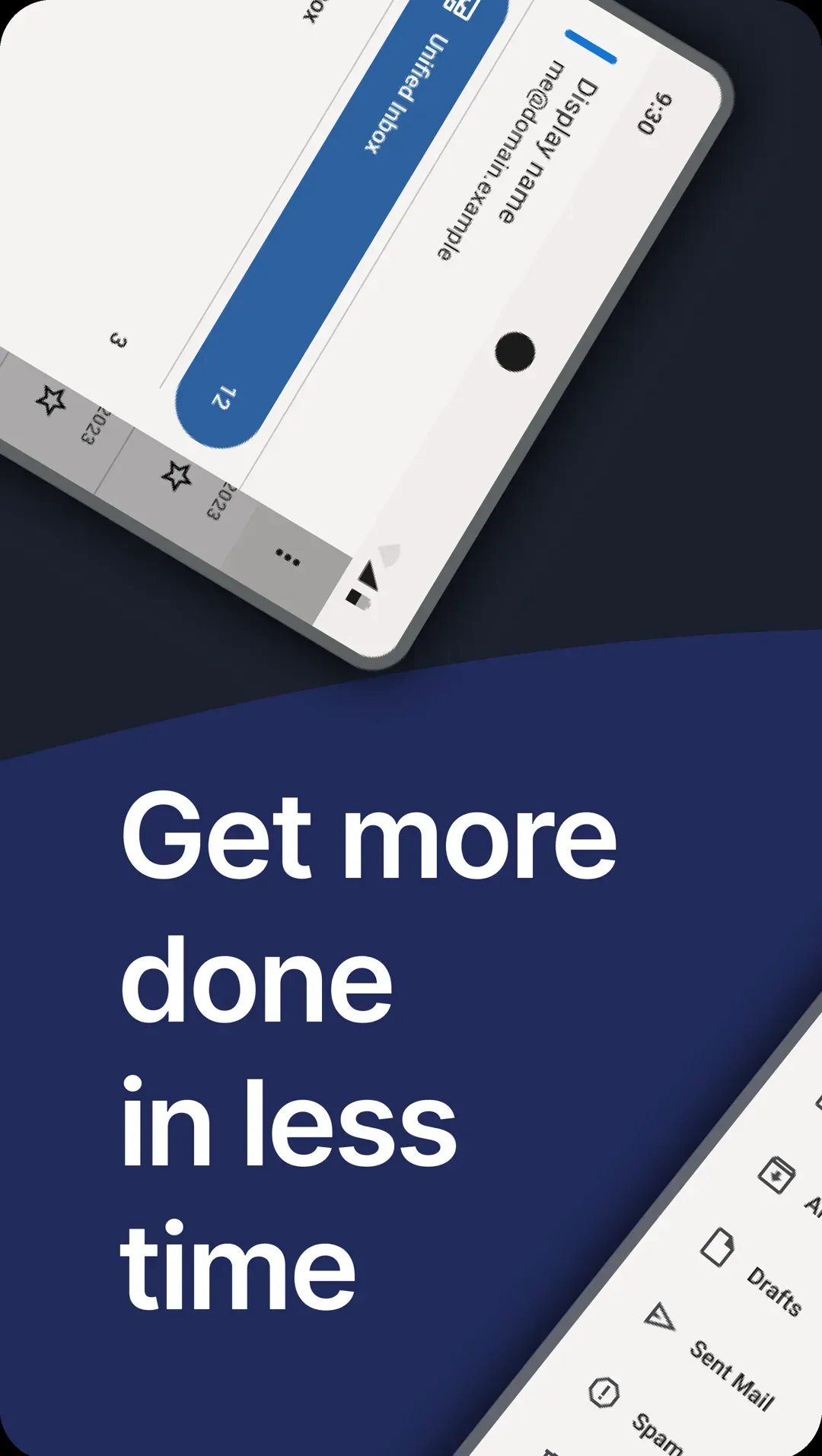
Official store screenshot illustrating the optional Unified Inbox across accounts.
Key capabilities
- Download from Google Play The stable app is published as net.thunderbird.android and the beta as net.thunderbird.android.beta. Both install on Android phones and tablets like any other Play Store app. The product page links to the current listing.
- Download from F-Droid Both the stable and beta packages are also on F-Droid, which suits devices without Google services. Keep to one source for updates, because Android refuses to update a package that was signed with a different key.
- APK from GitHub releases Each GitHub release carries the signed APK, for example thunderbird-24.0.apk. The README points to SECURITY.md for the signing certificate fingerprints, which let you compare the APK before installing it.
- Obtainium and FFUpdater The README documents Obtainium with a filter on the release title, and FFUpdater, which installs the latest versions from ftp.mozilla.org. These are optional update channels for people who sideload instead of using a store.
- Multiple accounts and a unified inbox Add several mail accounts for home, school and work, then read them separately or in one optional Unified Inbox. This reduces the number of mail apps on a phone, though each account keeps its own server settings, folders and notifications.
- IMAP and POP3 provider support The Play Store description states that the app works with IMAP and POP3 and with providers such as Gmail, Outlook, Yahoo Mail and iCloud. Gmail and other OAuth providers are signed in through the provider's own flow. Proprietary Exchange protocols are not on that list.
- Sync choices You can sync mail instantly, at set intervals or on demand. The K-9 Mail features page lists push IMAP support. Push delivery depends on your server and on Android background limits, so test notification timing on your own device.
- Local and server-side search Search covers messages stored on the device and messages held on the server. Server-side search needs a network connection and a server that supports it, so results can differ between accounts.
- OpenPGP encryption with OpenKeychain Advanced users can send and receive PGP/MIME messages by pairing the app with the free OpenKeychain app, which holds the keys. The keys are managed in OpenKeychain, and the recipient needs a compatible key as well.
- QR code settings transfer People who use Thunderbird Desktop can scan a QR code from the desktop app to bring account settings to the phone. In release 24.0, unsupported QR codes now show feedback instead of failing silently.
- Composing with multiple identities Each account can have several identities with their own signatures. Release 24.0 allows signatures formatted as HTML for individual identities, and fixes a case where HTML signature text could disappear after rotating the screen.
- Reply and Reply All prompt When both replies apply, the app asks which one you mean. This reduces the chance of sending a private answer to a whole distribution list.
- Attachments Attach files or camera photos and save received attachments. Release 24.0 fixed a crash when attaching a photo through the camera and an error in Save All that wrote every attachment with the content of the last file.
- Light and dark themes Native light and dark modes follow your preference or environment. Release 24.0 corrected invisible selected text in the light theme and unreadable status bar icons during message selection.
- Translations The app is translated into more than 20 languages, and the community translates through Weblate. A language gap in a newer string usually means it is still awaiting translation.
- Release channels The source tree has release, beta and daily build types with their own OAuth configuration files. The README warns forks to replace the OAuth client setup so installs do not conflict with the main app.
- Community support Help comes from the Mozilla support knowledge base, the support forum, the GitHub issue tracker, Mozilla Connect for ideas and Matrix rooms for chat and development. The public roadmap and sprint board are GitHub projects.
- Open development process The project documents proposals as RFCs, technical designs and architecture decision records in the repository's docs/engineering folder. This helps reviewers see why a decision was made before depending on a behavior.
Where Thunderbird for Android fits
Reading several mailboxes on one phone
Add each account with its provider's sign-in method, enable the Unified Inbox if you want one list, and set per-account notification rules. Check that sent mail goes to the folder you expect and that the right identity is used when you reply from the unified view.
Replacing a different Android mail app
Use the QR code import from Thunderbird Desktop or the K-9 Mail import to bring over settings, then confirm folders, signatures and sync intervals. Test with a low-risk account first, and keep the old app until you have received and sent mail successfully from every address.
Sending encrypted mail
Install OpenKeychain, import or create your key there and enable OpenPGP in the account settings. Exchange public keys with a correspondent before sending, and verify the fingerprint through another channel. Remember that subjects and some headers are not encrypted in PGP/MIME messages.
Choosing a distribution channel
Pick Google Play, F-Droid, direct APK or Obtainium and stay with it, because an Android package signed with a different key cannot be updated in place. If you want to test upcoming features, install the Beta package alongside the stable app and keep it on a spare account.
Managing a fleet of staff phones
For a small team, standardize on one source and version, publish a settings checklist for the mail server (IMAP or POP3, port, security mode) and decide how lost devices are handled. The app is a client without a central admin console, so server-side controls remain the way to revoke access.
Contributing a fix or a translation
Translations go through the project's Weblate instance, which takes a few minutes for a first contribution. Code changes follow the CONTRIBUTING guide and the engineering process in the docs folder. Reproduce a bug on the latest beta before filing it on the issue tracker, and include the app version, Android version and mail provider so maintainers can narrow it down.
Reviews of Thunderbird for Android
Be the first to share your experience with Thunderbird for Android.
Write a review
Loading review form…
Alternatives to Thunderbird for Android
 Twake MailAGPL-3.0 email client from LINAGORA built with Flutter. It reads mail over JMAP instead of IMAP, ships Android and iOS apps and a Docker web image, and adds team mailboxes, rules, OIDC login and Twake Workplace integration.
 Tuta MailTuta Mail (formerly Tutanota) is an encrypted email, calendar and contacts service from Tutao GmbH in Hanover. Its web, desktop and mobile clients are GPLv3 on GitHub; the server is closed and there is no IMAP.MMailspringMailspring is an open-source email client for Windows, macOS and Linux. It combines a unified inbox, message scheduling, rules and templates with subscription-based tracking and mailbox analytics.