

What is WordPress?
WordPress is the free, self-hosted content management system distributed from wordpress.org. It runs on PHP with a MySQL or MariaDB database and handles pages, posts, media, users, menus, themes and plugins from a browser-based administration area. The project started in 2003, when Mike Little and Matt Mullenweg forked b2/cafelog; the first listed release, 0.7, is dated May 27, 2003. Development is carried out by a community of contributors rather than a single vendor, and the software is released under the GPLv2 or later.
This listing covers the downloadable software, not WordPress.com. According to the WordPress.com comparison guide, both run the same WordPress software; the difference is hosting. WordPress.com is a managed hosting service with Free, Personal, Premium, Business, Commerce and Enterprise plans, where plugin installation depends on a paid plan. With the self-hosted package you choose the server, pay that host directly and take responsibility for updates, backups, plugins and security yourself.
WordPress is distributed as a ZIP or tar.gz archive from the download page, with older versions on the releases archive and a separate beta and nightly channel. Many hosts provide their own installers, and WP-CLI can fetch the package from the command line. The GitHub repository profiled here is a read-only Git mirror of the Subversion repository: pull requests go to wordpress-develop and patches to Core Trac.
The latest tag in the mirror is 7.1.4, published on October 28, 2026 as a security release covering 12 reported vulnerabilities and a root-certificate update, with fixes backported to older branches. It follows 7.1.1 (17 core fixes, 19 block editor fixes and 11 security fixes), 7.1.2 (one critical vulnerability) and 7.1.3 (7 security fixes and 4 bug fixes). WordPress 7.1 "Mary Lou", released August 19, 2026, added responsive style controls, a modal media editor, browser-side image processing, inline Notes with mentions, and Playlist and Tabs blocks. WordPress 7.0 "Armstrong" (May 20, 2026) introduced an AI Client in core, a Connectors screen, a redesigned admin theme and new blocks. WordPress 7.2 was in beta, with release planned for December 8, 2026.
Out of scope for the core package: hosting, a CDN, managed backups, e-mail delivery, staging environments and most commerce or membership features, which come from the host or from plugins. The separate WordPress AI plugin, mobile apps and WordPress Playground are related projects with their own release cycles. Server requirements are listed on the requirements page.
WordPress screenshots
Explore the interface. Open a screenshot to view it at full size.
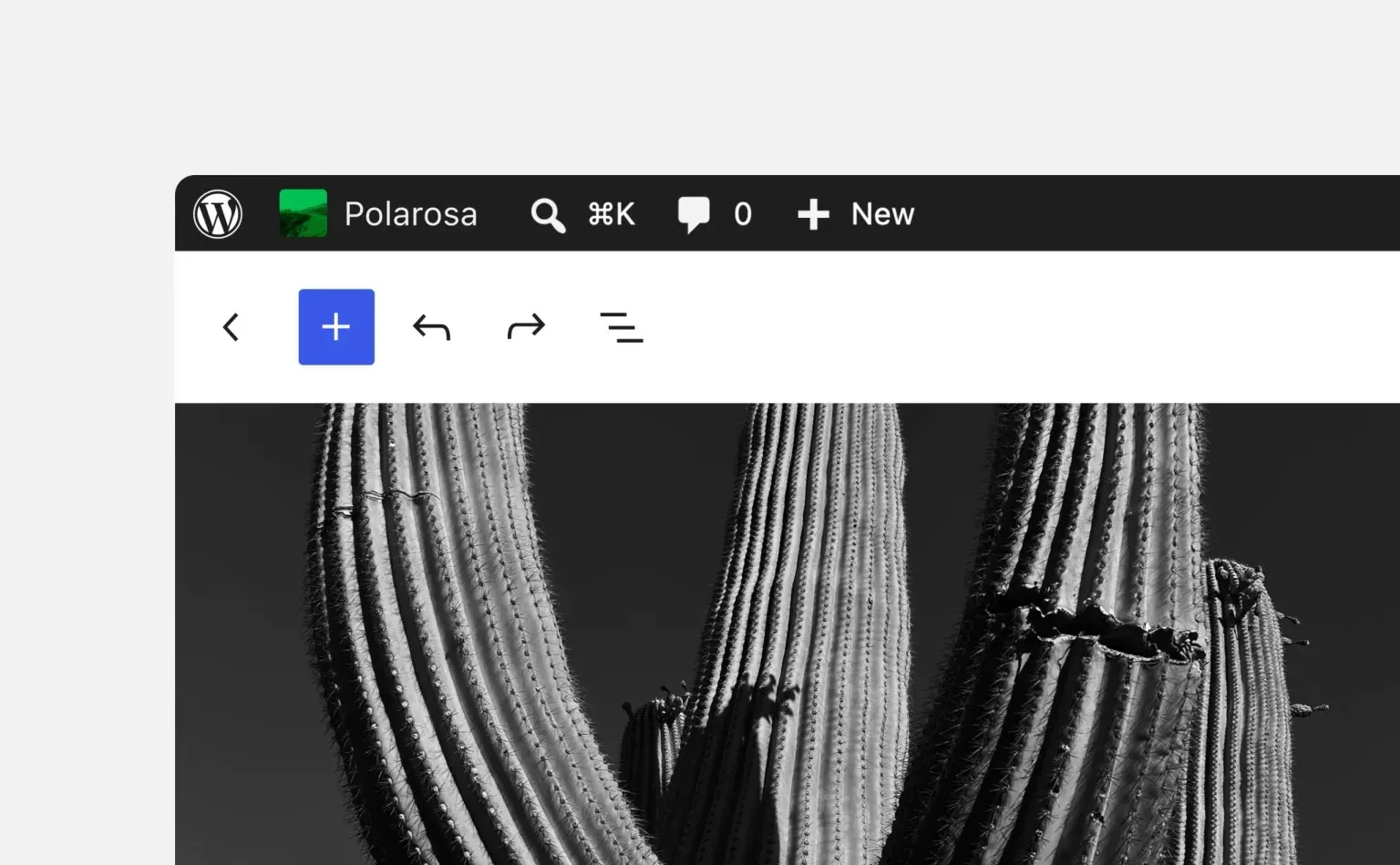
Official WordPress 7.1 figure: the admin bar now stays visible inside the block editor.
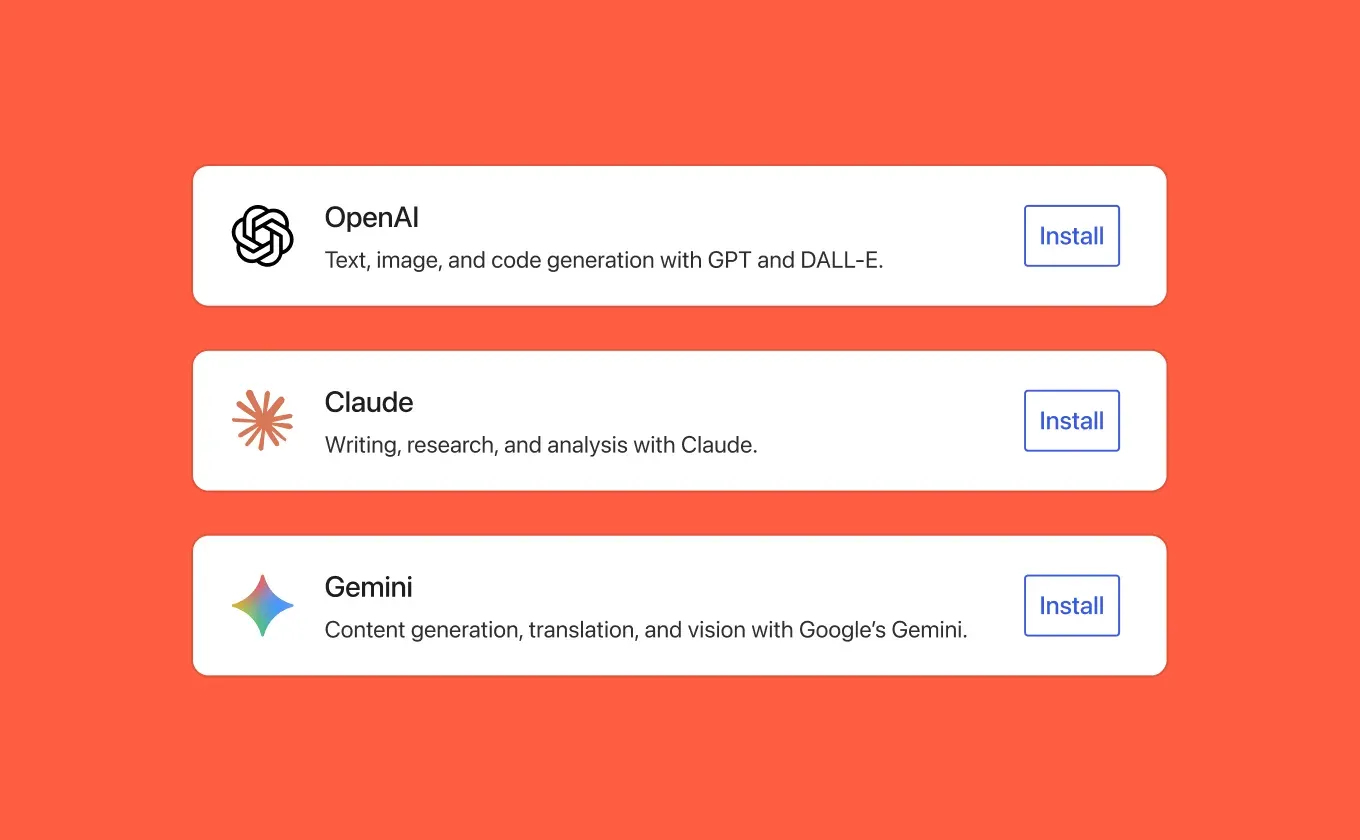
Official WordPress 7.0 figure of the Connectors screen and its three AI provider presets.
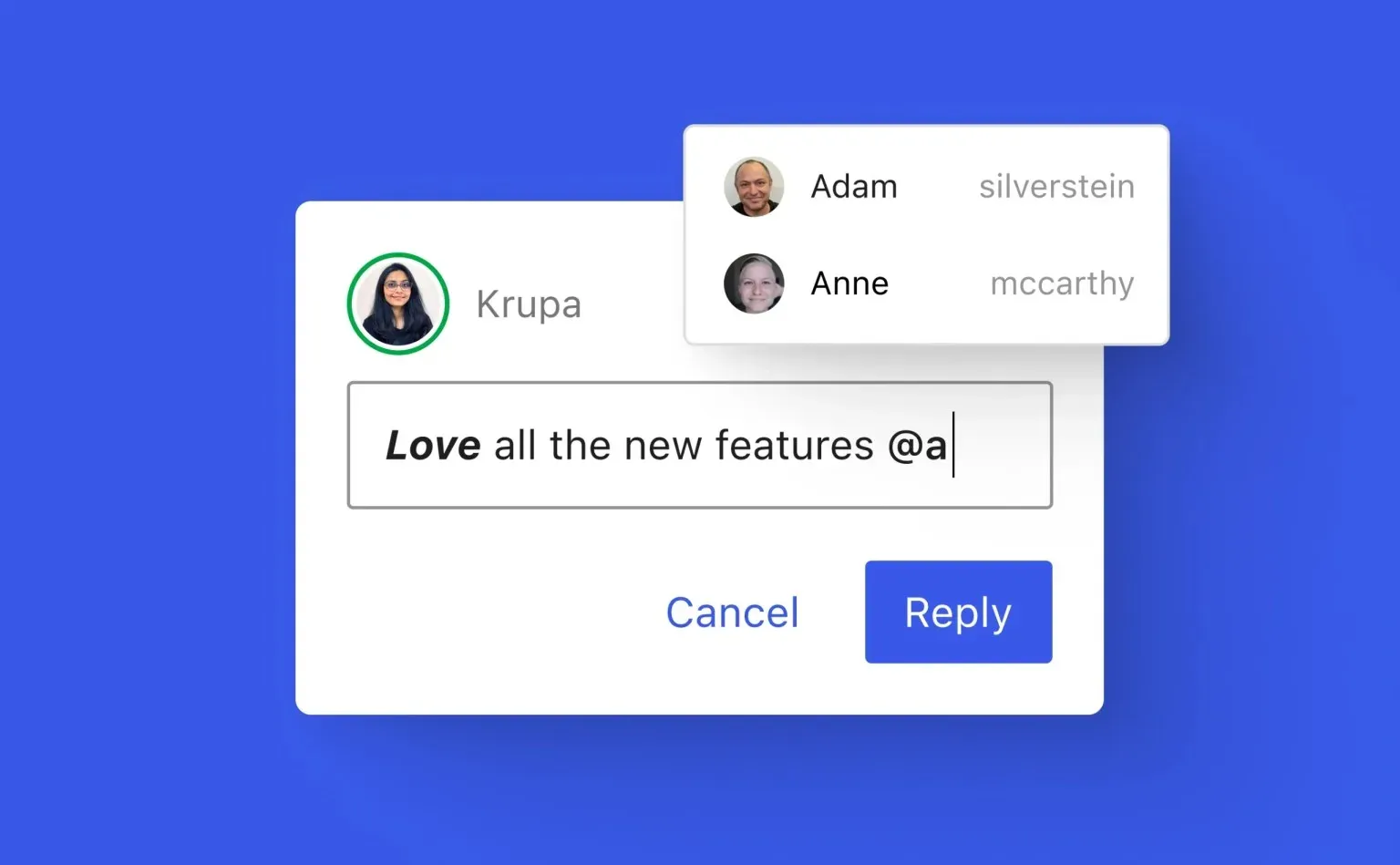
Official WordPress 7.1 figure: inline Notes with rich text and @mentions.
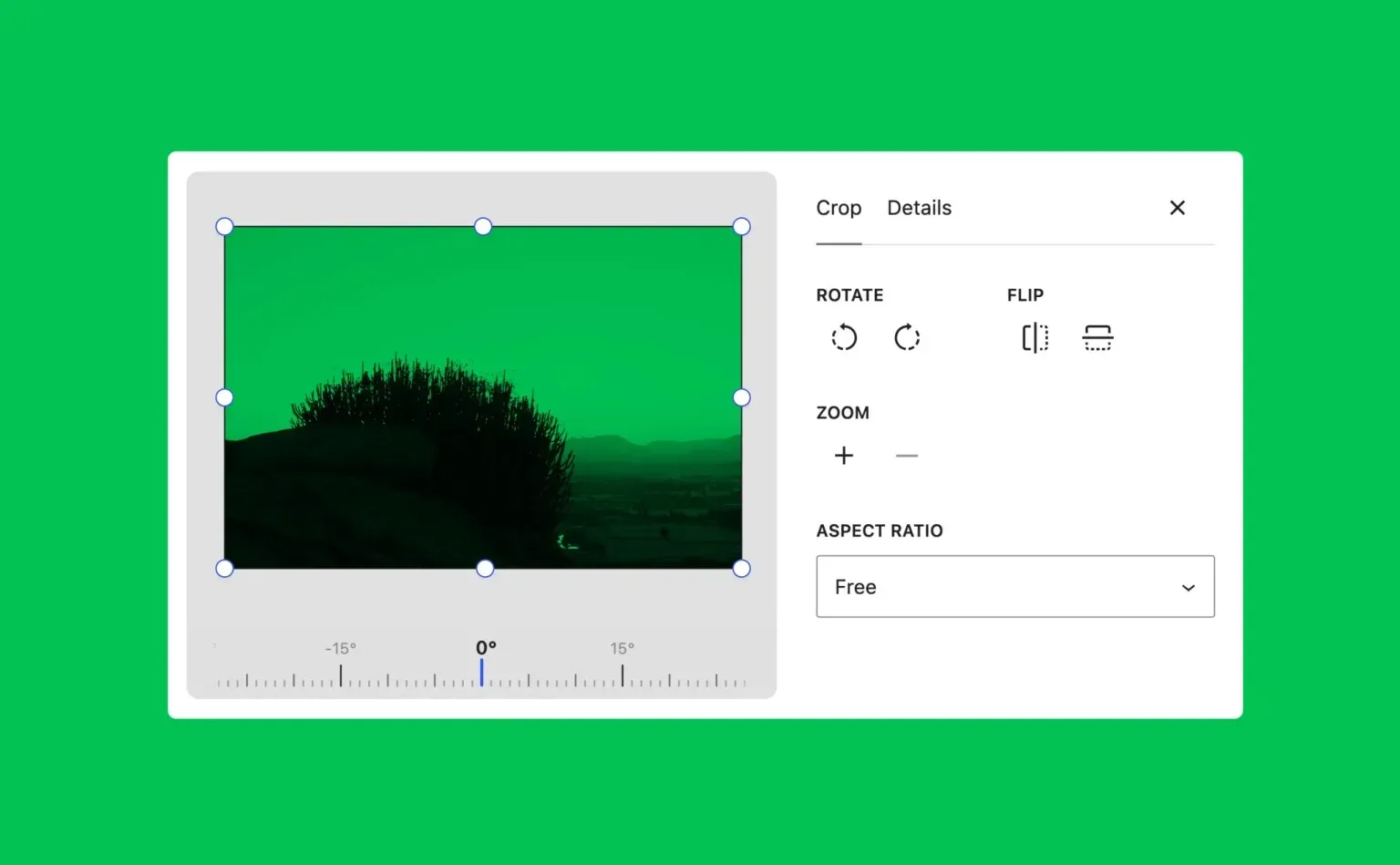
Official WordPress 7.1 figure of the new modal media editor.
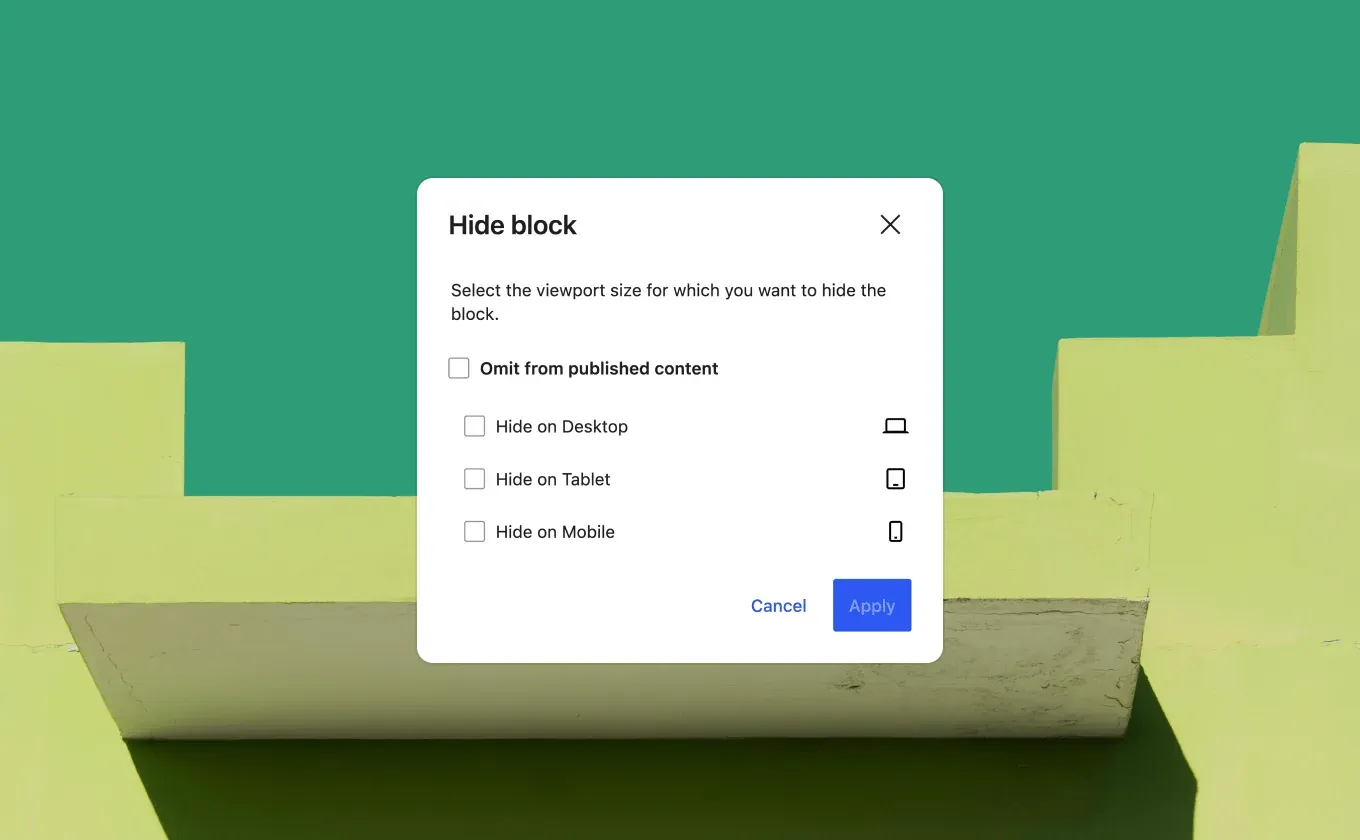
Official WordPress 7.0 figure of per-device block visibility.
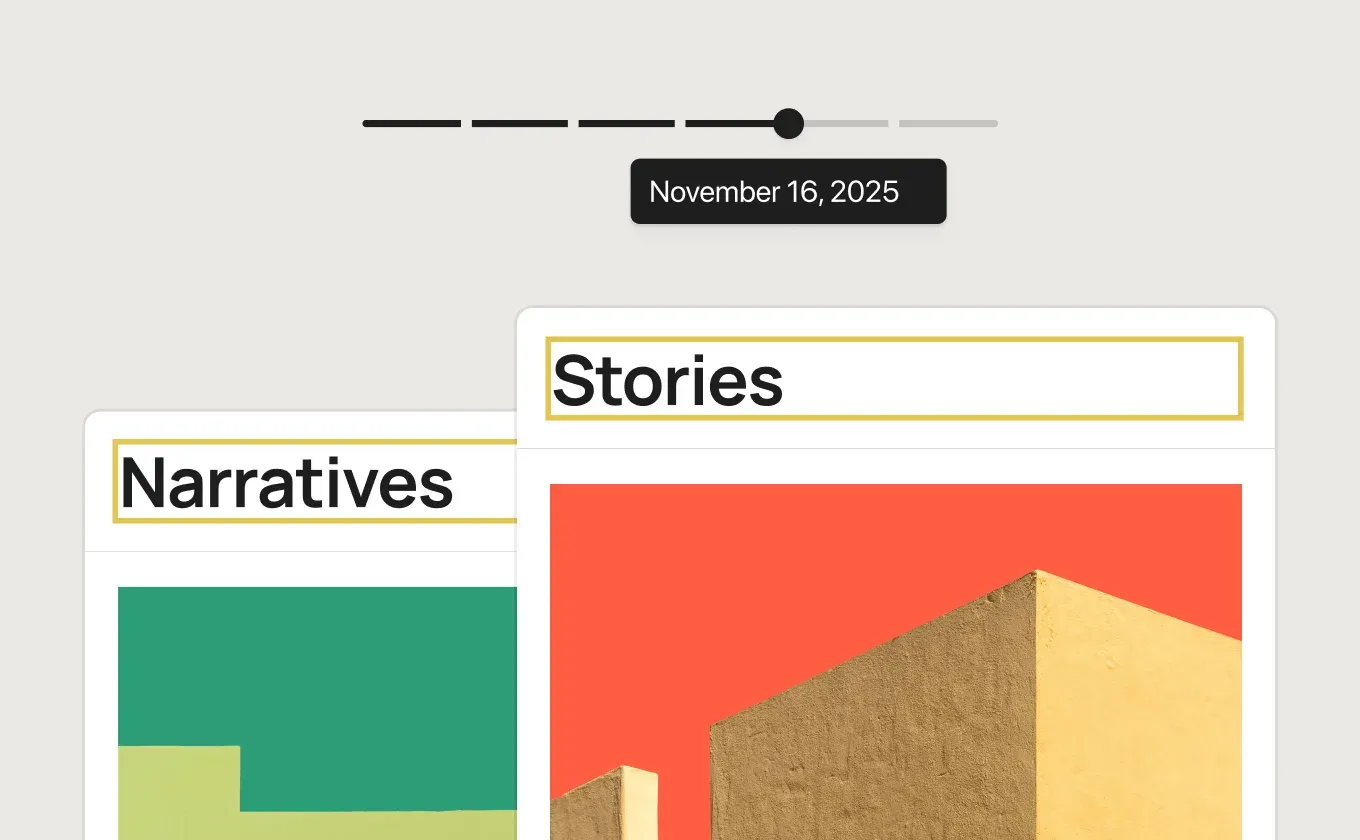
Official WordPress 7.0 figure of visual revision browsing.
Source: official WordPress project page.
Key capabilities
- Download the server package WordPress 7.1.4 is published as latest.zip and latest.tar.gz on the download page, with older versions on the release archive and a beta and nightly channel for testing. The package contains core files, default themes and the sample configuration file. It is not a desktop installer: you upload it to a web server or container you control.
- Server requirements The requirements page recommends PHP 8.3 or greater, MySQL 8.0 or MariaDB 10.11 or greater, and HTTPS support, with Apache or Nginx as the suggested web server. The minimum for legacy environments is PHP 7.4 and MySQL 5.5.5, versions the project describes as end of life. The bundled readme also recommends the Apache mod_rewrite module for pretty permalinks.
- Five-step installation The installation guide covers download and extraction, creating a database and a user with full privileges on it, setting up wp-config.php (optional, because the installer can write it), uploading the files and running the install script in a browser. WordPress can live at the domain root or in a subdirectory. Many hosts also offer one-click installers that perform the same steps.
- Command-line install with WP-CLI The wp core download command fetches and extracts core, verifies the md5 hash and caches the archive locally. Options select a locale, a specific version or nightly, and a download without the default themes and plugins. Other WP-CLI commands handle configuration, database operations, plugins and users over SSH or inside containers.
- Block editor and Site Editor Content is built from blocks in the post editor, which since 7.1 is fully iframed for all themes so the canvas is separated from admin styles. Block themes are edited in the Site Editor, including templates, template parts, patterns and Global Styles. The admin bar now stays visible across all editors, and the Command Palette opens with Ctrl+K or Cmd+K.
- Responsive and interactive styles WordPress 7.1 lets editors style blocks per screen size from Global Styles or block settings without custom CSS, and block themes can define their own mobile and tablet breakpoints in theme.json. Button blocks accept separate hover, focus and active styles. Version 7.0 added per-device block visibility and block-level custom CSS in the editor.
- Media editing and image processing A modal media editor replaces the inline cropper, with freeform and aspect-ratio cropping, flipping, rotation and metadata editing. Compression, resizing and thumbnail generation now run in the browser through a WebAssembly build of libvips, which reduces load on PHP memory limits and upload timeouts. Release 7.1 adds native AVIF, HEIC and HDR gain-map handling, opt-in GIF-to-video conversion and upload retries.
- Notes and editorial review Notes, introduced in 6.9, can be attached to a text selection in 7.1 rather than only to a whole block. They support rich text, links and @mentions that notify collaborators, with several conversations per block. The 7.1.4 security release fixed a case where privileged users could read Notes on posts they could not edit, so keep sites patched before relying on Notes for sensitive drafts.
- AI Client, Connectors and Abilities API WordPress 7.0 added an AI Client that lets core and plugins talk to generative AI models, plus a Connectors screen with three presets (OpenAI, Claude and Gemini) and custom connections. The Abilities API registers actions that integrations and automation can discover; 7.1 adds a filterable execution lifecycle and custom validation. Image generation, title and alt-text suggestions come from a separate AI plugin, not core.
- Themes and the theme directory Themes control presentation, and block themes describe styles and settings in theme.json. The theme directory listed 8,780 free themes on November 7, 2026, with a filter for block themes. The directory also has a Commercial filter for themes whose authors sell paid upgrades or support.
- Plugins and extension APIs Plugins add features through hooks, filters and registered blocks without modifying core files. The plugin directory describes itself as the largest directory of free and open-source WordPress plugins, and the Plugin Developer Handbook documents the APIs. Since 7.0, blocks and patterns can be registered on the server with PHP only, and 7.1 makes the SVG Icon API public.
- REST API The REST API exposes posts, pages, taxonomies and other built-in data types as JSON endpoints and powers the block editor itself. Requests follow the site's permissions. Authentication uses cookies with a nonce for logged-in browsers, or Application Passwords over HTTPS (core since 5.6) for external clients; OAuth and JWT need plugins.
- Multisite networks One installation can run a network of sites with shared themes and plugins. Each site has its own database tables, while the user table is shared. Networks use subdirectory paths or separate domains and subdomains, and rewrites must be enabled on the server.
- Automatic updates and rollback Automatic background updates exist since 3.7; maintenance and security releases install by default, and new installations since 5.6 also receive major versions unless a version-control checkout is detected. The upgrade guide documents the WP_AUTO_UPDATE_CORE constant (true, false or minor) and filters for plugins and themes. Plugin updates can roll back automatically since 6.6.
- Privacy tools Tools menu screens handle personal data export and erasure requests. The export tool, added in 4.9.6, confirms the request by e-mail and produces a ZIP whose download link stays valid for 48 hours. It only collects data from WordPress and participating plugins, so a full response can still require other systems.
- Import, export and languages Built-in tools export content as an XML file, and importers bring content from other systems after installation. WordPress is translated into more than 200 languages; more than 70 locales were fully translated for 7.0 at launch. Fonts can be installed and managed from a font management page that works with block, hybrid and classic themes.
- WordPress Playground Playground runs WordPress without a host in the browser, in Node.js, in VS Code or in a native iOS app. It is used for disposable test sites, previewing pull requests, checking different WordPress and PHP versions and embedding demos. Blueprints describe a reproducible starting configuration.
- Mobile companion apps The WordPress mobile apps for iOS and Android are open source and manage an existing site for writing, media and comments. They require a hosted website running WordPress 4.0 or higher; they are not a way to host WordPress on a phone.
Where WordPress fits
Running a company website or blog on your own host
Pick a host that meets the recommended PHP 8.3 and MySQL 8.0 or MariaDB 10.11 stack with HTTPS, then install from the official archive or the host installer. Choose a block theme if editors should change layouts in the Site Editor, and keep the plugin list short. Confirm that outgoing e-mail works, because password resets and privacy requests depend on it, and record which components the host manages and which you patch.
Keeping core, plugins and themes patched
Leave automatic minor updates enabled, decide whether major versions update automatically through WP_AUTO_UPDATE_CORE, and enable per-plugin auto-updates where the vendor is trusted. Back up the database and the wp-content directory before major upgrades. The 7.1.x series shipped four security releases between September and October 2026, which shows why a site that cannot update within days needs a documented exception and a firewall or host-level mitigation.
Using WordPress as a headless back end
Front-end frameworks can read content through the REST API at the site's JSON endpoints. Create a dedicated user with the least role needed, issue an Application Password for it, and call the API only over HTTPS. Check which custom post types and meta fields you have exposed, since private data needs authentication or explicit registration. Compare the effort with API-first systems such as Strapi or Payload CMS when the editor experience is secondary.
Managing many sites from one installation
Multisite suits universities, agencies and regional brands that share a theme and plugin set. Plan the URL model (subdirectories or domains) before creating the network, because changing it later is disruptive. Remember that users are shared across sites while content tables are separate, and that one vulnerable network-activated plugin affects every site. Separate installations remain simpler when sites have different owners or compliance rules.
Testing upgrades and plugins before production
Use WordPress Playground or a staging copy to try a beta, a new PHP version or a plugin combination before touching production. WordPress 7.2 was in beta in early November 2026, with release planned for December 8. Test the block editor, media uploads (now processed in the browser), forms, caching and any custom blocks, then promote the same plugin versions to production with WP-CLI or the host tools.
Connecting AI providers under editorial control
Since 7.0, the Connectors screen centralizes credentials for AI providers used by the AI Client and plugins. Decide which provider receives drafts, images or metadata, store keys only on the server, and limit which roles may run AI abilities. Treat text sent to an external model as data leaving the site, and document that in your privacy notice before enabling any connector.
Install
curl -O https://wordpress.org/latest.tar.gzReviews of WordPress
Be the first to share your experience with WordPress.
Write a review
Loading review form…
Alternatives to WordPress
 GhostGhost is an open source publishing platform for building a website, sending email newsletters and selling paid memberships, self-hosted or on Ghost(Pro).
 StrapiStrapi is an MIT-licensed headless CMS in JavaScript and TypeScript with a visual Content-Type Builder, generated REST and GraphQL APIs, i18n, roles and plugins, self-hosted on Node.js or on Strapi Cloud, with paid Growth and Enterprise features.
 Payload CMSOpen-source, code-first CMS and application framework for Next.js and TypeScript. One config generates an admin panel, REST and GraphQL APIs, auth and access control on MongoDB, Postgres or SQLite.