

What is Open Interpreter?
Open Interpreter is an open-source coding agent that runs in the terminal. The current codebase is written in Rust, published by the openinterpreter organization on GitHub under the Apache-2.0 license, and is a fork of OpenAI's Codex CLI. It keeps the Codex terminal interface, app-server protocol and local sandboxing, then adds provider-neutral model configuration aimed at low-cost and open-weight models such as Kimi K3, DeepSeek, Qwen and GLM. Inside a project directory you start it with interpreter or the short alias i.
The name predates this codebase. Open Interpreter began in 2023 as a Python project that let language models run code on a local computer, with its first GitHub releases in August 2023. The team replaced it with the Rust version and explained the change in the July 2026 launch post. The Python project continues as a community-maintained fork at endolith/open-interpreter, so older tutorials based on pip install open-interpreter describe a different program.
Official installers are a shell script for macOS and Linux and a PowerShell script for Windows; both install a managed standalone layout that can update itself. The GitHub releases also carry packages for macOS, Linux (musl builds) and Windows on x86_64 and ARM64, where several helper binaries keep internal codex-* names. Version 0.0.59, published November 4, 2026, adds owner-bound, read-only background-terminal status to the app server. Versions 0.0.57 and 0.0.58 validated the maintained Codex 0.159.0 compatibility profile for model discovery, and 0.0.58 kept legacy feedback delivery next to optional signed attachment uploads. Version 0.0.56 added GPT-6.1 Sol and claude-sonnet-5-5 to the provider catalog. Releases arrive every few days.
The main addition over Codex is harness emulation. A harness is the prompt, tool schema and message handling a model was trained or evaluated against. Open Interpreter reimplements several of them in Rust, including Claude Code, Kimi Code, Qwen Code, DeepSeek TUI and SWE-agent profiles, without launching those external CLIs. The maintained Codex delta lists everything else that differs from upstream: product identity and installers, the hosted-provider catalog, Chat Completions and Anthropic Messages transports, and desktop integration points.
Open Interpreter does not include a model and is not a hosted service. Local Ollama or LM Studio models need no account; hosted providers need their own key or subscription. The graphical desktop client is a separate project, Interpreter Workstation. The Codex name and trademark belong to OpenAI and are not licensed by the project, and version numbers below 0.1 reflect a young Rust codebase whose configuration surface still changes between releases.
Open Interpreter screenshots
Explore the interface. Open a screenshot to view it at full size.
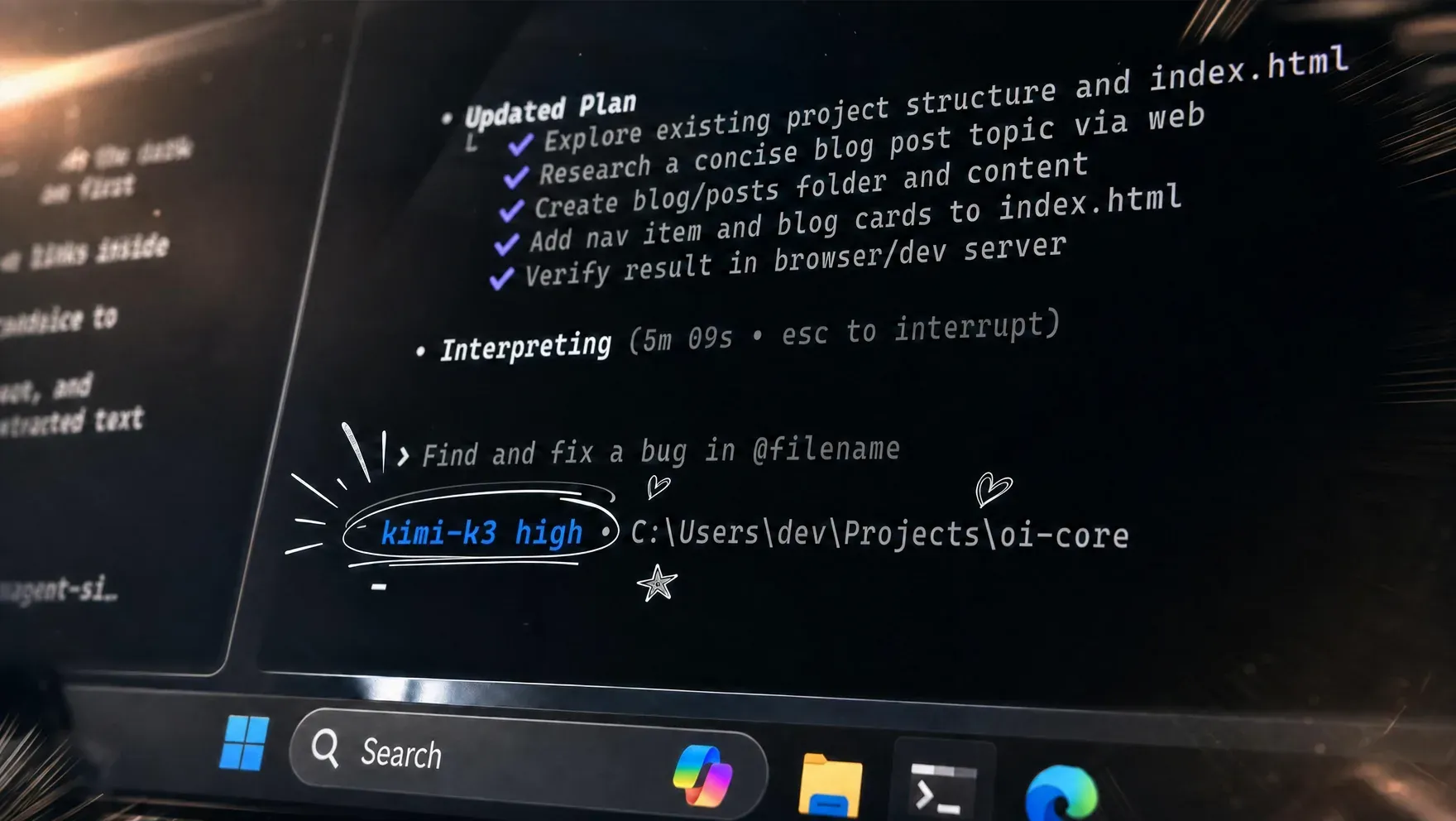
Official README image: the terminal UI shows a checked task plan, the Interpreting status with elapsed time and the active model kimi-k3. Hand-drawn marks are part of the promotional artwork.
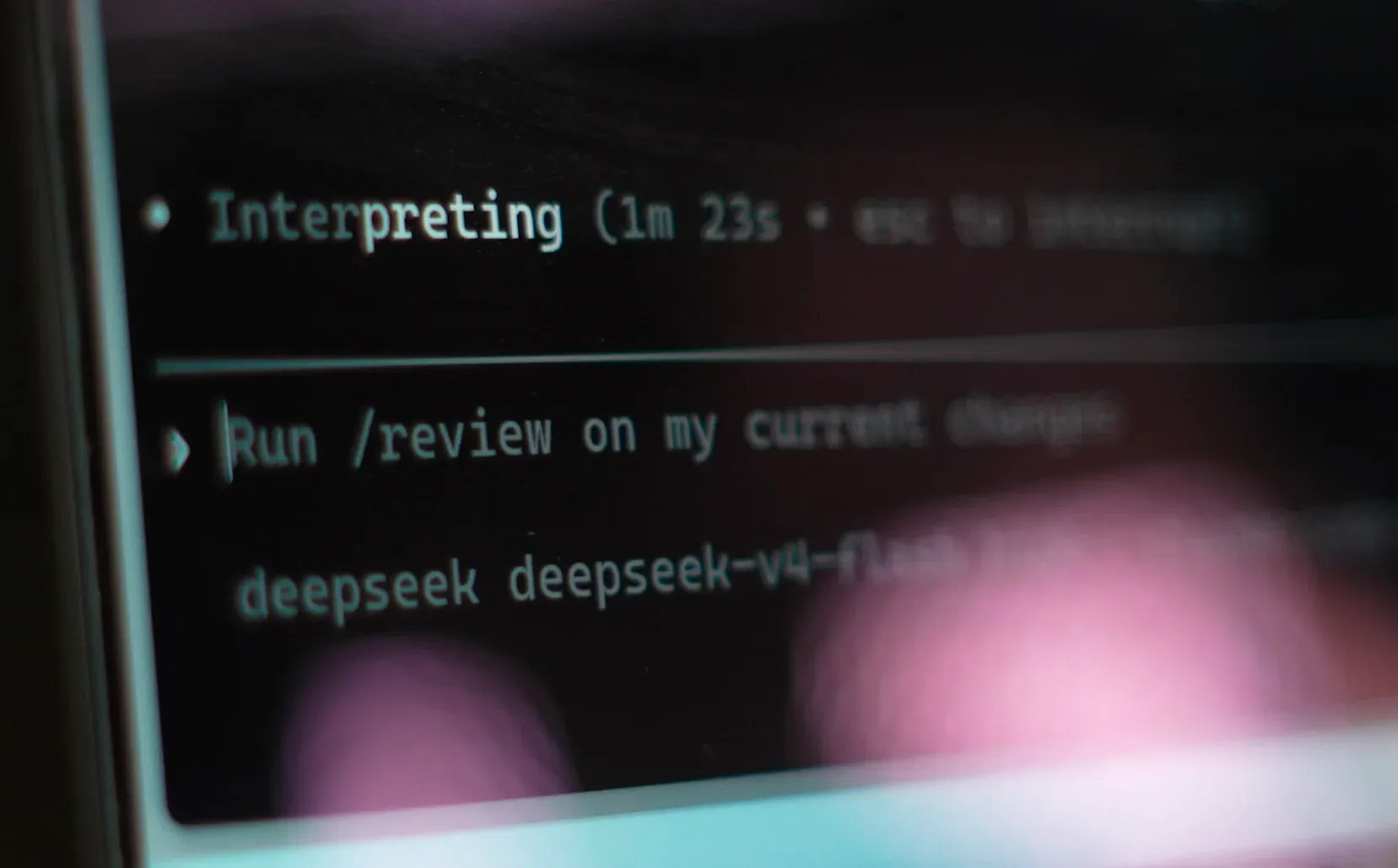
Official website photo of the terminal UI: a /review request on local changes with the DeepSeek V4 Flash model selected. Shallow focus blurs part of the line.
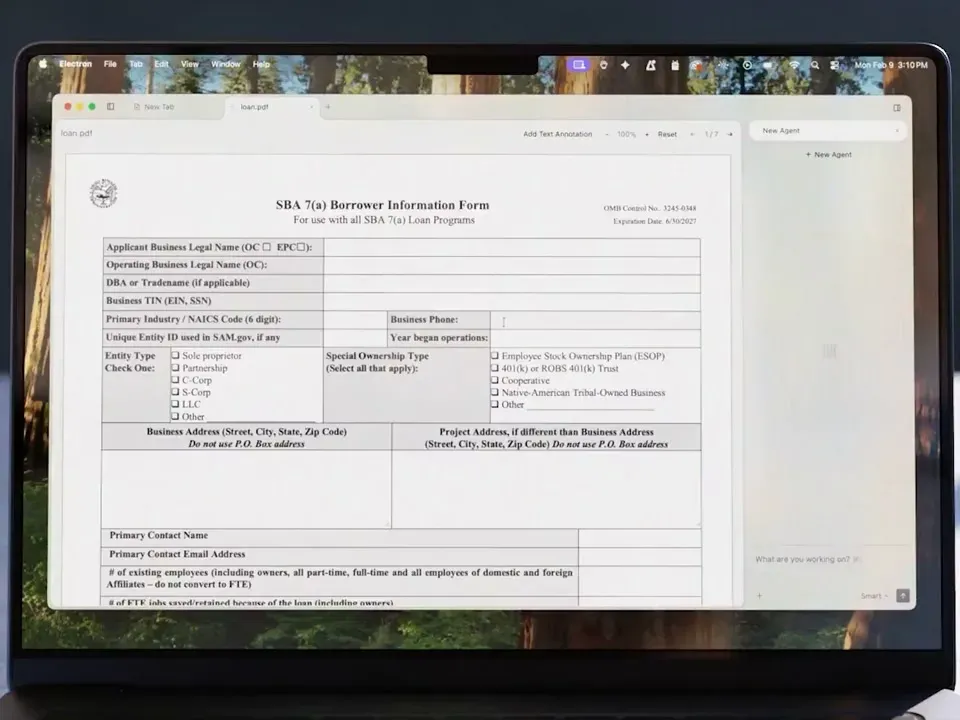
Frame from the Interpreter Workstation launch film: the separate desktop client built on Open Interpreter, with a PDF form in a tab and a New Agent panel.
Key capabilities
- Install on macOS and Linux Run
curl -fsSL https://www.openinterpreter.com/install | sh, restart the shell and checkinterpreter --version. The script installs under~/.local/binand~/.openinterpreter/packages/standalone. Linux archives are musl builds for recent 64-bit distributions on x86_64 or ARM64. The install guide documents uninstall commands that keep user data. - Install on Windows Run
irm https://www.openinterpreter.com/install.ps1 | iexin PowerShell; the binary lands under%LOCALAPPDATA%\Programs\Open Interpreter\bin. Native Windows sandboxing enforces rules differently from macOS and Linux, so the Windows guide recommends WSL with the Linux installer when a project needs Linux-style isolation. Release packages exist for x86_64 and ARM64. - Updates, logs and source builds Standalone installs can check for updates at startup;
interpreter updateinstalls the latest release, andcheck_for_update_on_startup = falseturns the check off. Logs go to~/.openinterpreter/log/, withRUST_LOGfor detail. Source builds should usescripts/build-interpreter-release.shrather than a plaincargo build, because self-update relies on the staged package layout. - Harness emulation The
/harnesscommand lists and switches profiles: native, claude-code, claude-code-bare, zcode, kimi-code, kimi-cli, qwen-code, deepseek-tui, swe-agent and minimal. Each changes the system prompt, tool schema and message conversion while keeping the same runtime. Routing is strict: amessagesprovider accepts only claude-code, claude-code-bare or zcode. The harness reference shows which profile is selected automatically per model family. - Provider and model selection
/modelswitches provider and model in the terminal UI. Built-in runtime providers are OpenAI, Amazon Bedrock, Ollama and LM Studio; a generated catalog adds hosted providers, and Google AI Studio is available asgoogle. Custom providers are declared inconfig.tomlwithwire_apiset toresponses,chatormessages, and--chat-completionsforces Chat Completions for one run. - Kimi K3, DeepSeek and GLM guides Kimi K3 works through a Kimi Code subscription sign-in or a Moonshot Platform key, with the kimi-code harness selected automatically. DeepSeek uses
DEEPSEEK_API_KEYwith the claude-code-bare harness, and Z.AI or Zhipu keys cover GLM with an optional zcode profile. The provider guides separate provider, model and harness for troubleshooting. - Local models Start Ollama or the LM Studio server, then pick it from
/modelor pass--oss. Model traffic then stays on the machine and no API key is needed. Output quality depends on the local model and on whether a matching harness exists for it; a small model on generic chat compatibility behaves differently from a hosted coding model. - Sandbox modes Commands run under
read-only,workspace-writeordanger-full-access. Workspace-write allows writes inside the active roots with network off unless enabled, and--add-dirgrants extra roots. Enforcement uses Seatbelt on macOS, Bubblewrap and seccomp on Linux and WSL, and native sandboxing on Windows; the sandbox guide states that unenforceable policies should fail closed. - Approval policies
untrustedasks before state-changing actions,on-requestruns inside the sandbox and asks before escalation, andneverleaves the sandbox as the only guardrail./permissionsshows the active posture.--yoloremoves both prompts and sandboxing and is documented for throwaway VMs or isolated containers only. - Non-interactive runs
interpreter execcompletes one task without the full-screen UI, reading the prompt from an argument or stdin. Flags include--jsonfor newline-delimited events,--output-schemafor a JSON Schema answer,--ephemeralto skip the session record and--verifyfor an extra completion check. The exec reference lists the rest. - GitHub Actions A documented workflow installs the CLI on
ubuntu-latestand pipes a pull request diff intointerpreter exec --sandbox read-only. Provider keys come from repository secrets, and-coverrides select provider and harness. Output can be JSON events or a Markdown summary file for later steps. - Agent Client Protocol
interpreter acpspeaks ACP over stdin and stdout, so editors such as Zed and JetBrains IDEs can host the agent in their own panel. It reuses the same home directory, provider credentials, MCP servers, skills, sandbox and approval settings as the CLI. The ACP guide has client configurations. - Codex SDK and app-server compatibility Open Interpreter has no SDK of its own; it is a drop-in binary for OpenAI's Codex SDK. TypeScript needs
codexPathOverride: "interpreter", and Python app-server clients launchinterpreter app-server. An optional daemon lets several clients share one runtime over a local socket, andscripts/test-codex-sdk-compat.shchecks compatibility without a provider. - MCP client and MCP server
interpreter mcp addregisters stdio or HTTP MCP servers, with OAuth login for streamable HTTP servers, per-tool approval modes and tool allow and deny lists. In the other direction,interpreter mcp-serverexposes Open Interpreter sessions as tools for another MCP client, with prompt, working directory, model, sandbox and approval parameters. - Skills and AGENTS.md Skills are folders with a
SKILL.mdfile, loaded only when a request matches their description. New skills belong in the shared.agents/skillsand~/.agents/skillsdirectories, and repository instructions come fromAGENTS.md. A bundled QA skill can drive web apps through agent-browser or native apps through trycua. - Hooks Lifecycle hooks run trusted scripts on events such as SessionStart, UserPromptSubmit, PreToolUse, PermissionRequest and PostToolUse. They live in user or trusted project config and plugins, and every matching source runs. Command hooks must be reviewed and trusted before they execute, and a changed definition needs review again.
- Subagents and memories Multi-agent support is on by default: the main session can start default, worker or explorer subagents, limited by
max_threadsandmax_depth. Subagents inherit the sandbox and approval posture unless their role narrows it. Memories, which carry preferences between sessions, are off by default and are not meant for secrets. - Credentials and local state Sign-in tokens, configuration, sessions and logs live under
~/.openinterpreteror the OS keyring, chosen bycli_auth_credentials_store. With file storage,auth.jsonshould be protected like a password. Uninstall commands leave this directory in place; deleting it is a separate, irreversible step.
Where Open Interpreter fits
Running an open-weight model on a repository
Install the CLI, open the project and run i. Choose the provider in /model, for example Kimi For Coding with K3, or DeepSeek with an API key, and check with /harness that the expected profile is active. The Kimi K3 guide recommends a new session after switching models so the prompt cache and thinking history start fresh. Give the agent a goal, the relevant files and the command that proves the work is done.
Inspecting unfamiliar code safely
Start with --sandbox read-only and the on-request approval policy, which the documentation suggests for unknown code. The agent can read, search and explain without writing. Move to workspace-write only for the repository you trust, add extra roots with --add-dir, and keep network access off unless a build step needs it. Treat .git/ and agent configuration directories as protected paths and review any request to change them.
Automated pull request review in CI
Install with the shell script in a GitHub Actions job, pipe git diff into interpreter exec --sandbox read-only and store the provider key as a secret. Use --json or --output-last-message to hand results to later steps. Check that the job token has read-only permissions and that the output schema, if used, matches what your review bot expects.
Replacing Codex in an existing integration
Teams already on the Codex SDK change the launched binary: codexPathOverride in TypeScript, or interpreter app-server in Python app-server clients. Terminal habits, skills and plugins carry over because the CLI is a Codex fork. Run the provider-free compatibility script first, then test one thread per provider you plan to use, since harness and wire API choices change request shapes.
Using the agent from an editor
Configure an ACP client such as Zed to launch interpreter acp. The editor then shows prompts, tool progress and permission requests in its own panel, while sandbox and approval settings still come from config.toml. Pass provider keys through the client environment or the shell profile, and confirm the editor starts the agent in the intended working directory.
Keeping instructions portable between agents
Put repository rules in AGENTS.md and reusable workflows in .agents/skills, which other compatible agents read in place. The portability guide explains which state remains product-specific under ~/.openinterpreter. Check that no new skills land in the legacy ~/.openinterpreter/skills folder if you expect to switch tools later.
Install
curl -fsSL https://www.openinterpreter.com/install | shReviews of Open Interpreter
Be the first to share your experience with Open Interpreter.
Write a review
Loading review form…
Alternatives to Open Interpreter
 Codex CLIOpen-source Rust CLI from OpenAI that reads a repository, edits files and runs local commands inside a sandbox with approval prompts. Includes code review, MCP, skills, codex exec for CI, a TypeScript SDK and an app-server.OOpenCodeOpenCode is an open-source AI coding agent available through a command-line interface and a beta desktop app. It provides separate agents for development work and read-only code exploration.
 ClineApache-2.0 coding agent from Cline Bot Inc. that edits files, runs commands and uses MCP tools with per-action approval. Ships as a VS Code extension, JetBrains plugin, npm CLI, desktop app and TypeScript SDK, with BYOK or Cline-billed models.