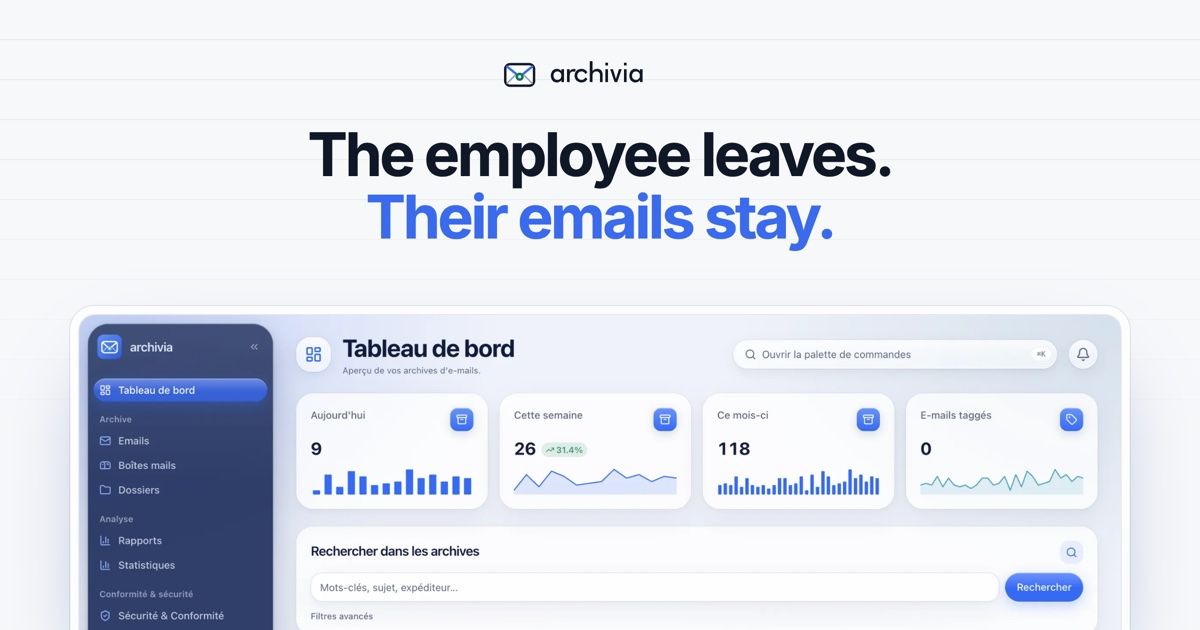
Archivia keeps business email searchable outside the original mailbox. For an IT team handling a departing employee, that means preserving approved messages and attachments, verifying the archive, and then deciding what should happen to the Microsoft 365 account and license. It also offers continuing archiving for active mailboxes.
Operated by Suniworks and hosted in Switzerland, Archivia is a commercial offering with separate plans for inactive and active mailboxes. Its practical value depends on what you need to retrieve, who should have access and how long the archived material must remain locked.
The useful starting points: Archive-only subscriptions begin at CHF 15 per month for ten mailboxes, excluding VAT. Active-mailbox subscriptions begin at CHF 39. The terms apply a minimum one-year sealing period, including to messages imported during the trial. An archive should be verified before the source account changes.
What Archivia keeps after an employee leaves
Archivia retains an independent copy of archived email, attachments and routing metadata that can remain searchable after its original owner leaves, without keeping an old Outlook session available to the team.
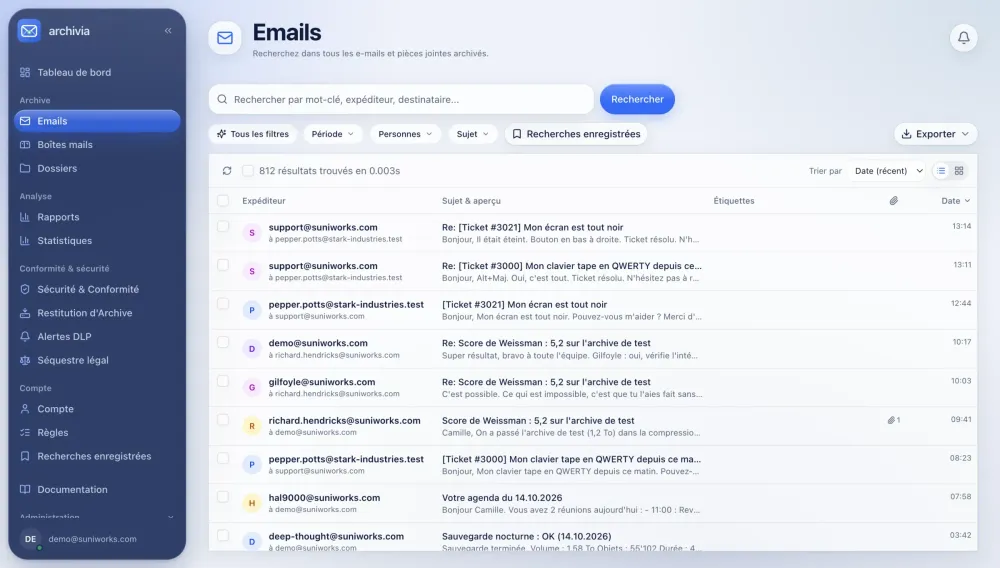
Consider a project manager who needs a delivery agreement sent to a former colleague. The task is to locate the correct message, open its attachment and establish where it came from. A pile of mailbox exports on a shared drive may contain the answer, but it still needs an access policy, search and a usable handover process.
Archivia brings those tasks into a hosted archive, and the directory profile summarizes its capabilities and published service boundaries. It preserves what it has actually archived. The terms, section 4.3, explicitly distinguish the service from a messaging-system backup or business-continuity product that would restore the entire mail platform.
That distinction changes the acceptance test. Check whether the required records are present and retrievable, rather than treating an import-complete message as sufficient evidence.
How ingestion and search work
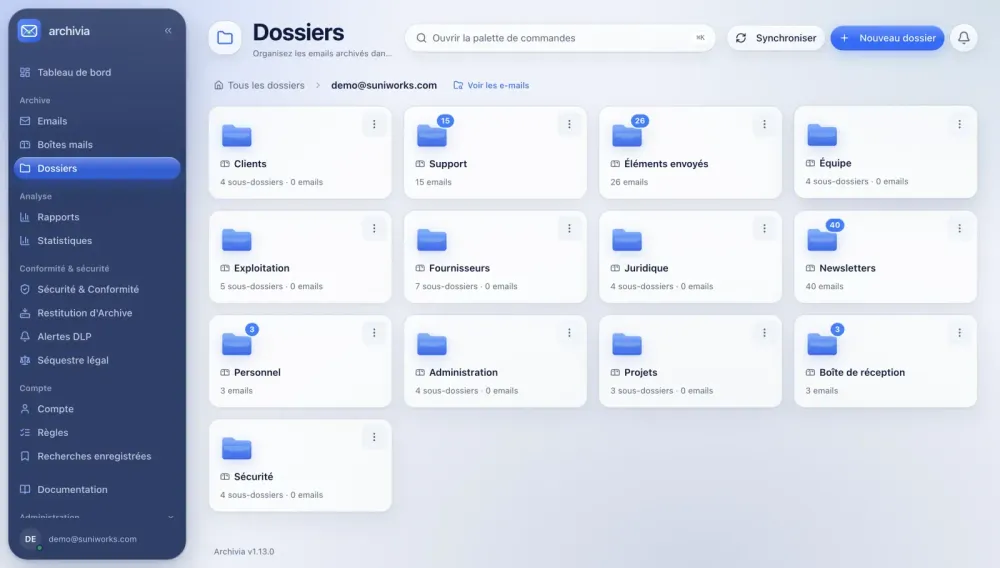
The public offer separates a one-time import from continuing synchronization. Archive seule, the archive-only plan, is intended for inactive or former-employee mailboxes. Protection complète, the active-mailbox plan, adds continuing capture and employee access to their own messages.
Microsoft 365, Google Workspace and IMAP are named as mailbox sources in the service terms, while the product site also describes PST and older archive imports. The published active-mailbox synchronization interval is 15 minutes. That is a scheduled interval, rather than a guarantee that every upstream change has been captured within that time.
Search covers messages and extracted attachment text, with PDFs and OCR-processed images specifically mentioned on the website. OCR, or optical character recognition, makes text in a supported image searchable. It does not make every attachment format readable, and encrypted or damaged files need to be included in your evaluation.
Use a known sender, a recipient, a distinctive sentence and an attachment whose content you recognize. Test an old message and a newly arrived one. Ask how the administrator sees incomplete imports, expired source credentials and a connection that stopped synchronizing.
Suniworks describes a dedicated customer instance with separate application, database, storage and network resources. The privacy policy says search and text extraction run in that environment, and the product FAQ says archived content is not sent to an AI-model provider. These are documented provider commitments; this article does not present an independent infrastructure audit.
The retention decision comes before the import
Archivia's published terms set a one-year minimum retention floor at provisioning, unless a longer period is agreed. A message's retention clock begins when it is archived. Importing an old mailbox therefore creates a current sealing decision for messages whose original dates may be much older.
The provider describes storage-enforced sealing through S3 Object Lock in Compliance mode. According to section 9 of the terms, already sealed messages cannot be edited or deleted before their term ends, including by an administrator or Suniworks. Reducing a setting affects future messages; it does not release existing seals.
This also applies during the 14-day trial, which continues into paid billing unless cancelled before it ends. The terms recommend a demonstration for someone who only wants to explore the service without connecting a real mailbox. A trial is consequently a poor place to experiment with a mailbox whose retention scope has not been approved.
Three controls have different jobs:
| Control | What the published offer describes | What you still decide |
|---|---|---|
| Retention sealing | Storage prevents changes or deletion until the configured term ends | Which records to import and the required duration |
| Legal hold | An administrator preserves a mailbox or saved-search results while the hold is active | Authority, scope, ownership and release process |
| Audit journal | A read-only chain of recorded actions with SHA-256 verification | Which events must be recorded and how to investigate gaps |
Saved-search holds have a published 100,000-result cap, and the terms describe an indexing delay of up to 15 minutes before a newly arrived matching message joins that hold. The FAQ identifies two audit limits: verification does not detect truncation at the end of the journal, and logout is not recorded. Archivia also explicitly states that it is not certified. Review its controls against your organization's requirements rather than treating Swiss hosting or a storage lock as an automatic compliance verdict.
What the published plans cost
The entry price is a subscription minimum, not the cost of archiving one mailbox. Each subscription starts at ten mailboxes. The following amounts were checked on October 15, 2026 and exclude VAT.
| Published plan | Monthly rate per mailbox | Minimum monthly subscription | Included storage per mailbox |
|---|---|---|---|
| Archive seule | CHF 1.50 | CHF 15 for ten mailboxes | 25 Go in the company pool |
| Protection complète | CHF 3.90 | CHF 39 for ten mailboxes | 50 Go in the company pool |
For annual billing, the terms list minimum subscriptions of CHF 144 and CHF 396 respectively. The provider's Go unit is binary: 1,024 × 1,024 × 1,024 bytes. Storage is pooled at company level, rather than treated as an isolated quota for each individual mailbox.
For fewer than 25 connected mailboxes, published storage overage is CHF 0.10 per Go per month. The charge is capped at CHF 25 per month for the part of total storage up to 500 Go; the portion above 500 Go is uncapped. At 25 or more mailboxes, a separately quoted Business offer replaces the public grid.
Confirm the plan, mailbox count, billing period and expected archive growth against the current pricing page and terms. A fair cost comparison also includes the work of validating ingestion, administering access and preserving an export. No universal Microsoft 365 saving follows from the headline archive price alone.
Microsoft 365 already has retention options
A shared mailbox can be sufficient when colleagues need continuing access inside Microsoft 365. Microsoft's conversion guide explains that a converted shared mailbox can operate without its own license within the 50 GB limit. Larger capacity and some archive or hold configurations require additional licensing. The account that anchors the shared mailbox should not simply be deleted.
Inactive mailboxes address a different preservation workflow. Microsoft's inactive-mailbox documentation describes applying suitable retention before deleting the user account and verifying that the hold has taken effect. Its configuration and licensing prerequisites need to be checked for the actual tenant.
Archivia's reason to be considered is an independent managed archive with its own search, hosting and export path.
Decide where colleagues should work, which records need preservation, whether the archive should be independent of the mail tenant and who will operate it. Those requirements determine which approach deserves a pilot.
Export ownership and the limits to verify
The vendor advertises EML, mbox and CSV exports with SHA-256 manifests. EML preserves an individual message in a format other mail tools can read. A checksum comparison checks that the delivered bytes match the recorded reference; it does not establish that the export includes every record the organization expected.
Test a message with attachments and non-ASCII headers in another application. Compare date ranges and counts with an agreed source scope. Keep the export and its manifest together, and document who will obtain them if the archive administrator leaves.
The terms describe administrator-initiated full export and provider-assisted restitution within ten working days on request. They provide 30 days of instance access after the contract ends. Sealed objects can remain in storage after application access closes, so retention, cancellation and retrieval are separate parts of the exit plan.
Section 10.4 bis adds a handover available on request: read-only S3 access, the archive's decryption key and an offline reader, without a further post-contract fee. This access lasts until the sealing term expires and does not release the original objects from their seal. If Suniworks stops operating without a successor, section 21.3 instead provides handover at least 30 days before shutdown and requires the customer to copy the archive before the service stops; access is not guaranteed afterwards. Obtain and test the handover rather than treating a retained storage object as an accessible application archive.
Operational expectations also need a contract. The terms do not guarantee a percentage uptime. Public release history lists v1.0.3 from September 3, 2026; it is evidence of the published release reference, not proof of a particular customer's running build or an independently measured service level.
Archivia is sold as a commercial hosted service. Its legal notice also discloses AGPL-3.0-derived components, and section 17.3 of the terms offers customers the corresponding source code on request. The subscription terms and the licenses of those components are separate parts of the offer.
A pilot that answers the right questions
Start with the provider's demonstration and an approved test scope. Connecting a real mailbox has retention consequences even during the trial.
- Inventory the mailbox sources, message dates, attachments and access owners. Decide which material belongs in the archive before granting ingestion permissions.
- Approve the retention period and confirm when its clock starts. Record who can authorize a legal hold and who reviews requests to release it.
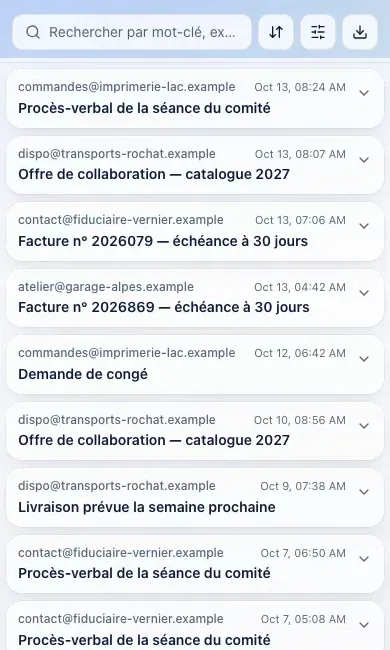
- Verify a representative import against the expected scope. Include an old message, a new message, a large attachment, an image-only PDF and a source-connection failure.
- Check roles with distinct test users. Confirm which archived mailboxes each user can search and which actions are restricted to an administrator.
- Export, reopen and verify a sample outside Archivia. Agree the complete export and cancellation process before changing the original account or subscription.
Keep messaging recovery in its own plan. Products such as Veeam and Acronis address backup workloads whose coverage depends on product and edition. A searchable archive and a tested recovery workflow can serve different needs in the same organization.
When Archivia fits
Archivia is worth evaluating when a business wants a Swiss-hosted managed email archive, independent search and an explicit export path, and accepts its subscription minimum and retention constraints. A team whose requirement is already covered by a properly configured Microsoft 365 workflow may have less reason to add another service.
Use the Archivia profile for the feature summary and official resources. For a demonstration, bring a concrete retrieval task and an approved test scope. The useful result is a record your team can find, understand and export after the original mailbox owner has gone.