

What is VoiceInk?
VoiceInk is a native macOS dictation application written in Swift. It records speech from a global keyboard or mouse shortcut, transcribes it with a local model or a cloud provider you connect with your own API key, and delivers the result at the cursor in the active application. Optional AI enhancement can clean up, format or rewrite the transcript before delivery. The project is developed by Pax under the GitHub account Beingpax, and the public repository was created in October 2024. The official documentation describes the app as a set of Modes: each Mode combines a transcription model, language, optional enhancement provider and prompt, context sources and an output action.
The source code is published under the GNU General Public License v3.0. The prebuilt app is distributed as a DMG from tryvoiceink.com and from the GitHub releases page, and through the Homebrew cask voiceink. The download starts a 7-day trial; continued use of the prebuilt app requires a one-time license sold through Polar. Building from source with make local is free, but local builds omit automatic updates and iCloud dictionary sync, according to BUILDING.md. The repository is not accepting pull requests; bug reports, feature requests and discussions remain open.
Version 2.26, published November 7, 2026, improves streaming transcription stability and error handling for Soniox and ElevenLabs. Version 2.25 added Smart Punctuation, Direct Typing and Remote Desktop Typing as paste methods, Mistral Voxtral 3, Soniox V6, AssemblyAI Universal 3.6 Pro and ElevenLabs Scribe V2 Medical, custom enhancement model names, better Dictionary Auto Learn and a Japanese localization. Version 2.21 added the Parakeet Ultra model, OpenRouter transcription, double-tap shortcuts and local CLI support for Auto Learn, and 2.20 introduced Dictionary Auto Learn, dictionary import and export, Quick History, mouse shortcuts and French. The 2.25 notes list restored per-mode Auto Send, while the Modes documentation still describes Auto Send as a global setting, so some documentation pages trail the latest release.
Local inference relies on open components credited in the README: whisper.cpp for Whisper models, FluidAudio for Parakeet, a Swift package of transcribe.cpp for GGUF models, and SenseVoice Small, which carries its own FunASR model license. Sparkle handles updates of the official build, and the repository contains a separate VoiceInkRefineXPC target for the on-device Refine cleanup model. Transcripts are stored in a local SwiftData database and provider keys in the macOS Keychain.
The README, BUILDING.md and the Xcode deployment target require macOS 15.0 or later, while the download and pricing pages still mention Apple Silicon and macOS 14.4. The installation guide recommends cloud transcription on Intel Macs because local models are not reliable there; Apple Speech needs macOS 26 and Refine needs Apple Silicon with 16 GB of memory. There is no Windows or Linux build, no server component and no administration console. A separate iOS companion app is listed on the App Store; it is not part of this repository and Mac licenses do not cover it.
VoiceInk screenshots
Explore the interface. Open a screenshot to view it at full size.
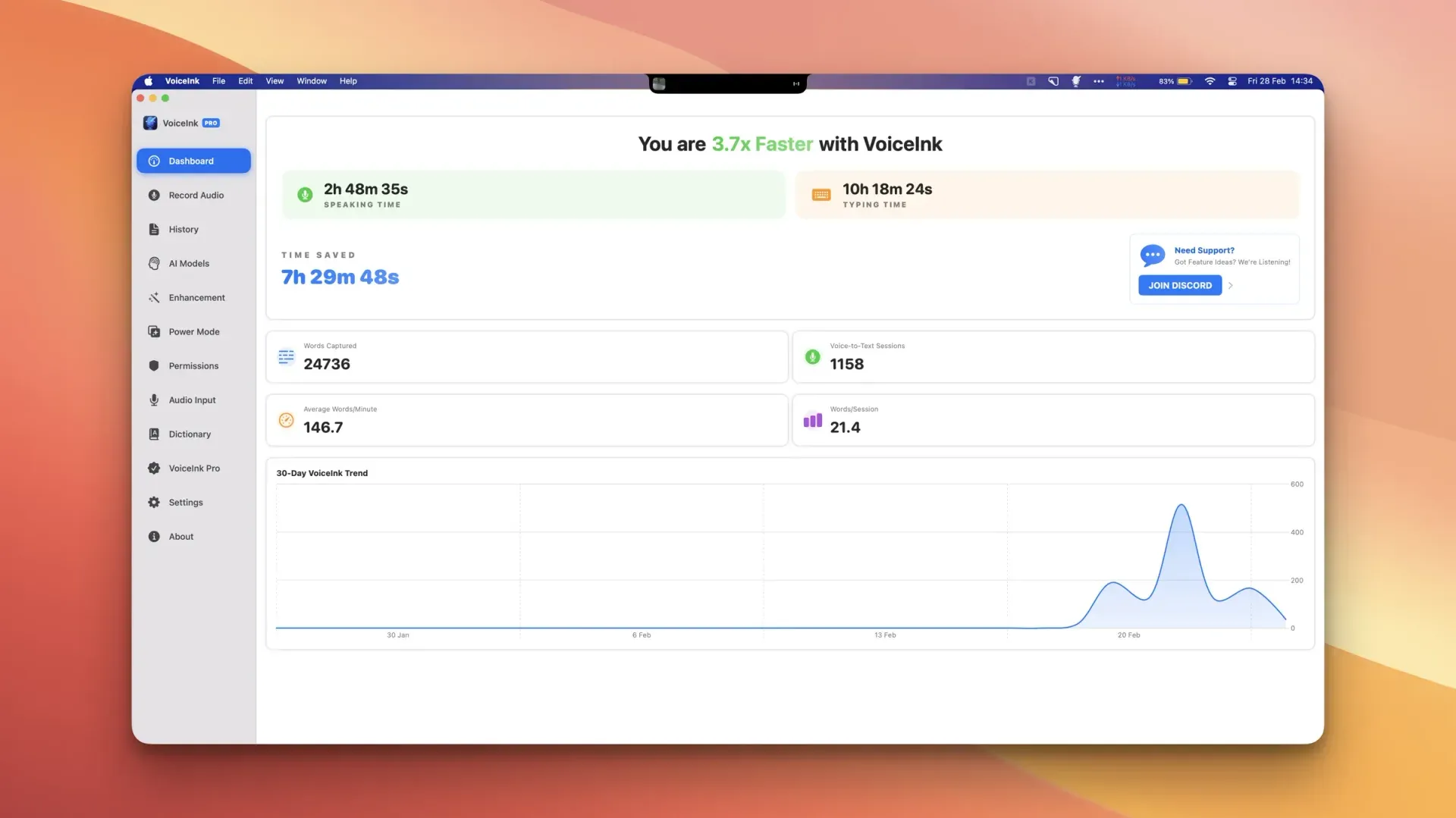
Official README screenshot of the VoiceInk dashboard; the sidebar reflects an earlier release of the interface.
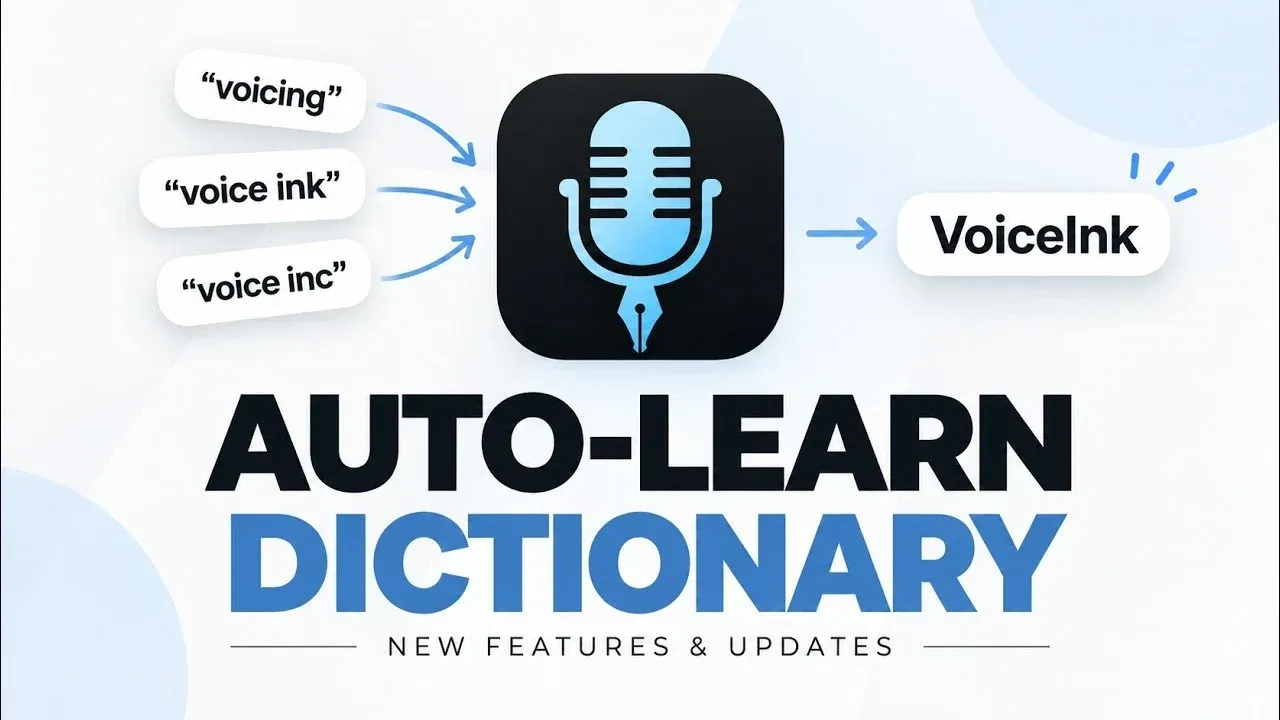
Official VoiceInk video thumbnail for the 2.20 release, illustrating how Dictionary Auto Learn turns repeated corrections into one spelling.
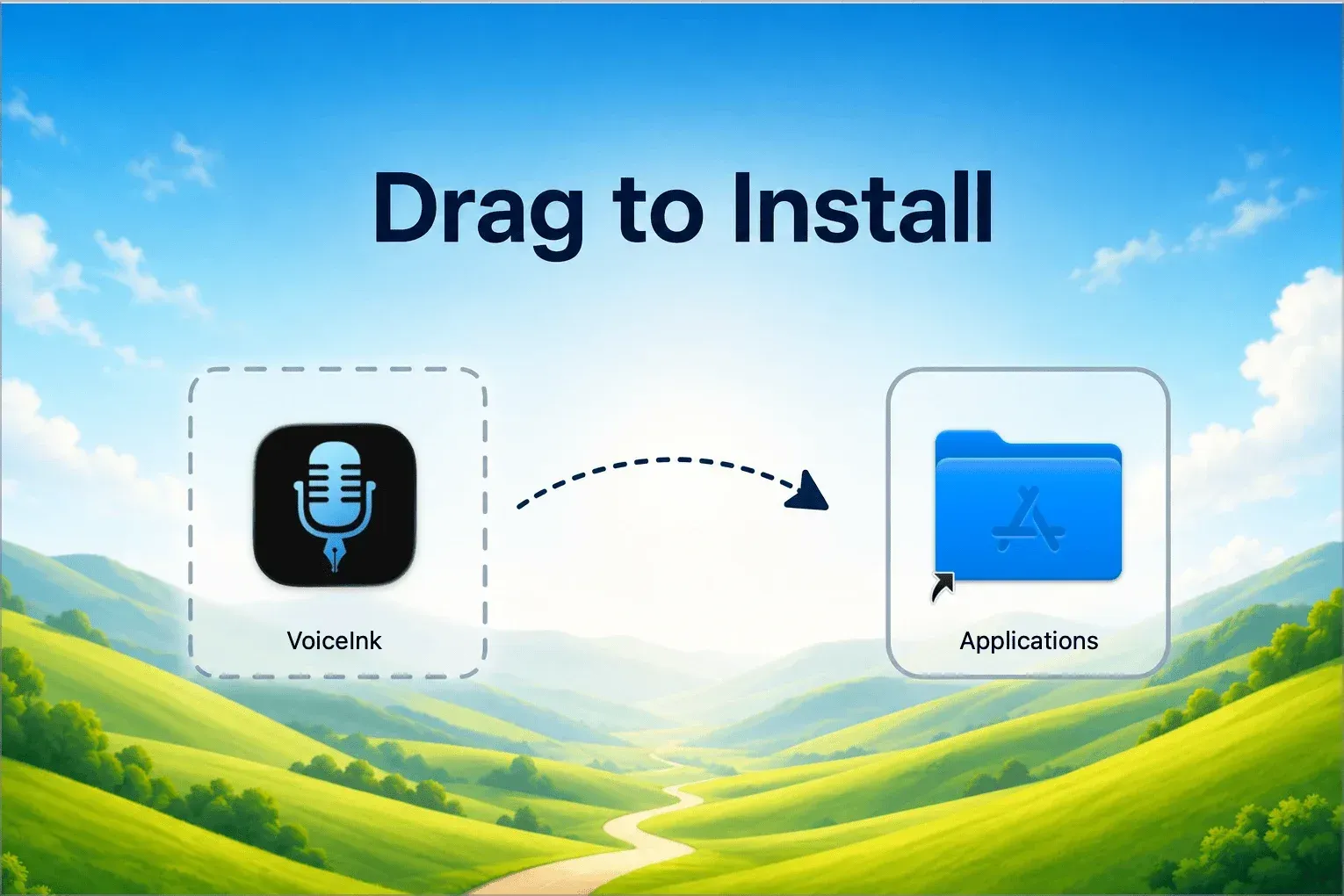
Official DMG installer artwork from tryvoiceink.com: drag VoiceInk into Applications to install.
Source: official VoiceInk project page.
Key capabilities
- Download VoiceInk for macOS The official build is a single VoiceInk.dmg, about 39 MB for version 2.26, available from the download page and the GitHub release. Open the DMG, drag VoiceInk into Applications and follow onboarding, which starts the 7-day trial and suggests Parakeet V3 as a first local model. If macOS blocks the first launch, approve it under System Settings, Privacy and Security.
- Install with Homebrew The README documents
brew install --cask voiceinkas an alternative to the DMG. The cask installs the same prebuilt, licensed app, so it still needs a trial or license key. Updates of the official build are delivered through Sparkle inside the app. - Build from source Building requires macOS 15.0, Xcode with Swift 6.2 or later, the Command Line Tools and Git.
make localprepares whisper.xcframework, builds a Release app and copies it to Downloads, using a single Apple Development identity or ad hoc signing. Local builds have no automatic updates or iCloud dictionary sync, and ad hoc builds can lose macOS permissions after each rebuild. - Local transcription models The local catalog includes Parakeet V2, V3, Ultra and Unified, Nemotron Latin and Multilingual, Whisper from Tiny to Large v3 Turbo (including a quantized variant), Cohere Transcribe, SenseVoice Small and Apple Speech on macOS 26. Any whisper.cpp compatible .bin file can be imported as an additional Whisper model. The local models guide lists the languages and real-time support of each model.
- Cloud transcription with your own keys Supported transcription providers include Groq Whisper, Gemini, OpenRouter, Mistral Voxtral, Deepgram Nova 3, ElevenLabs Scribe V2, Soniox, Speechmatics, AssemblyAI Universal models, xAI Grok Voice Transcribe 2.0 and Cartesia Ink 2. Keys are verified in the app and stored in the macOS Keychain. The VoiceInk license includes no provider credits, and the audio is sent to the selected service.
- Real-time transcription Parakeet, Nemotron and several cloud models can stream partial text while you speak, and Nemotron and Cartesia Ink 2 require it. Whisper, Apple Speech, Cohere, SenseVoice, OpenRouter and custom endpoints process the recording after you stop. The recorder can show or hide live text in Notch or Mini style without changing the Mode's processing.
- Modes and automatic triggers Setup can create starter Modes for Dictation, Enhancement, Email, Rewrite and Assistant. A Mode can be activated by the frontmost app, the current website, a spoken trigger word, its own shortcut or Option plus a number key for the first ten Modes. Duplicating a Mode copies its processing settings but clears triggers, shortcut and default status.
- AI enhancement and prompts Enhancement sends the transcript, vocabulary and any enabled context to Groq, Cerebras, Gemini, OpenAI, OpenRouter, Anthropic, Mistral, an Ollama server or a custom OpenAI-compatible chat endpoint. Custom prompts drive cleanup, email drafting or rewriting, and several providers accept a custom model ID. If enhancement fails, Custom Command output falls back to the unenhanced transcript.
- VoiceInk Refine on-device cleanup Refine is a downloadable text model that fixes punctuation, capitalization, filler words and spoken self-corrections without an API key. It requires Apple Silicon with at least 16 GB of RAM. Its task is fixed: it ignores custom prompts and context and cannot produce Assistant responses, as stated in the Refine documentation.
- Context awareness An enhanced Mode can include selected text through Accessibility, clipboard text, and text extracted with local OCR from the active window when Screen Recording permission is granted. The screenshot itself is not sent, only the extracted text. Plain dictation without enhancement does not send context anywhere.
- Dictionary, replacements and Auto Learn Vocabulary entries guide recognition of names and product terms, and Word Replacements expand or correct phrases after transcription. Auto Learn watches corrections you make in the target field for up to 60 seconds and suggests new replacements, using local rules by default or an AI reviewer you choose. Dictionaries can be imported and exported separately from other settings.
- Recording shortcuts Each of up to two recording shortcuts can use Toggle, Push to Talk, Hybrid (hold for 0.5 seconds or longer) or Double Tap behavior. Keys, side-specific modifiers, Fn and extra mouse buttons are accepted; left and right clicks are not. Further shortcuts paste the last original or enhanced result, retry the last recording with the current Mode or cancel a recording.
- Output: paste, respond or run a command Paste output inserts text at the cursor and, since 2.25, can use Direct Typing or Remote Desktop Typing. Respond output shows an Assistant answer in the recorder. Custom Command output passes the final text on stdin and in
$VOICEINK_TRANSCRIPTto a non-interactive command run through/bin/zsh -lcwith a 10-second limit, as documented in the custom commands guide. - Local CLI as an enhancement provider A Mode can hand its enhancement prompt to an installed command line tool, with templates for Pi, Claude, Codex and Copilot. VoiceInk exposes the prompt through environment variables and uses the command's stdout as the enhanced text. The default timeout is 45 seconds; the CLI may still call a hosted model, so running locally does not mean processing locally.
- Audio and video file transcription The Transcribe view queues wav, mp3, m4a, aiff, mp4, mov, aac, flac, caf, amr, ogg, oga, opus and 3gp files and processes them in sequence with a chosen Mode. Files use batch transcription, so streaming-only Cartesia Ink 2 cannot process them, and live context, paste and custom commands do not run. Results stay in the queue and in History, and the source file is not modified.
- History, Quick History and dashboard History keeps transcripts, enhanced results, saved audio and request metadata locally, with search, replay, copy, CSV export and retry. Retention can delete transcripts or audio automatically, for example after 24 hours or 7 days. The dashboard reports words captured, sessions, words per minute and an estimated time saved.
- Backup and restore Settings export to a JSON file covering general preferences, custom prompts, Modes, the dictionary and custom transcription definitions. Provider keys, license activation, history, recordings, downloaded models and custom enhancement endpoints are excluded. Importing Modes or prompts replaces the existing set, while dictionary entries are merged.
- Licensing and device activation The pricing page lists one-time licenses of $25 for one Mac, $39 for two and $49 for three, with lifetime updates and a 14-day refund. Activation needs a network connection, and devices can be released in the app or through the Polar customer portal. A Mac license does not cover the iOS app.
Where VoiceInk fits
Keeping dictation entirely on one Mac
Download a local model such as Parakeet Ultra, the documented first pick for English and supported European languages, and select it in the default Mode. Leave enhancement off, or use VoiceInk Refine or an Ollama server on the same machine. Keep Auto Learn on Local Auto-Learn and confirm that no Mode uses a cloud provider or a Local CLI tool that calls a hosted model. The privacy and data page lists which features send audio or text and is the checklist for this setup.
Writing email and chat with app-specific Modes
Create an Email Mode with an enhancement prompt and a trigger on your mail client, and a plain Dictation Mode for chat apps where speed matters more than polish. Enable selected text or clipboard context only where replies need it. Test each trigger with the real apps and browser sites you use, because website triggers depend on the browser exposing its current URL through macOS Automation.
Dictating into terminals, editors and scripts
Use a Mode without enhancement for commands and code comments, with Vocabulary entries for project names and Word Replacements for repeated identifiers. For notes or logs, a Custom Command can append the text to a Markdown file or pipe it to a script. Commands must finish within 10 seconds and do not report success on screen; check results with the unified log query given in the documentation.
Transcribing recorded audio and video
Open Transcribe, add files, choose a Mode with a batch-capable model and start the queue. Long recordings with Whisper Large models take more time and memory than Parakeet. Compare the Original and Enhanced tabs before reusing text, and remember that each file creates a History entry with a converted audio copy that falls under your retention settings.
Working across several languages
Check the Mode's language picker before downloading a model. Parakeet covers English and supported European languages, Nemotron Multilingual adds scripts such as Arabic, Chinese, Hindi, Japanese and Korean with real-time required, SenseVoice targets Chinese, Cantonese, Japanese, Korean and English, and Cohere Transcribe covers 14 languages. The recommended models page also compares daily cloud costs for providers such as Groq, Soniox and ElevenLabs.
Rolling out to a small team of Macs
Buy one license per one to three Macs, install from the DMG or the Homebrew cask and grant Microphone, Accessibility and, if screen context is used, Screen Recording on each machine. Export a JSON backup from a reference setup to share Modes, prompts and dictionary, then reconnect provider keys and download models separately on every Mac. No central management console or managed deployment guide is documented, so permission prompts must be handled per device or through your own device management.
Install
brew install --cask voiceinkReviews of VoiceInk
Be the first to share your experience with VoiceInk.
Write a review
Loading review form…
Alternatives to VoiceInk
 HexHex is an open-source, MIT-licensed voice dictation app for Mac, Windows and Linux that transcribes on your device and pastes text into any app.
 OpenWhisprMIT-licensed dictation app for macOS, Windows and Linux that types speech at the cursor, records meetings with speaker labels and keeps searchable notes. Runs Whisper, Parakeet and other models locally, or uses OpenWhispr Cloud or your own API keys.