

What is Proton WebClients?
WebClients is the public monorepo in which Proton AG publishes the source code of its browser applications. The README names Proton Mail, Calendar, Drive, Account, VPN, Pass, Wallet, Lumo and Meet, and the applications folder also contains Proton Docs with its editor, the Pass browser extension, desktop apps for Proton Mail, Pass and Meet, Proton Authenticator, a human-verification page and a Storybook for the shared interface. Seventy workspace packages under packages hold the shared React components, styles, account and payment flows, encrypted search, key transparency and per-product logic. The GitHub repository dates from June 2016; Proton's about page states that the company started in Switzerland in 2014.
This is the client code behind the hosted services, not a separate community product. The README explains that VPN pages have two entry points: applications/vpn-settings for protonvpn.com and applications/account for account.proton.me. Development instructions point the clients at Proton environments, for example --api proton.black for the Pass web app or API_ENV=proton.me for the extension. The server side, which stores data, delivers mail and serves the APIs, is not in the repository. Proton's open-source page links this repository for Calendar, Pass and Lumo and lists separate GitHub organisations for products such as Drive, VPN, Wallet and the mobile apps.
Each application is versioned on its own. Tags follow the pattern proton-mail@5.0.142.0, the most recent tag when this profile was checked, dated November 6, 2026. GitHub Releases are used sparingly: the latest is proton-authenticator@1.1.6, published June 8, 2026 with a dist tarball. Its changelog adds a polyfill for older WebView engines; 1.1.5 fixed a WebKitGTK crash on Linux during login or password-lock setup, and 1.1.3 migrated automatic backups to an encrypted format. Mail, Calendar, Drive, Account and VPN settings have had no GitHub Release since April 2024 and are published as tags only.
The stack is TypeScript and React 18, built with webpack 5 and organised with pnpm workspaces and Turborepo. The root package.json requires Node.js 24.22.1 or later and pnpm 12.16.1 or later, and engine-strict makes installation fail on older versions. Desktop applications use Electron with electron-forge makers for Squirrel, MSIX, DMG, DEB, RPM and ZIP packages; Authenticator uses Tauri 2 with Rust code in src-tauri. Cryptography goes through @protontech/crypto (2.2.0 in the workspace catalog, GPL-3.0 on npm), and Drive uses @protontech/drive-sdk (0.23.0, MIT).
The code is licensed under the GNU General Public License version 3 or, at your option, any later version. That licence allows reading, modifying, building and redistributing the clients under the same terms. It does not provide a server: in issue 257 a Proton collaborator explained that the company does not plan to open-source its backend or enable self-hosting. Outside builds also depend on package scopes that .npmrc maps to Proton-operated registries on protontech.ch, and several root scripts call a utilities folder that is absent from the public tree.
Proton WebClients screenshots
Explore the interface. Open a screenshot to view it at full size.
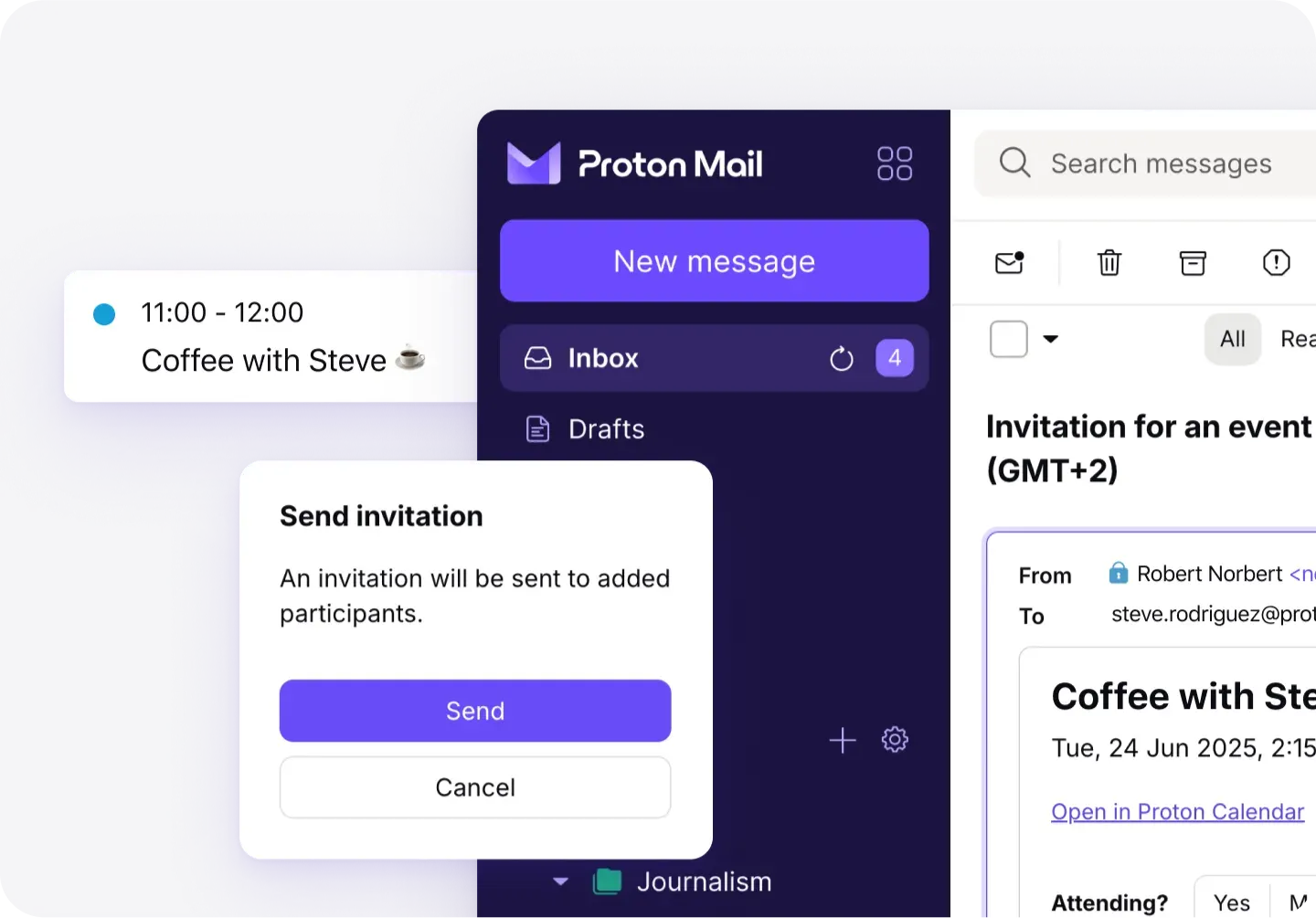
Official Proton product image of the Mail web client showing a Proton Calendar invitation.
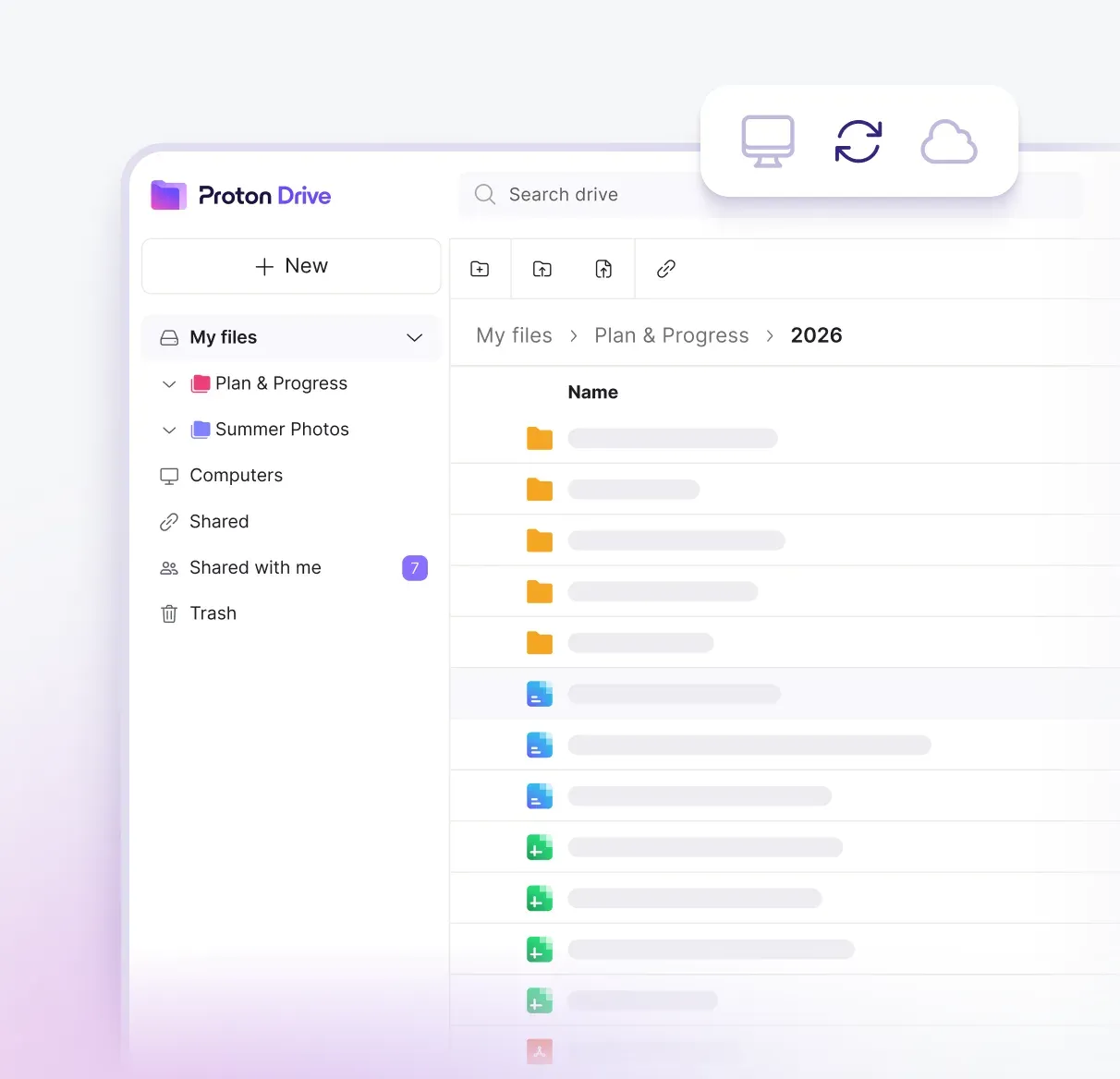
Official Proton product image of the Drive web client file browser; file names are placeholders.
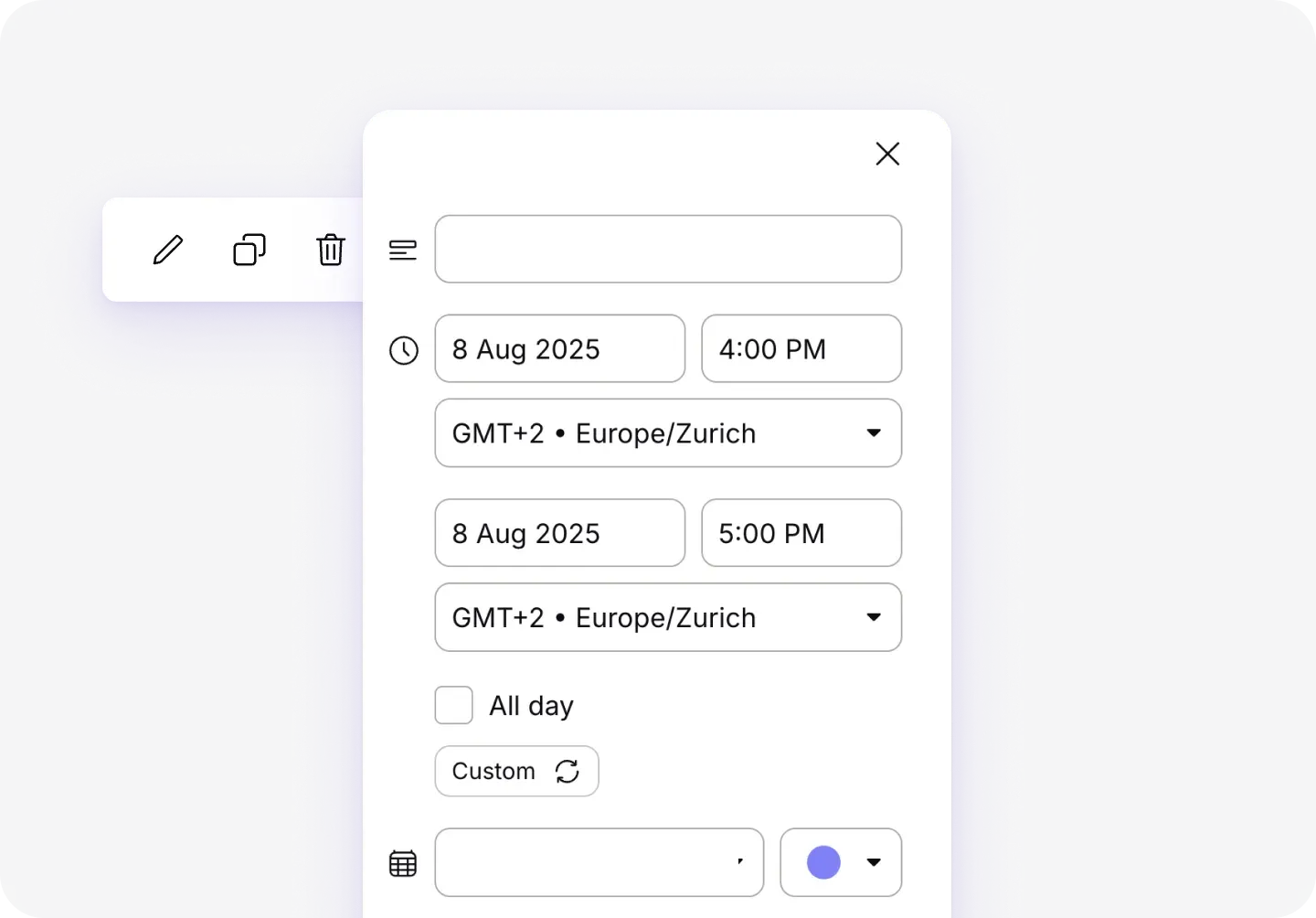
Official Proton product image of the Calendar event editor.
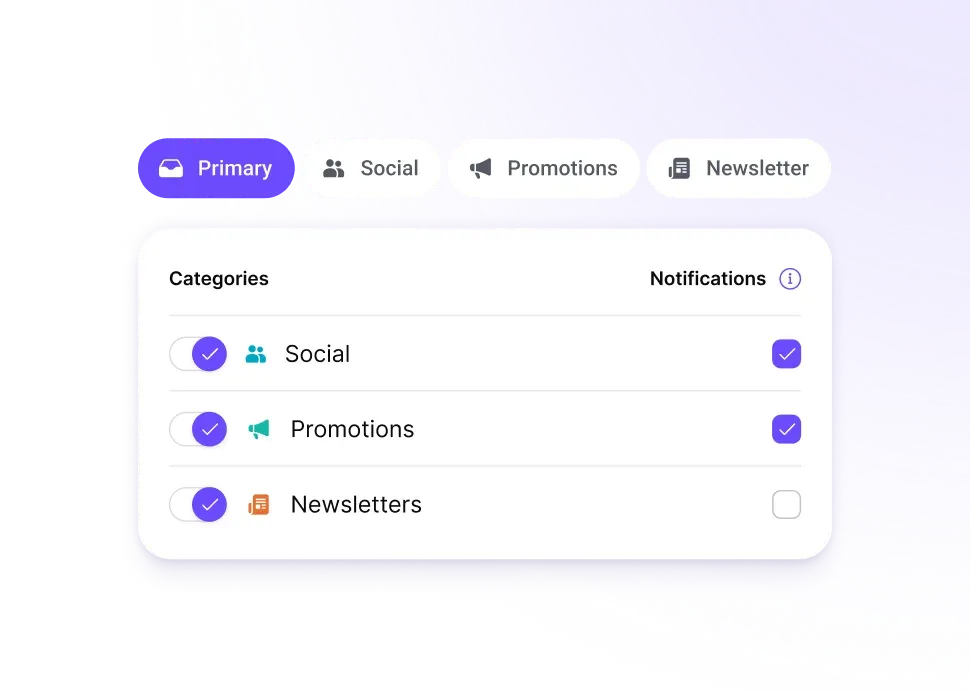
Official Proton product image of Mail inbox categories and their notification toggles.
Key capabilities
- Proton Mail web client
applications/mailis the inbox, reader and settings application, with message handling split into themail-composer,mail-messageandmail-rendererpackages and filter logic inpackages/sieve. Message content search is built frompackages/encrypted-search: according to Proton's support article it is off by default, and its index is encrypted and kept in browser storage on each device. Clearing browser data removes the index, and very large mailboxes can exceed the available storage. - Proton Calendar web client
applications/calendarandpackages/calendarcontain the calendar views, event editor, invitations and calendar key handling. Event encryption and calendar key setup helpers sit inpackages/shared/lib/calendar/cryptoand run in the browser. A separatecalendar-video-conferencingpackage covers meeting links attached to events. - Proton Drive, Docs and Sheets
applications/driveis the file browser, sharing and photos interface, backed by thedriveanddrive-storepackages and Proton's@protontech/drive-sdk.applications/docsserves docs.proton.me with one entry point for publicly shared documents and one for signed-in users, whileapplications/docs-editorholds the editor. Thedocs-core,docs-protoanddocs-sharedpackages contain the shared document model. - Proton Account and VPN settings
applications/accountis the sign-up, sign-in, subscription and settings application at account.proton.me, including the VPN section under/u/{X}/vpn.applications/vpn-settingsis the separate entry point for protonvpn.com. Because the two domains do not share a local single sign-on, the README starts them separately, for example withpnpm --filter proton-vpn-settings run start --port 8050. The VPN apps themselves are not in this repository. - Proton Pass web app and browser extension
applications/passis the web vault, andapplications/pass-extensionbuilds the extension for Chromium (BUILD_TARGET=chrome, the default), Firefox or Safari.pnpm run build:extensionwrites adist/folder that can be loaded unpacked in developer mode; the Safari build also needs Xcode and Ruby 4 or later. Development builds use a non-production Proton environment unlessAPI_ENV=proton.meis set. - Proton Pass desktop application
applications/pass-desktop(version 1.43.1 in its package file) is an Electron 44 app with a native Rust module, so building it needs Rustup and, on Linux,build-essentialandlibxkbcommon-dev. Packaged builds hide DevTools and log at info level. SettingPASS_DEBUG=1before launch enables debug logging and developer tools, with separate instructions for Squirrel and MSIX installs on Windows. - Proton Mail desktop application
applications/inbox-desktopis the Electron app that wraps Proton Mail and Proton Calendar (version 1.15.1 on Electron 43.8.6 in its package file). The folder contains the electron-forge configuration, a Snapcraft template and Linux signing files. Proton distributes the installers from the Proton Mail download page; this repository publishes their source. - Proton Meet web and desktop
applications/meetholds the video-meeting web client, with logic inpackages/meet, andapplications/meet-desktopis the Electron desktop app, tagged up toproton-meet-desktop@1.0.14when checked. Meet web releases are tagged frequently in a 0.4.x series. Proton's open-source page does not link an audit report for Meet. - Proton Authenticator
applications/authenticatoris a Tauri 2 application with Rust code insrc-tauri, a Linux desktop entry, AppStream metadata and a Dockerfile for Linux ARM64 builds. It is the only application with a current GitHub Release, which ships a dist tarball. Version 1.1.0 added encrypted import, export and automatic backups, and later patch releases fixed sync, keyring and Linux WebKitGTK problems. - Lumo assistant client
applications/lumois the web client for Proton's AI assistant at lumo.proton.me, with API access inpackages/lumo-api-clientand interface parts inlumo-ui. Its README documents a performance monitor toggled with Ctrl+Shift+P (Cmd+Shift+P on macOS) and progressive rendering that only re-parses the Markdown block that is still streaming. Models and inference servers are not part of the repository. - Wallet and human verification
applications/walletis the Proton Wallet web client, with shared logic inpackages/wallet.applications/verifyis the standalone human-verification page. - Shared components and design system
packages/components,atoms,styles,iconsandcolorsprovide the interface used across all products, andapplications/storybookdocuments them with visual regression snapshots rendered in Chromium on Linux. New atoms are scaffolded withpnpm run create-atom. Because this layer is shared, a change in one package can affect Mail, Drive and Pass at once. - Key transparency, SRP and recovery kit
packages/key-transparencyimplements the client side of Proton's key transparency, which the support article describes as a beta available only in the Mail web app. SRP authentication helpers live inpackages/shared/lib/srp, andpackages/recovery-kitgenerates the recovery kit PDF with the account recovery phrase. Encryption primitives come from@protontech/crypto, which is published as a separate package. - Payments and subscription flows The
payments,payments-ui,payments-hooksandchargebeepackages contain checkout, plan selection and billing screens. Prices and plan entitlements come from Proton's backend, so these packages cannot sell a different service without replacing that API. Proton's privacy policy lists Chargebee and Stripe among its payment processors, with processing in the United States. - Monorepo tooling and dependency policy The repository uses pnpm workspaces with a shared
catalog:of versions inpnpm-workspace.yaml, Turborepo, oxlint and oxfmt, Prettier, Stylelint, Knip for unused code, Husky with lint-staged and Renovate for updates. A preinstall check rejects other package managers. Grype and Semgrep configuration files at the root point to dependency and static-analysis scanning in Proton's pipeline. - Development environment assumptions The Mail and Calendar folders include a
docker-compose.ymlthat pulls an image from Proton'sgcr.io/proton-dev-opsregistry and expects API endpoint variables. Local single sign-on starts throughpnpm run start-all, which callsutilities/local-sso, and the Pass guide addspass.proton.deventries to/etc/hosts. Theutilitiesfolder is not in the public tree, so these flows are written for Proton staff and need replacing in an outside build. - Translations and contribution paths Seventeen applications ship their own
localesfolder, and the README invites contributors to Proton's translation community. The GitHub issue template keeps issues for code questions, sends bug reports to Proton support and feature requests to Proton's UserVoice forum, and links the bug bounty programme for security findings.
Where Proton WebClients fits
Checking what a hosted web app is built from
Pick the product you use, find its latest tag, for example proton-mail@5.0.142.0, and read the code paths that matter to you: authentication in packages/shared/lib/srp, key verification in packages/key-transparency or message rendering in packages/mail-renderer. The Pass guide confirms which commit a server delivers through /assets/version.json; where a deployed app exposes similar version data, compare it with the tag. The repository does not document reproducible builds of the hosted bundles, so a tag identifies the source of a release, not the exact bytes a browser session ran.
Building a client locally for development or review
Clone the repository, install Node.js 24.22.1 or later and pnpm 12.16.1 or later, then run pnpm install and, for Mail, pnpm --filter proton-mail run start. Install-time checks reject npm, Yarn and older engines. Check early whether every scoped package resolves: .npmrc points the @proton, @protontech, @proton-meet, @proton-docs and @tpe scopes at Proton-operated registries, while some of these packages, such as @protontech/crypto, are also on the public npm registry. A local build still signs in to a Proton account and talks to Proton's API.
Building the Pass extension for testing
From applications/pass-extension, run pnpm run build:extension for Chromium or set BUILD_TARGET=firefox, then load dist/ unpacked or as a temporary add-on. Set API_ENV=proton.me when the build must use the production API. An unpacked build receives no store updates and a Firefox temporary add-on disappears on restart, so for managed browsers the store versions listed on the Pass download page remain the practical choice. A self-built extension is mainly useful for review and behaviour testing.
Packaging desktop apps on Linux
Proton Mail desktop and Pass desktop are Electron projects with electron-forge configuration, and Pass needs a Rust toolchain and a native module built with pnpm run build:native. Check the Rust target in native/build.js on ARM64 machines. The Pass desktop README mentions ELECTRON_DISABLE_SANDBOX=1 for sandbox errors; that setting weakens process isolation and belongs only in development. Authenticator's Linux ARM64 Dockerfile, desktop entry and AppStream metadata are useful starting points for distribution packaging.
Security research and reporting
The repository is the reference for client-side behaviour when Proton is assessed in a security review. Proton's open-source page links third-party audit reports for Mail, Calendar, Drive, VPN and Pass; Meet, Authenticator, Wallet and Lumo have none listed there. Report vulnerabilities through the Proton bug bounty programme rather than a public issue, and keep GitHub issues for questions about the code.
Forking or reusing code under the GPL
Packages such as the Sieve filter code, the component library or the recovery kit generator can be reused in GPL-compatible projects. Distributing a modified client requires offering the corresponding source under GPL-3.0 or later. The licence covers copyright, not Proton's names and logos, so a distributed fork should carry its own branding. A fork still needs a compatible backend: the clients expect Proton's API and authentication flows, and the repository provides no alternative server.
Reviews of Proton WebClients
Be the first to share your experience with Proton WebClients.
Write a review
Loading review form…
Alternatives to Proton WebClients
 VaultwardenVaultwarden is an unofficial Rust implementation of the Bitwarden Client API for self-hosting, with personal vaults, organization sharing and multifactor login.
 KeePassXCKeePassXC is an open-source password manager for Windows, macOS and Linux that stores entries in an offline, encrypted KeePass-compatible KDBX file.
 SyncthingSyncthing is an open-source continuous file synchronization program that keeps folders in step across your devices without a central server.