
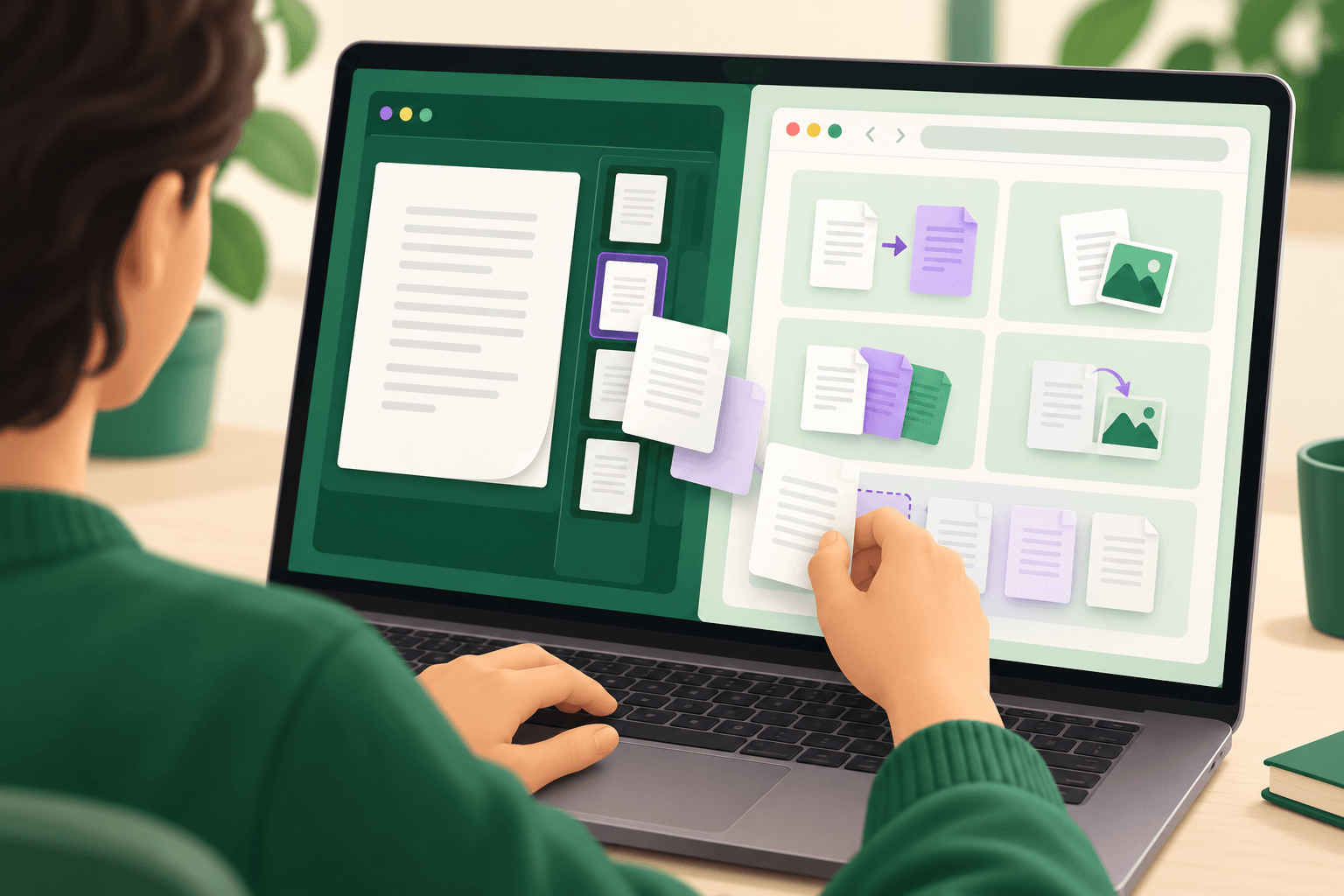
PDFCraft refers to different PDF projects, so check the repository before choosing a download. ArtCraft’s PdfCraft is a Rust application with desktop and browser builds; PDFCraftTool’s PDFCraft centers on browser-based document utilities and also distributes desktop packages. For IT teams, the useful distinction is how each project handles document changes, deployment, and repeatable work.
The ArtCraft repository describes a reader, editor, and command-line engine. The separate PDFCraftTool repository describes a client-side toolkit with conversion utilities and a visual workflow editor. Their similar names should not be treated as evidence of shared features or release histories.
Identify the project before evaluating features
ArtCraft’s PdfCraft belongs to the same application family as PhotoCraft. Its repository identifies Rust as the implementation language and lists macOS, Windows, Linux, FreeBSD, and browser support. The ArtCraft product page labels the application early alpha and offers both launcher-managed and standalone distribution.
PDFCraftTool’s project uses Next.js, TypeScript, and WebAssembly-based processing. Its documentation emphasizes individual utilities for organizing, converting, editing, and protecting documents. Although the browser is central to its presentation, its release page also lists Windows, macOS, and Linux packages.
That overlap makes “desktop versus browser” an incomplete selection rule. Start with the repository owner, then match the documented operation to your actual documents. Readers exploring the wider ArtCraft family can also consult iThub’s PhotoCraft overview.
ArtCraft PdfCraft: reading and structural editing
ArtCraft documents support for searching, selecting text, navigating bookmarks, and organizing pages. Its rendering description includes complex scripts, vertical Japanese, transparency, and optional document layers. These are relevant evaluation areas for teams handling documents beyond basic office reports, but they remain project descriptions rather than an independent compatibility guarantee.
Page changes and save behavior
The ArtCraft repository describes page rotation, deletion, insertion, and reordering, alongside document combination, extraction, and splitting. It also documents preservation of interactive fields, attachments, layers, and document navigation during supported assembly operations.
Its save model deserves attention. According to the repository, incremental saves retain the existing document bytes and append changes, while atomic writes prepare a temporary copy before replacing the destination. The project also describes undo after saving, autosave, and recovery following an unexpected exit.
For evaluation, treat those mechanisms as separate acceptance criteria. On a copy of a representative PDF, reorganize pages, save the result, reopen it, and inspect both the content and document navigation. A successful visual check alone should not be your acceptance test for a form-heavy document; exercise the fields and links you need to retain.
Local use and document permissions
ArtCraft states that PdfCraft works offline without an account, telemetry, or cloud document processing. It also describes honoring PDF permissions and keeping edited encrypted files encrypted when saved. These claims make it relevant to local-document workflows, without establishing that every sensitive-data policy automatically permits its use.
Choose evaluation documents that expose the controls your organization depends on. For example, a password-protected form with bookmarks tests a different combination of behaviors than an unencrypted scanned report. Keep that distinction in the deployment decision rather than treating every PDF as equivalent.
PDFCraftTool: conversions and visual workflows
PDFCraftTool documents utilities for combining files, extracting pages, recognizing scanned text, changing metadata, managing attachments, and converting between document formats. Its conversion list includes office documents, images, ebooks, and PDF exports to editable formats. The repository describes processing within the browser rather than uploading documents for routine server-side conversion.
Preservation depends on the operation
A particularly useful detail concerns rotation. PDFCraftTool distinguishes standard right-angle rotation from arbitrary-angle rotation. The former preserves document structures including interactive fields, bookmarks, page links, labels, attachments, and metadata; the latter rebuilds page content through embedding and does not carry the same preservation guarantee.
This creates a practical decision boundary. If the task is correcting page orientation while retaining interactive content, evaluate the standard rotation operation first. If a scan needs a custom angle, include structural checks in the acceptance test instead of assuming that identical-looking output has identical behavior.
The repository also documents narrower preservation rules for bookmark and metadata edits. Editing an existing bookmark’s title or organization retains its destination view, while changing its target page resets that view to the new page’s top. Metadata updates preserve fields outside the selected changes. These details matter when a processing task must leave unrelated document properties alone.
The workflow editor remains beta
PDFCraftTool’s visual editor connects operations into reusable workflows and supports processing multiple files through a workflow. Its documentation describes compatibility validation between connected tools, saved workflows, and templates for common tasks. It explicitly identifies the editor as an early-development beta.
For a hypothetical workflow that combines reports and then compresses the result, test the complete chain with representative inputs before adopting it. Validate the final document, not just whether each node completes. Teams considering broader orchestration can use iThub’s n8n workflow guide as a separate planning resource; that does not establish a PDFCraft integration.
Compare automation and installation separately
ArtCraft exposes document operations through its command-line tooling and schema-described tools. The repository lists inspection, rendering, text extraction, page editing, form filling, metadata changes, and document assembly among the available operations. This makes its documented interface relevant when developers want scripted processing rather than an interactive utility.
PDFCraftTool’s documented visual workflow editor offers a different interaction model. Decide whether the intended operator needs scripts that can be reviewed alongside code or workflows assembled on a canvas. Neither interface, by itself, proves that a particular processing job will preserve everything your documents contain.
Installation also needs its own review. ArtCraft offers a launcher for application updates and standalone packages for installing PdfCraft independently. PDFCraftTool publishes desktop packages, but its release notes say the macOS application uses ad-hoc signing without Apple notarization. On managed Macs, review that distribution choice against software policy before approving deployment.
Make privacy checks feature-specific
Both projects describe local document processing, but evaluate optional capabilities individually. PDFCraftTool’s release history includes support for remote signing services. A local-processing description should therefore not be extended into an assumption that every optional integration operates without an external service.
Use ArtCraft’s PdfCraft as an evaluation candidate when the priorities are its documented reader, structural editor, and scriptable engine. Evaluate PDFCraftTool when its conversion utilities or visual workflows match the task. Before approving either, record the exact project, installation channel, required operations, and acceptance results for the documents your team actually handles.