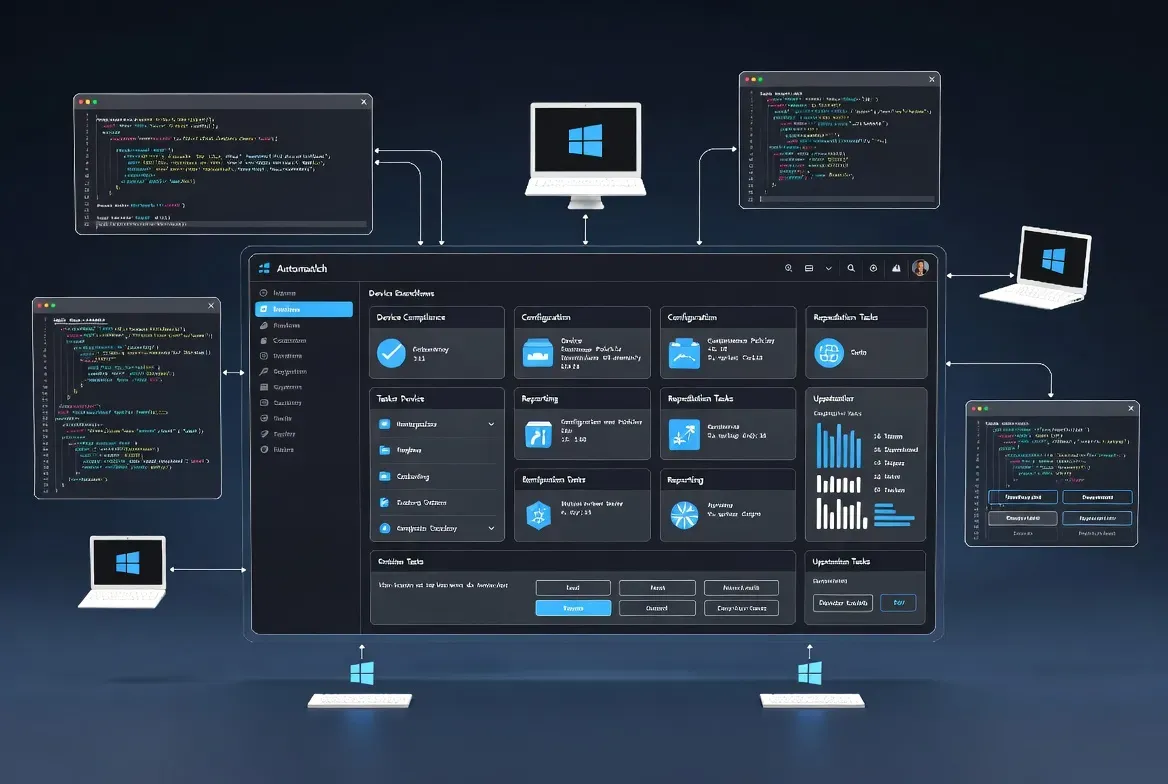
IntuneAutomation is a public, MIT-licensed collection of PowerShell scripts for Microsoft Intune administration, with 136 GitHub stars as of this check. The repository organizes scripts across six categories: operational, applications, compliance, security, devices and monitoring. It can save repetitive work, but an automation script deserves the same review as any other code that acts on a tenant.
Key takeaways
- The repository is MIT-licensed and organizes scripts into six categories covering devices, apps, compliance, security and monitoring.
- Scripts can run locally or through Azure Automation with managed identity, following a least-privilege permission model.
- Review each script's required Graph API permissions and test against a small group before scheduling it as a runbook.
What does the IntuneAutomation repository actually provide?
The project repository organizes its PowerShell scripts into six categories: operational tasks like device restarts and syncs, application deployment and management, compliance reporting and remediation, security policy and threat operations, device inventory and lifecycle management, and monitoring analytics and dashboards. As of this check the repository has 136 stars and 22 forks on GitHub, and it is released under the MIT license, which permits broad reuse with minimal restriction. The project emphasizes enterprise-grade design choices, including Azure Automation integration, managed identity support so scripts do not need stored credentials, and a least-privilege permission model documented per script. A companion site at intuneautomation.com adds deployment guides and an MCP server integration for teams that want to expose these scripts to AI coding agents. Check the specific script you intend to run rather than assuming every script shares the same scope or risk level.
How do you run your first script safely?
Start by reading the script itself and confirming exactly which Microsoft Graph API permissions and parameters it requires, since the contribution guide asks authors to document permissions, minimum roles and known limitations for each one. Run it first against a test tenant, or against a small and easily reversible device group in production if a test tenant is not available. Record the state of the target devices or accounts before running the script, and keep an export or a documented rollback procedure in case the result is not what you expected. Review the script's output and any logs it produces before scheduling it to run automatically as a recurring runbook. A report-only script that reads data and a bulk device action that changes configuration carry very different levels of risk, so treat them differently even if they come from the same category.
Which account should actually run these scripts?
Use a least-privilege account or a managed identity wherever the script supports it, and verify the specific permissions it requests against your organization's own access policy rather than granting broad admin rights by default. Azure Automation with a managed identity is the pattern the project documents for scheduled or unattended execution, since it avoids storing credentials in a script or configuration file that could leak. Do not paste an unreviewed script into an elevated PowerShell session on a production tenant, regardless of how well-maintained the source repository appears to be; read it first, every time, even for scripts you have run successfully before, since the repository continues to receive updates. Prerequisites differ between local execution, which needs PowerShell 5.1 or later plus the Microsoft Graph PowerShell modules and an Intune admin account, and Azure Automation, which needs its own account, managed identity and pre-installed modules.
When does this library fit your Intune workflow?
Use IntuneAutomation when an existing script in the collection addresses a specific task you already need to solve and your team has the capacity to review and maintain it going forward, since adopting someone else's automation still means owning it operationally afterward. For application packaging specifically, compare the separate IntuneGet profile, which focuses on a narrower Winget-to-Intune workflow rather than general administrative scripting. For a broader view of the endpoint management landscape, browse endpoint management tools to see how this project compares to commercial alternatives. A script library is most valuable when it replaces a task your team was already doing manually and inconsistently, not when it is adopted simply because it is free and available on GitHub.
Sources checked 27 September 2026: the official contribution guide and repository. Script behavior may change between commits.
Frequently asked questions
Is IntuneAutomation free to use?
Yes. It is released under the MIT license on GitHub, which allows free use, modification and redistribution with minimal restriction. There is no paid tier for the script collection itself, though the companion site offers deployment guides and additional tooling.
Do I need Azure Automation to use these scripts?
No. Scripts can run locally with PowerShell 5.1 or later and the Microsoft Graph PowerShell modules installed. Azure Automation with a managed identity is documented as the recommended pattern for unattended or scheduled execution, but it is not required for manual, one-off use.
How many people actually use or maintain this project?
As of this check, the repository has 136 stars and 22 forks on GitHub, indicating moderate community adoption. Star and fork counts change over time, so check the repository directly for its current numbers before judging how actively maintained it is.