
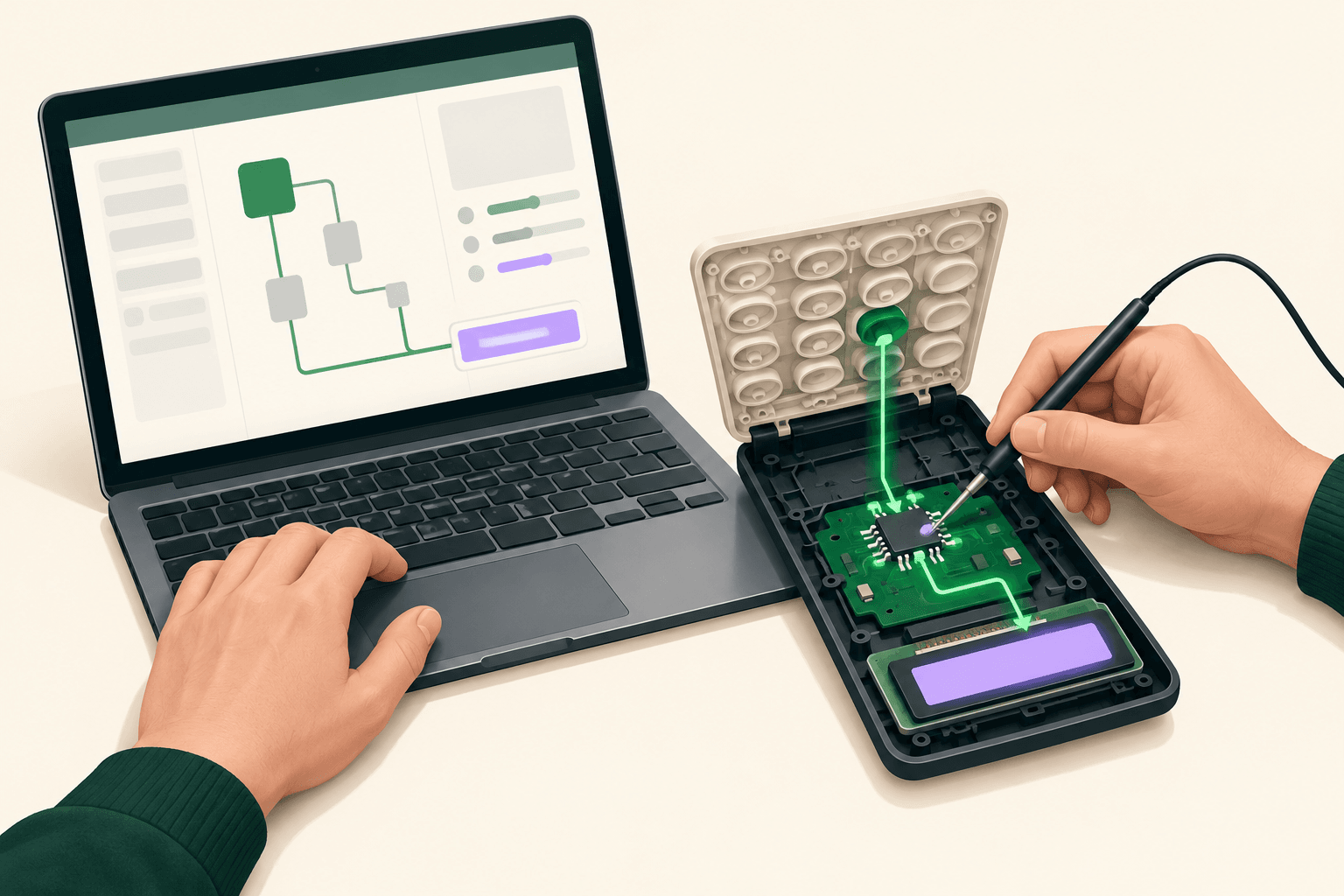
REA, short for Reverse Engineer Anything, lets a coding agent investigate software through analysis tools and return supporting observations. Developers evaluating it should start with a specific behavior and the kind of application involved: inspecting an Electron bundle requires a different setup from investigating a native executable. The useful outcome is an explanation you can check before relying on a reconstructed implementation.
The REA repository describes both agent integration and terminal access. For background on the connection mechanism, iThub’s MCP server guide explains the broader concept. Here, the evaluation question is narrower: which parts of an investigation can REA expose, and what still requires judgment?
Match the analysis method to the target
REA’s requirements depend on the artifact being examined. Its repository distinguishes native analysis providers, built-in file inspection, and browser-based observation. Choosing the target first avoids installing a decompiler for work that does not need one.
Native applications need an analysis provider
For native code, REA can work with Hopper, Ghidra, IDA, or Kuna. The documented outputs include disassembly and pseudocode, alongside information about symbols, strings, and relationships between functions. These are the materials an agent uses to investigate a behavior, rather than a guarantee that every feature will become understandable.
When evaluating this route, ask the agent to connect its explanation to the relevant function and supporting instructions. A plausible description of an application’s purpose is less useful than evidence showing why a particular branch executes. The repository explicitly describes returning evidence and limitations with findings.
JavaScript and managed code have separate paths
The repository documents JavaScript and Electron inspection covering module dependencies, source maps, routes, and communication boundaries. Static JavaScript work does not require a native analysis engine. For .NET assemblies, the documented inspection includes metadata and Common Intermediate Language instructions without an additional analysis engine.
This distinction matters when scoping a trial. If the question concerns an Electron application’s internal messaging, start with that relationship instead of treating the entire application as a native binary. If it concerns a managed method’s declared native dependency, request that specific evidence before expanding the investigation.
Browser observations answer different questions
Website analysis uses a Chrome-family browser and can expose scripts, page structure, network observations, and screenshots. These outputs can help connect visible behavior with the code or requests involved, according to the repository.
Keep the scope of each conclusion aligned with the observation. A screenshot supports a statement about the displayed interface; a captured request supports a statement about that interaction. When evaluating a reconstruction, request the evidence relevant to the behavior being reproduced rather than accepting a visually similar result as the whole investigation.
Follow a behavior through to its explanation
A narrow question makes REA’s evidence easier to assess. The project’s website examples, in German, demonstrate this with Windows Calculator: the investigation follows the percentage operation and distinguishes its behavior after addition from its behavior after multiplication.
The lesson for an evaluation is the shape of the question. “Explain this control under these operations” establishes a bounded behavior to investigate. “Rebuild this application” leaves the agent to choose which details matter and which differences it can overlook.
Use a hypothetical trial with an application you are authorized to inspect:
- Choose a behavior whose inputs and visible result you can describe.
- Ask REA to locate the implementation evidence relevant to that behavior.
- Require the agent to separate direct observations from its interpretation.
- Compare an independently written implementation against the chosen behavior.
These are suggested evaluation criteria, not a report of an iThub test. They follow the repository’s documented workflow, in which the agent uses analysis findings to explain behavior and then write or test an implementation.
Separate REA’s contribution from the agent’s work
REA supplies access to analysis workflows; the coding agent interprets the findings and performs subsequent development. That division matters when attributing a successful result.
In Korben’s reported comparison, in German, the author repeated the tasks without REA, using the same model and files. The agent also completed them by operating Ghidra through its own scripts. Relative completion times varied by task, so the report does not establish a universal speed advantage for REA.
Korben also described a native application whose combined architecture binary needed an extraction step outside the straightforward REA workflow. Treat that as an example from the author’s configuration, not a permanent restriction across every provider or release.
For your evaluation, record which actions REA handled and which required agent-written tooling or manual preparation. That distinction reveals whether REA reduces integration work for your particular artifacts. It also prevents a successful demonstration from becoming an unsupported claim about complete automation.
Check installation scope and licensing separately
REA’s setup registers its MCP integration and adds workflow guidance for selected agents. The repository says the proposed changes require review and approval, existing configuration is backed up, and the agent should be restarted afterward. Supported integrations include Codex, Cursor, Claude Code, and Gemini CLI.
Review those configuration changes as part of adoption. The repository also warns that an installation acquired through a package runner depends on retaining its cached entry. Installation convenience and a durable registration are separate checks.
The SourceForge project listing identifies REA’s license as MIT, consistent with Eigent’s overview, in German. That license does not include commercial analysis engines: Eigent explicitly notes that tools such as Hopper and IDA require their own legitimate licenses. Evaluate REA, the selected backend, and the coding agent as separate parts of the setup rather than treating the toolkit’s license as the total cost.
Review data exposure before inspecting confidential software
Local execution does not by itself establish that analysis results remain on the machine. The repository describes local analysis, while Korben warns that results can still reach the model provider. For confidential binaries, examine the agent’s data path before allowing it to submit extracted material.
A practical review should distinguish the file being inspected, the findings returned by REA, and the content the agent sends for inference. Local analysis describes where inspection runs; it does not settle the handling of every downstream message. iThub’s data access and sharing guide offers a related framework for considering access boundaries.
Begin with a nonconfidential target you have permission to investigate. Require an evidence-backed explanation of a bounded behavior, inspect the proposed configuration changes, and check the backend’s licensing before extending the trial. Use that result to decide whether REA’s integration fits your workflow.