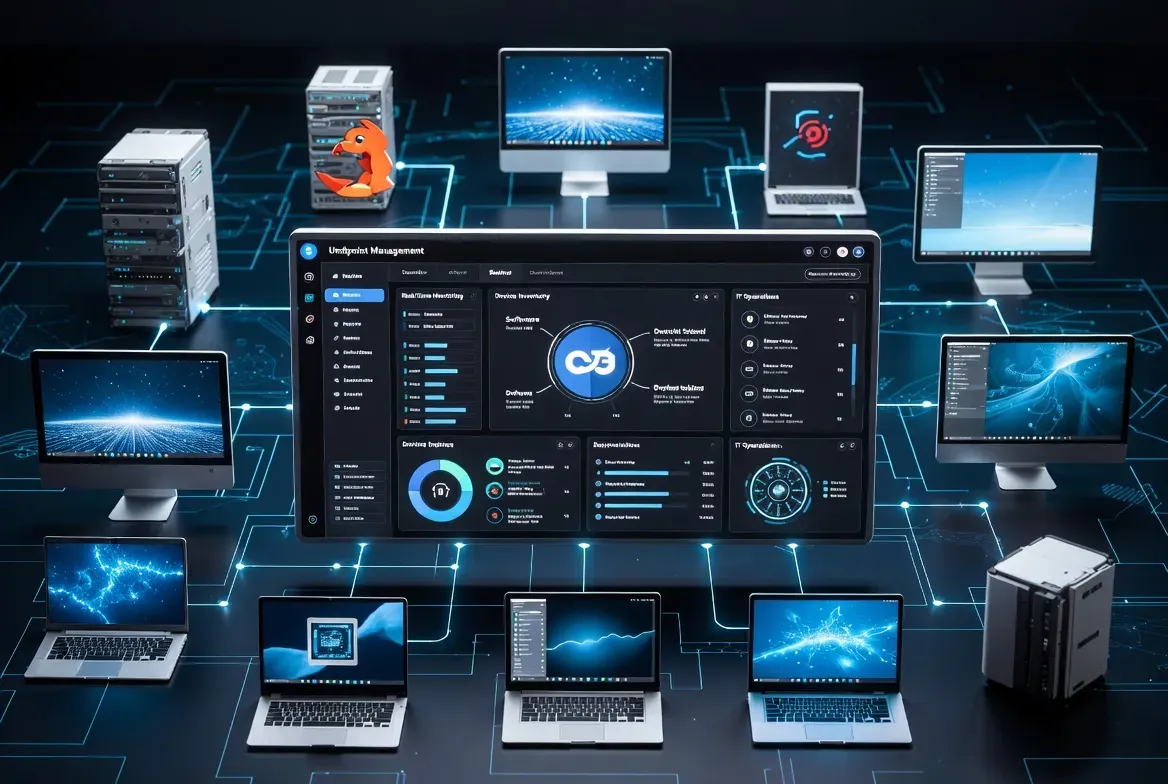
OpenUEM is a self-hosted, open-source endpoint management project that uses agents to report device information and carry out selected management tasks across Windows, Linux and macOS. It may suit teams that want control over their management server and can operate the supporting infrastructure themselves. It is not a drop-in replacement for every commercial UEM platform.
Key takeaways
- OpenUEM agents run on Windows, Debian- and RedHat-based Linux, and macOS on both Intel and Apple Silicon.
- Features include multi-tenancy, hardware and software inventory, Winget, Flatpak and Brew app deployment, and remote assistance via VNC, RDP or RustDesk.
- Agents stay in a waiting state until an administrator admits them, so review that trust process before a broad rollout.
What do OpenUEM agents actually do?
The agent documentation lists inventory reporting, package installation, configuration profiles and optional file or remote-assistance services as the agent's core responsibilities. Agents remain in a waiting state until an administrator explicitly admits them into the management server, after which certificates secure ongoing communication between agent and server. That admission step is a deliberate trust boundary worth reviewing carefully before a broad rollout, since it determines how easily a new or reimaged device can start reporting into your environment. Beyond basic inventory, agents can deploy applications using each platform's native package manager: Winget on Windows, Flatpak on Linux and Brew on macOS, avoiding a separate custom packaging format. Remote assistance is available through VNC, RDP or RustDesk, and file management is handled over SFTP, giving administrators familiar protocols rather than a proprietary remote-access tool to learn.
Which platforms and features does OpenUEM currently support?
The project's feature list documents Windows and Linux server components and agents, covering Debian-based distributions such as Debian, Ubuntu and Linux Mint, as well as RedHat-based distributions, plus macOS agents for both Intel and Apple Silicon processors. It also documents multi-tenancy, so a single installation can host multiple organizations and sites with defaults created automatically during setup, which suits managed service providers or larger internal IT teams managing distinct business units. Inventory coverage includes hardware specs, memory, storage, network adapters, installed software and connected peripherals, while security-relevant checks cover Windows update status and history, pending Linux security patches, Windows antivirus protection status, and BitLocker encryption status on logical disks. Reporting is available in PDF and CSV formats, and devices can carry asset tags and custom metadata. Confirm support for the exact OS releases and tasks you need in the current documentation, since a feature list does not guarantee uniform capability on every platform.
What should you test in an OpenUEM pilot?
Run these steps with a small, representative device set before expanding OpenUEM into a production rollout.
- Install the server and enroll a small set of representative devices across the platforms you actually run.
- Verify inventory freshness, certificate handling and how agent updates are delivered and confirmed.
- Try one package deployment and one remote-assistance session using least-privilege operator accounts.
- Back up and restore the server database before moving any part of the pilot toward production.
Check the installation documentation for current PostgreSQL and NATS requirements before starting a pilot.
Who is OpenUEM actually a good fit for?
OpenUEM suits teams that already run PostgreSQL and NATS infrastructure, or are comfortable standing it up, and that want an on-premises alternative to a commercial UEM subscription with full control over where inventory data and agent certificates live. It is a less obvious fit for teams without spare capacity to operate a database, message broker and certificate trust process themselves, since those become new responsibilities rather than problems a vendor manages for you. Multi-tenancy makes it a reasonable option for a managed service provider serving several clients from one installation, provided the operational overhead is accounted for in pricing. Read the ITHub profile alongside other endpoint tools for a commercial point of comparison if self-hosting the supporting infrastructure is not something your team wants to take on. Roadmap items and star counts change frequently and are deliberately not cited here.
Sources checked 27 September 2026.
Frequently asked questions
Is OpenUEM free to use?
Yes, OpenUEM is an open-source, self-hosted project, so there is no license fee for the software itself. Your actual cost is the infrastructure and staff time needed to run the PostgreSQL database, NATS messaging and the server components it depends on.
Does OpenUEM support macOS devices?
Yes, the project documents macOS agents for both Intel and Apple Silicon processors, alongside Windows and several Linux distributions. Confirm feature parity for macOS specifically in the current documentation, since some capabilities may differ slightly by platform.
How does device enrollment work in OpenUEM?
New agents start in a waiting state and must be explicitly admitted by an administrator before they can communicate with the server, at which point certificates secure future communication. Review this admission workflow carefully before a broad rollout, since it is the main control point for which devices can join your environment.