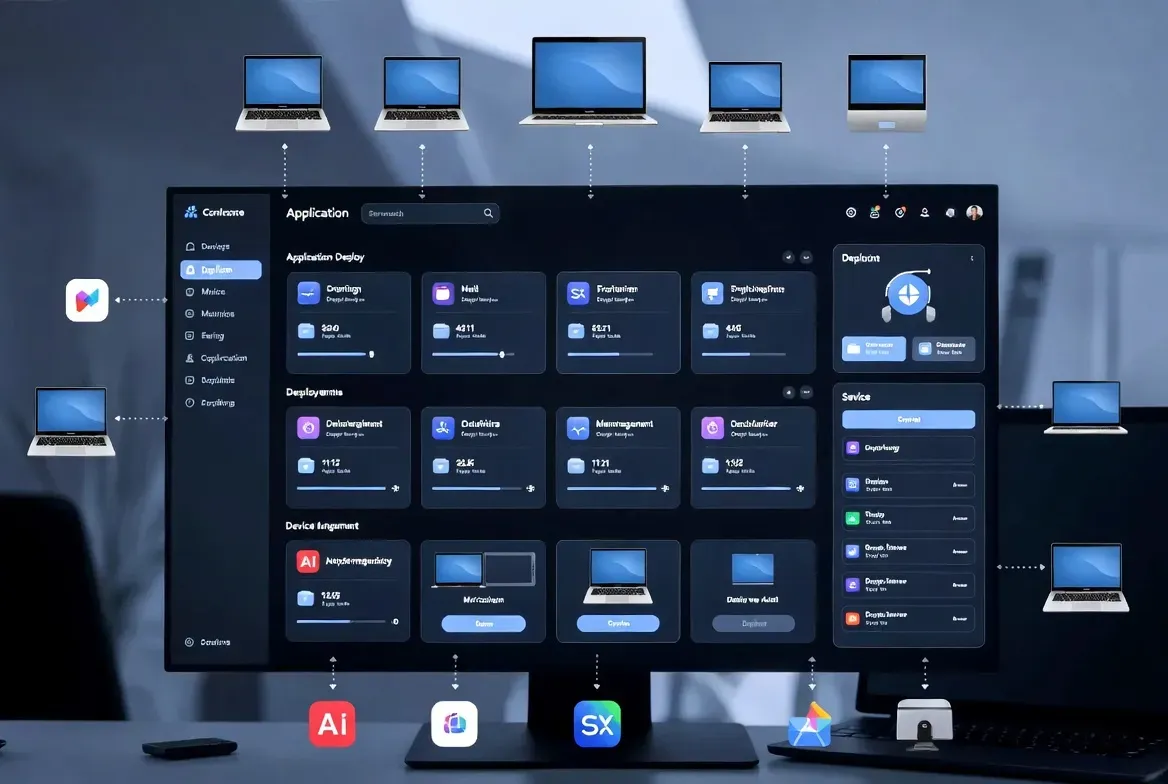
IntuneGet connects Winget packages with Microsoft Intune deployment workflows, giving access to more than 10,000 ready-to-deploy Winget applications with one-click deployment and pre-configured detection rules. It aims to reduce the manual packaging work involved in publishing Windows applications, though the actual time saved depends on the package, its installer behavior and your tenant's policies.
Key takeaways
- IntuneGet is AGPL-3.0 licensed and offers over 10,000 Winget apps with one-click deployment and pre-configured detection rules.
- Use the hosted intuneget.com service, or self-host via Docker, Node.js or Vercel with a SQLite or Supabase backend.
- Test detection, install, uninstall and update behavior on a small device group before a broad rollout.
What does the IntuneGet workflow actually involve?
According to the project's documentation, IntuneGet provides access to more than 10,000 Winget applications pre-matched for Intune deployment, with one-click deployment, real-time status tracking and pre-configured detection rules meant to remove the manual work of building an .intunewin package by hand. The setup requires a Microsoft Entra ID app registration; creating one benefits from administrative access but the documentation notes it is not strictly required for every scenario, though an optional Unmanaged Apps feature needs the additional DeviceManagementManagedDevices.Read.All permission. The project is released under the AGPL-3.0 license, meaning any modified version run as a network service must also be shared as open source, a detail worth noting if you plan to fork and host a customized version internally rather than run it as-is.
Which deployment option should you actually pick?
The hosted version at intuneget.com is the fastest way to start, with no self-hosting requirements and automatic maintenance, which suits a quick evaluation or a small team that does not want to run additional infrastructure. Self-hosting is available through Docker, described as the recommended method, plain Node.js hosting on any compatible server, or Vercel, and gives you full control over your data by storing it in either a self-hosted Supabase instance, Supabase Cloud, or a simple embedded SQLite database. Packaging itself can happen through a Local Windows Packager Service that runs separately from the web container and communicates over an HTTP API, or optionally through GitHub Actions using a cloud-based Windows runner, which includes 2,000 free monthly minutes before additional usage is billed. Choose based on whether your priority is speed of setup or control over where packages and data actually live.
What should you test before a broad rollout?
Work through the following checks with a small, representative device group before assigning any package broadly across your tenant.
- Choose a common application with a known Winget package and a small test device group to start.
- Review detection, install and uninstall behavior carefully before expanding the assignment.
- Check which tenant permissions and package sources the chosen deployment path actually needs.
- Test an update and a deliberately failed installation, then inspect the resulting Intune reporting.
The source repository and troubleshooting guide are useful when a package match or an installer fails. A Winget match is a starting point, not proof that every app can be deployed without customization; some installers still need silent-install flags or custom detection logic added manually.
Where does IntuneGet fit alongside other Intune tools?
IntuneGet addresses one specific problem, packaging and deploying Winget-catalog applications through Intune, and it does not replace endpoint compliance policy, security configuration or backup planning, which remain separate concerns your team still needs to manage. See the IntuneGet profile in the ITHub directory for context, and compare it against IntuneAutomation, which covers general PowerShell-based administrative scripting for Intune rather than application packaging specifically. Teams already comfortable building .intunewin packages manually for a small number of applications may not see enough time savings to justify adopting a new tool and its Entra ID app registration; teams deploying dozens of common Winget-cataloged applications regularly are the clearer fit.
Sources checked 27 September 2026.
Frequently asked questions
Is IntuneGet free to use?
The self-hosted version is free and open source under the AGPL-3.0 license, meaning any modified version run as a network service must also be released as open source. The hosted version at intuneget.com may carry its own pricing for convenience; check the current site for its terms.
Do I need Microsoft 365 admin rights to set up IntuneGet?
You need the ability to create a Microsoft Entra ID app registration, and administrative access helps, though the documentation notes it is not strictly required in every case. An optional Unmanaged Apps feature requires the additional DeviceManagementManagedDevices.Read.All Graph permission.
Does IntuneGet work without any external cloud dependency?
Yes, when self-hosted with the embedded SQLite database and the Local Windows Packager Service, IntuneGet can run without external cloud dependencies for teams with air-gapped or strict data-residency requirements. The hosted intuneget.com option and the Supabase Cloud backend are separate choices for teams that prefer not to manage that infrastructure themselves.